
Lenovo
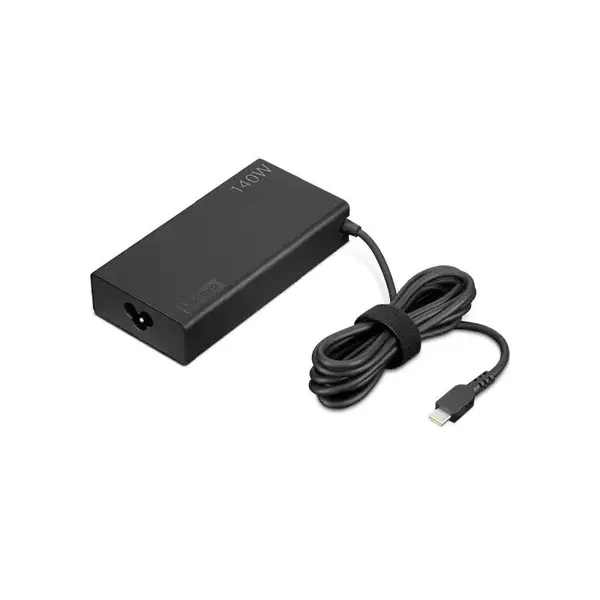
Lenovo Legion Slim 140W AC Adapter (USB-C)
SKU: GX21M50622In stock₪190before VAT
Including VAT: ₪224Order on WhatsAppLaptops for work at the office and from home, delivered configured and connected to your systems. Importer prices, before VAT. Order on WhatsApp.
Our own lab · Installation at your office · Official importer warranty
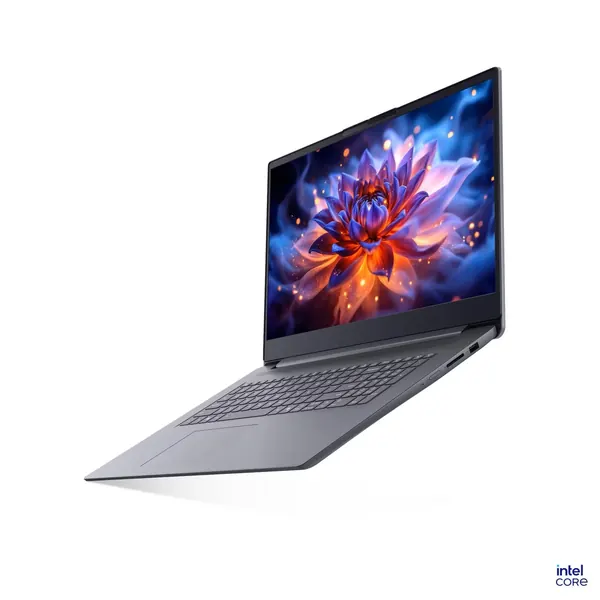
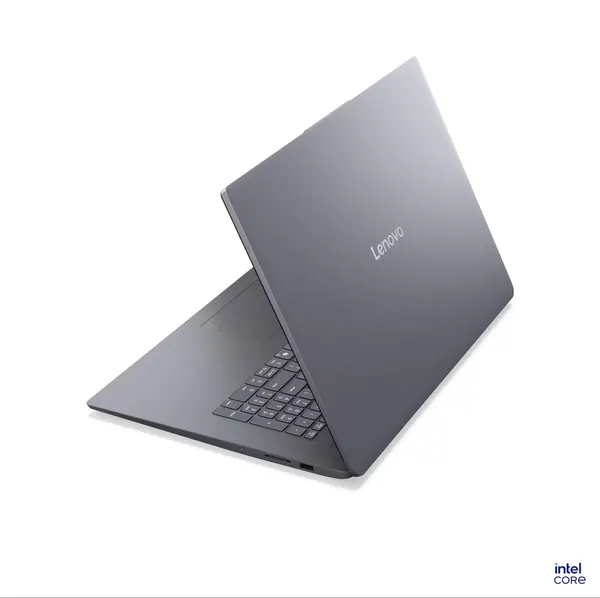

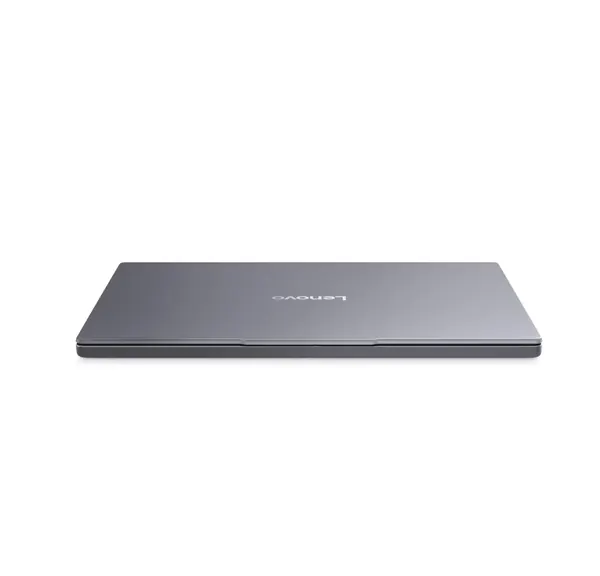


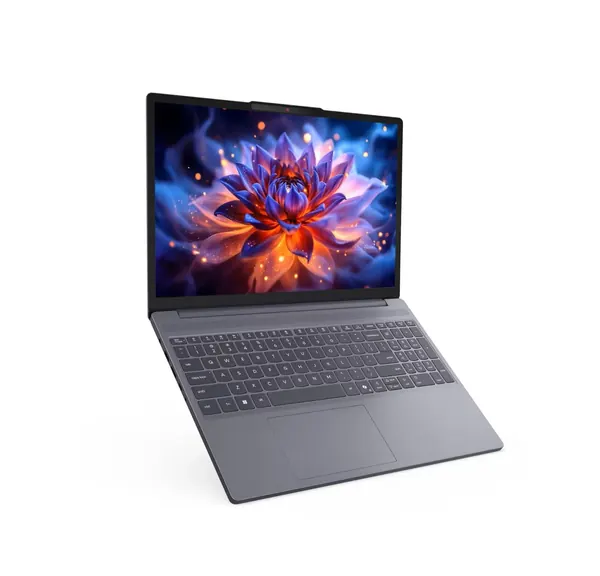
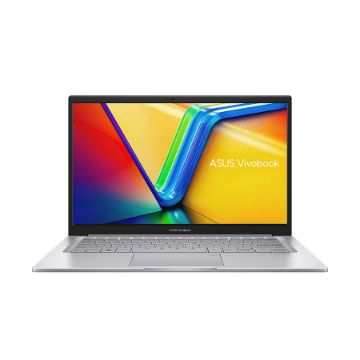
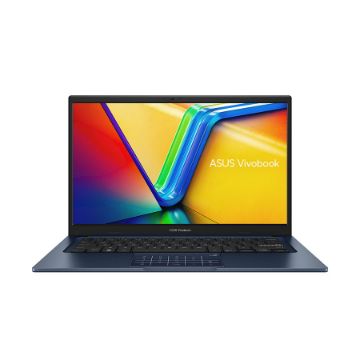
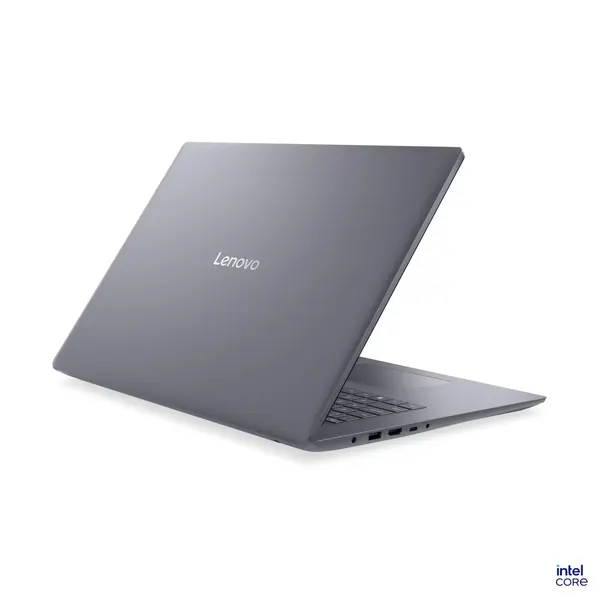


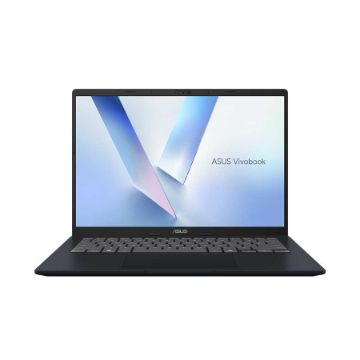
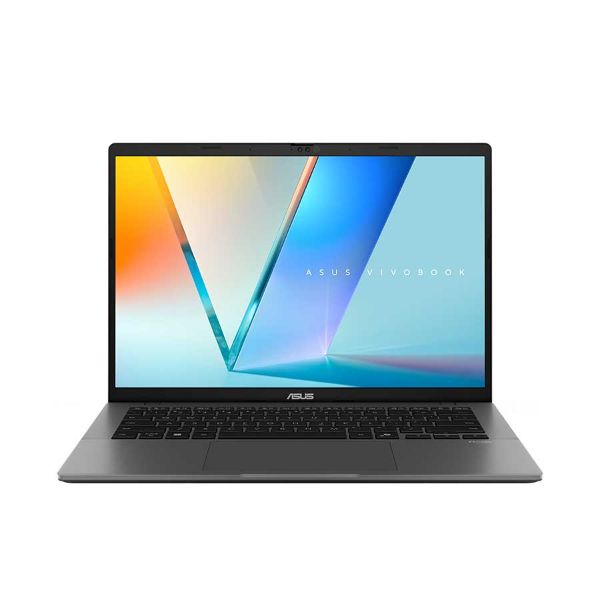

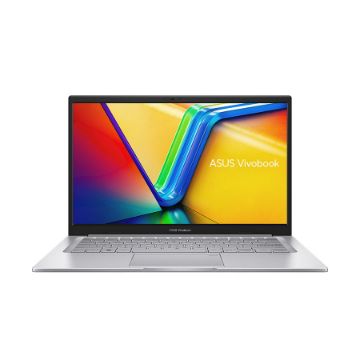
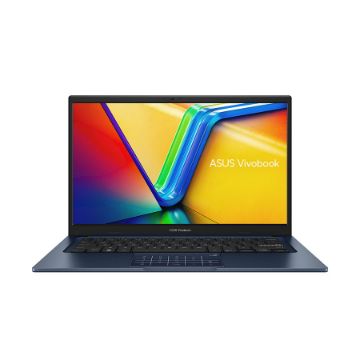

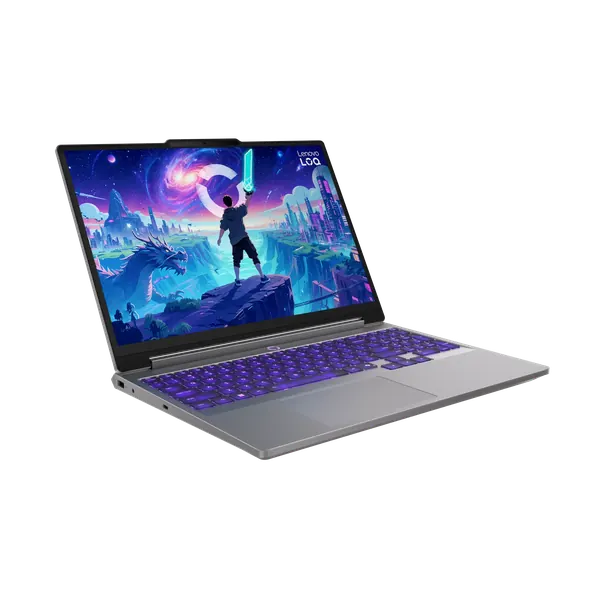





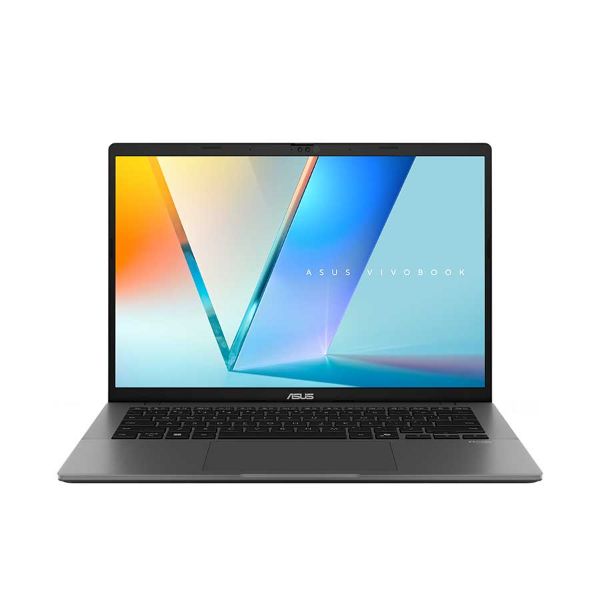


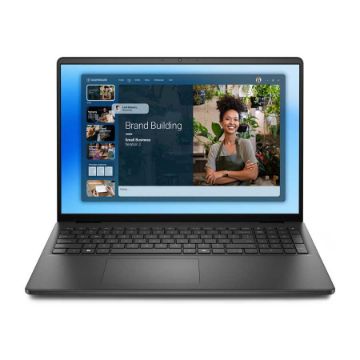
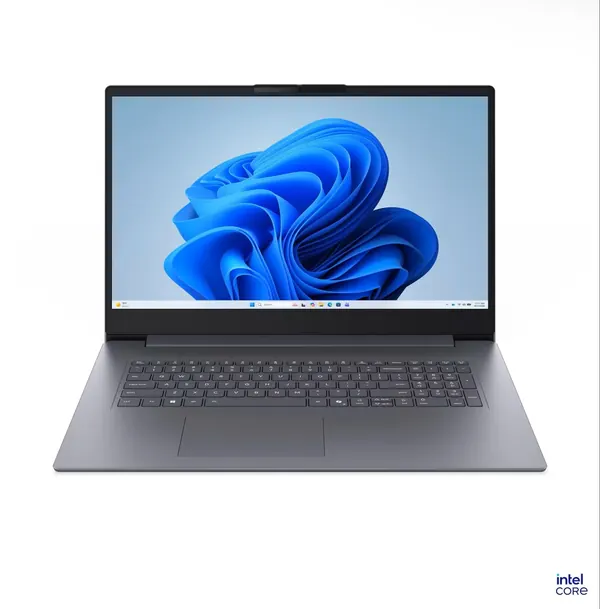


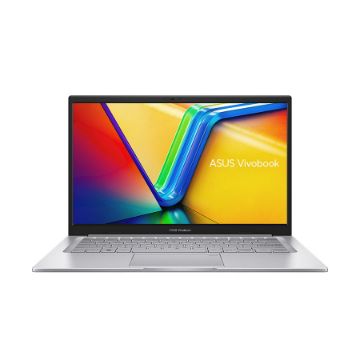


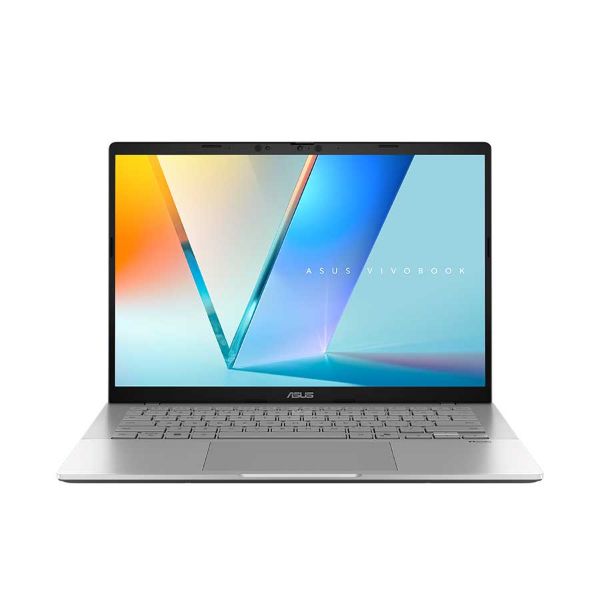


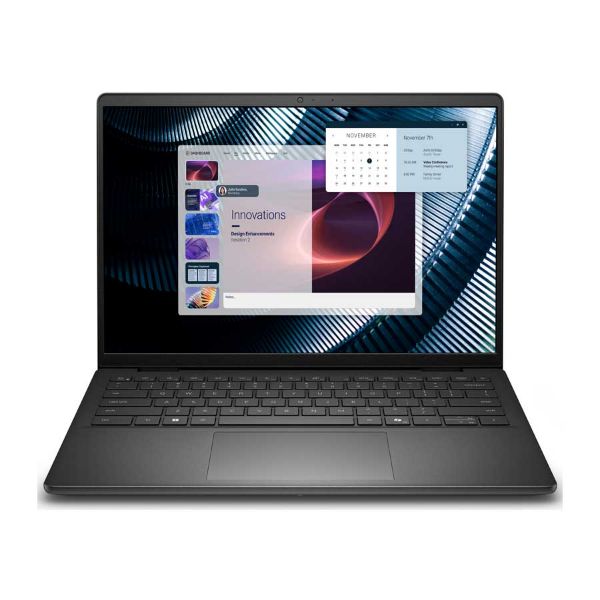




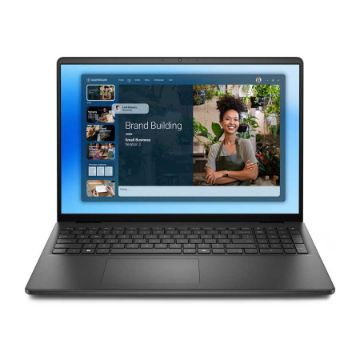
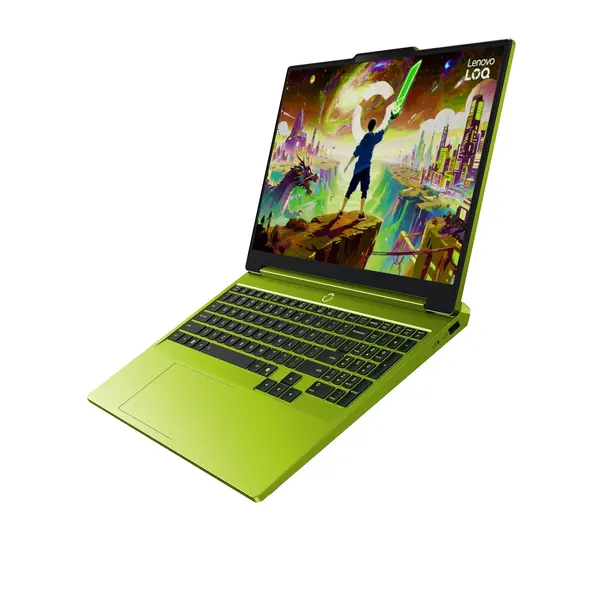


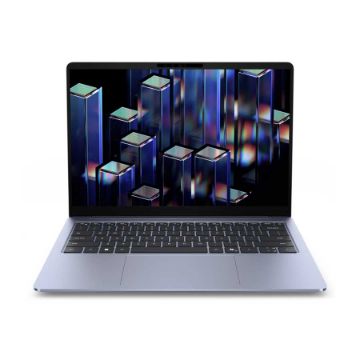


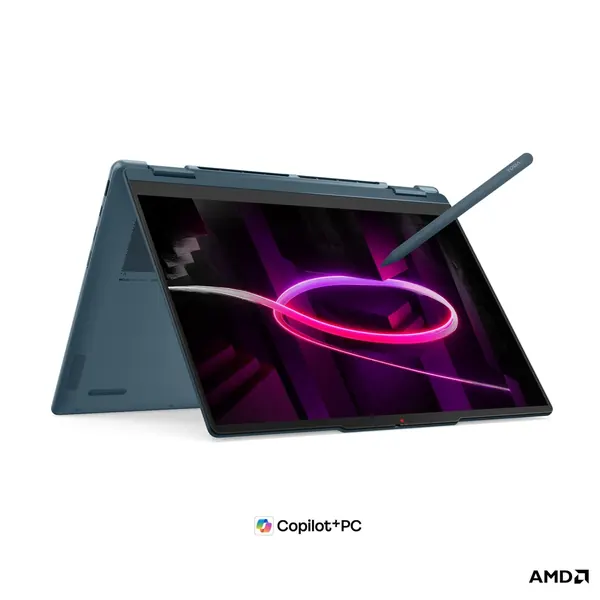
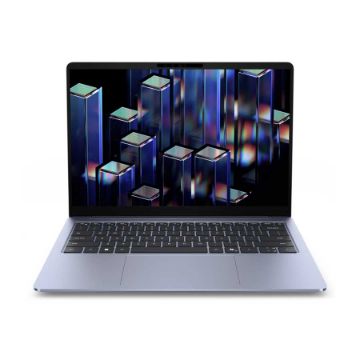
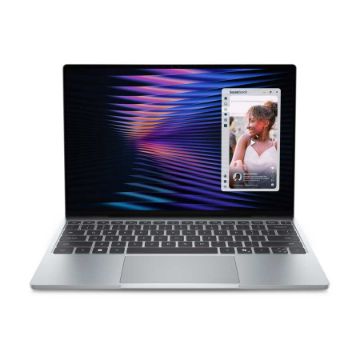
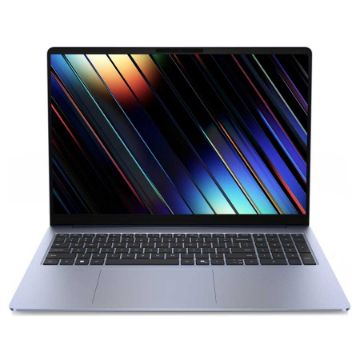

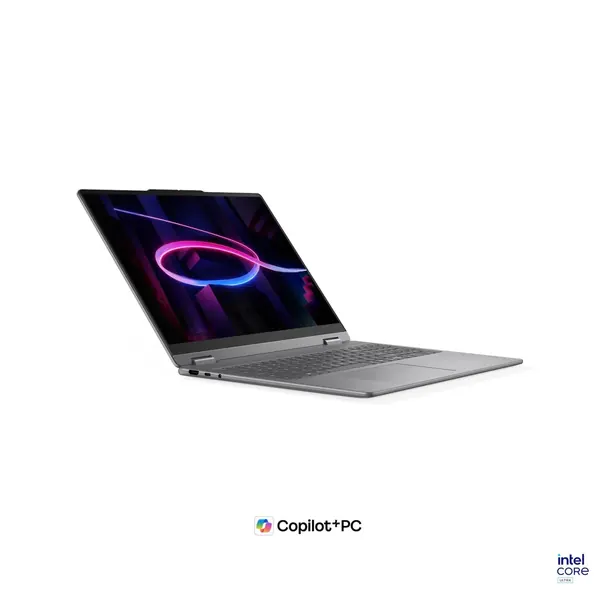

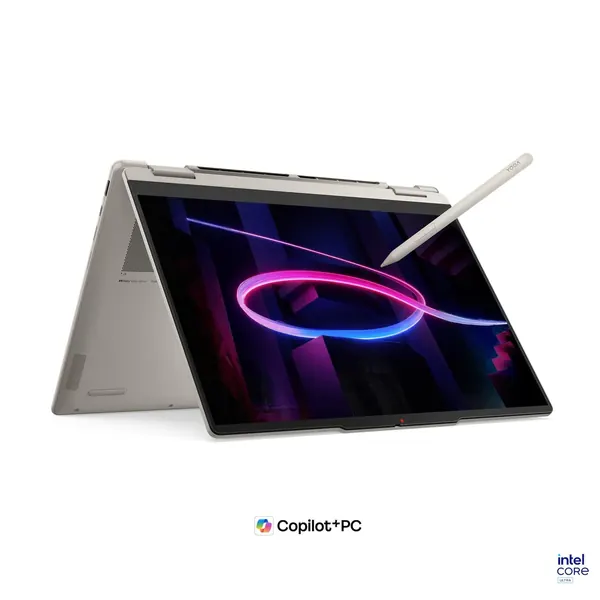


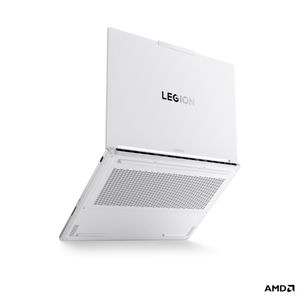
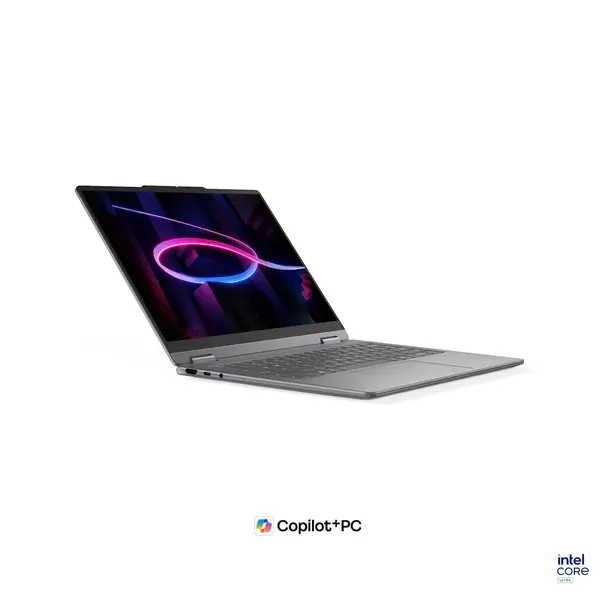


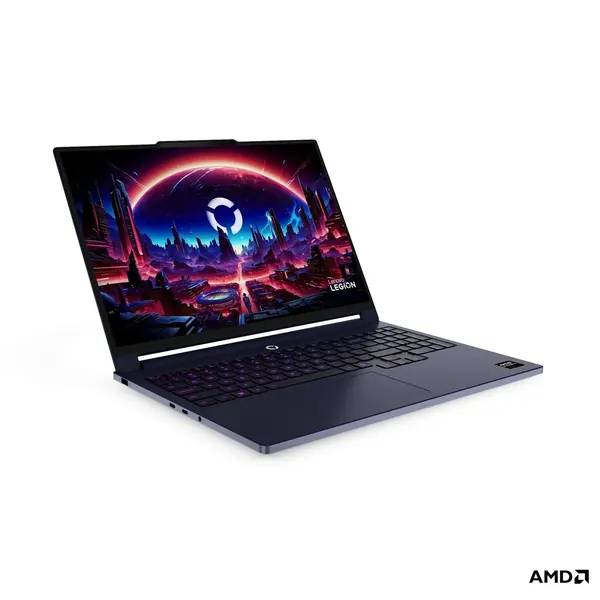


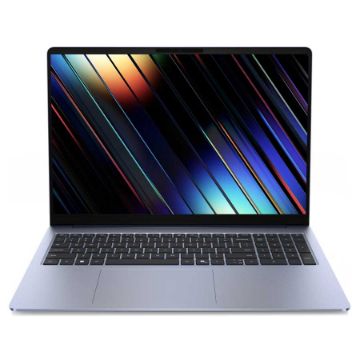

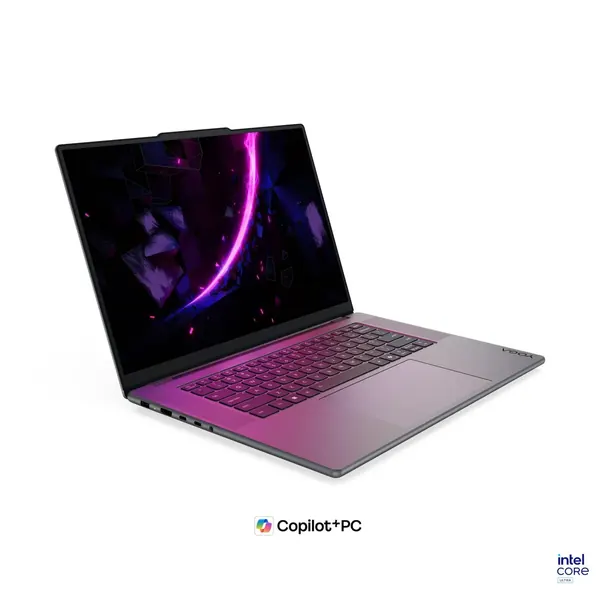


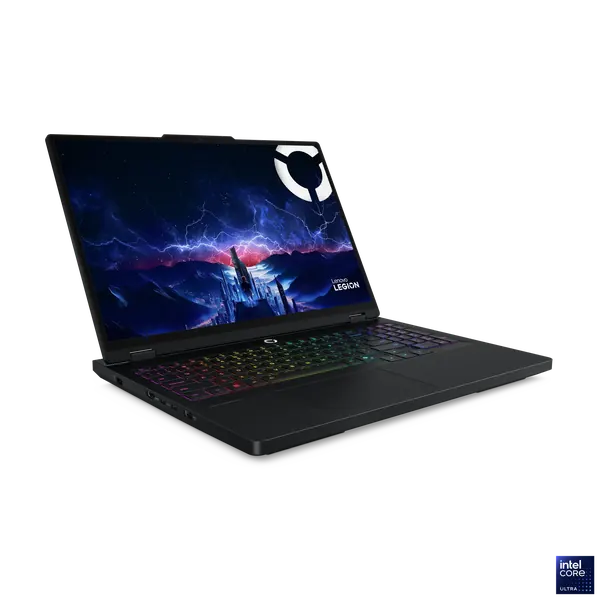
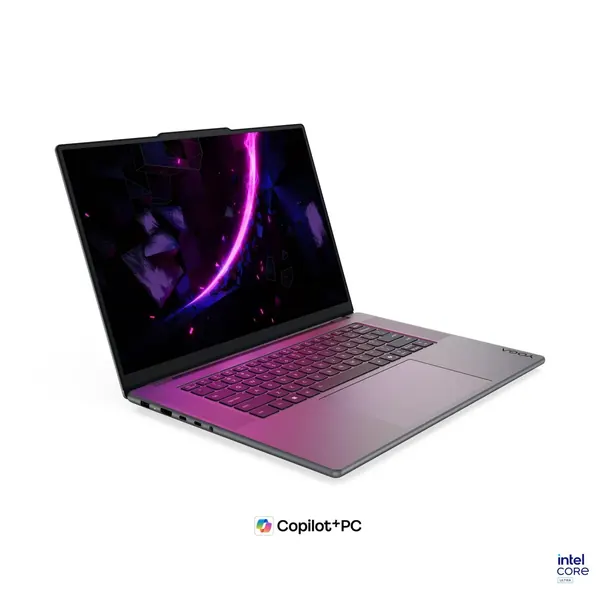
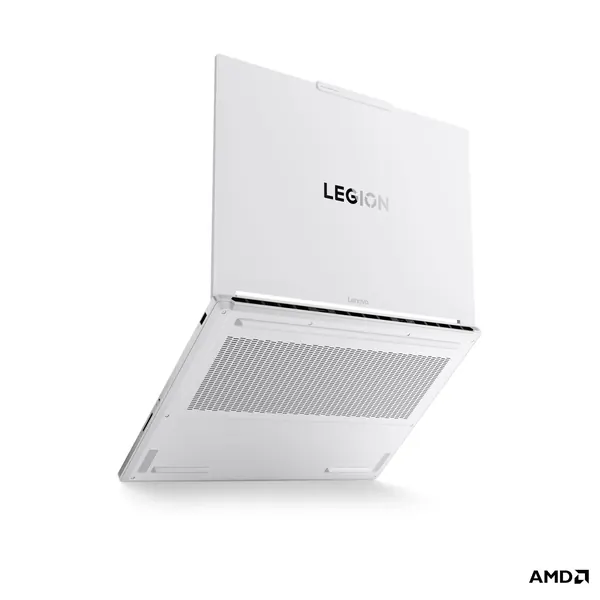

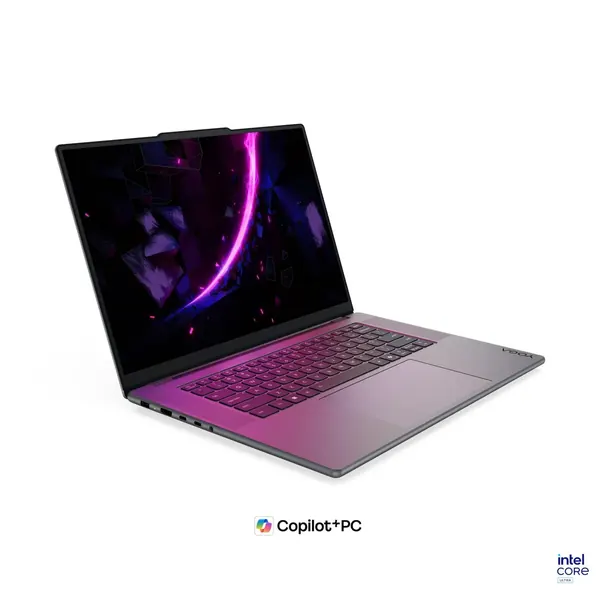


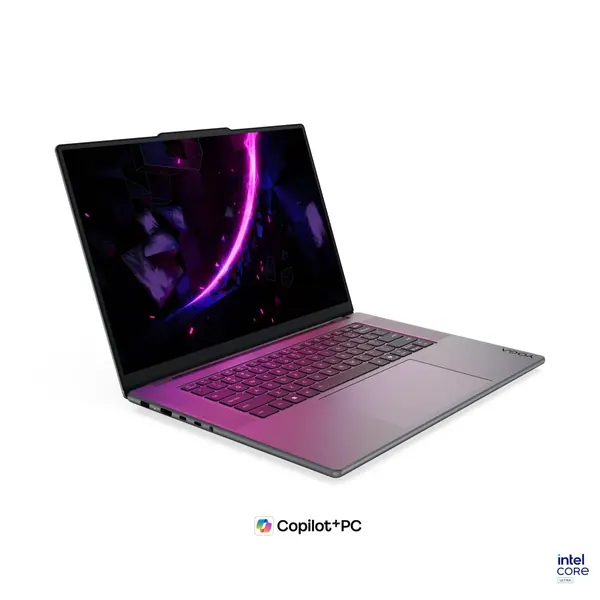
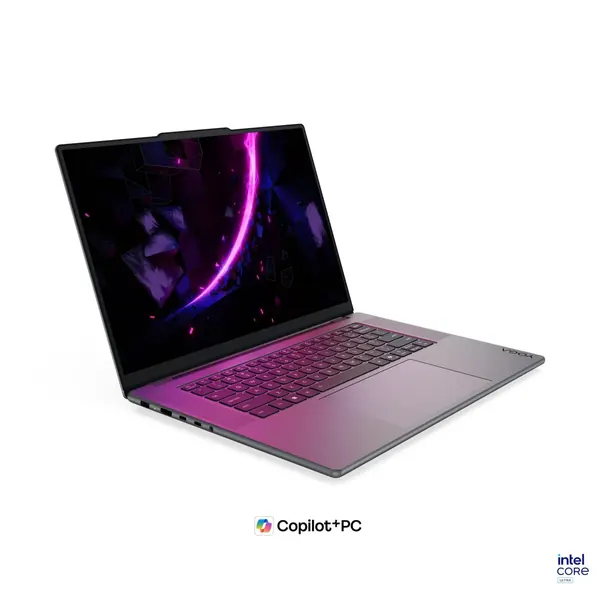




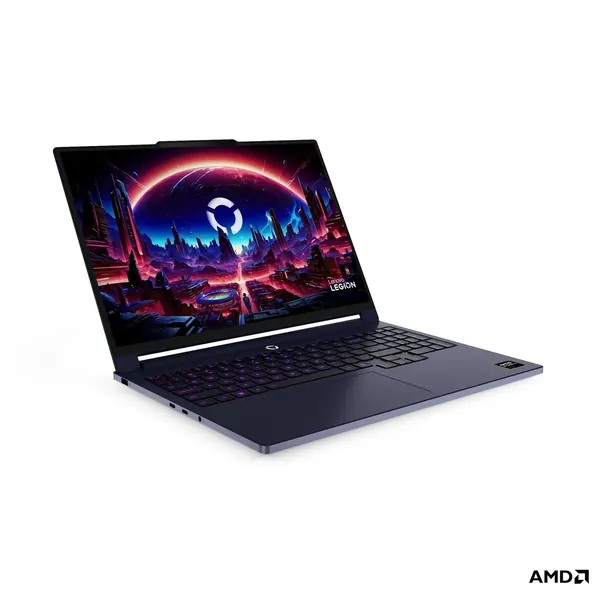
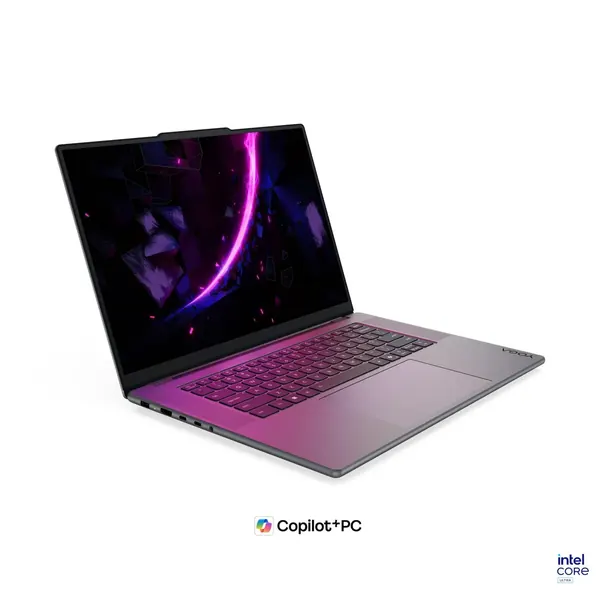


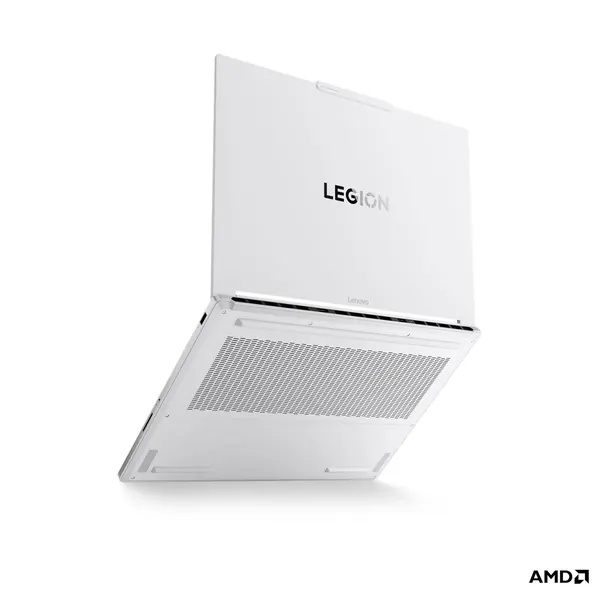
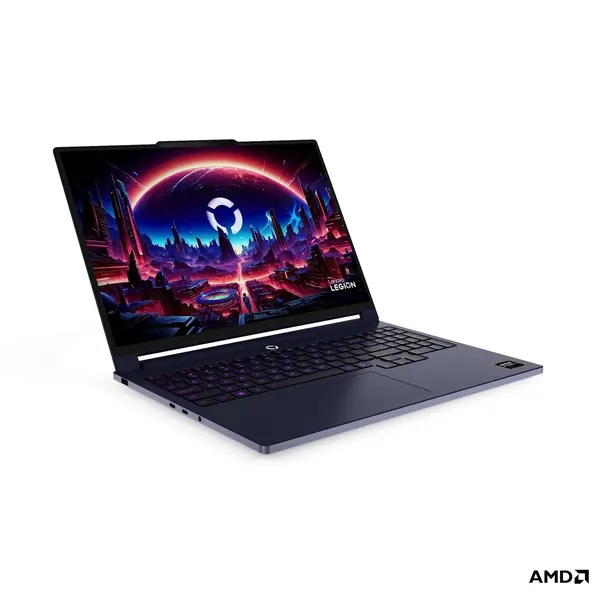


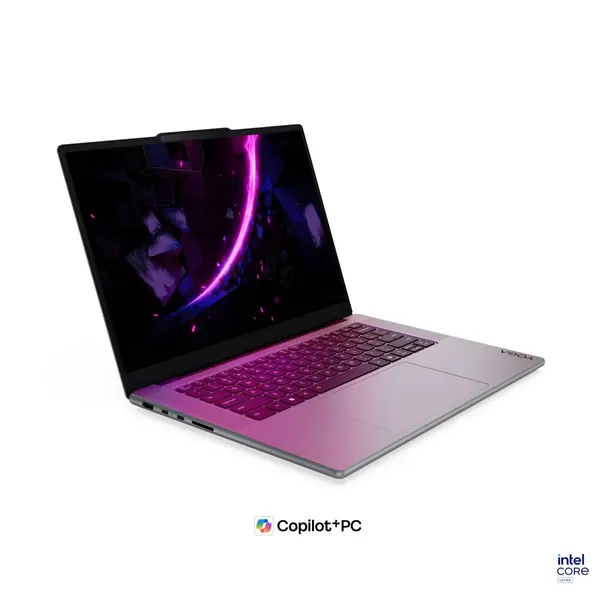




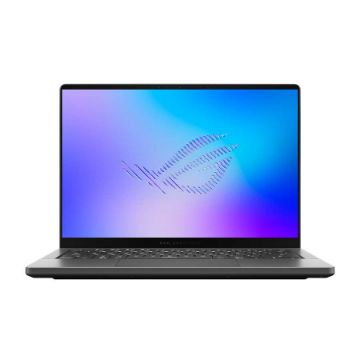
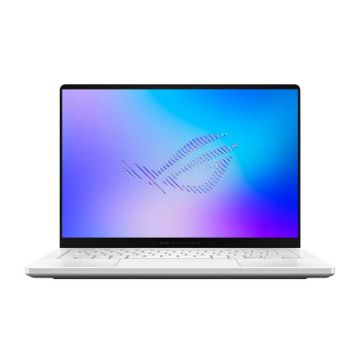


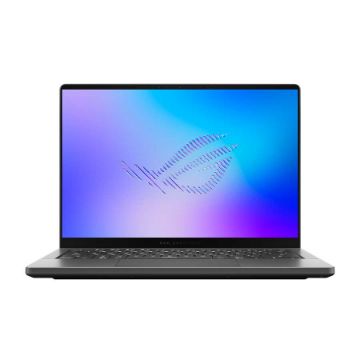
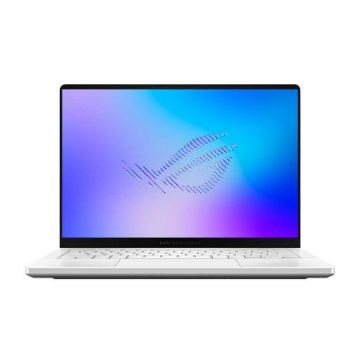

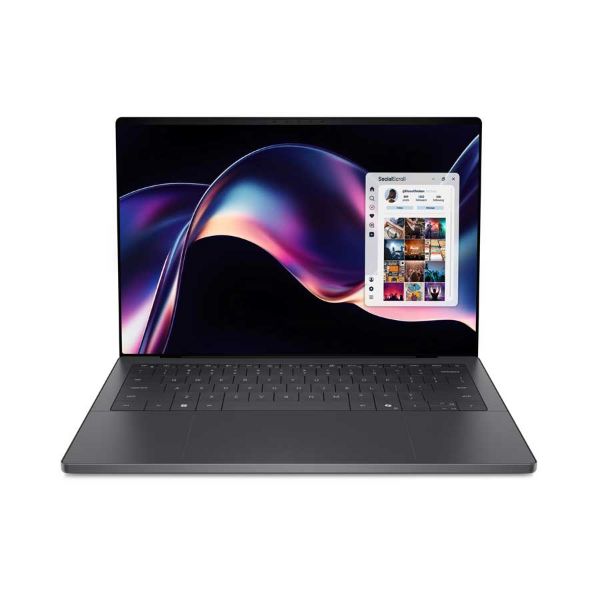

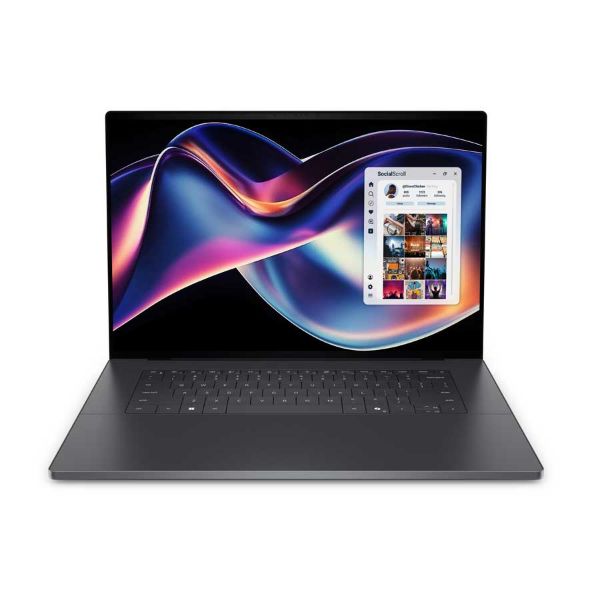


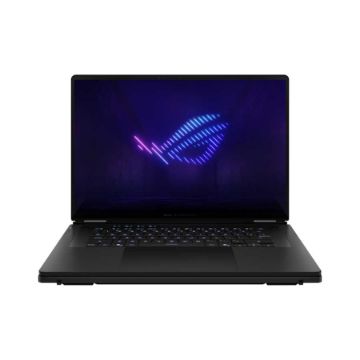

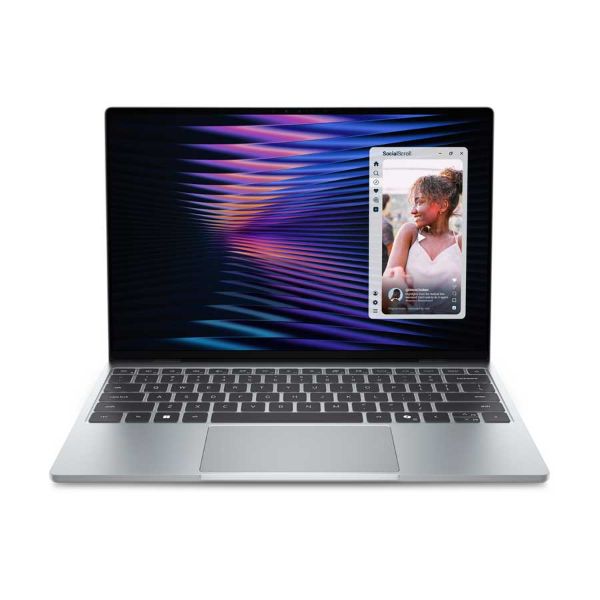
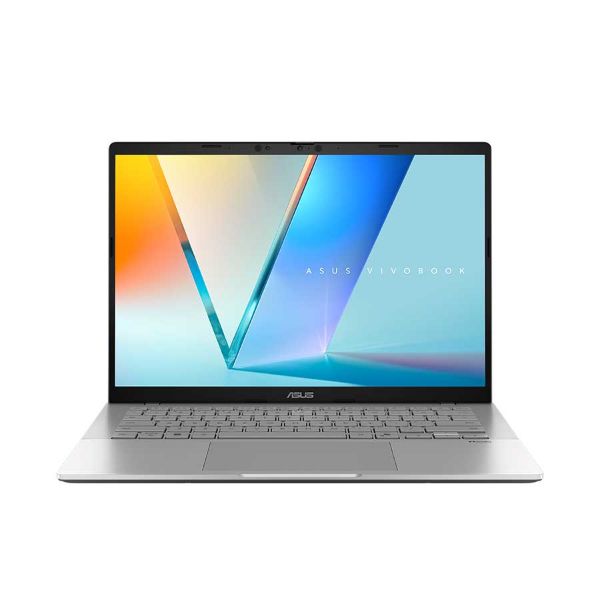
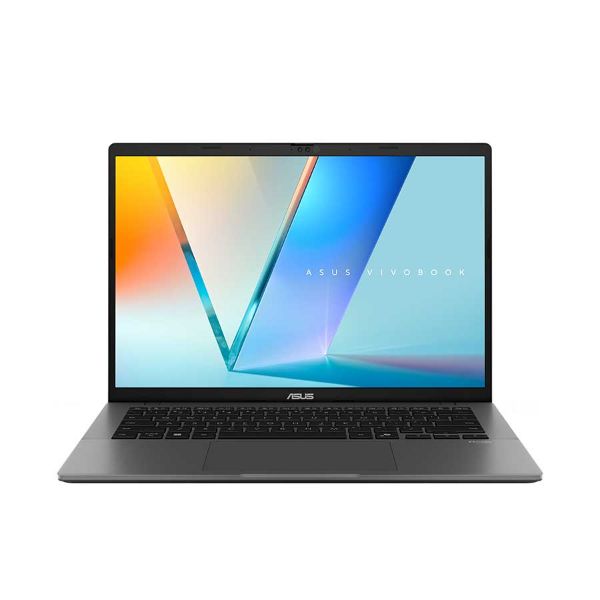
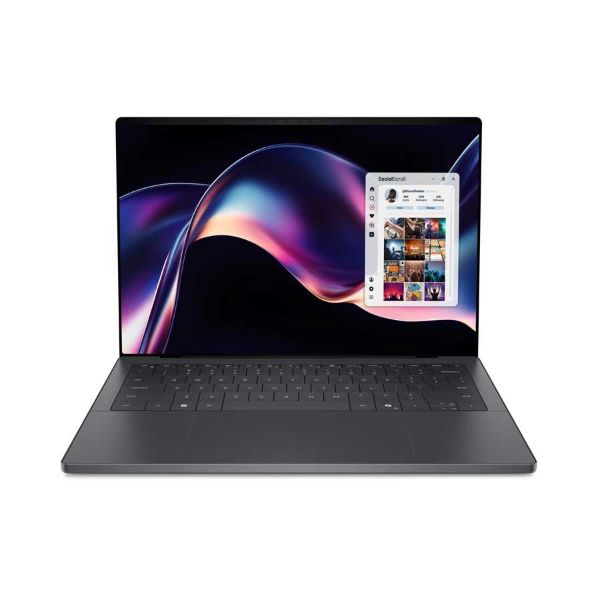
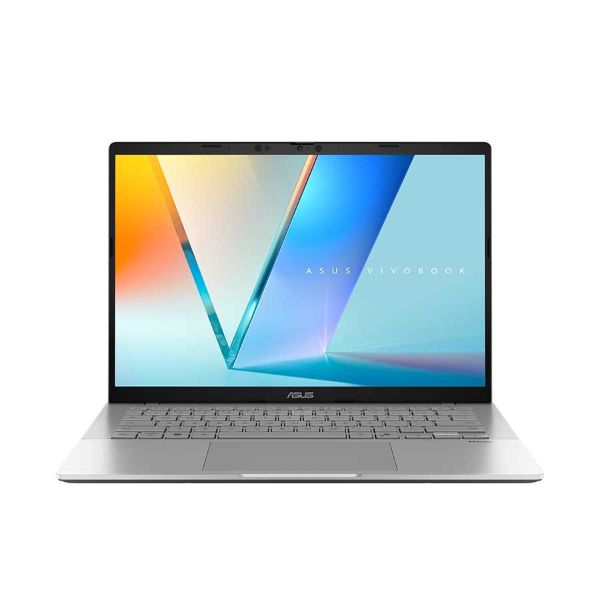
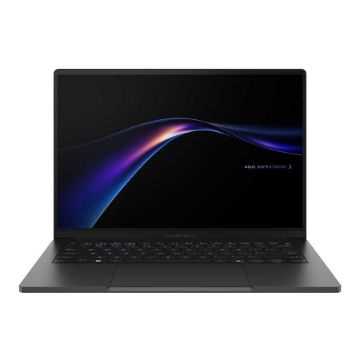
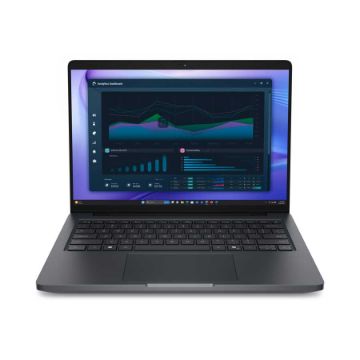


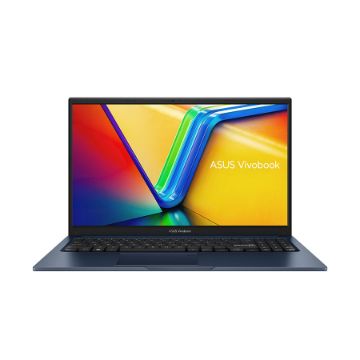


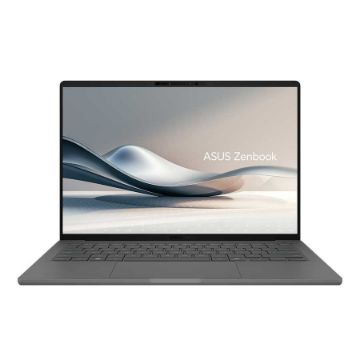


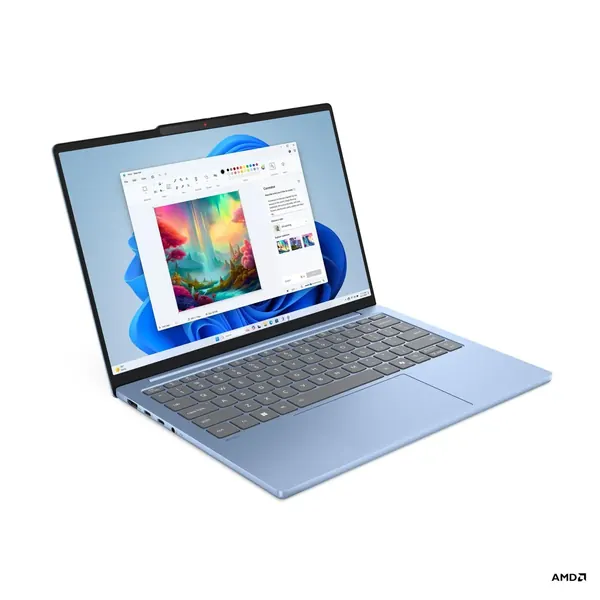


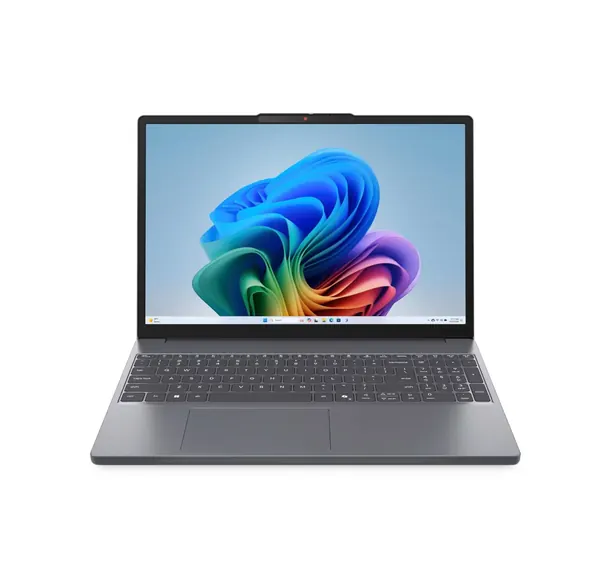
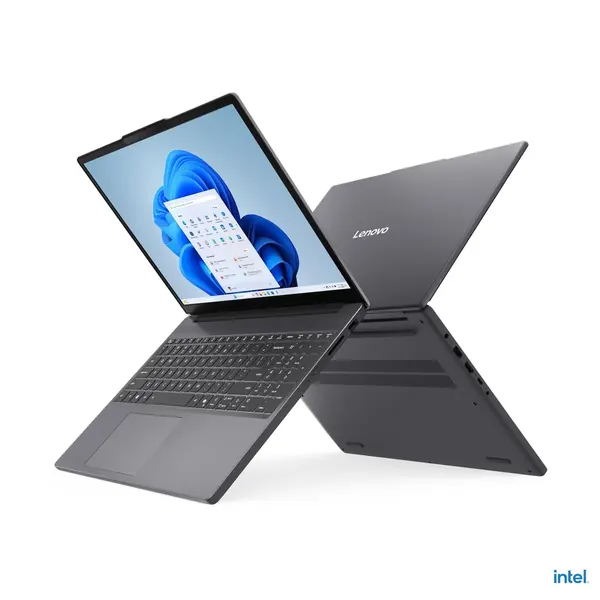
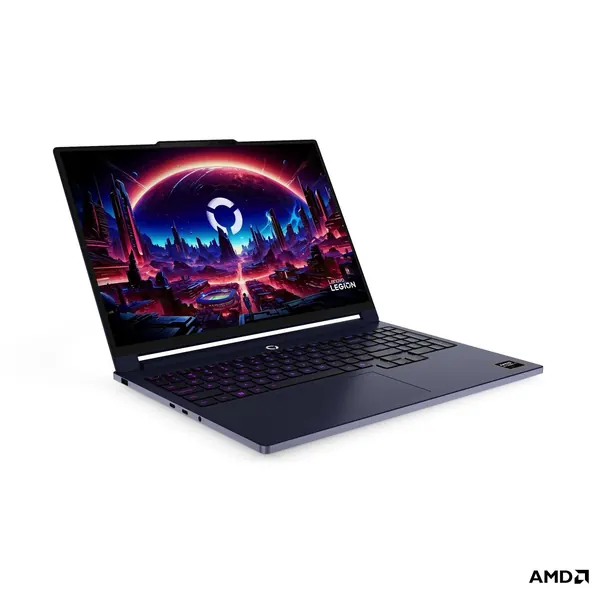
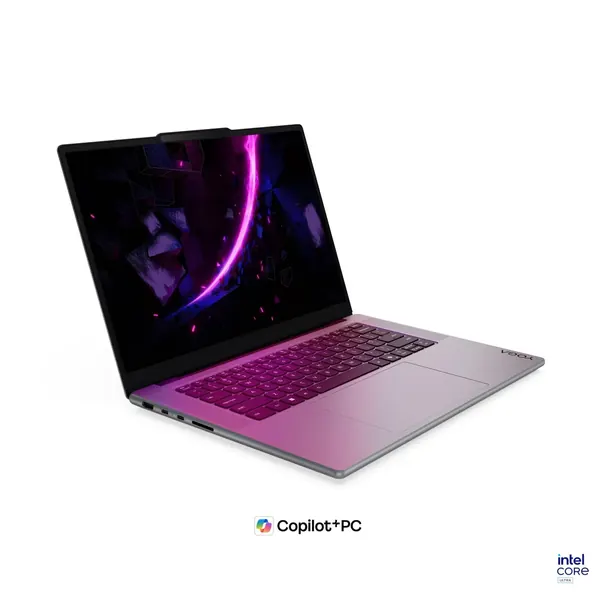
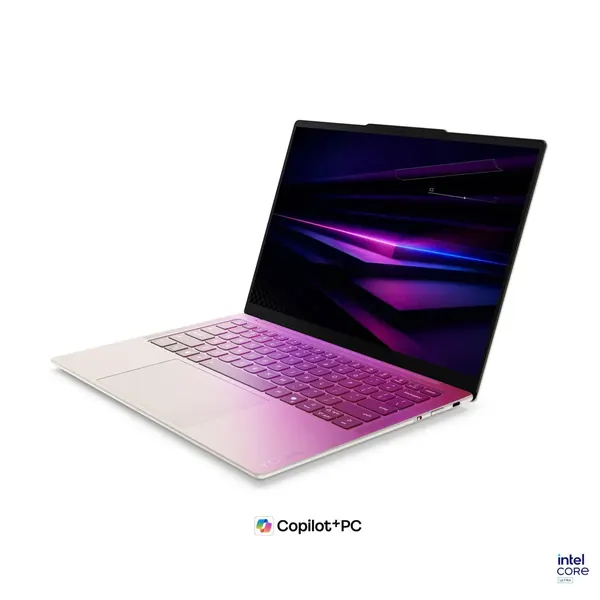


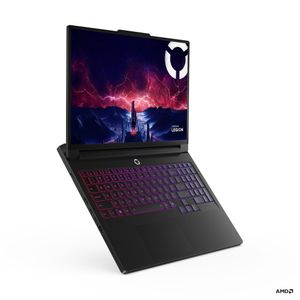
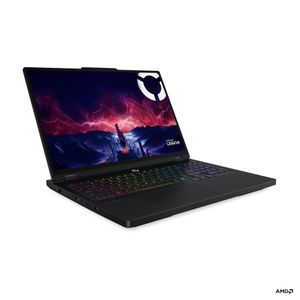
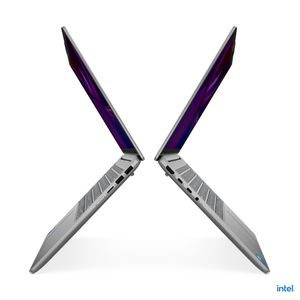
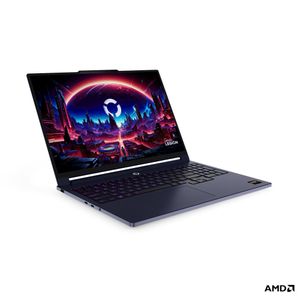
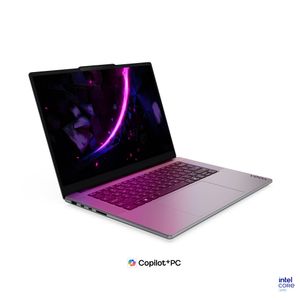
A laptop is chosen by the work it will actually do, not by this week's deal. We carry laptops from Dell, HP, Lenovo, ASUS and Apple at importer prices, from office machines to workstations for editing and design. We help you choose a processor, memory and storage that will last three to four years, configure the computer in advance, connect it to the company's systems and transfer the files from the previous computer. If something breaks, our lab handles it, not an outside call center. Tell us what the work is and we will come back with a model.
Related: MacBook and Mac computers · Docking stations and laptop bags · By industry: IT for high tech companies and startups
Not sure what fits? Describe the work to us and we'll recommend a model. You can also read about managed IT services for companies.
For office work, email and browsing, an Intel Core i5 or Core Ultra 5, or an AMD Ryzen 5, is a good fit. For editing, design and heavy files, consider a Core i7, Core Ultra 7 or Ryzen 7.
16GB is the right starting point for office work with many tabs, Teams and Excel open at once. For video editing, design and development, choose 32GB. In many thin laptops the memory is soldered and cannot be added later, so choose correctly from the start.
A 512GB SSD is enough for most employees when files are kept in the cloud. People who work with video, photos or design software should choose 1TB or more.
A 13 or 14 inch laptop is easy to carry every day and to meetings. 15 or 16 inch models are more comfortable for long spreadsheet work and often include a numeric keypad. If the laptop stays on the desk most of the time, an external monitor and docking station complete it.
Business lines from Dell, HP and Lenovo are built for long daily use, with management and security features such as TPM and a fingerprint reader. Home laptops cost less and suit light use. For a business, choose a model with Windows Pro.