

MO-TECH STORE
Servers and NAS storage for business
Servers, NAS storage and business backup, installed and continuously monitored. Importer prices, before VAT. Order on WhatsApp.
Our own lab · Installation at your office · Official importer warranty
All models: Servers and storage
Synology
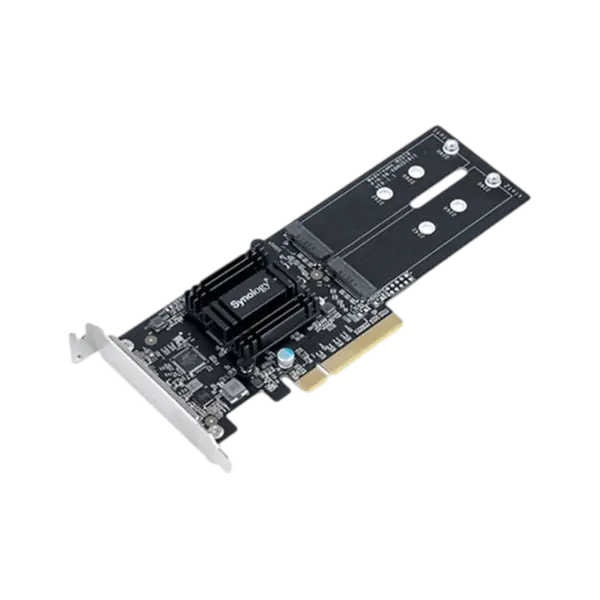
כרטיס הרחבה Synology M2D18 PCI
SKU: 35300-000-24In stock₪791before VAT
Including VAT: ₪933Order on WhatsApp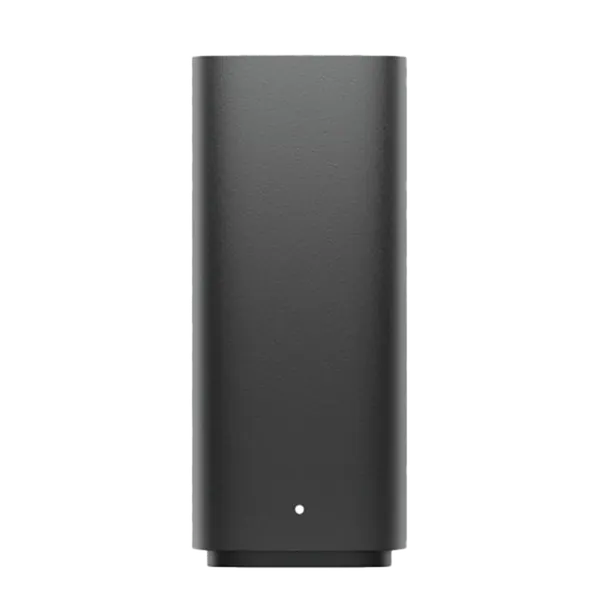
Synology
ענן פרטי חכם Synology BeeStation 4TB
SKU: 35300-001-44In stock₪1,072before VAT
Including VAT: ₪1,265Order on WhatsApp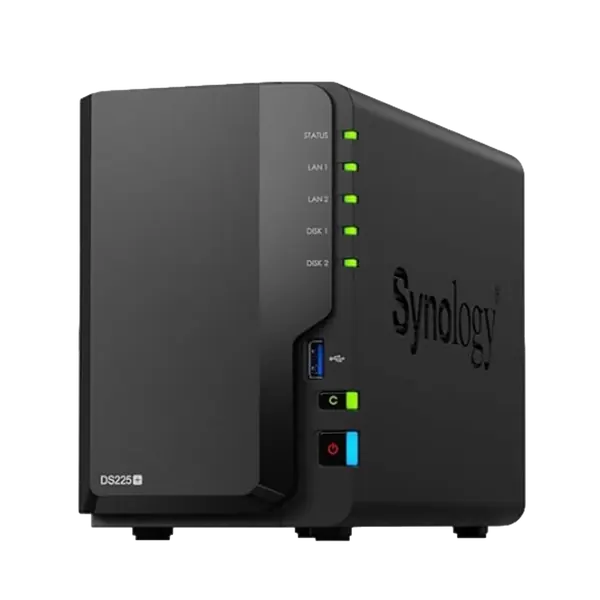
Synology
DS225+ פתרון NAS קומפקטי ומתקדם מבית Synology
SKU: 35300-002-04In stock₪1,558before VAT
Including VAT: ₪1,838Order on WhatsApp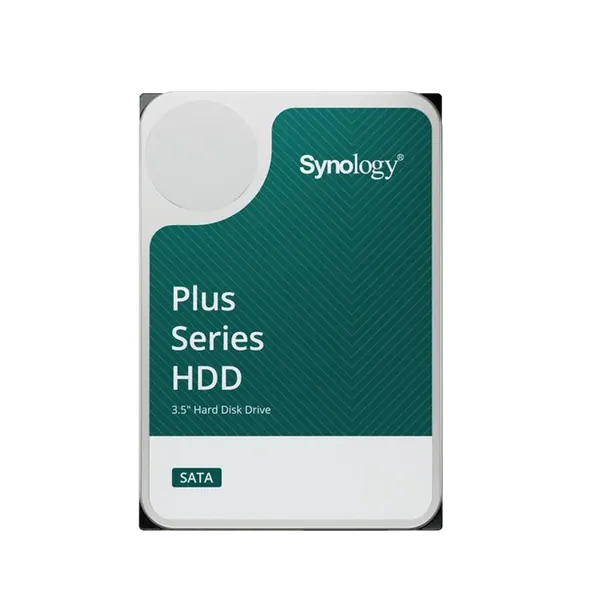
Synology
כונן קשיח NAS Plus HAT3300-4T 4TB מבית Synology
SKU: 35300-002-00In stock₪1,685before VAT
Including VAT: ₪1,988Order on WhatsApp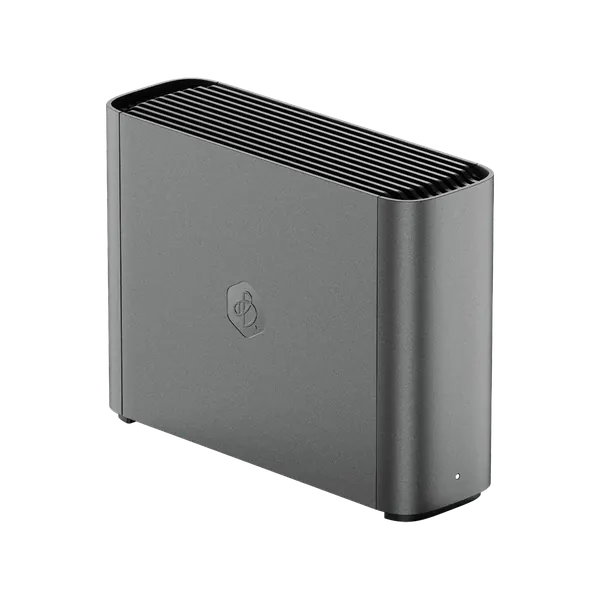
Synology
שרת אחסון אישי/עסקי BeeStation Plus BST170-8T - מבית Synology
SKU: 35300-002-07In stock₪2,090before VAT
Including VAT: ₪2,466Order on WhatsApp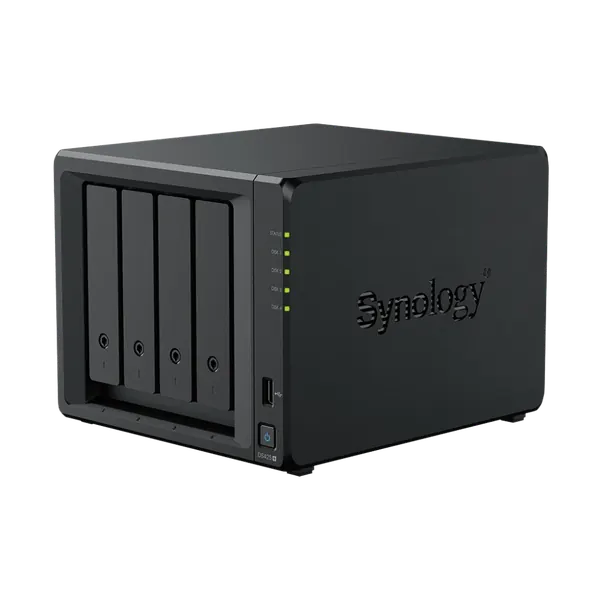
Synology
שרת אחסון NAS דגם DS425+ מבית Synology
SKU: 35300-002-15In stock₪2,692before VAT
Including VAT: ₪3,177Order on WhatsApp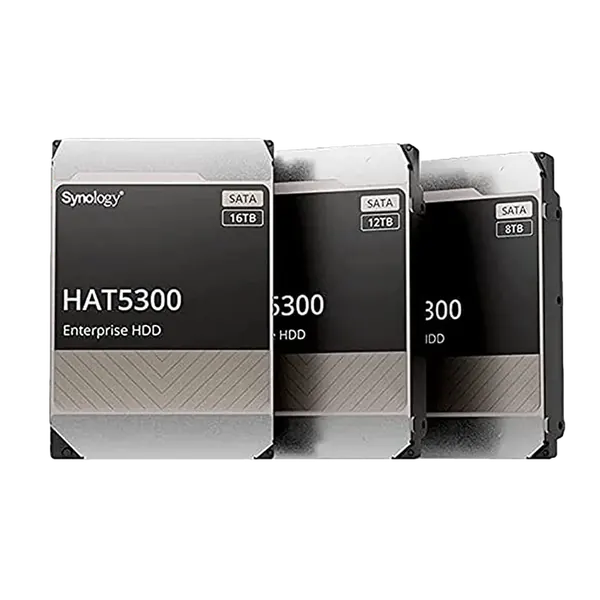
Synology
SYNOLOGY HDD SAS 16TB - כ. פנימי
SKU: 35300-001-22In stock₪2,698before VAT
Including VAT: ₪3,184Order on WhatsApp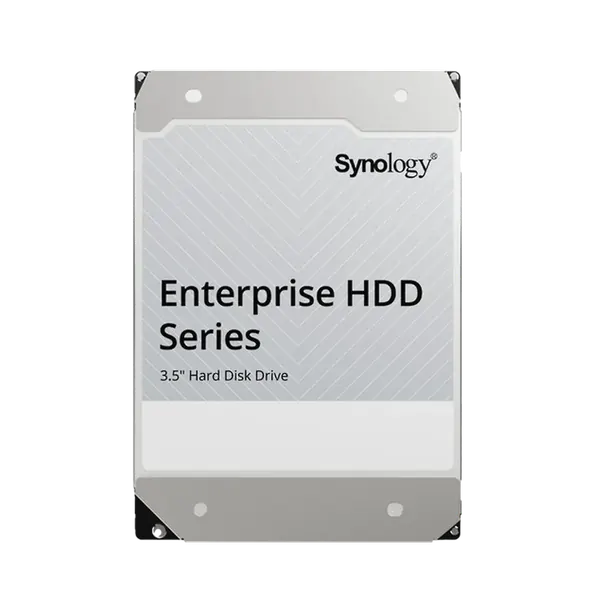
Synology
SYNOLOGY HDD 18TB - כ. פנימי
SKU: 35300-001-27In stock₪2,883before VAT
Including VAT: ₪3,402Order on WhatsApp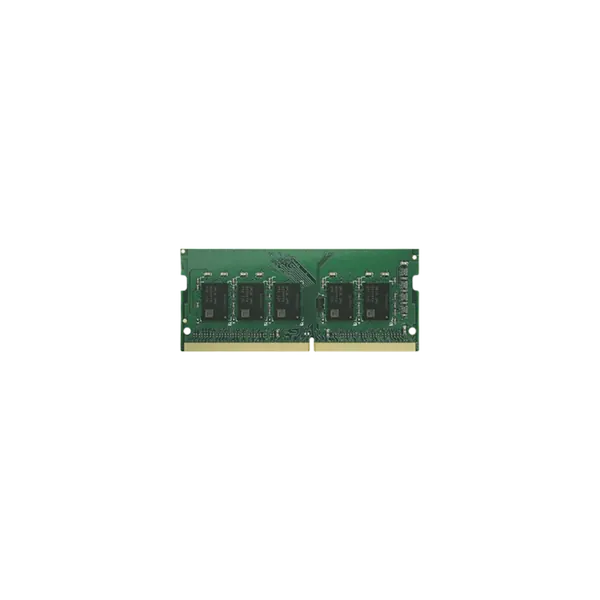
Synology
זיכרון RAM DDR4 8GB דגם D4ES03‑8G מבית Synology
SKU: 35300-002-14In stock₪3,011before VAT
Including VAT: ₪3,553Order on WhatsApp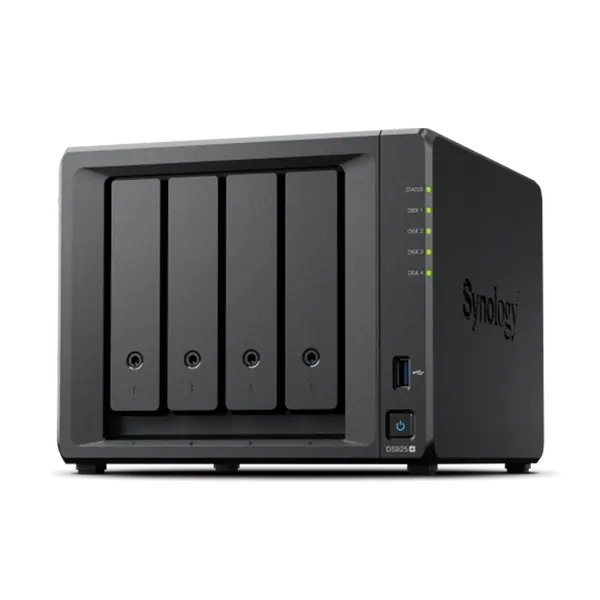
Synology
שרת אחסון מתקדם DS925+ - 4 מבית SYNOLOGY
SKU: 35300-001-54In stock₪3,170before VAT
Including VAT: ₪3,741Order on WhatsApp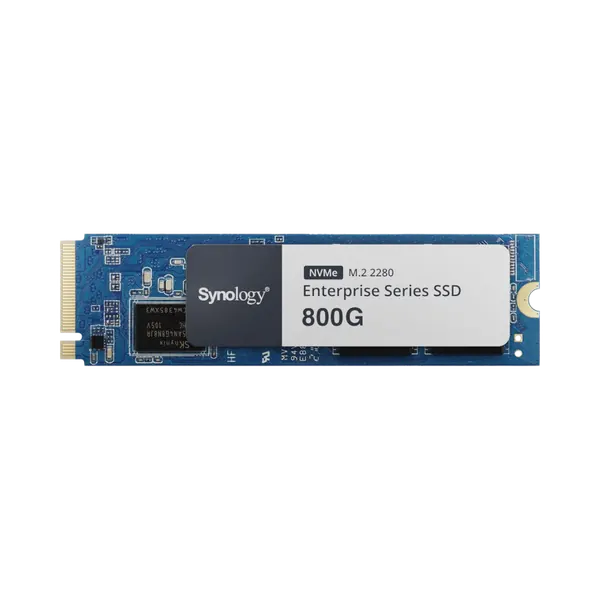
Synology
כונן SSD M.2 NVMe דגם SNV5420-800G בנפח 800GB מבית Synology
SKU: 35300-002-12In stock₪3,380before VAT
Including VAT: ₪3,988Order on WhatsApp
ASUSTOR
ASUSTOR 8Bay NAS,Intel ATOM C3538 Quad-Core, 8GB DDR4, 10 GbE x 2, 2.5 GbE x 2, USB 3.2 Gen 1 x 2 M.2 Slots
SKU: AS6508TIn stock₪4,261before VAT
Including VAT: ₪5,028Order on WhatsApp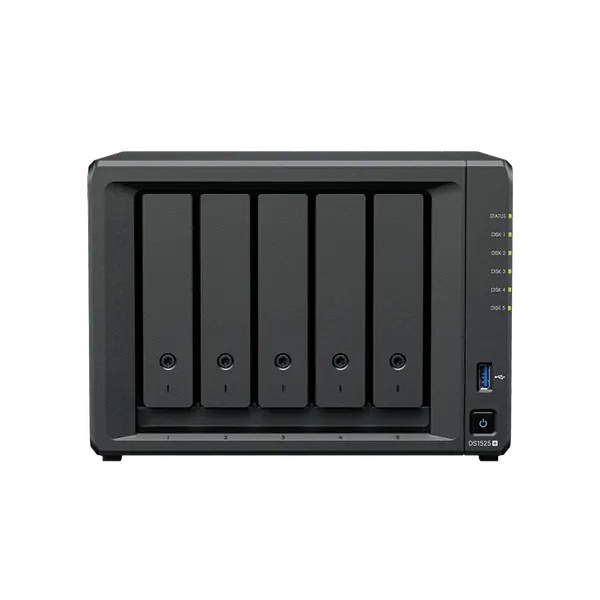
Synology
שרת אחסון מתקדם DS1525+ - 5 מפרצים מבית SYNOLOGY
SKU: 35300-002-06In stock₪5,024before VAT
Including VAT: ₪5,928Order on WhatsApp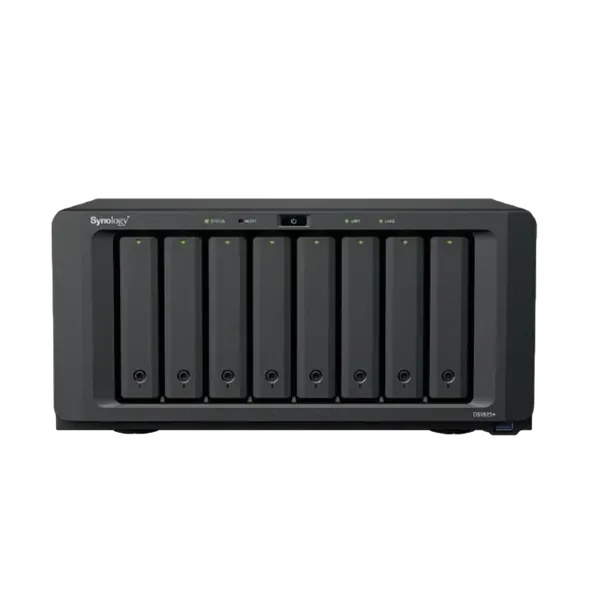
Synology
DS1825+ שרת אחסון עם 8 מפרצים לעסקים מתקדמים מבית Synology
SKU: 35300-002-03In stock₪5,027before VAT
Including VAT: ₪5,932Order on WhatsApp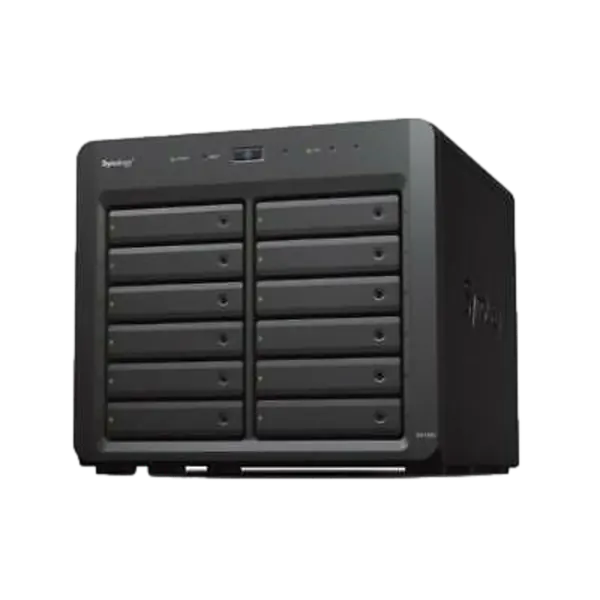
Synology
SYNOLOGY DX1222 - 12BAY הרחבה
SKU: 35300-001-03In stock₪5,610before VAT
Including VAT: ₪6,620Order on WhatsApp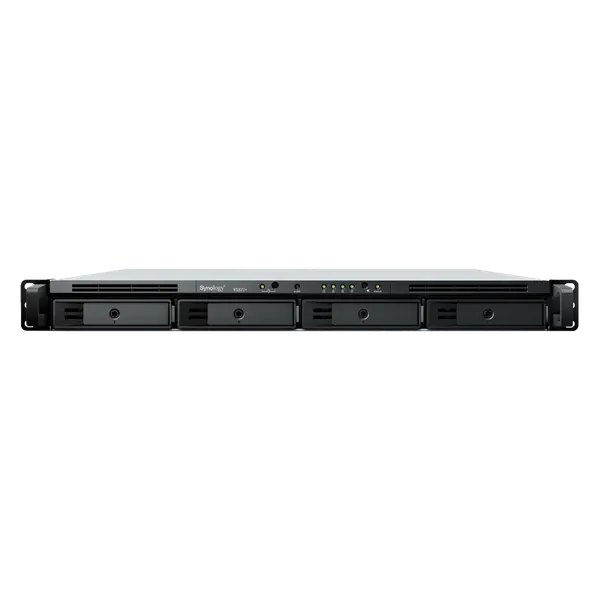
Synology
שרת אחסון רשתי Synology NAS RS822RP+ -4BAY בתצורת Rackmount
SKU: 35300-001-30In stock₪5,811before VAT
Including VAT: ₪6,857Order on WhatsApp
ASUSTOR
Asustor Lockerstor 4 Gen3 4 Bay NAS, Quad-Core 2.3GHz CPU, Dual USB 4 Ports, Dual 10GbE Ports, Dual
SKU: AS6804TIn stock₪5,992before VAT
Including VAT: ₪7,071Order on WhatsApp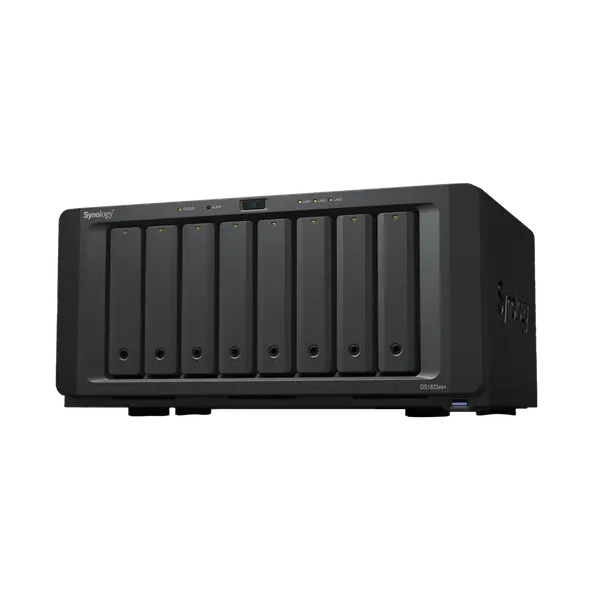
Synology
SYNOLOGY DS1823XS+ -8BAY
SKU: 35300-001-20In stock₪8,296before VAT
Including VAT: ₪9,789Order on WhatsApp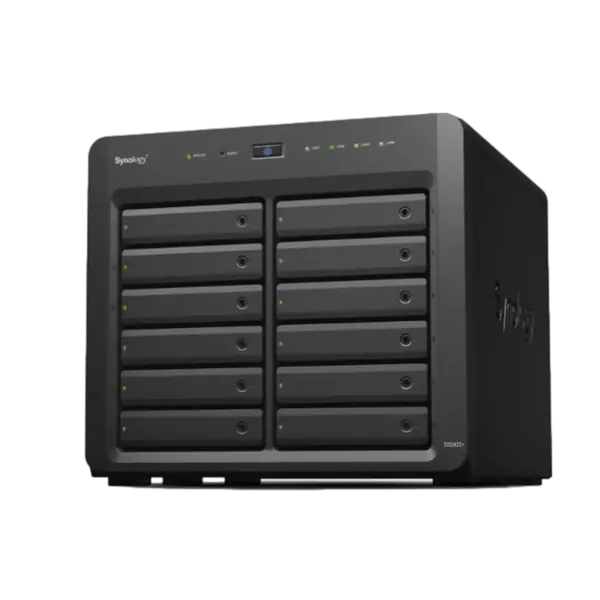
Synology
שרת אחסון רשתי Synology NAS DS2422+ - 12BAY
SKU: 35300-001-01In stock₪8,519before VAT
Including VAT: ₪10,052Order on WhatsApp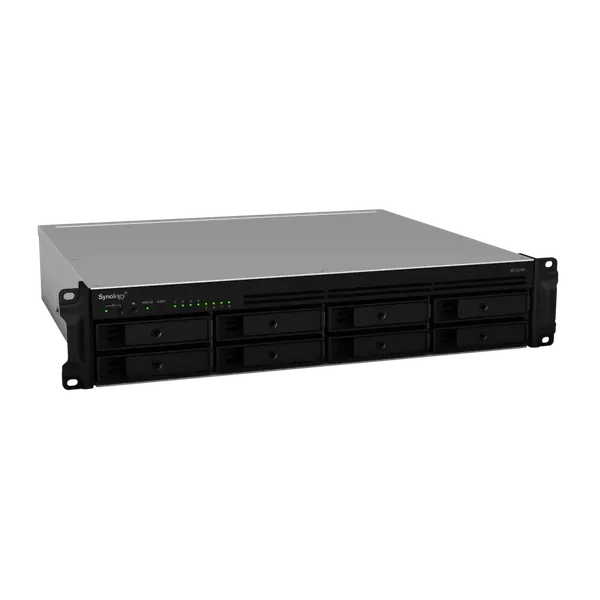
Synology
SYNOLOGY RS1221RP+ - 8BAYS
SKU: 35300-000-72In stock₪8,891before VAT
Including VAT: ₪10,491Order on WhatsApp
ASUSTOR
ASUSTOR 10Bay NAS, Intel 9th Xeon E-2224, 8GB DDR4 ECC SODIMM, 2.5GbE x3, 10GbE x1, M.2 Drive Slots x 2
SKU: AS7110TIn stock₪9,563before VAT
Including VAT: ₪11,284Order on WhatsApp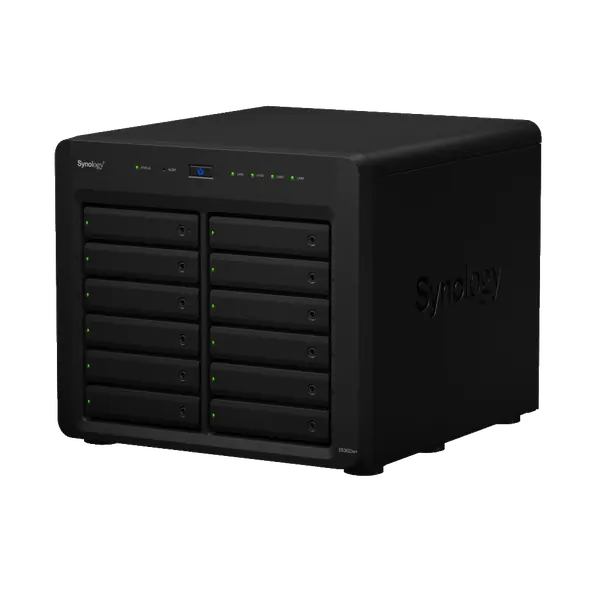
Synology
שרת אחסון רשתי Synology NAS DS3622xs+ - 12BAY
SKU: 35300-001-10In stock₪13,870before VAT
Including VAT: ₪16,367Order on WhatsApp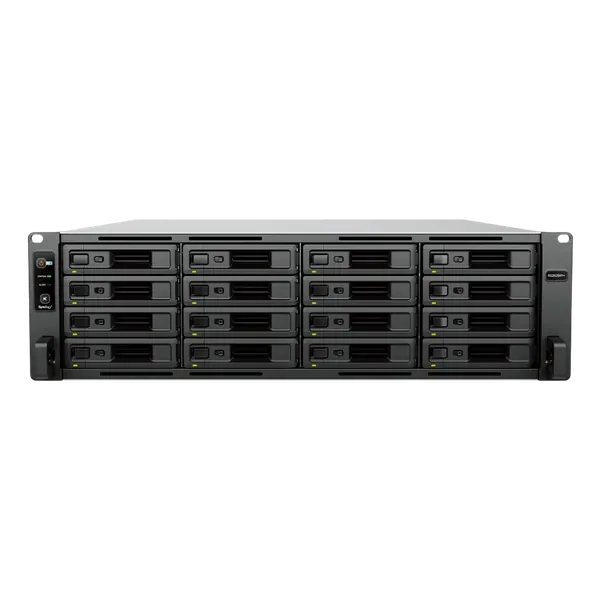
Synology
שרת אחסון NAS דגם RS2825RP+ מבית Synology
SKU: 99300-000-31In stock₪14,648before VAT
Including VAT: ₪17,285Order on WhatsApp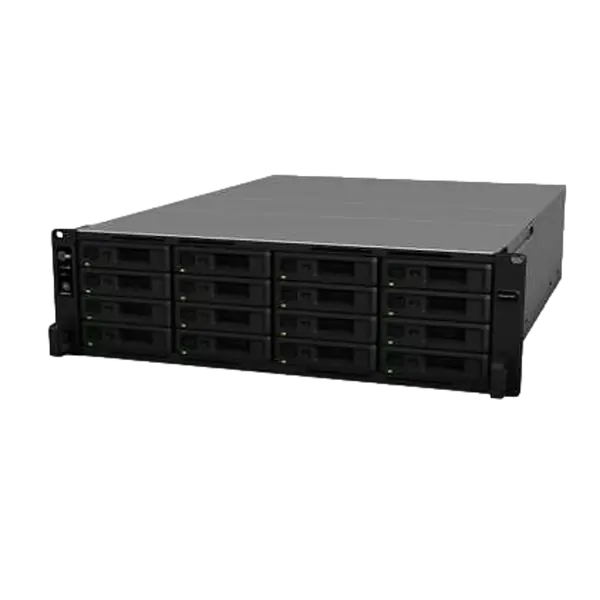
Synology
SYNOLOGY RS2821RP+ - 16BAYS
SKU: 35300-001-02In stock₪15,725before VAT
Including VAT: ₪18,556Order on WhatsApp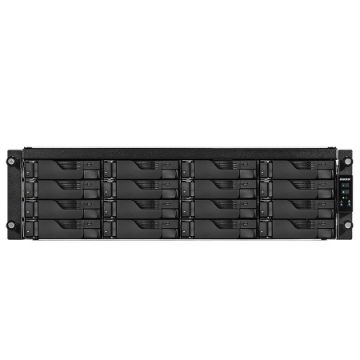
ASUSTOR
ASUSTOR 16 Bay NAS, Intel 9th Xeon E-2224, 8GB DDR4 ECC UDIMM, GbE x4, M.2 Drive Slots. 5 years warranty
SKU: AS7116RDXIn stock₪17,083before VAT
Including VAT: ₪20,158Order on WhatsApp
ASUSTOR
Asustor Flashstor 6 FS6706T 6 Bay NAS, Quad-Core 2.0GHz, Dual 2.5GbE Ports, 4GB RAM DDR4, Six M.2 SS
SKU: FS6706TTemporarily out of stockPrice by quote
Temporarily out of stock at the importer. Message us and we will tell you when it is backRequest a quote
Dell
DELL R250 E-2314 2.8GHZ 8M, 4C/4T S150 4 HD Hotplug ,450w
SKU: DLSR250-2314-SATA-4HDAvailable to orderPrice by quote
The price is sent in a personal quoteRequest a quote
Dell
Dell T550 16 SFF Cage, H755/8G 1x800W
SKU: DLSR-T550-H755-16SFAvailable to orderPrice by quote
The price is sent in a personal quoteRequest a quote
Dell
Dell Power Edge T150 Xeon E-2314 4C 2.8GHz/8M SATA, 2x480GB,3Y
SKU: DLST150-E2314-SSD-2x480Available to orderPrice by quote
The price is sent in a personal quoteRequest a quote
Dell
Dell R750XS H755/8G ,12HD LFF+2 SFF Cage,2x1G, 2X800W, 3Y
SKU: DLSRR750XS-H755-12+2Available to orderPrice by quote
The price is sent in a personal quoteRequest a quote
Dell
Dell R650XS H755 ,10HD SFF Cage,2x1G, 800W, 3Y
SKU: DLSRR650XS-H755-10SFFAvailable to orderPrice by quote
The price is sent in a personal quoteRequest a quote
Dell
Dell R550 16 SFF Cage, H755/8G 2x800W
SKU: DLSRR550-H755-16HD-PSAvailable to orderPrice by quote
The price is sent in a personal quoteRequest a quote
Dell
Dell R450 8 SFF Cage, H755/8G 2x600W
SKU: DLSRR450-H755-8HD-PSAvailable to orderPrice by quote
The price is sent in a personal quoteRequest a quote
Dell
Dell Power Edge Dell R450 4 LFF Cage, H755 1x600W
SKU: DLSRR450-H755-4HDAvailable to orderPrice by quote
The price is sent in a personal quoteRequest a quote
Dell
DELL R350 E-2356G 3.2GHz, 12M Cache, 6C/12T, 4 LFF H755 1x600w
SKU: DLSR350-2356-H755Available to orderPrice by quote
The price is sent in a personal quoteRequest a quote
Dell
DELL R350 E-2314, 2.8GHZ 8M Cache, 4C/4T, 4 LFF H755 1x600w
SKU: DLSR350-2314-H755Available to orderPrice by quote
The price is sent in a personal quoteRequest a quote
Dell
DELL T350 E-2356 3.2GHZ 16M, 6C/12T, H755 DVDRW, 600W
SKU: DLSRT350-2356-H755Available to orderPrice by quote
The price is sent in a personal quoteRequest a quote
Dell
DELL T350 E-2314 2.8GHZ 16M, 4C/4T, H355 DVDRW, 600W
SKU: DLSRT350-2314-H355Available to orderPrice by quote
The price is sent in a personal quoteRequest a quote
Dell
Dell Power Edge T150 Xeon E-2314 4C 2.8GHz/8M SATA, 2x1TB,3Y
SKU: DLST150-E2314-SATA-2x1TAvailable to orderPrice by quote
The price is sent in a personal quoteRequest a quote
Dell
DELL T340 E-2224 3.4GHZ 8M, 4C/4T, H330 DVDRW, 495W
SKU: DLSRT340-2224-H330Available to orderPrice by quote
The price is sent in a personal quoteRequest a quote
Dell
DELL T350 E-2314 2.8GHZ 16M, 4C/4T, H755 DVDRW, 600W
SKU: DLSRT350-2314-H755Available to orderPrice by quote
The price is sent in a personal quoteRequest a quote
Dell
Dell Power Edge R740XD Without CPU, H750/8GB, 12HD LFF + 4 SFF, 750W
SKU: DLSRR740XD-H750-12+4Available to orderPrice by quote
The price is sent in a personal quoteRequest a quote
Dell
Dell R750XS 16 SFF Cage, H755/8G 1x800W
SKU: DLSRR750XS-H755-16SFFAvailable to orderPrice by quote
The price is sent in a personal quoteRequest a quote
Dell
Dell R650XS H755 ,8HD SFF Cage,2x1G, 800W, 3Y
SKU: DLSR-R650XS-H755-8SFFAvailable to orderPrice by quote
The price is sent in a personal quoteRequest a quote
Dell
Dell Power Edge T440 DVDRW 16 SFF Cage, H750/8G, 495W
SKU: DLSR-T440-H750-16SFAvailable to orderPrice by quote
The price is sent in a personal quoteRequest a quote
Dell
Dell R550 8 LFF Cage, H755/8G 2x800W
SKU: DLSRR550-H755-8HD-PSAvailable to orderPrice by quote
The price is sent in a personal quoteRequest a quote
Dell
Dell Power Edge Dell R450 4 LFF Cage, H355 1x600W
SKU: DLSRR450-H355-4HDAvailable to orderPrice by quote
The price is sent in a personal quoteRequest a quote
Dell
Dell Power Edge T550 8 LFF Cage, H755/8G 2x800W
SKU: DLSR-T550-H755-8LFAvailable to orderPrice by quote
The price is sent in a personal quoteRequest a quote
Dell
DELL R350 E-2314, 2.8GHZ 8M Cache, 4C/4T, 4 LFF H355 1x600w
SKU: DLSR350-2314-H355Available to orderPrice by quote
The price is sent in a personal quoteRequest a quote
NVIDIA
NVIDIA DGX Station A100 320GB
Available to orderPrice by quote
The price is sent in a personal quoteRequest a quote
HPE
HPE ProLiant ML350 Gen11 4510 2.4GHz 12-core 1P 64GB-R MR408i-o NC BCM5719 8SFF 2x960GB SSD 2x1000W
SKU: P71671-425Available to orderPrice by quote
The price is sent in a personal quoteRequest a quote
HPE
HPE ProLiant ML30 Gen11 E-2434 3.4GHz 4c 1P 32GB-DR 8SFF VROC 2x480GB SATA SSD 800W RPS EU Server
SKU: P71387-425Available to orderPrice by quote
The price is sent in a personal quoteRequest a quote
HPE
HPE ProLiant ML30 Gen11 E-2414 2.6GHz 4-core 1P 32GB-DR 1T*2 4LFF-NHP 350W PS EU Server
SKU: P71385-425Available to orderPrice by quote
The price is sent in a personal quoteRequest a quote
HPE
HPE ProLiant DL380 Gen11 4510 2.4GHz 12c 64GB-R 12LFF MR416i-p 2x8TB SATA HDD 2x1000W PS EMEA Server
SKU: P71675-425Available to orderPrice by quote
The price is sent in a personal quoteRequest a quote
HPE
HPE ProLiant DL380 Gen11 4510 2.4GHz 12c 1P 32GB-R*2 8SFF MR408i-o 2x960GB SSD 2x1000W PS EMEA Serve
SKU: P71674-425Available to orderPrice by quote
The price is sent in a personal quoteRequest a quote
HPE
HPE ProLiant DL20 Gen11 E-2434 3.4GHz 4c 1P 32GB-U 4SFF 2x480GB SATA SSD 800W PS EU Server
SKU: P78087-425Available to orderPrice by quote
The price is sent in a personal quoteRequest a quote
HPE
HPE ProLiant DL360 Gen11 4510 2.4GHz 12-core 1P 32GB-R*2 MR408i-o NC 8SFF 1000W*2 960GB*2 1G
SKU: P71673-425Available to orderPrice by quote
The price is sent in a personal quoteRequest a quote
HPE
HPE ML350 Gen10 4 LFF 4208 16G 1X500W
SKU: P11050-421Available to orderPrice by quote
The price is sent in a personal quoteRequest a quote
HPE
HPE DL160 Gen10 4208 1P 16G 8SFF 1*500W
SKU: P19560-B21Available to orderPrice by quote
The price is sent in a personal quoteRequest a quote
HPE
HPE DL380 Gen10 4210R 32GB 24SFF P408i NC 1* 800W
SKU: P24840-B21Available to orderPrice by quote
The price is sent in a personal quoteRequest a quote
HPE
HPE ML350 Gen10 4210R 1P NC 16G 8SFF P408i 1X800W
SKU: P21788-421Available to orderPrice by quote
The price is sent in a personal quoteRequest a quote
HPE
HPE DL380 Gen10 4208 32GB 8SFF P408i NC 1*500W
SKU: P23465-B21Available to orderPrice by quote
The price is sent in a personal quoteRequest a quote
ML350 GEN10 4lff 4110 P408 800W
SKU: 877625-B21Available to orderPrice by quote
The price is sent in a personal quoteRequest a quote
EMULEX
Emulex LPE 35002 Dual Port 32 Gb Fibre Channel HBA, Low Profile
SKU: DLLPE35002-LPAvailable to orderPrice by quote
The price is sent in a personal quoteRequest a quote
Intel
Intel E810-XXV Dual Port 10/25GbE SFP28, OCP NIC 3
SKU: DLLAN-E810-DP-OCPAvailable to orderPrice by quote
The price is sent in a personal quoteRequest a quoteIntel
Intel X710 Quad Port 10GbE SFP+, OCP NIC 3.0
SKU: DLLAN-X710-SFP-QP-OCPAvailable to orderPrice by quote
The price is sent in a personal quoteRequest a quoteIntel
Intel X710-T4L Quad Port 10GbE BASE-T, OCP NIC 3.0
SKU: DLLAN-X710-T-QP-OCPAvailable to orderPrice by quote
The price is sent in a personal quoteRequest a quoteBROADCOM
Broadcom 57412 Dual Port 10GbE SFP+, OCP NIC 3.0
SKU: DLLAN57412-OCPAvailable to orderPrice by quote
The price is sent in a personal quoteRequest a quoteBROADCOM
Broadcom 57416 Dual Port 10GbE BASE-T Adapter, OCP NIC 3.0
SKU: DLLAN57416-OCPAvailable to orderPrice by quote
The price is sent in a personal quoteRequest a quoteBROADCOM
Broadcom 5720 Quad Port 1GbE BASE-T Adapter, OCP NIC 3.0
SKU: DLLAN5720-OCPAvailable to orderPrice by quote
The price is sent in a personal quoteRequest a quoteDell
Dell 64GB RDIMM, 3200MT/s, Dual Rank
SKU: DLMR64G-RDIMM-3200Available to orderPrice by quote
The price is sent in a personal quoteRequest a quote
Intel
Intel Xeon Gold 5317 3G, 12C/24T
SKU: DLCPU-Gold-5317Available to orderPrice by quote
The price is sent in a personal quoteRequest a quote
Intel
Intel Xeon Gold 6326 2.9G, 16C/32T
SKU: DLCPU-Gold-6326Available to orderPrice by quote
The price is sent in a personal quoteRequest a quote
Intel
Intel Xeon Gold 5320 2.2G, 26C/52T
SKU: DLCPU-Gold-5320Available to orderPrice by quote
The price is sent in a personal quoteRequest a quote
Intel
Intel Xeon Gold 5318Y 2.1G, 24C/48T
SKU: DLCPU-Gold-5318YAvailable to orderPrice by quote
The price is sent in a personal quoteRequest a quote
Intel
Intel X710 Dual Port 10Gb SFP+ NIC - Kit
SKU: DLLAN-X710-SFP-DP-LPAvailable to orderPrice by quote
The price is sent in a personal quoteRequest a quoteIntel
Intel E810-XXV Dual Port 25GbE, SFP28 PCIe Adapter, Low profile Customer Kit
SKU: DLLAN-E810-XXV-LPAvailable to orderPrice by quote
The price is sent in a personal quoteRequest a quoteDell
Dell 16GB RDIMM, 3200MT/s, Dual Rank
SKU: DLMR16G-RDIMM-3200Available to orderPrice by quote
The price is sent in a personal quoteRequest a quoteDell
Dell 16GB UDIMM, 3200MT/s, ECC
SKU: DLMR16G-UDIMM-3200Available to orderPrice by quote
The price is sent in a personal quoteRequest a quoteDell
Dell 32GB RDIMM, 3200MT/s, Dual Rank
SKU: DLMR32G-RDIMM-3200Available to orderPrice by quote
The price is sent in a personal quoteRequest a quote
Dell
Dell 8GB RDIMM, 3200MT/s, Single Rank
SKU: DLMR8G-RDIMM-3200Available to orderPrice by quote
The price is sent in a personal quoteRequest a quoteDell
Dell 32GB UDIMM, 3200MT/s, ECC
SKU: DLMR32G-UDIMM-3200Available to orderPrice by quote
The price is sent in a personal quoteRequest a quote
QLOGIC
Qlogic QLE2692, Dual Port 16GB FC HBA
SKU: DLQLA2692-LPAvailable to orderPrice by quote
The price is sent in a personal quoteRequest a quoteDell
Dell HBA355e 12Gbps SAS External Controller
SKU: DL-HBA355e-LPAvailable to orderPrice by quote
The price is sent in a personal quoteRequest a quote
Dell
Dell 16TB 7.2K RPM NLSAS 12Gbps 3.5in HD Kit
SKU: DLHD16T-SAS-14GAvailable to orderPrice by quote
The price is sent in a personal quoteRequest a quote
8TB 7.2K RPM SATA 6Gbps 3.5in Hot-plug Hard Drive
SKU: DLHD8T-SATA-14GAvailable to orderPrice by quote
The price is sent in a personal quoteRequest a quote1.92TB SSD SATA Mix Use 6Gbps 512 2.5in Hot-plug
SKU: DLHD1.92-MU-SFF-14GAvailable to orderPrice by quote
The price is sent in a personal quoteRequest a quote
8TB 7.2K RPM NLSAS 12Gbps 512e 3.5in Hot-plug Hard Drive, CK
SKU: DLHD8TB-SAS-14GAvailable to orderPrice by quote
The price is sent in a personal quoteRequest a quote
Dell
Dell 900GB 15K RPM SAS 12Gbps 2.5in HD Kit
SKU: DLHD900-SFF-15K-14GAvailable to orderPrice by quote
The price is sent in a personal quoteRequest a quote3.84TB SSD SATA Read Intensive 6Gbps 512 2.5in Hot-plug CK
SKU: DLHD3.84-RI-SFF-14GAvailable to orderPrice by quote
The price is sent in a personal quoteRequest a quote
10GbE SR SFP+ Transceiver, 10Gb - Kit
SKU: DLLAN-SR-SFPAvailable to orderPrice by quote
The price is sent in a personal quoteRequest a quoteIntel
Intel X710 Quad Port 10GbE, Base-T, PCIe Adapter, Low Profile
SKU: DLLAN-X710-T-QP-LPAvailable to orderPrice by quote
The price is sent in a personal quoteRequest a quote
Dell
Dell 20TB 7.2K RPM NLSAS 12Gbps 3.5in HD Kit
SKU: DLHD20T-SAS-14GAvailable to orderPrice by quote
The price is sent in a personal quoteRequest a quote
12TB 7.2K RPM SATA 6Gbps 512e 3.5in Hot-plug Hard Drive
SKU: DLHD12T-SATA-14GAvailable to orderPrice by quote
The price is sent in a personal quoteRequest a quote
480GB SSD SATA Read Intensive 6Gbps 2.5in HD Kit
SKU: DLHD480G-SSD-RI-14GAvailable to orderPrice by quote
The price is sent in a personal quoteRequest a quote960GB SSD SATA Read Intensive 6Gbps 2.5in Hot-plug
SKU: DLHD960GB-SSD-RI-14GAvailable to orderPrice by quote
The price is sent in a personal quoteRequest a quote
480GB SSD SATA Mix Use 6Gbps 512 2.5in Hot-plug
SKU: DLHD480G-SSD-MU-14GAvailable to orderPrice by quote
The price is sent in a personal quoteRequest a quote
Dell
Dell 2.4TB 10K RPM SAS 12Gbps 2.5in HD Kit
SKU: DLHD2.4T-SFF-10K-14GAvailable to orderPrice by quote
The price is sent in a personal quoteRequest a quote960GB SSD SATA Mix Use 6Gbps 512n 2.5in Hot-plug Drive, AG
SKU: DLHD960G-SSD-MU-14GAvailable to orderPrice by quote
The price is sent in a personal quoteRequest a quote
12TB 7.2K RPM NLSAS 12Gbps 512e 3.5in Hot-plug Hard Drive
SKU: DLHD12T-SAS-14GAvailable to orderPrice by quote
The price is sent in a personal quoteRequest a quote
1.92TB SSD SATA Read Intensive 6Gbps 512 2.5in Hot-plug
SKU: DLHD1.92-RI-SFF-14GAvailable to orderPrice by quote
The price is sent in a personal quoteRequest a quote
Intel
Intel Xeon Silver 4309Y 2.8G, 8C/16T
SKU: DLCPU-Silver-4309YAvailable to orderPrice by quote
The price is sent in a personal quoteRequest a quote
Intel
Intel Xeon Silver 4310 2.1G, 12C/24T
SKU: DLCPU-Silver-4310Available to orderPrice by quote
The price is sent in a personal quoteRequest a quote
Intel
Intel Xeon Silver 4314 2.4G, 16C/32T
SKU: DLCPU-Silver-4314Available to orderPrice by quote
The price is sent in a personal quoteRequest a quote
Intel
Intel Xeon Silver 4316 2.3G, 20C/40T
SKU: DLCPU-Silver-4316Available to orderPrice by quote
The price is sent in a personal quoteRequest a quote
Dell
Dell 600GB SAS 15K 2.5IN
SKU: DLHD600-SFF-15K-14GAvailable to orderPrice by quote
The price is sent in a personal quoteRequest a quote
Dell
Dell 1.2TB SAS 10K 2.5IN
SKU: DLHD1200-SFF-10K-14GAvailable to orderPrice by quote
The price is sent in a personal quoteRequest a quote
4TB 7.2K RPM NLSAS 12Gbps 512n 3.5in Hot-plug Hard Drive
SKU: DLHD4TB-SAS-14GAvailable to orderPrice by quote
The price is sent in a personal quoteRequest a quoteBROADCOM
Broadcom 57412 Dual Port 10Gb, SFP+, PCIe Adapter, Low Profile
SKU: DLLAN57412-LPAvailable to orderPrice by quote
The price is sent in a personal quoteRequest a quote
Dell
Dell 300GB SAS 15K 2.5IN
SKU: DLHD300-SFF-15K-14GAvailable to orderPrice by quote
The price is sent in a personal quoteRequest a quote
Dell
Dell 600GB SAS 10K 2.5IN
SKU: DLHD600-SFF-10K-14GAvailable to orderPrice by quote
The price is sent in a personal quoteRequest a quote
2TB 7.2K RPM SATA 6Gbps 3.5in Hot-plug Hard Drive
SKU: DLHD2TB-SATA-14GAvailable to orderPrice by quote
The price is sent in a personal quoteRequest a quote
BROADCOM
Broadcom 5719 Quad Port 1Gb Network Interface Card - Kit
SKU: DLLAN5719-LPAvailable to orderPrice by quote
The price is sent in a personal quoteRequest a quoteHot-plug, Redundant Power Supply 1400W for 15G
SKU: DLPS-SVR-G14-1400WAvailable to orderPrice by quote
The price is sent in a personal quoteRequest a quote
1TB 7.2K RPM SATA 6Gbps 3.5in Hot-plug Hard Drive
SKU: DLHD1T-SATA-14GAvailable to orderPrice by quote
The price is sent in a personal quoteRequest a quoteHot-plug, Redundant Power Supply 600W for 15G
SKU: DLPS-SVR-G15-600WAvailable to orderPrice by quote
The price is sent in a personal quoteRequest a quoteHot-plug, Redundant Power Supply 800W for 15G
SKU: DLPS-SVR-G15-800WAvailable to orderPrice by quote
The price is sent in a personal quoteRequest a quote
BROADCOM
Broadcom 57416 Dual Port 10Gb, Base-T, PCIe Adapter, Low Profile
SKU: DLLAN57416-LPAvailable to orderPrice by quote
The price is sent in a personal quoteRequest a quote
HPE
HPE 2TB SATA 7.2K SFF SC 512e DS HDD
SKU: 765455-B21Available to orderPrice by quote
The price is sent in a personal quoteRequest a quoteHP
HP Ethernet 1Gb 2-port 361T Adapter
SKU: 652497-B21Available to orderPrice by quote
The price is sent in a personal quoteRequest a quoteHP
HP Ethernet 1Gb 4-port 331T Adapter
SKU: 647594-B21Available to orderPrice by quote
The price is sent in a personal quoteRequest a quoteHP
HP Ethernet 10Gb 2P 560SFP+ Adptr
SKU: 665249-B21Available to orderPrice by quote
The price is sent in a personal quoteRequest a quoteHP
HP Ethernet 10Gb 2P 530SFP+ Adptr
SKU: 652503-B21Available to orderPrice by quote
The price is sent in a personal quoteRequest a quoteHP
HP Ethernet 10Gb 2P 530T Adptr
SKU: 656596-B21Available to orderPrice by quote
The price is sent in a personal quoteRequest a quote
HPE
HPE 2TB SAS 7.2K SFF SC 512e DS HDD
SKU: 765466-B21Available to orderPrice by quote
The price is sent in a personal quoteRequest a quote
ASUSTOR
Asustor Lockerstor 10 Gen3 10 Bay NAS, Quad-Core 2.3GHz CPU, Dual USB 4 Ports, Dual 10GbE Ports, Dua
SKU: AS6810TTemporarily out of stockPrice by quote
Temporarily out of stock at the importer. Message us and we will tell you when it is backRequest a quote
ASUSTOR
Asustor Lockerstor 8 Gen3 8 Bay NAS, Quad-Core 2.3GHz CPU, Dual USB 4 Ports, Dual 10GbE Ports, Dual
SKU: AS6808TTemporarily out of stockPrice by quote
Temporarily out of stock at the importer. Message us and we will tell you when it is backRequest a quote
ASUSTOR
Asustor Lockerstor 6 Gen3 6 Bay NAS, Quad-Core 2.3GHz CPU, Dual USB 4 Ports, Dual 10GbE Ports, Dual
SKU: AS6806TTemporarily out of stockPrice by quote
Temporarily out of stock at the importer. Message us and we will tell you when it is backRequest a quote
ASUSTOR
ASUSTOR Xpanstor 4 AS5004U 4 Bay NAS Storage Capacity Expander
SKU: AS5004UTemporarily out of stockPrice by quote
Temporarily out of stock at the importer. Message us and we will tell you when it is backRequest a quote
ASUSTOR
Asustor Lockerstor 6 Gen 2 AS6706T 6 Bay NAS, Quad-Core 2.0GHz, Dual 2.5GbE , 8GB DDR4, Four M.2
SKU: AS6706TTemporarily out of stockPrice by quote
Temporarily out of stock at the importer. Message us and we will tell you when it is backRequest a quote
ASUSTOR
ASUSTOR 12Bay NAS, Intel 9th Xeon E-2224, 8GB DDR4 ECC UDIMM, GbE x4, M.2 Drive Slots
SKU: AS7112RDXTemporarily out of stockPrice by quote
Temporarily out of stock at the importer. Message us and we will tell you when it is backRequest a quote
Dell
Dell EMC Power Store Series
Available to orderPrice by quote
The price is sent in a personal quoteRequest a quote
Dell
Dell EMC data domain series
Available to orderPrice by quote
The price is sent in a personal quoteRequest a quote
Dell
Dell EMC me5 series
Available to orderPrice by quote
The price is sent in a personal quoteRequest a quote
Dell
Dell EMC PowerScale Series
Available to orderPrice by quote
The price is sent in a personal quoteRequest a quote
Dell
DELL EMC UNITY series
Available to orderPrice by quote
The price is sent in a personal quoteRequest a quote
HP
HP LTO 3Y Next Day Onsite Response
SKU: H3157EAvailable to orderPrice by quote
The price is sent in a personal quoteRequest a quote

HP
HP 3y 4h 24x7 D2600 / D2700 Encl HW Support
SKU: UQ540EAvailable to orderPrice by quote
The price is sent in a personal quoteRequest a quote
HP
HP 3y Nbd 9x5 D2600 / D2700 Encl HW Support
SKU: UQ538EAvailable to orderPrice by quote
The price is sent in a personal quoteRequest a quote


IBM
IBM FlashSystem 7300
SKU: 4657/924Available to orderPrice by quote
The price is sent in a personal quoteRequest a quote
IBM
IBM FlashSystem 5015
SKU: 2072/2N4Available to orderPrice by quote
The price is sent in a personal quoteRequest a quote
IBM
IBM FlashSystem 5035
SKU: 2072/3N4 2072/3N2Available to orderPrice by quote
The price is sent in a personal quoteRequest a quote

IBM
IBM FlashSystem 5200
SKU: 4662/6H2Available to orderPrice by quote
The price is sent in a personal quoteRequest a quote

SIMPLIVITY
Simplivity
Available to orderPrice by quote
The price is sent in a personal quoteRequest a quote
NVIDIA
NVIDIA DGX A100 640GB
Currently unavailableCurrently unavailable
Write to us and we will find a suitable alternativeAsk for an alternative
NVIDIA
NVIDIA DGX A100 320GB
Currently unavailableCurrently unavailable
Write to us and we will find a suitable alternativeAsk for an alternative
NVIDIA
NVIDIA DGX Station A100 160GB
Currently unavailableCurrently unavailable
Write to us and we will find a suitable alternativeAsk for an alternative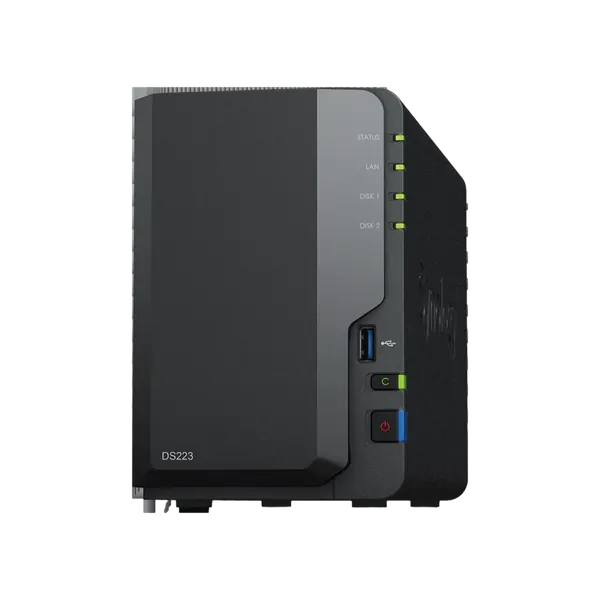
Synology
SYNOLOGY DS223j - 2BAY
SKU: 35300-001-33Currently unavailableCurrently unavailable
Write to us and we will find a suitable alternativeAsk for an alternativeNo products match the filter. Clear some of the filters or send us a WhatsApp with what you are looking for.
Servers and storage at MO-TECH
A server or central storage unit brings all your company files into one place, with clear permissions and a backup you can actually restore from. Here you will find servers for small and mid-sized businesses, Synology and ASUSTOR NAS units, server drives and backup solutions. We size the solution to your users and data, set permissions by department, build a three-copy backup including one off-site, and monitor the drives to catch a failure before anyone notices. Tell us how many users you have.
Related: UPS for servers · Windows Server licensing and backup · By industry: IT for accountants and bookkeeping firms
Not sure what fits? Describe the work to us and we'll recommend a model. You can also read about managed IT services for companies.
How to choose a server or storage
Server, NAS or cloud
A NAS suits file sharing and backup in a small office. A server is needed to run systems, databases or virtualisation. For some businesses the right answer combines fast local storage with cloud backup.
Rack or Tower
A Tower server stands on the floor and suits an office without a network rack. A Rack server goes into a rack and suits a site with several servers, a switch and a UPS in one place.
Drives and RAID
RAID keeps the system running when one drive fails, but it is not a backup. Choose SSDs for speed and hard disks for capacity, and check compatibility with the server bays.
Backup in three copies
The accepted backup method is three copies of the data, on two types of media, with one of them outside the office. That way a failure, theft or ransomware attack in the office does not wipe out every backup.
FAQ
Frequently asked questions about servers and storage
Do I need a physical server, or is the cloud enough?
It depends on your file types, internet speed and regulatory requirements. For most businesses the right answer is a mix: fast local storage with cloud backup. We map it out together in a free 30-minute assessment, before you buy any hardware.
What is the difference between a NAS and a server?
A NAS is a storage unit for file sharing and backup that is simple to manage. A server also runs systems, databases and virtual machines.
Is RAID a backup?
No. RAID keeps the system running when a drive fails, but deletion, a virus or a ransomware attack hits all the drives together. You also need a separate backup, preferably with a copy outside the office.
Do the prices on the site include VAT?
No. The prices on the site are before VAT (18 percent), as is customary between businesses. Each product page also shows the price including VAT.