
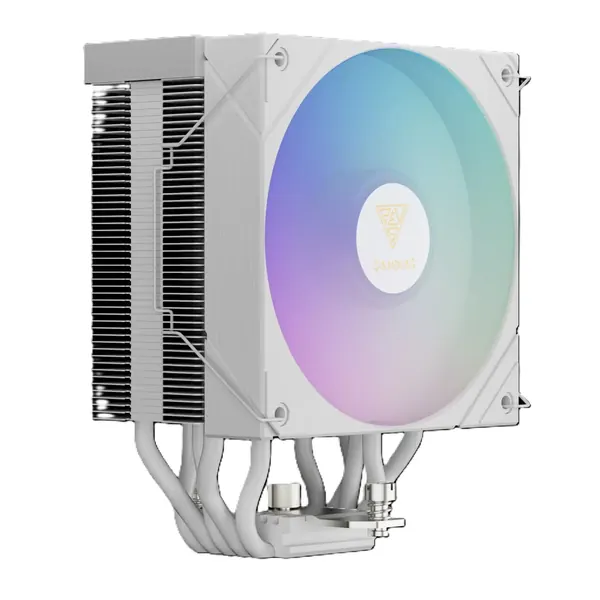
GAMDIAS
קירור למעבד GAMDIAS BOREAS M2-51D ARGB עם מאוורר 120 מ"מ, תאורת ARGB ומסך דיגיטלי - לבן
SKU: 4711514503128In stock₪159before VAT
Including VAT: ₪188Order on WhatsAppMonitors for office work, editing and gaming. Choose the size and refresh rate for the job. Importer prices, before VAT. Order on WhatsApp.
Our own lab · Installation at your office · Official importer warranty
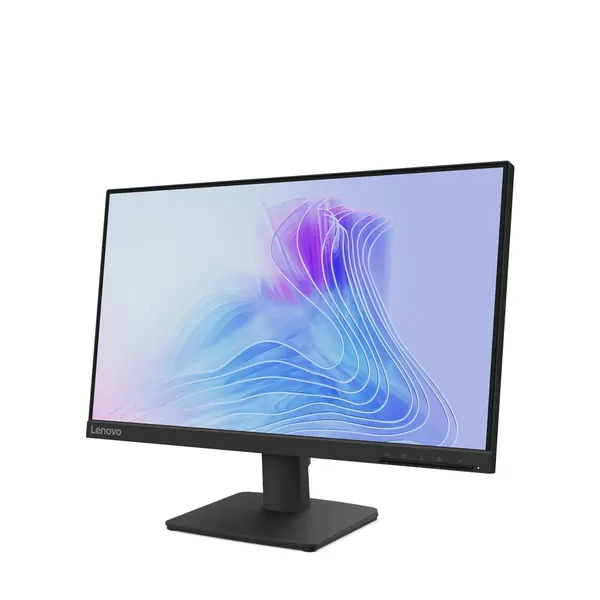


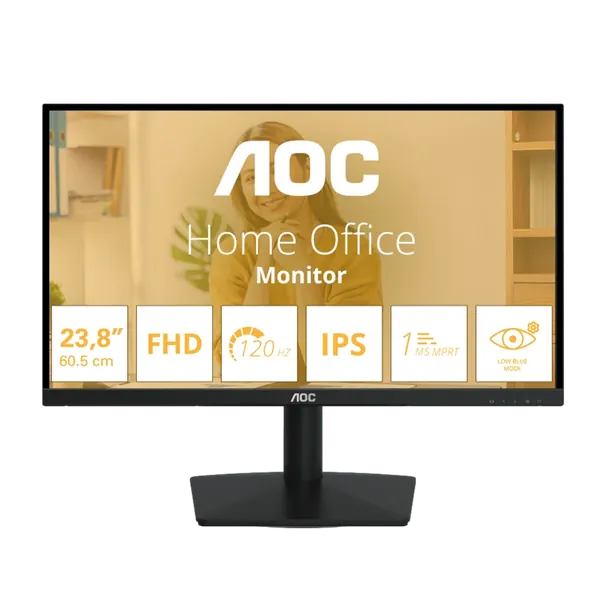
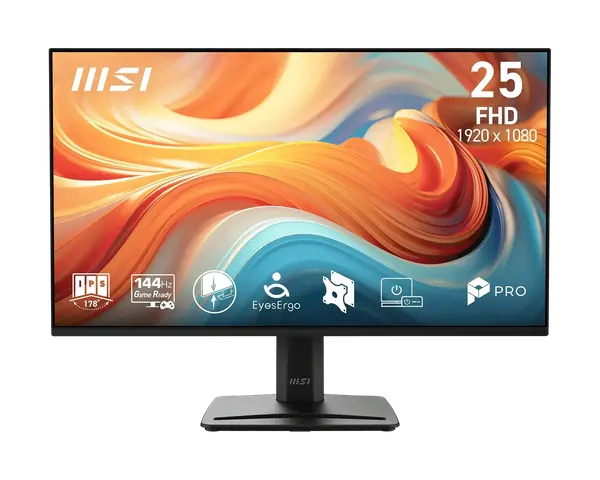


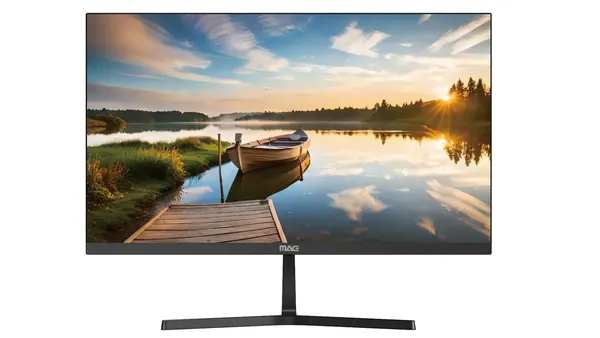
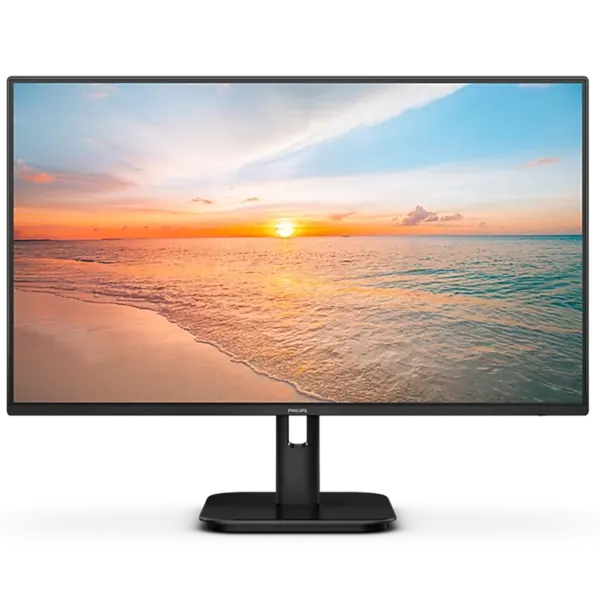
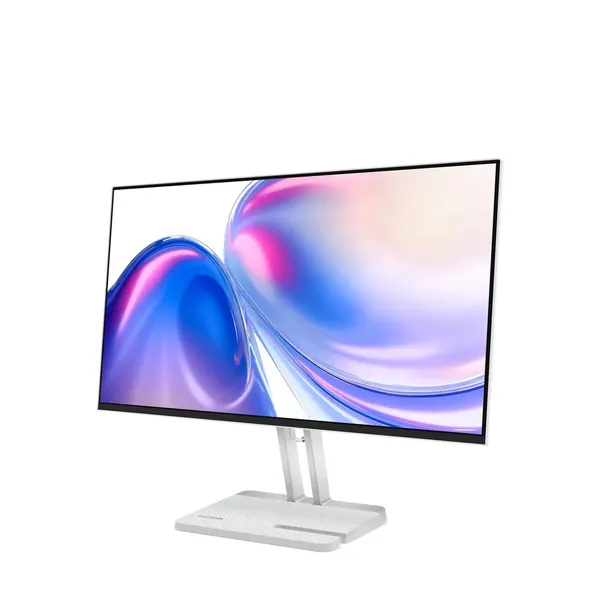
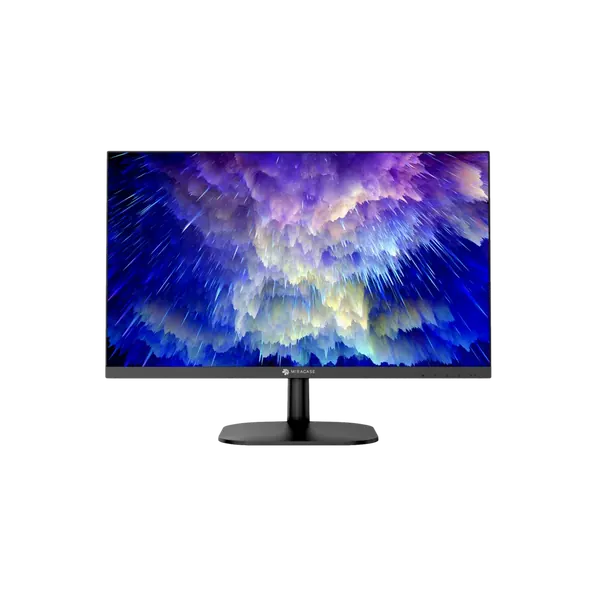


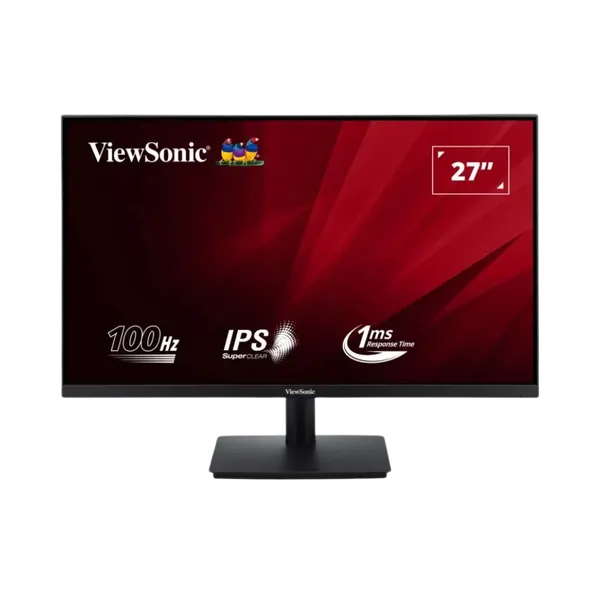

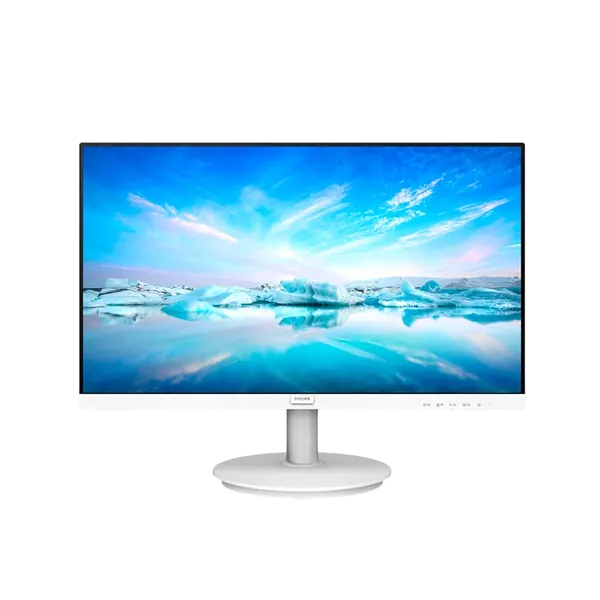
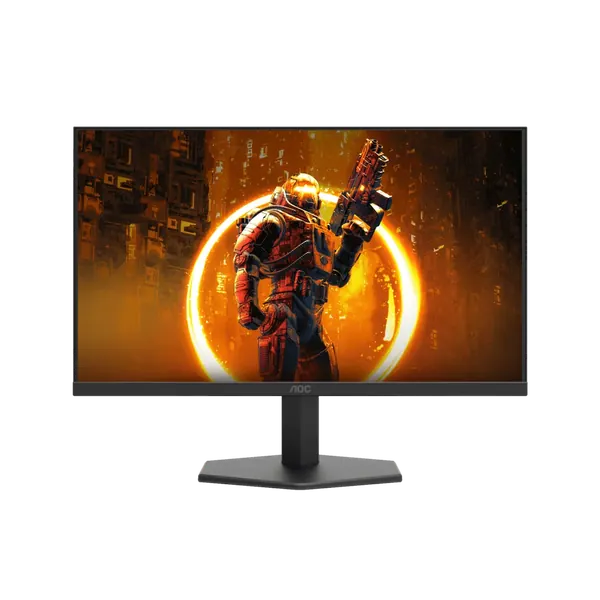
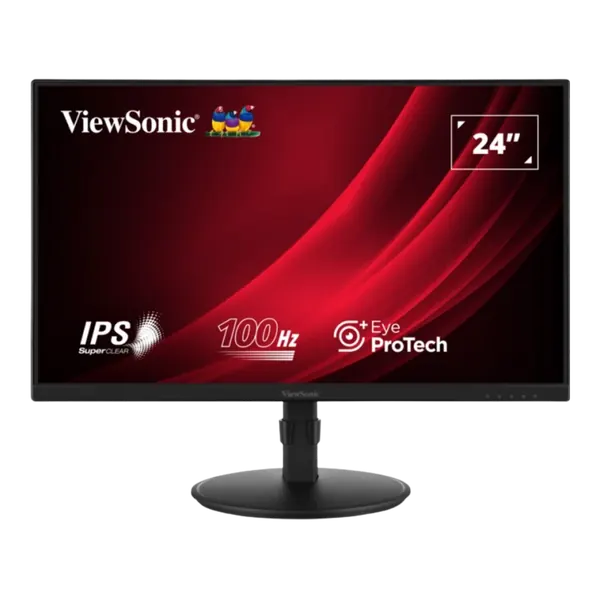


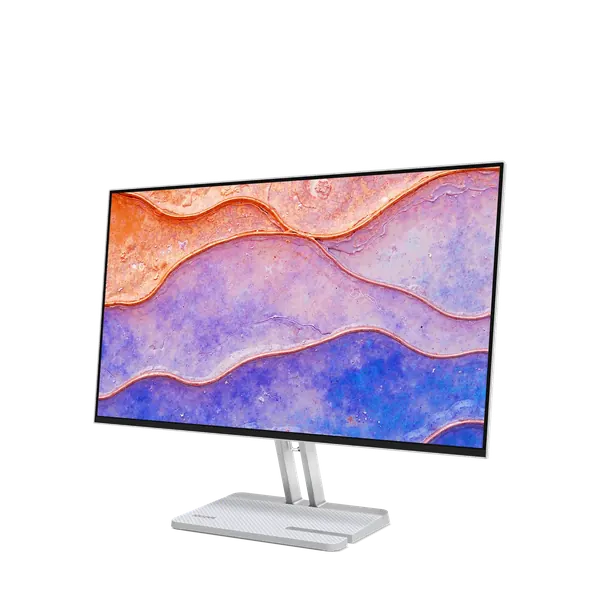
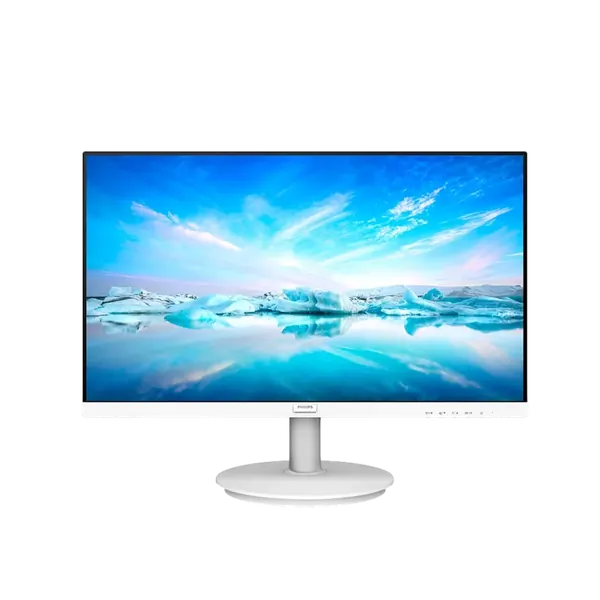


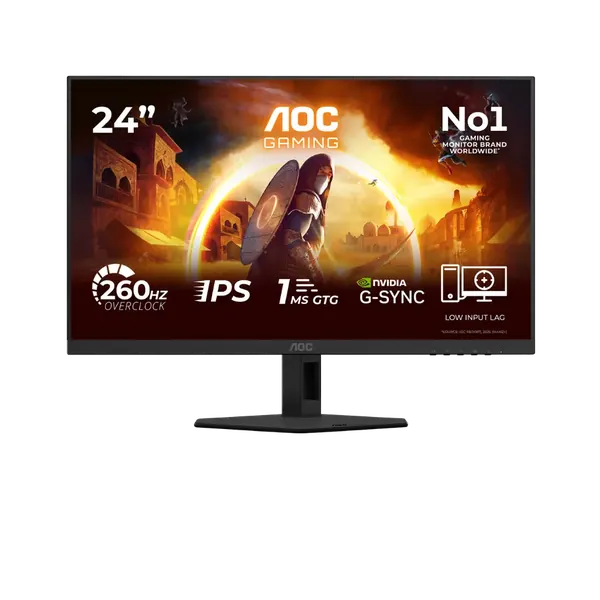

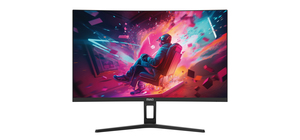
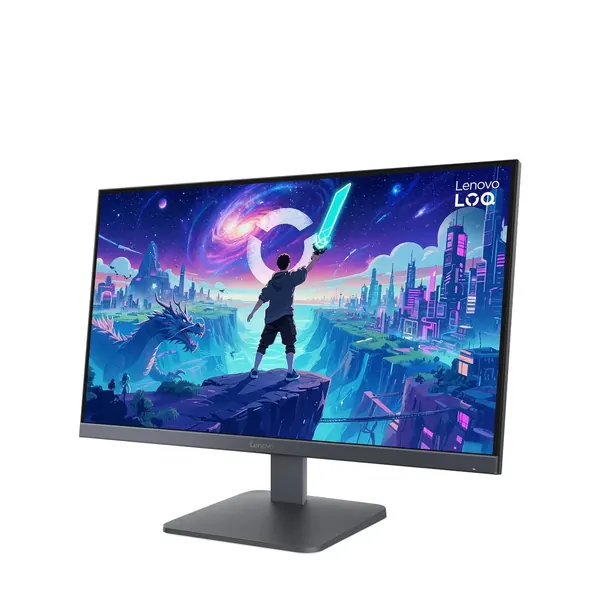

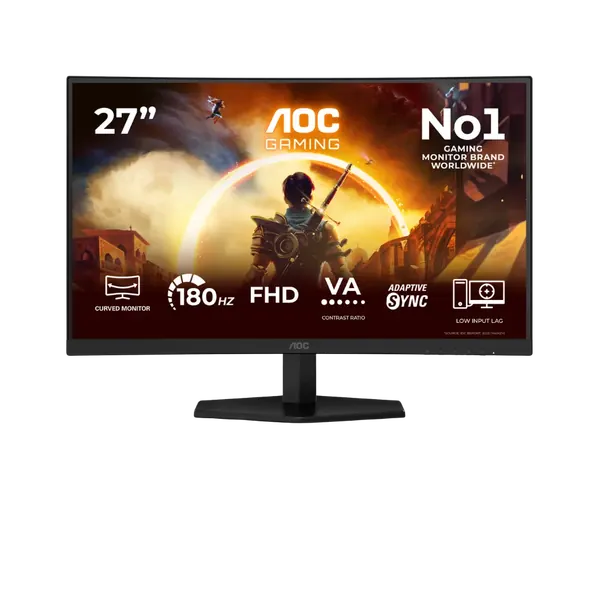
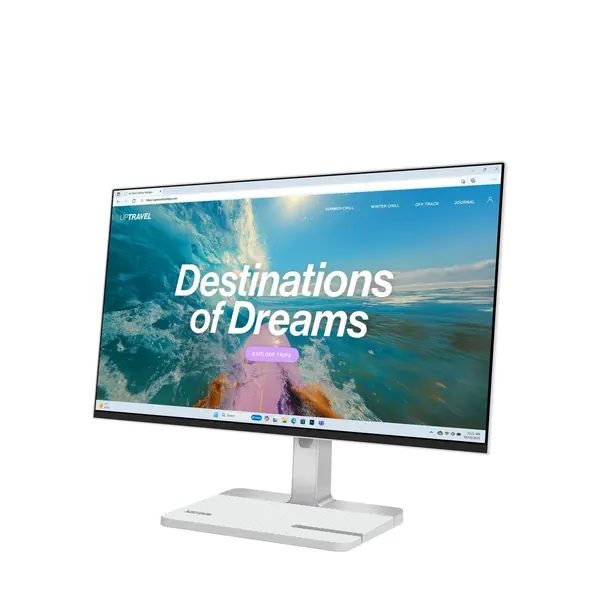
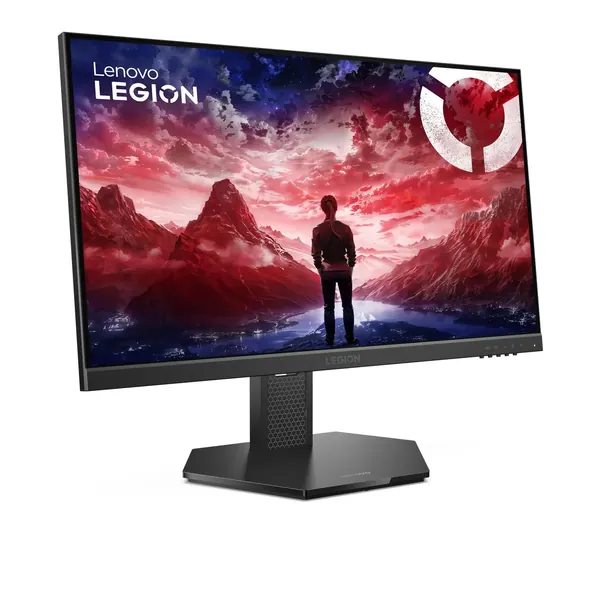


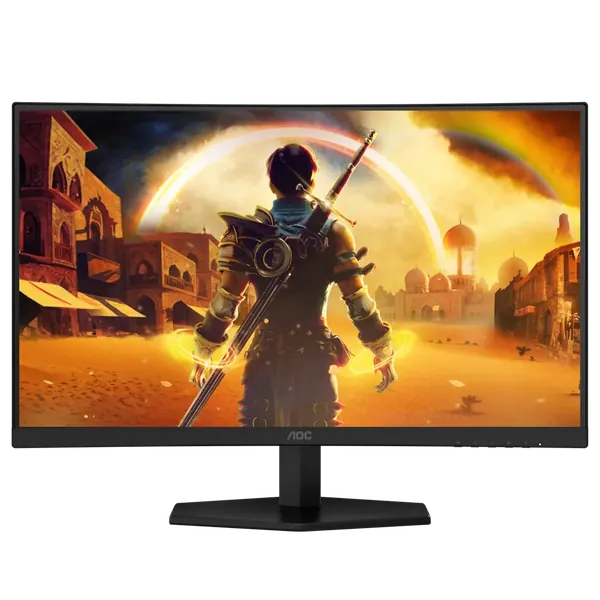

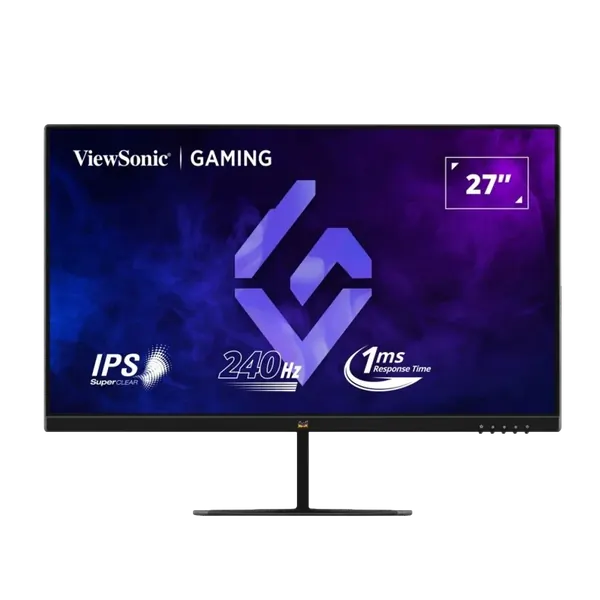


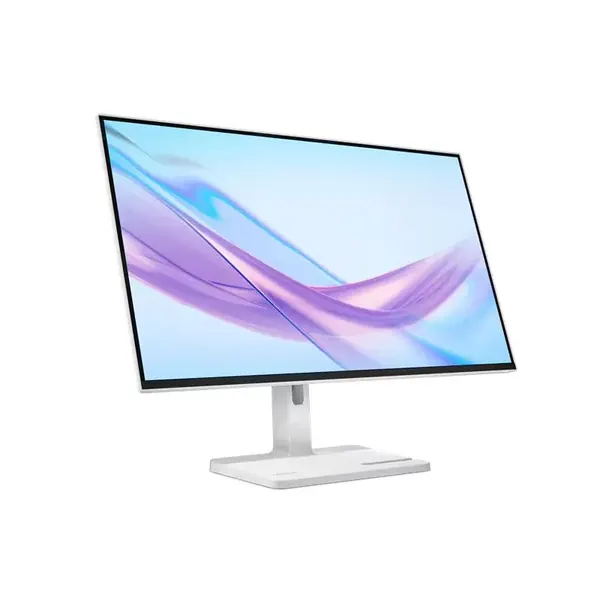

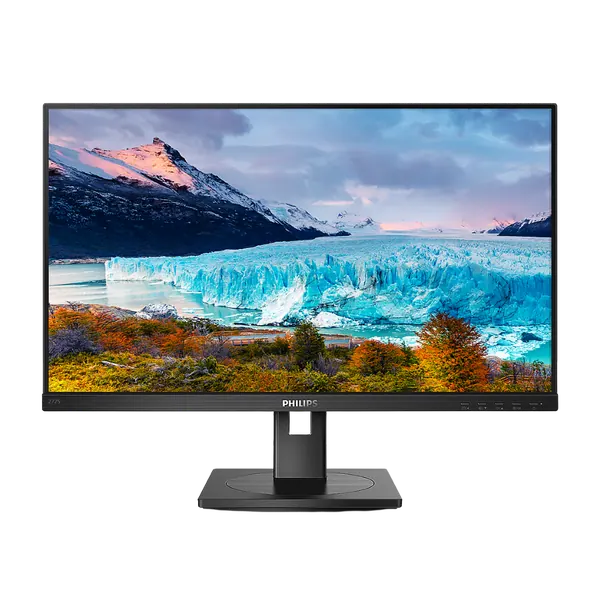


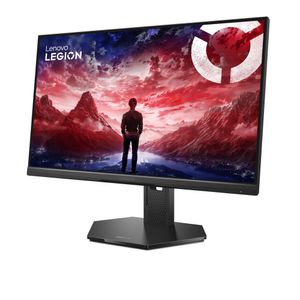
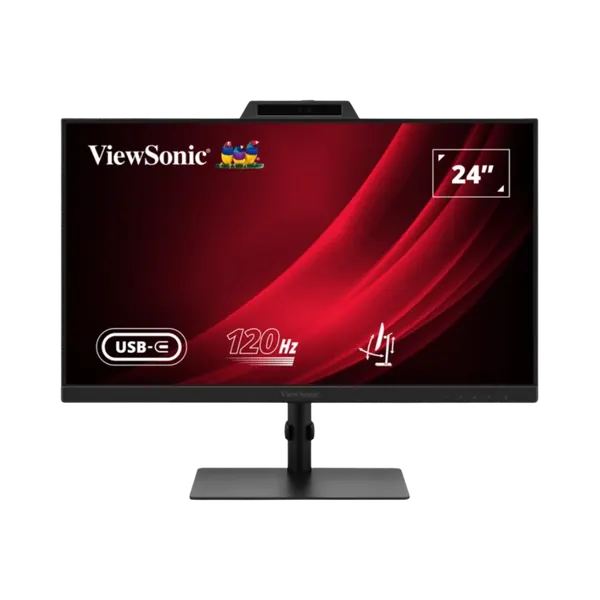

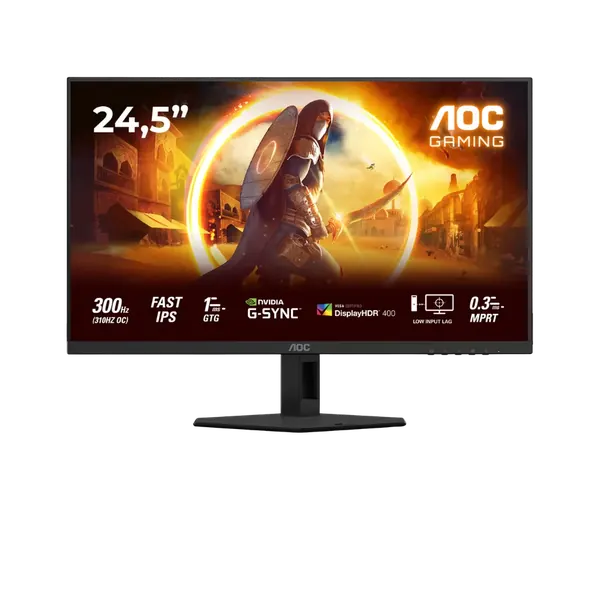
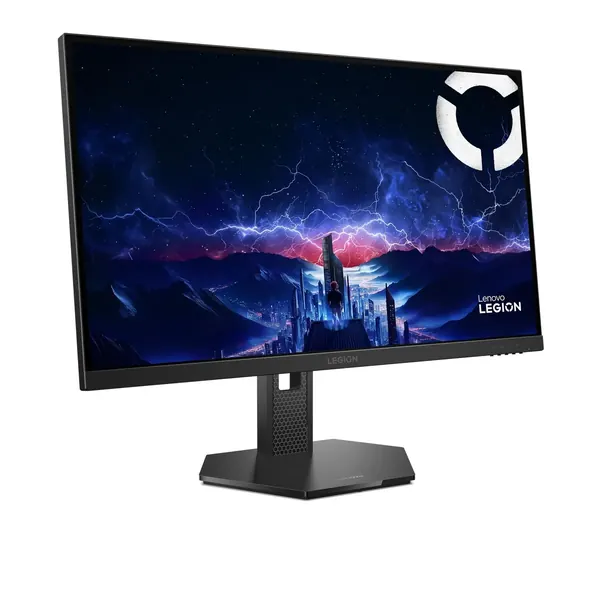

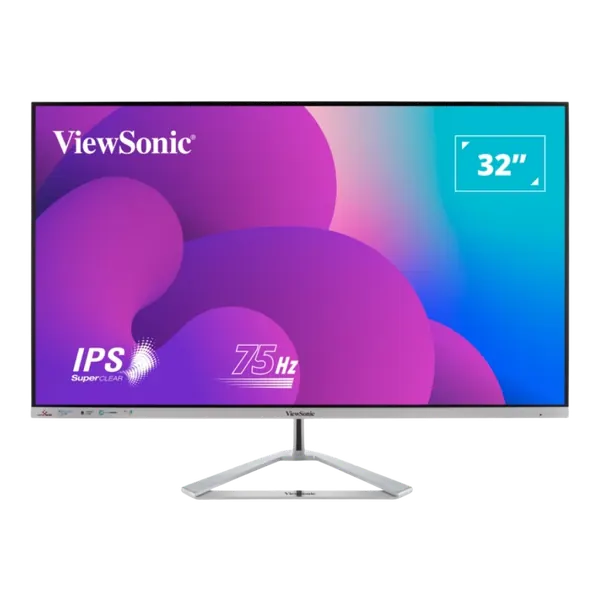

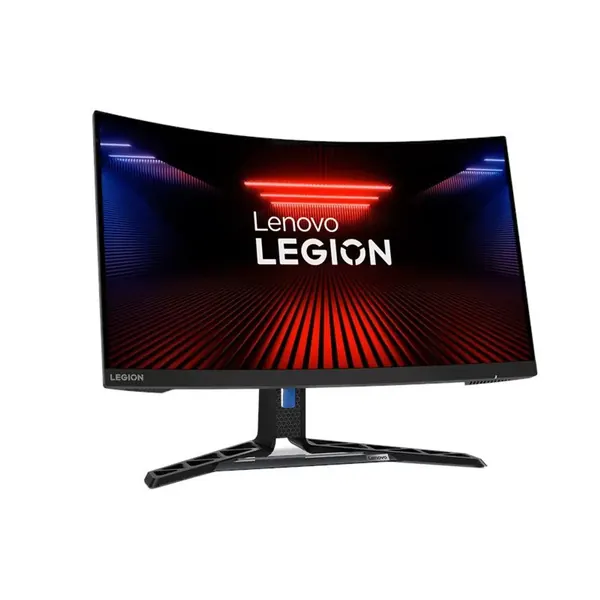
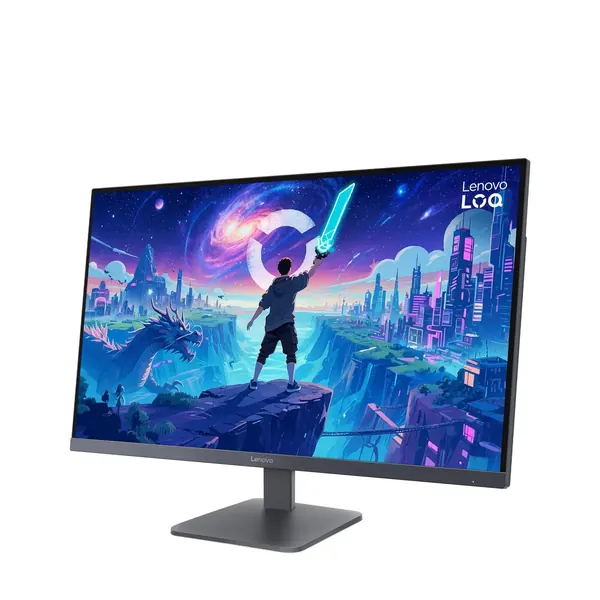
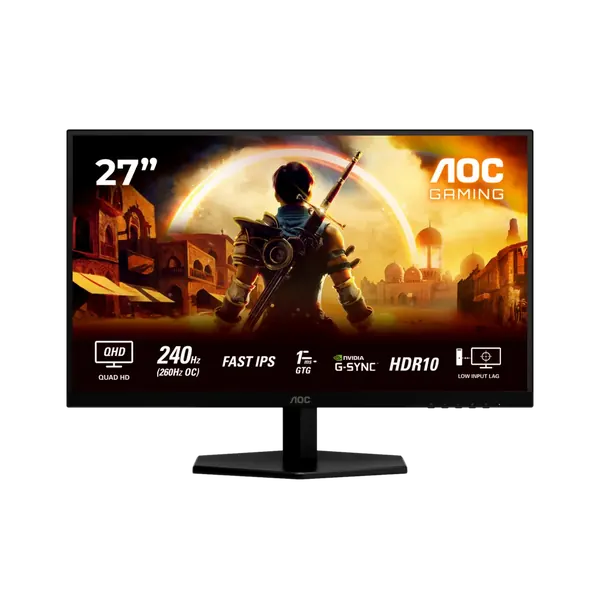
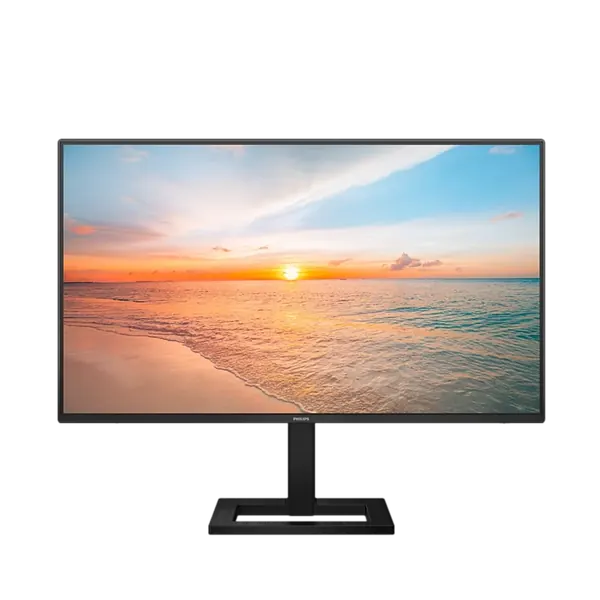
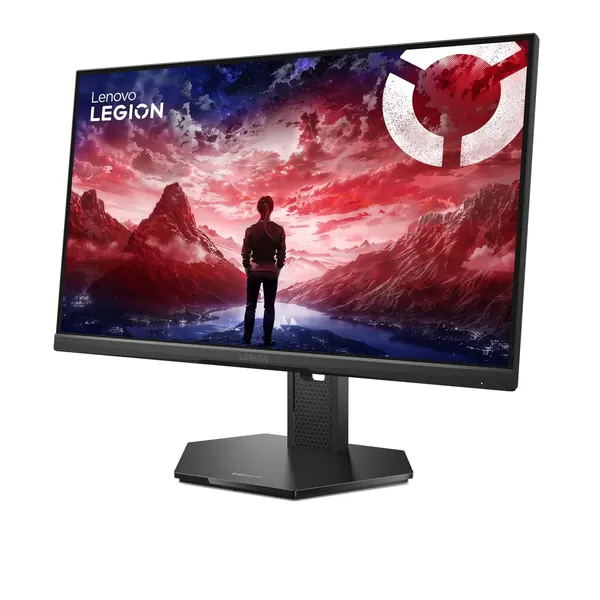

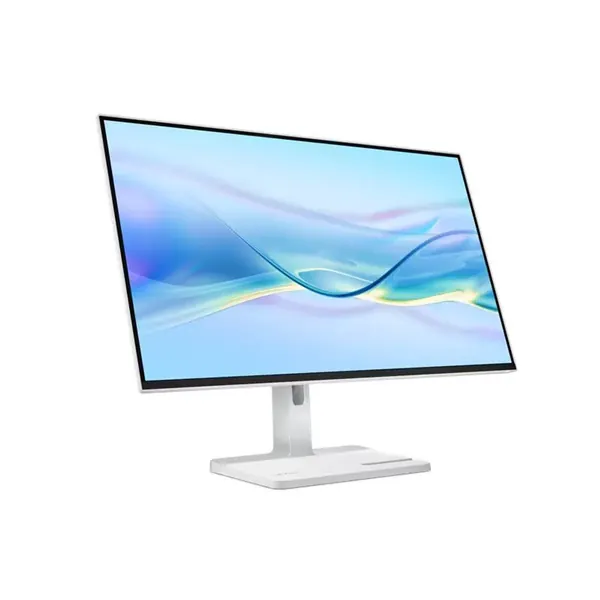
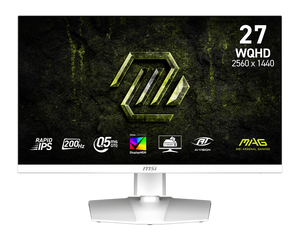
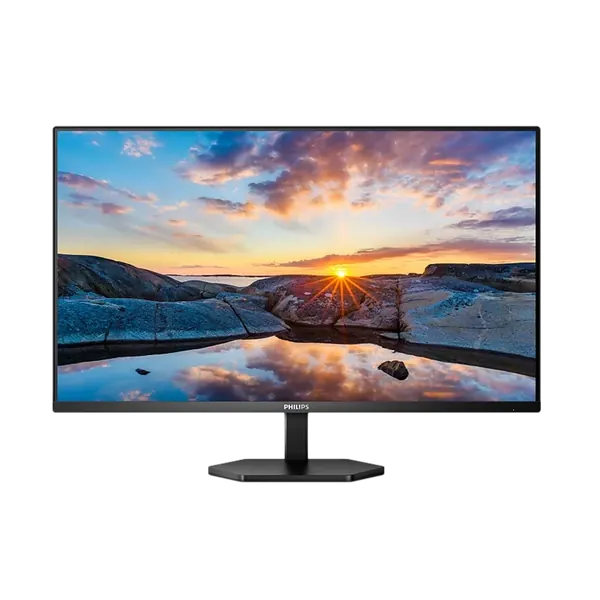


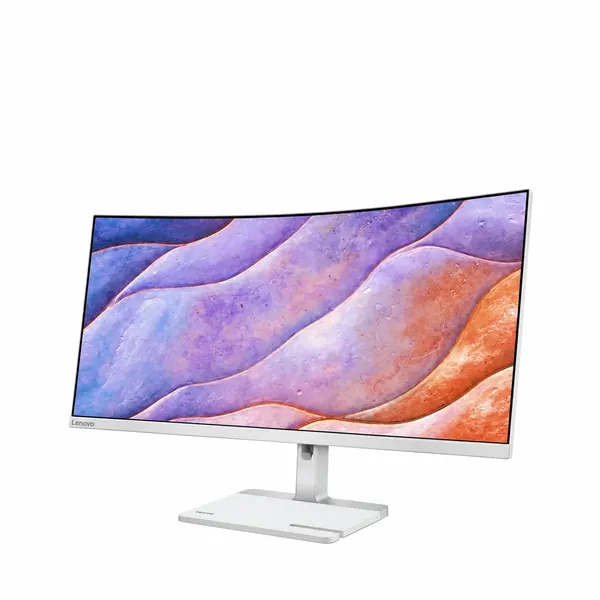
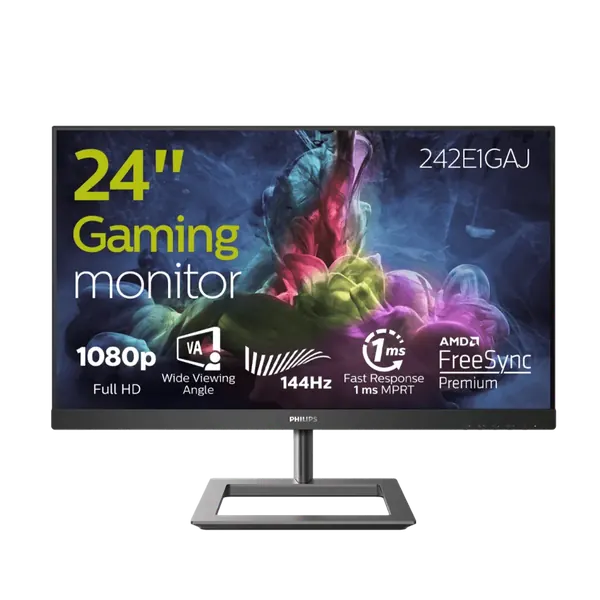
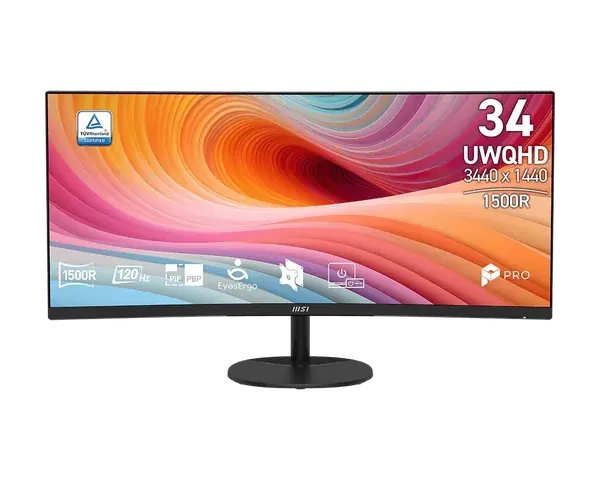
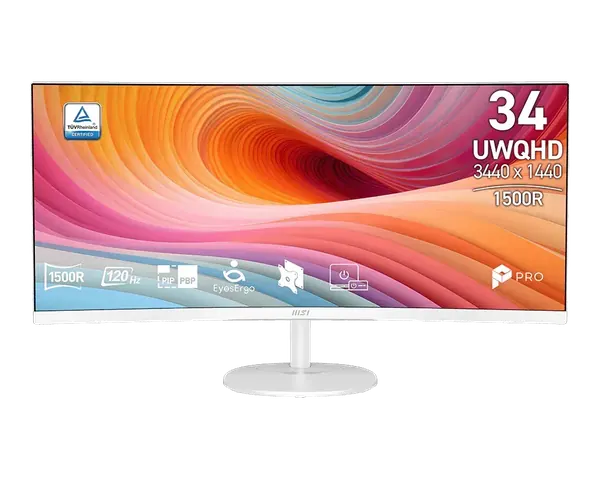
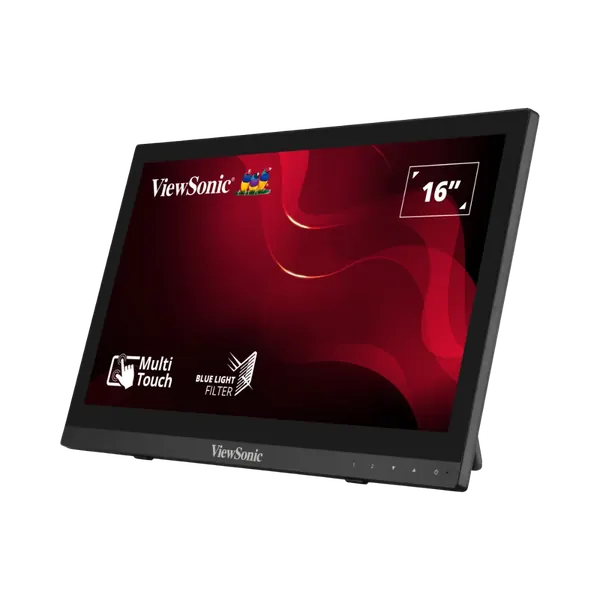
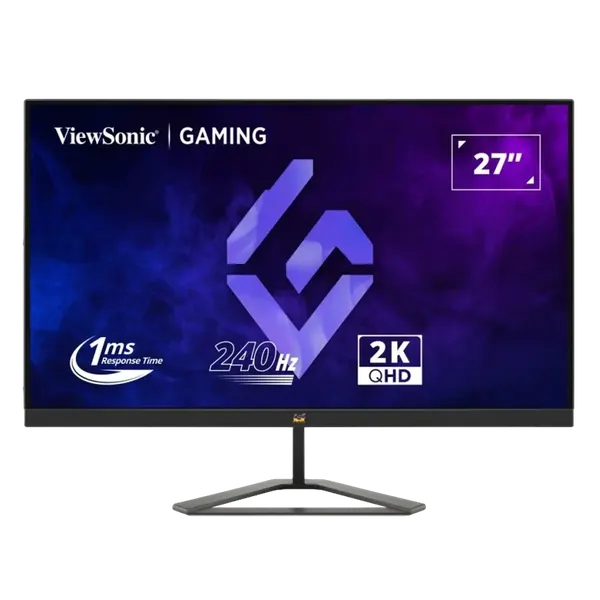
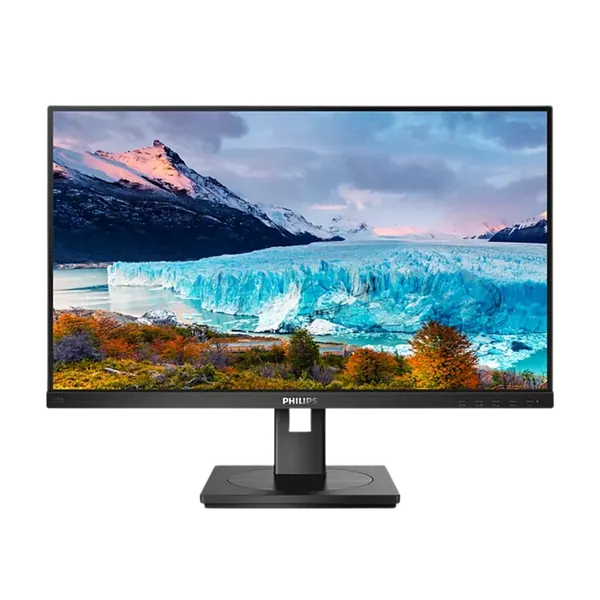
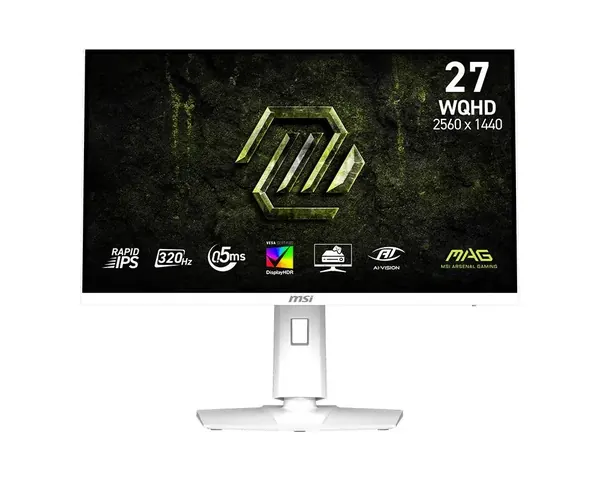


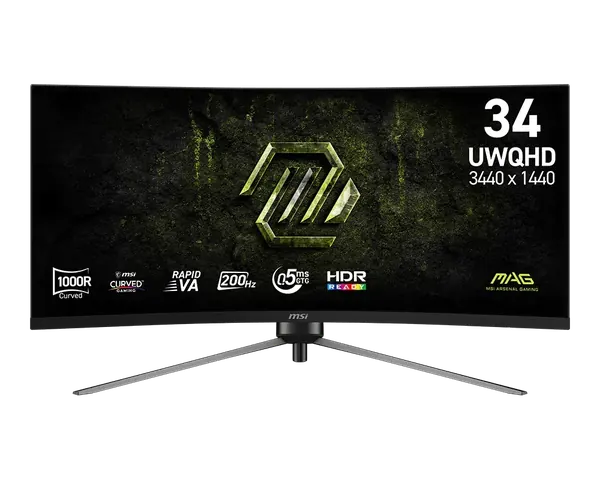
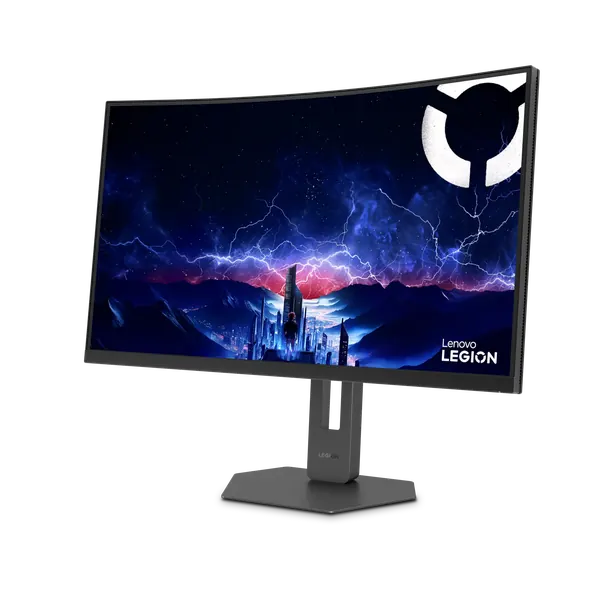

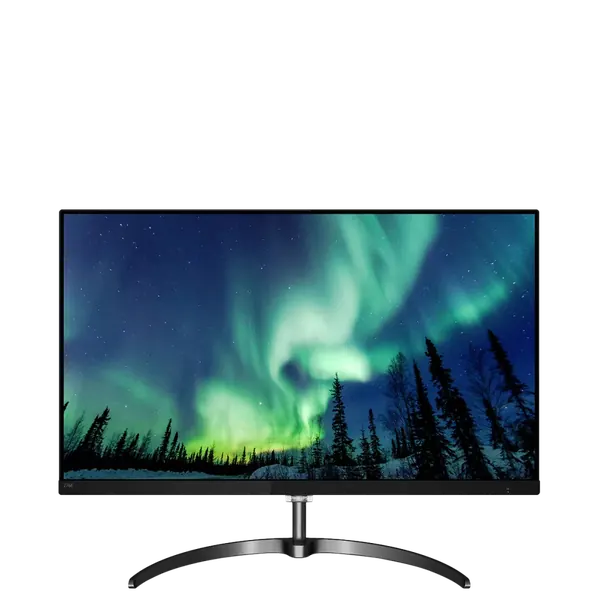
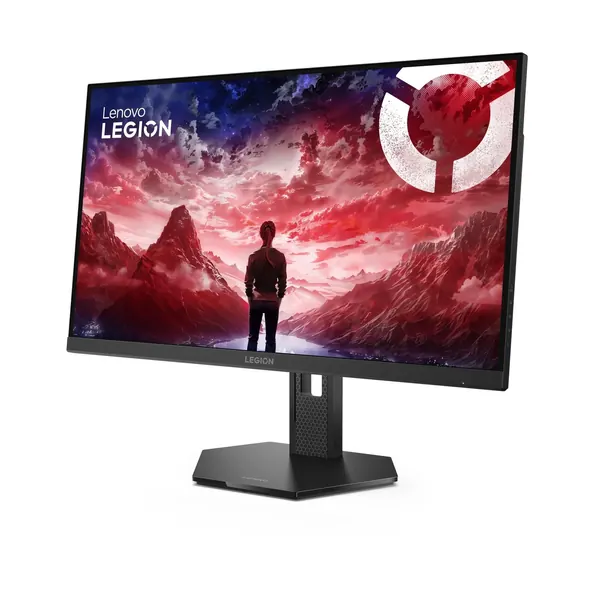


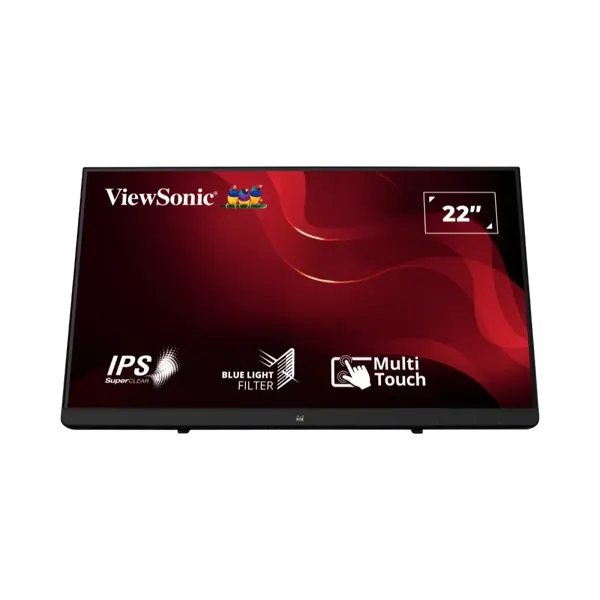


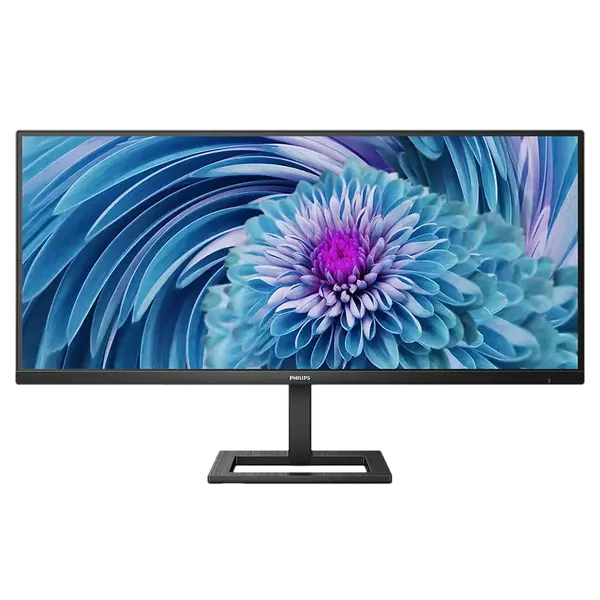

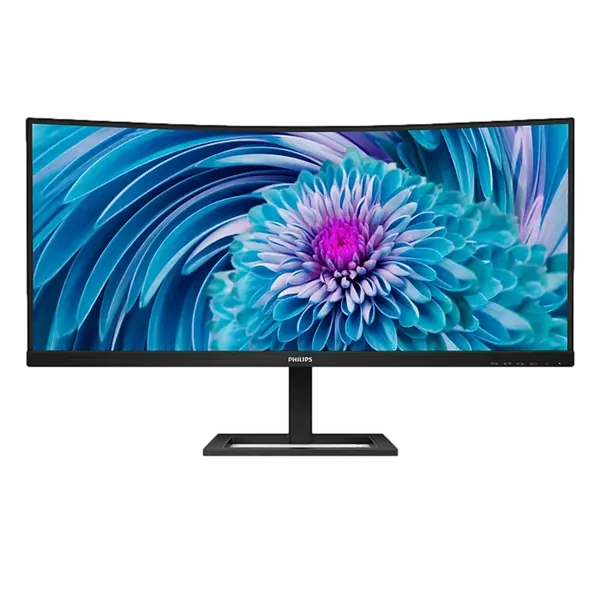


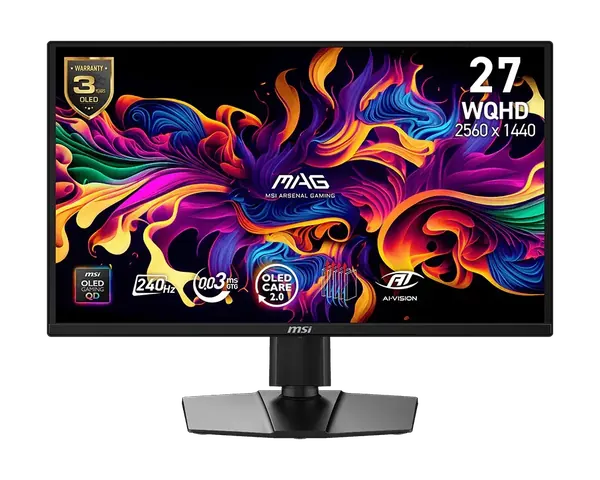

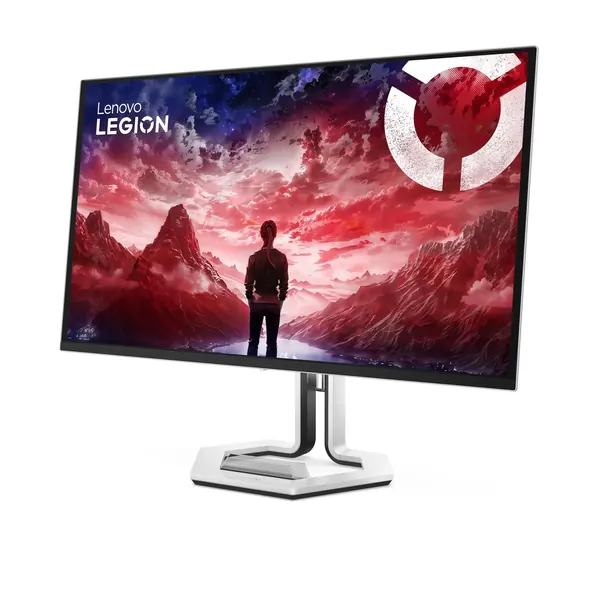
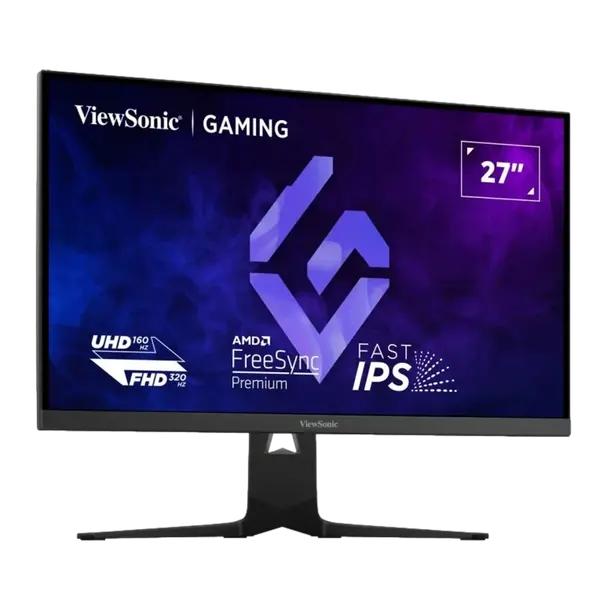


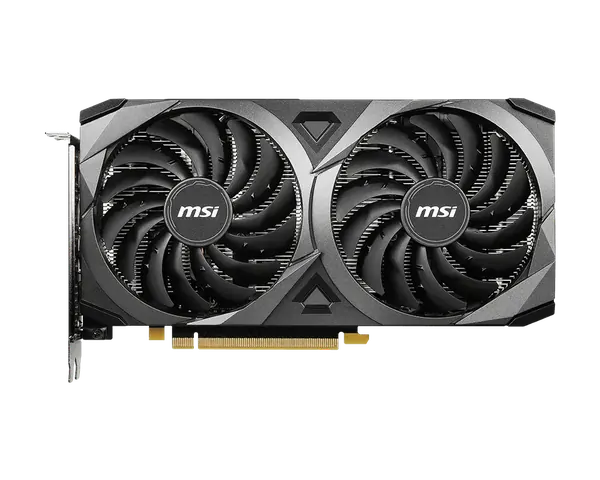


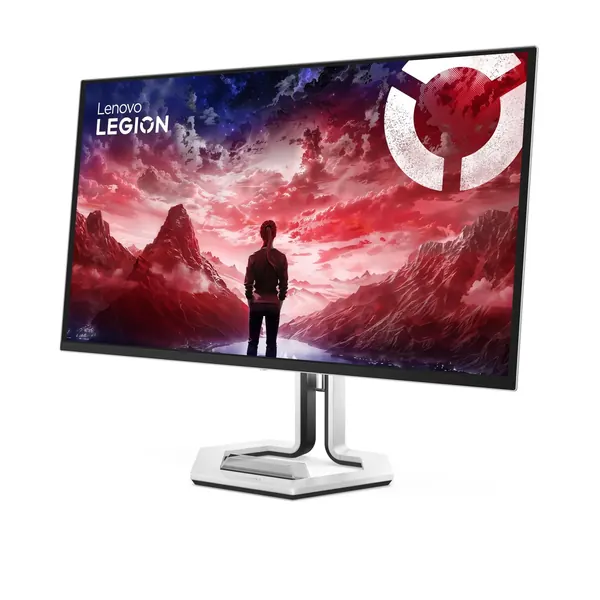
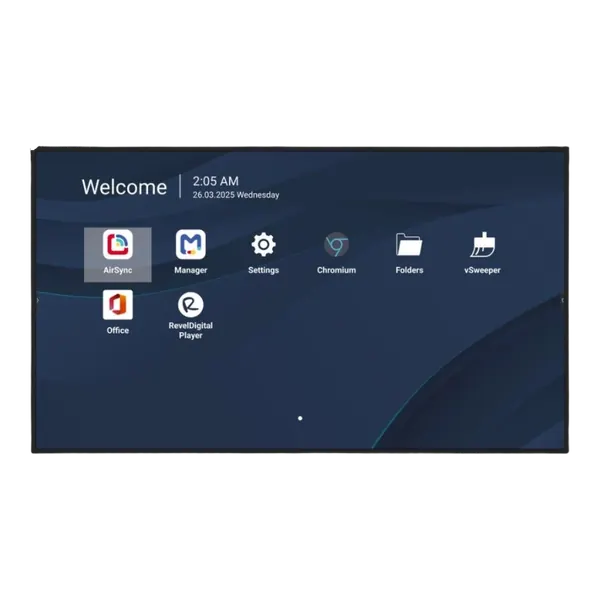


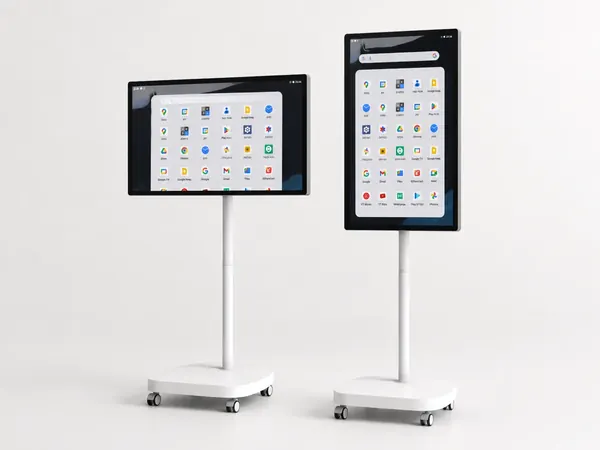
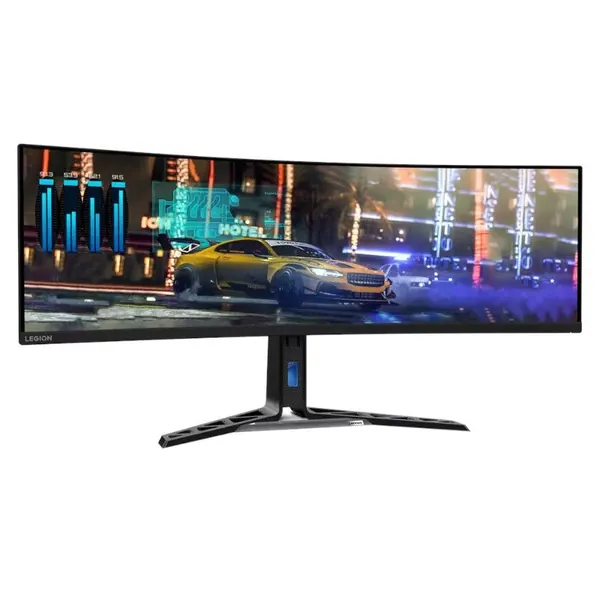




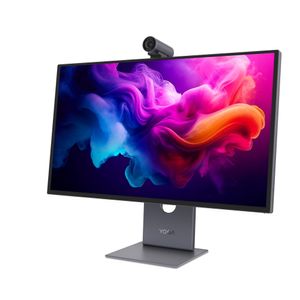
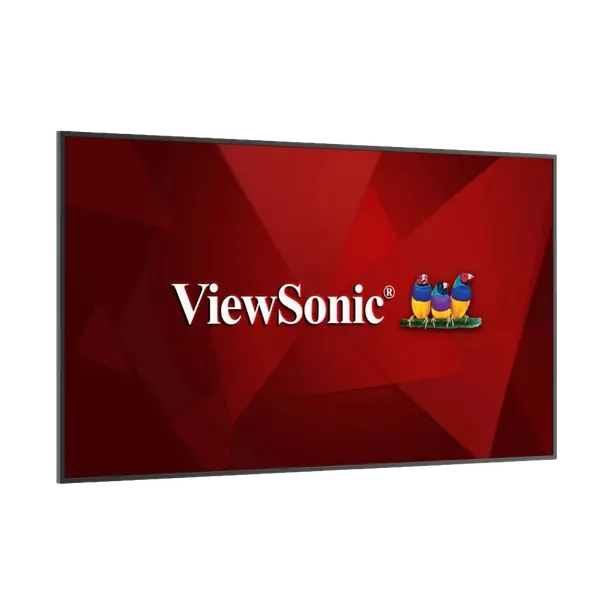


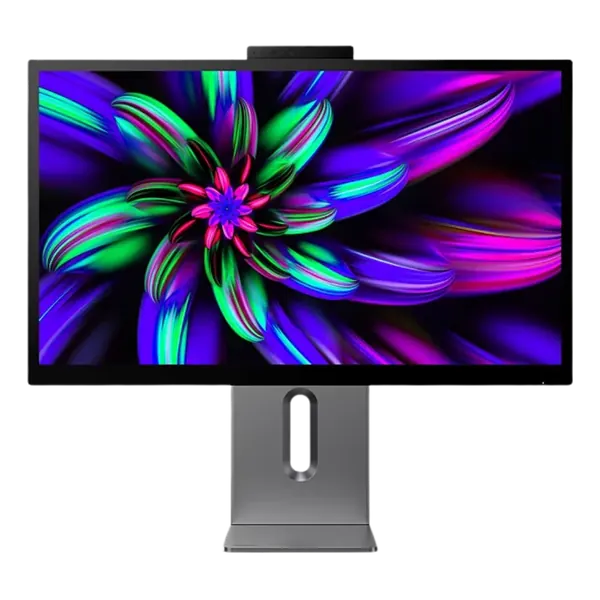
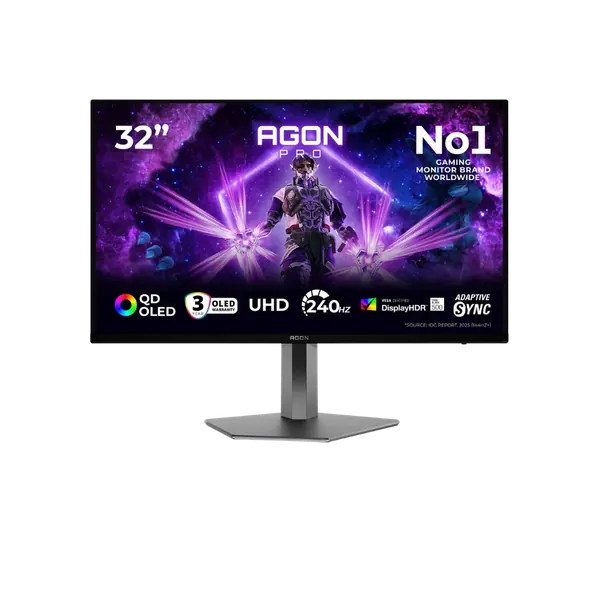

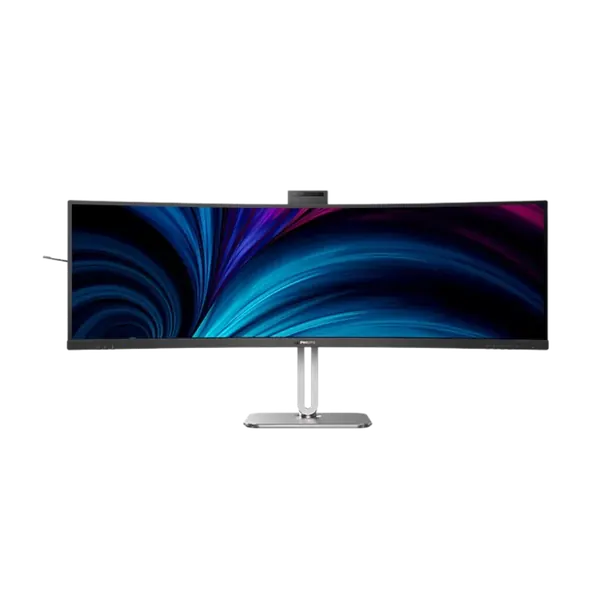


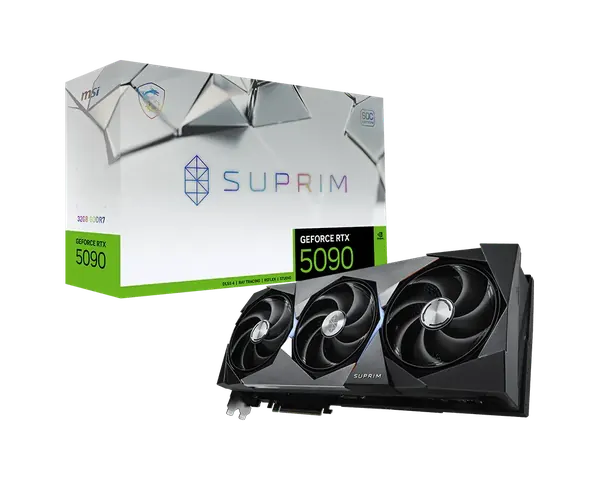


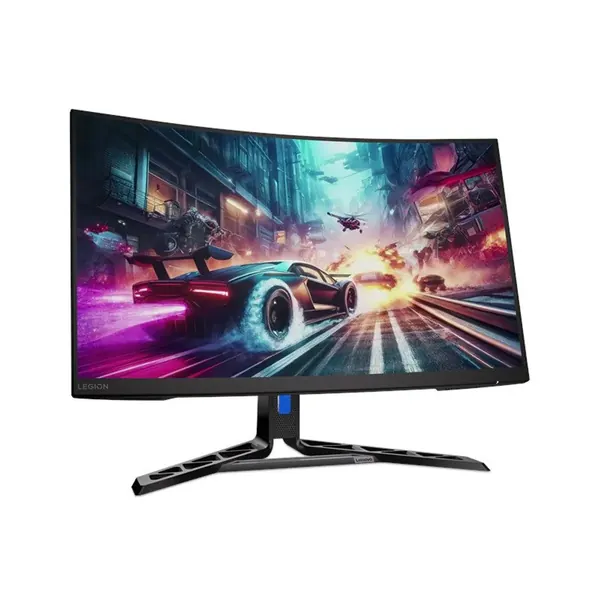


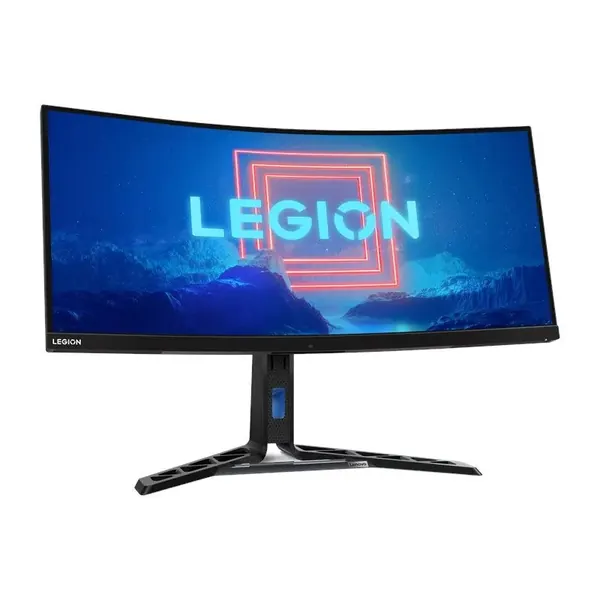


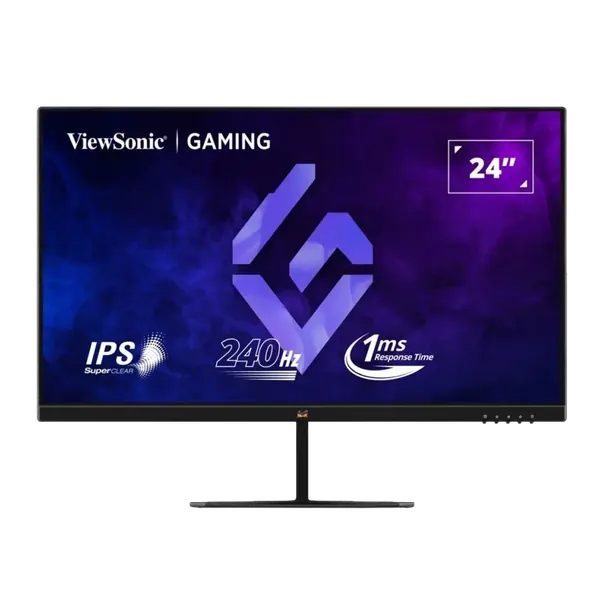
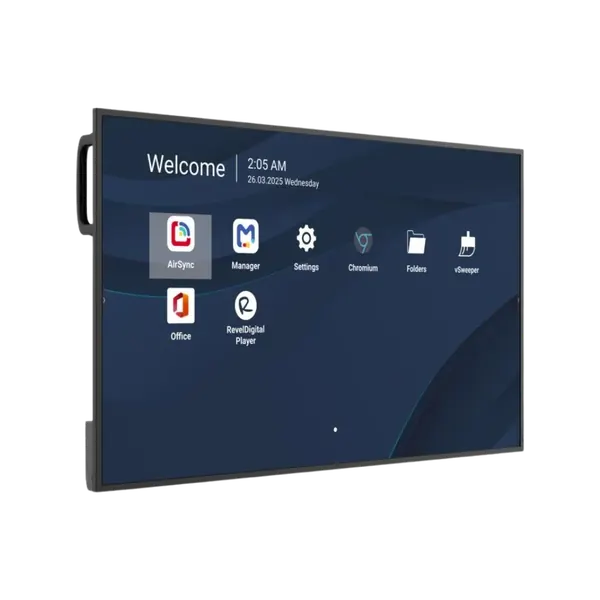
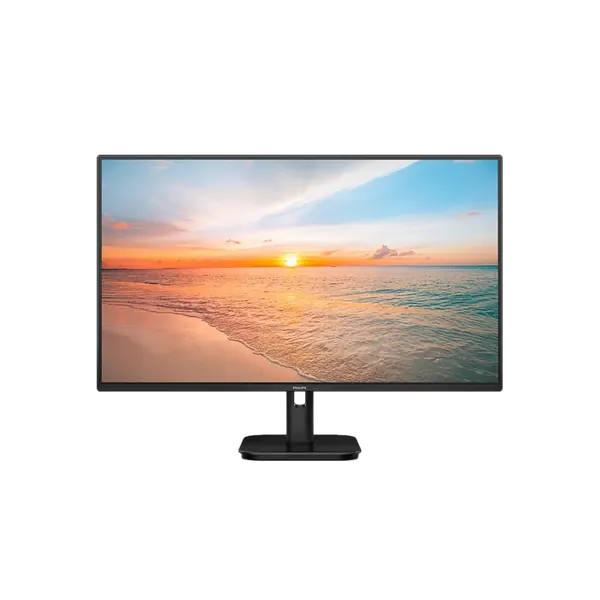
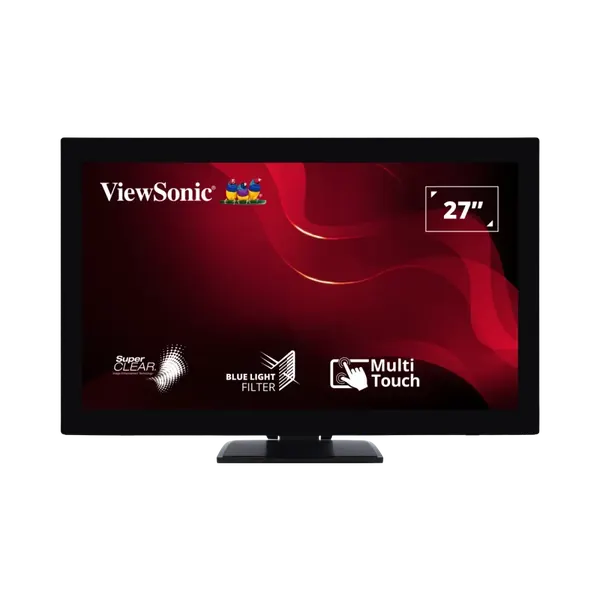
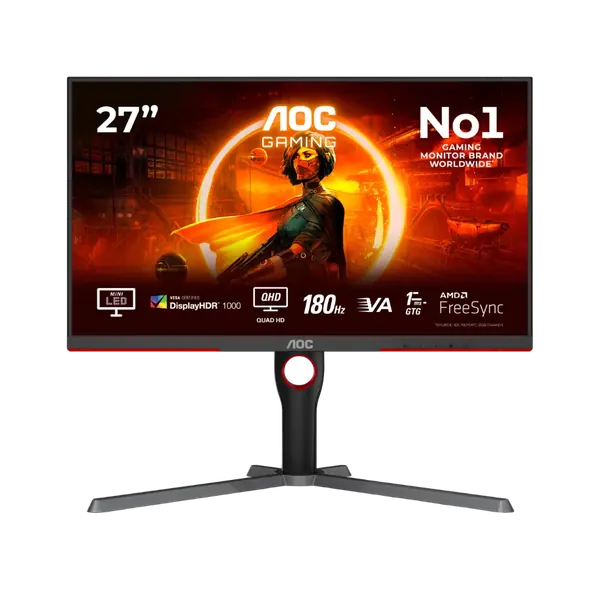
A good monitor is the upgrade you feel every day, at a fraction of the price of a new computer. We stock displays from 24 to 49 inches: office models with USB-C that carries power and network over a single cable, editing monitors with wide color coverage, and fast gaming screens. For spreadsheets, management systems and juggling many windows, two monitors or one ultrawide save more time than any other trick. We will also fit an arm or stand, and tell you honestly if one screen is enough.
Related: Docking stations and monitor arms · Graphics cards for fast monitors · By industry: IT for architecture and design firms
Not sure what fits? Describe the work to us and we'll recommend a model. You can also read about managed IT services for companies.
A 24 inch Full HD monitor suits regular office work. At 27 inches choose QHD, and 4K for editing and design. An ultrawide monitor of 34 inches or more can replace two monitors.
IPS gives accurate colour and wide viewing angles. VA gives high contrast and deep blacks. OLED combines both and suits gaming and viewing, and for work with a static image for hours, check the warranty terms for burn in.
For office work 60 to 100Hz is enough. In gaming, 144Hz and above is felt immediately, provided the graphics card can deliver the frames. G-Sync or FreeSync support prevents screen tearing.
With a laptop, choose a USB-C monitor that carries picture, data and charging over one cable, and on some models the network too. A height adjustable stand and VESA support let you fit a monitor arm.