
TP-Link
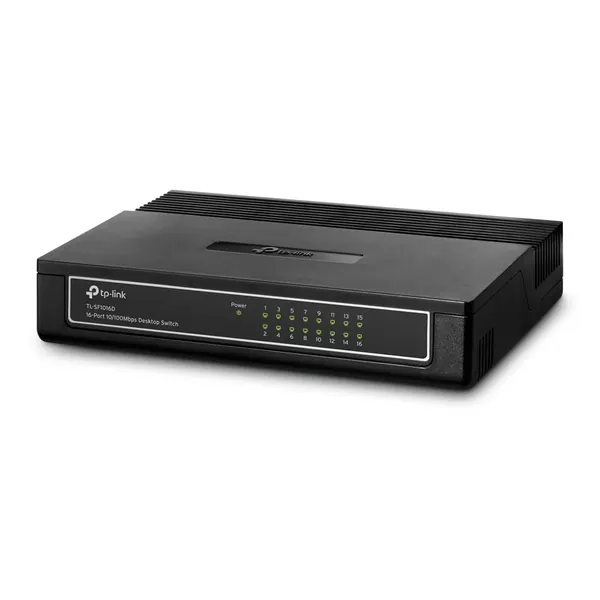
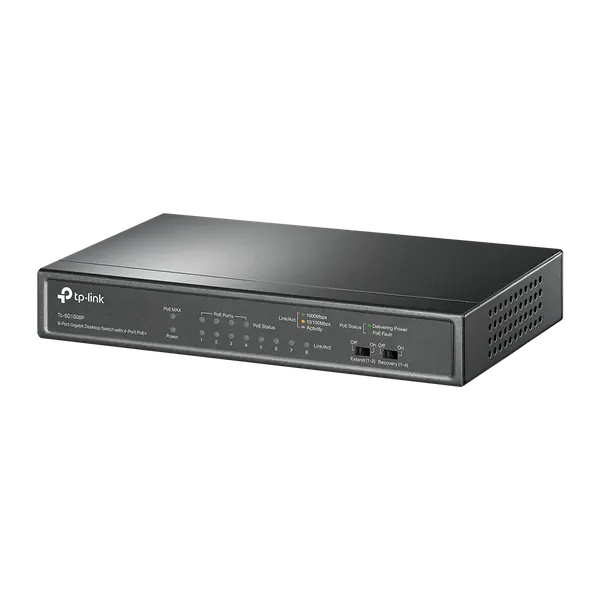
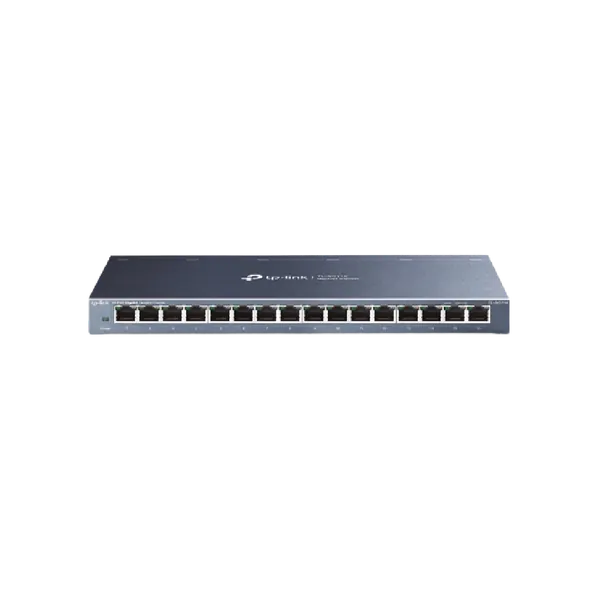
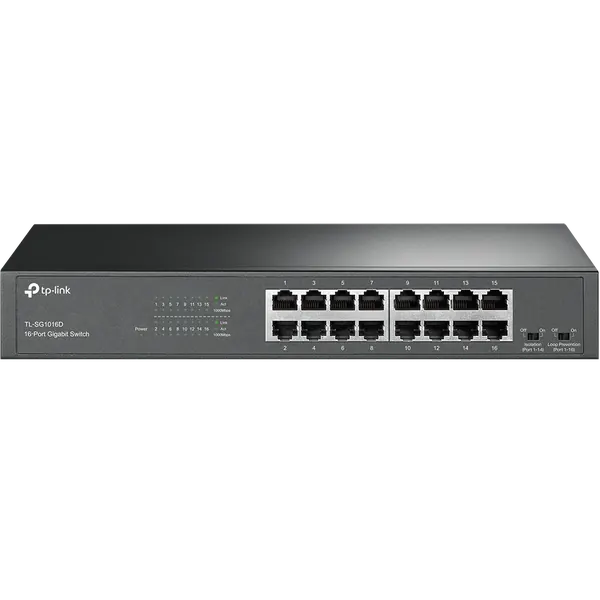
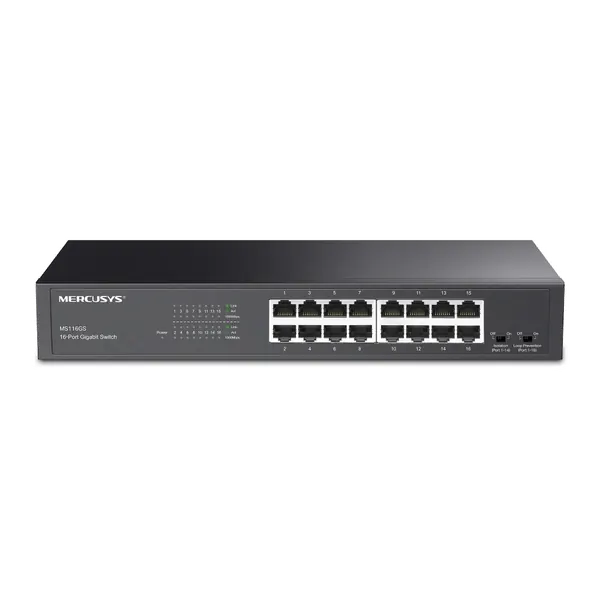
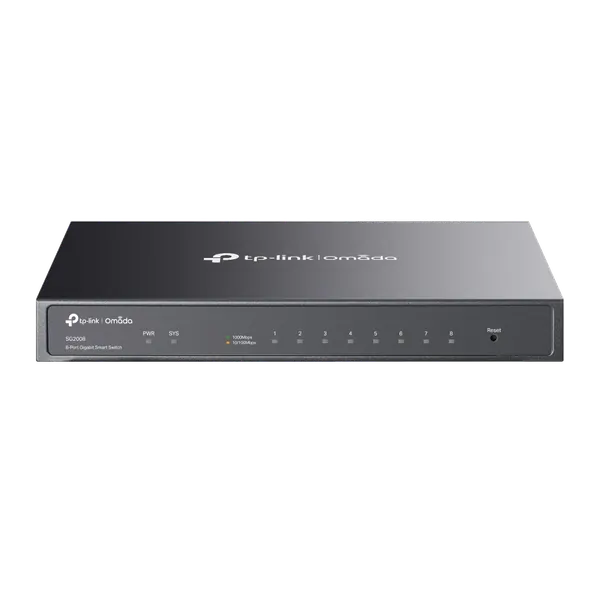
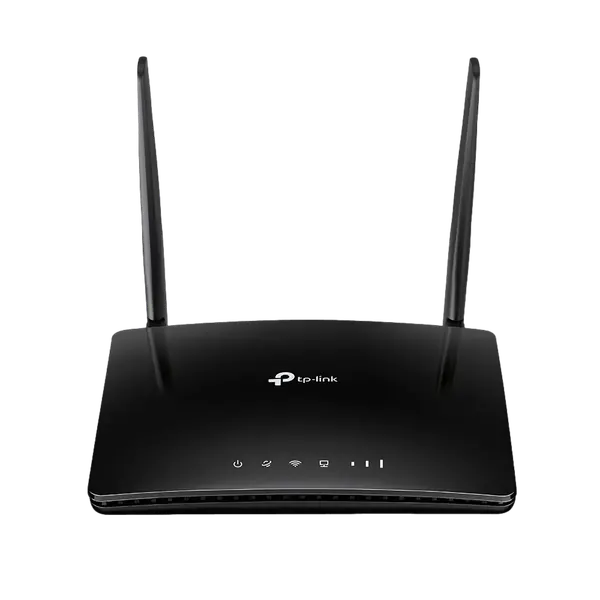
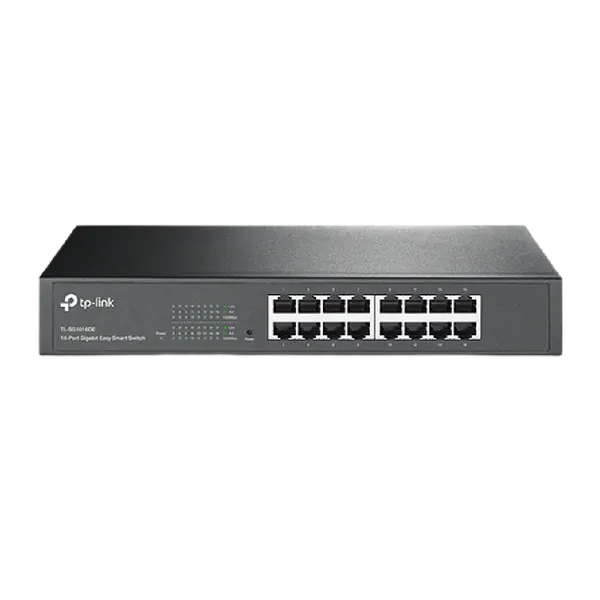
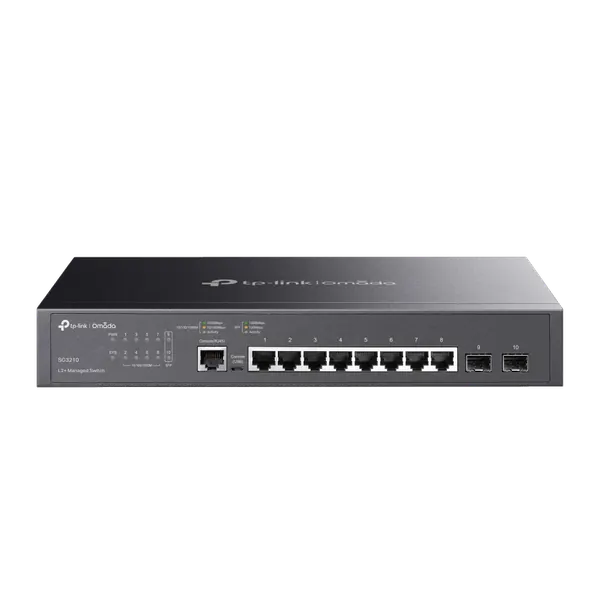
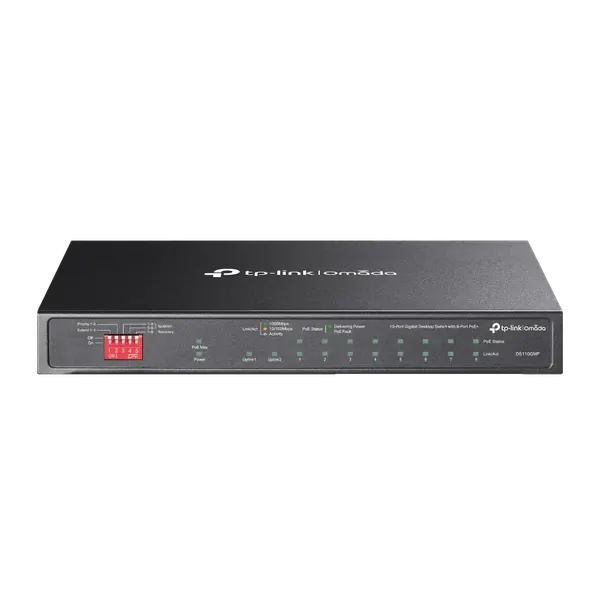
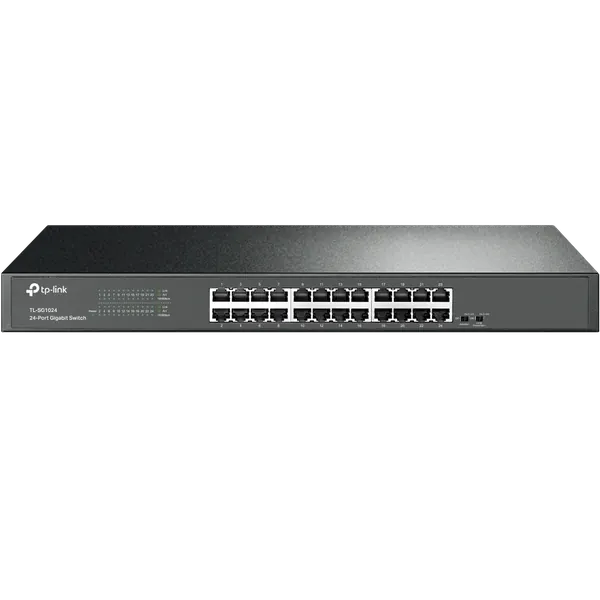
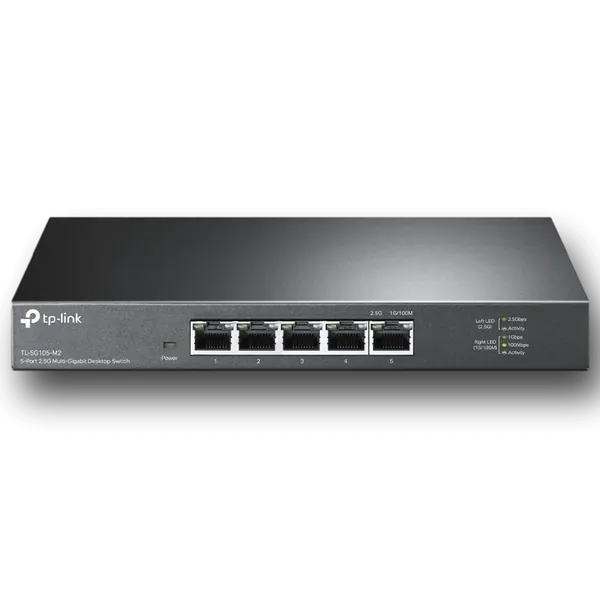
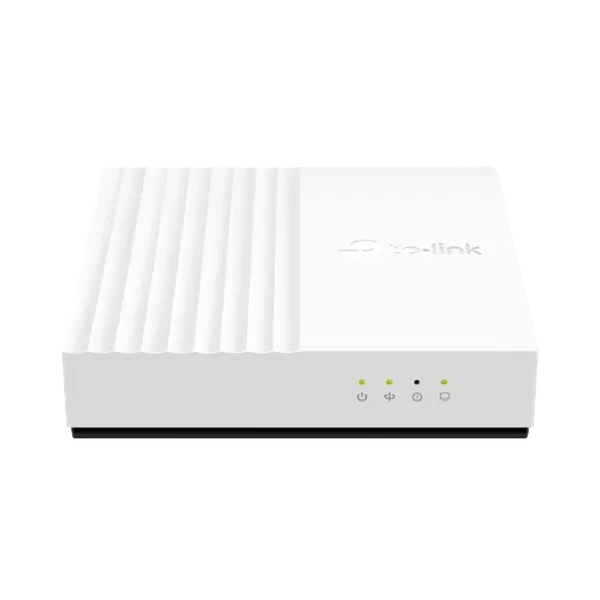
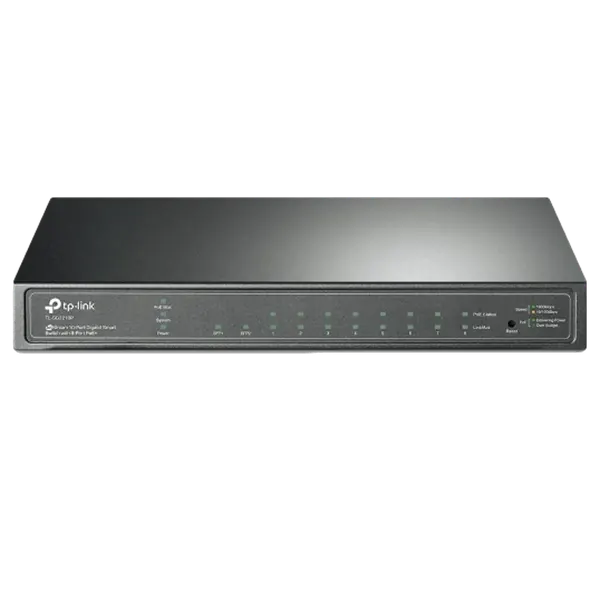
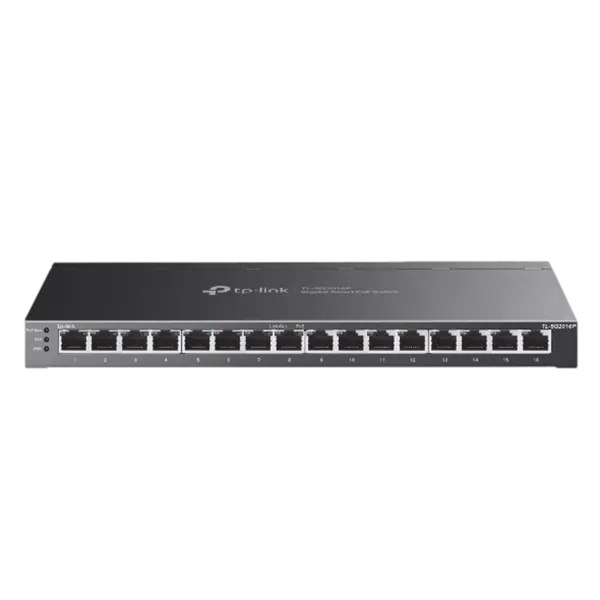
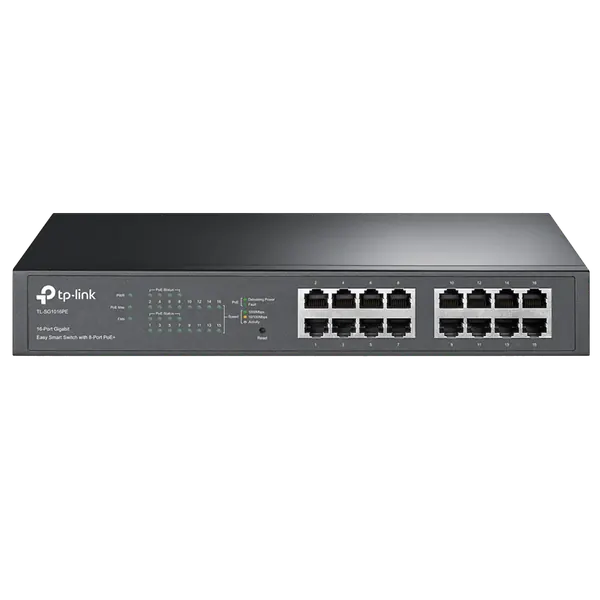
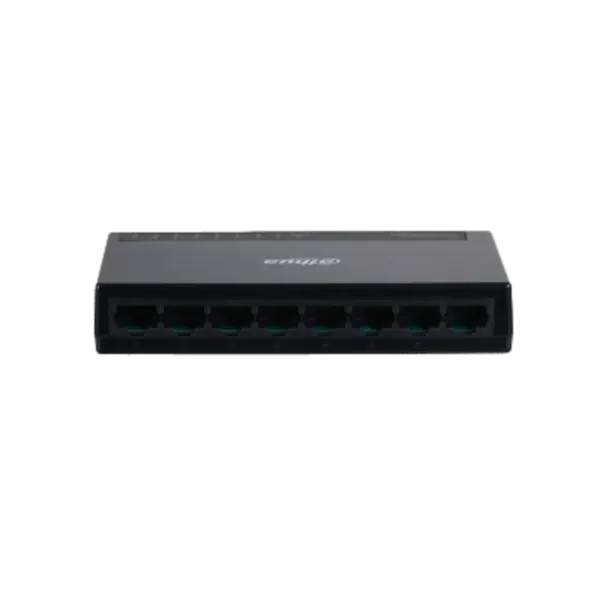
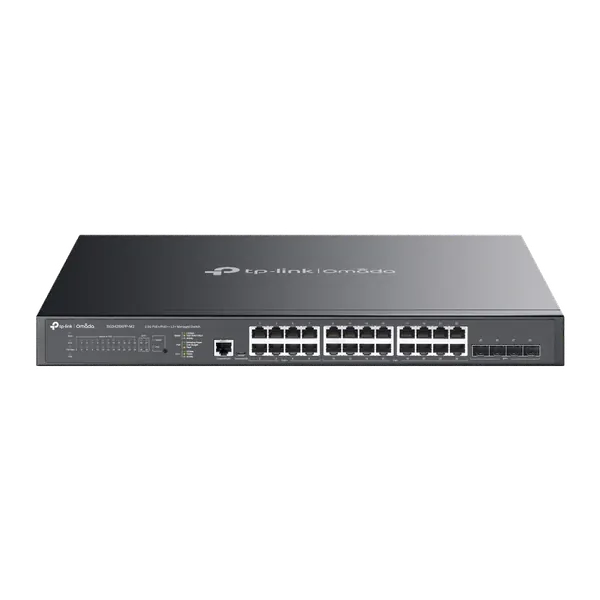
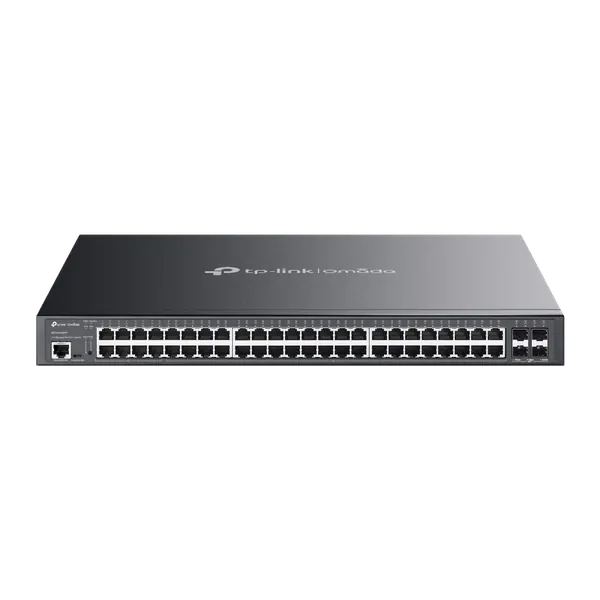
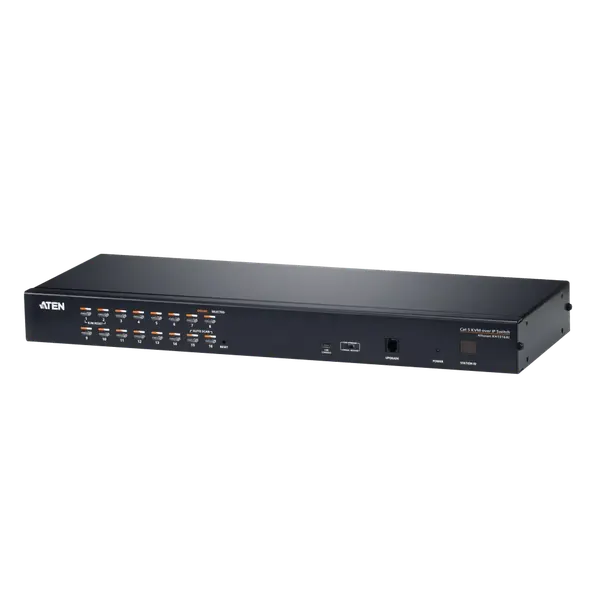
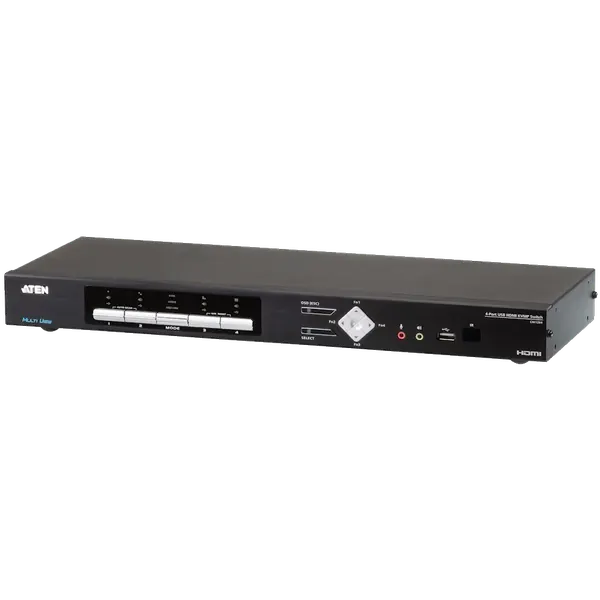
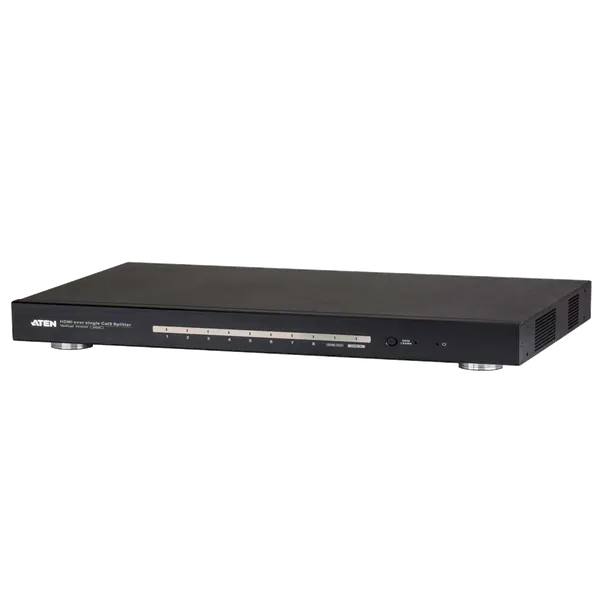
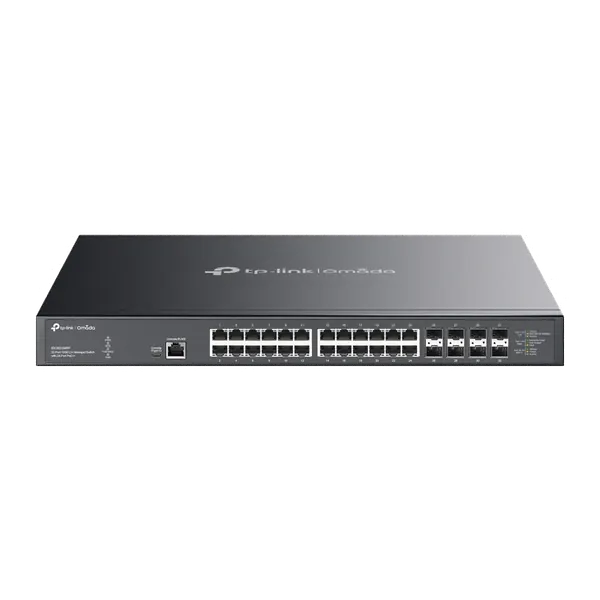
TL-SF1016D 16-Port Switch מבית TP-LINK
SKU: 99360-101-16In stock₪150before VAT
Including VAT: ₪177Order on WhatsAppSwitches, routers and access points, configured for your office network. Importer prices, before VAT. Order on WhatsApp.
Our own lab · Installation at your office · Official importer warranty
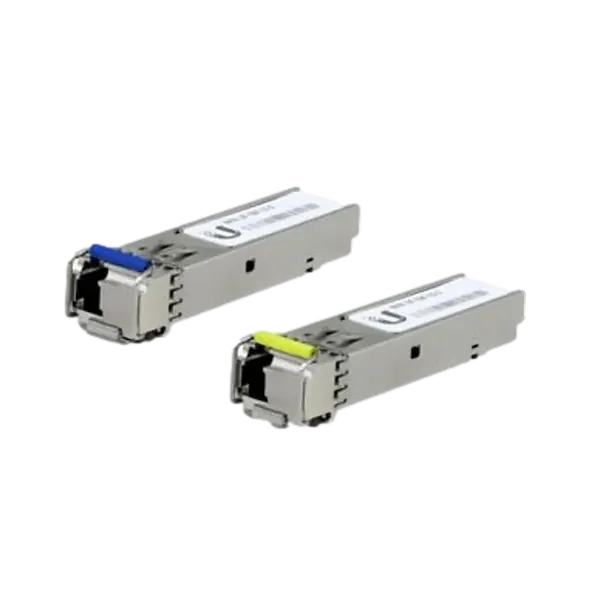
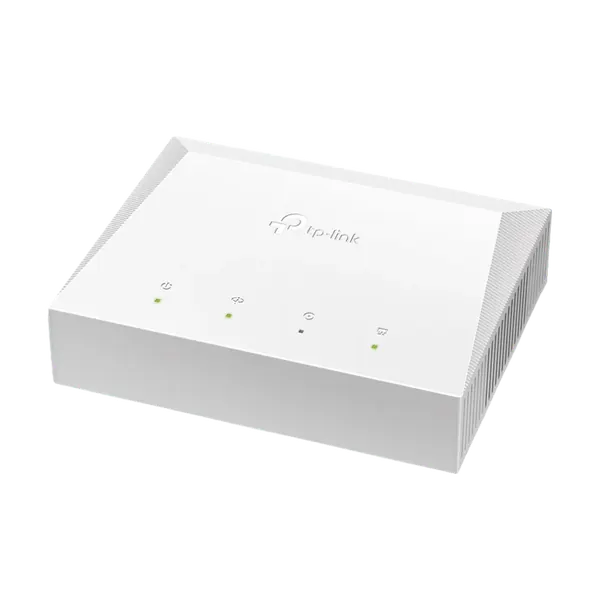
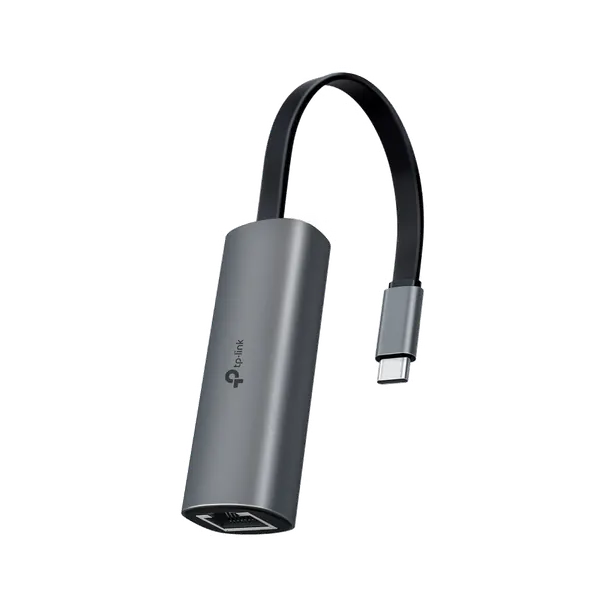
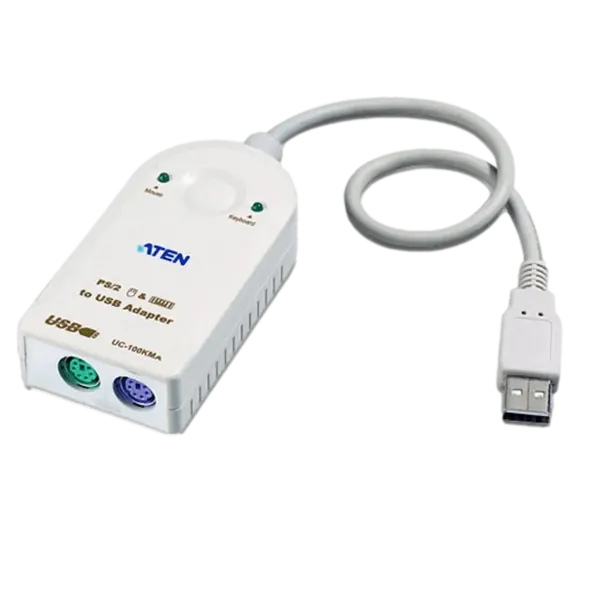

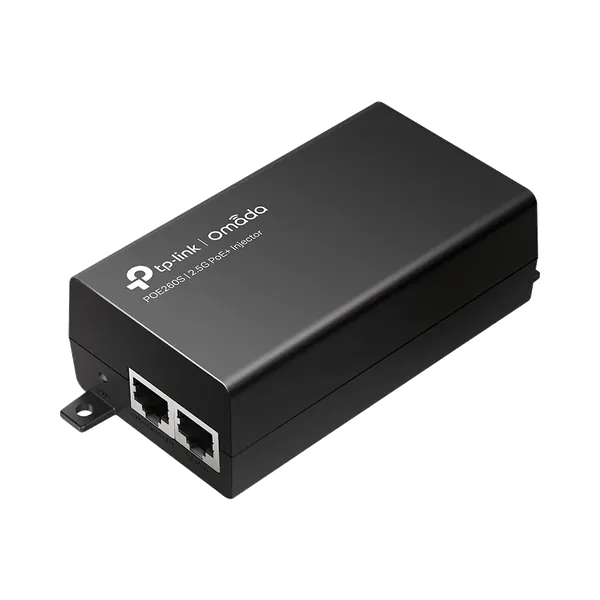
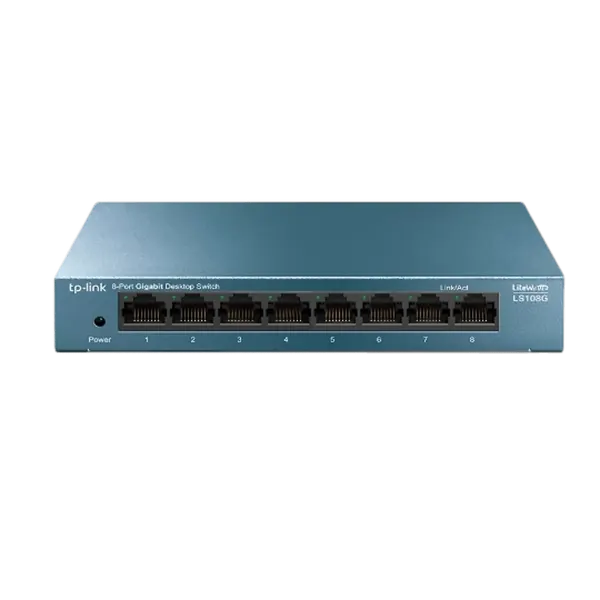
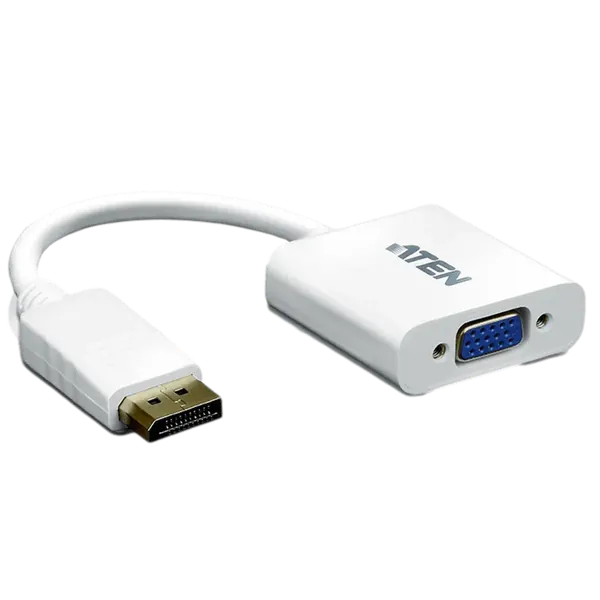
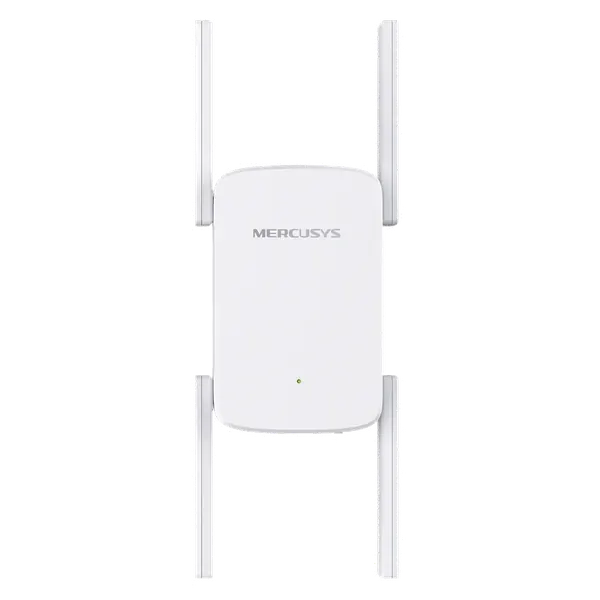
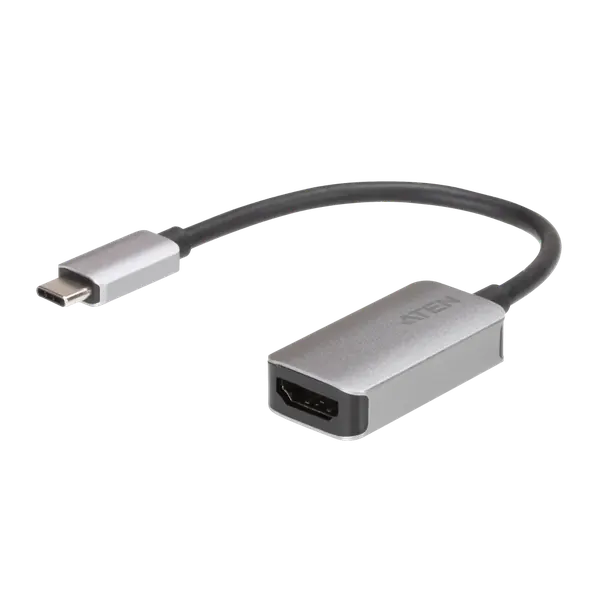
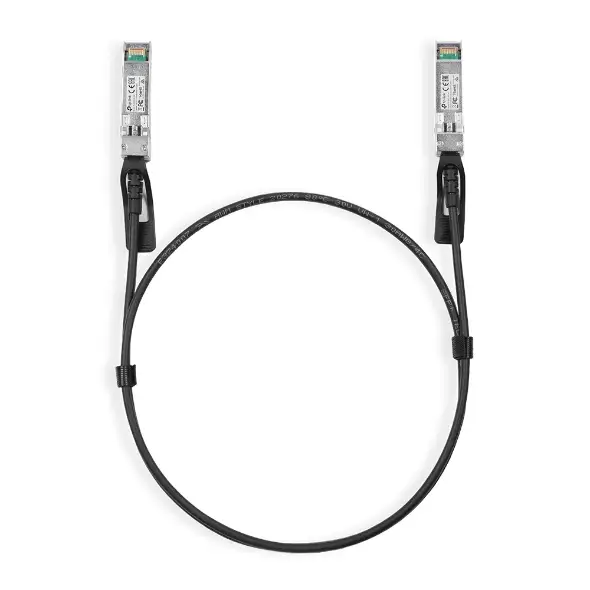
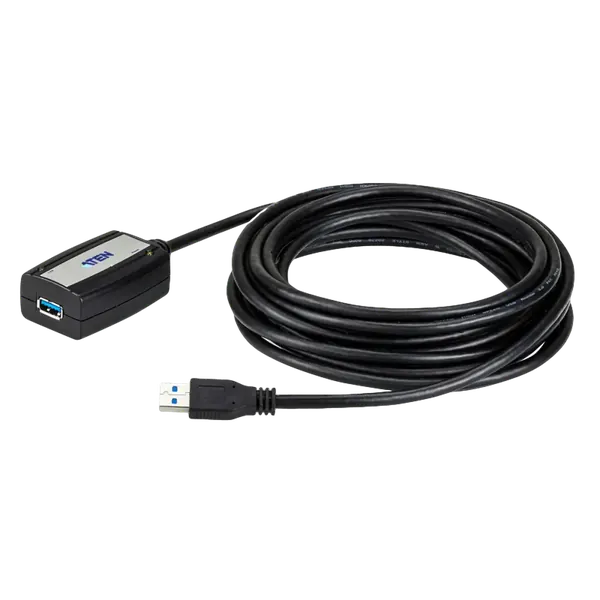
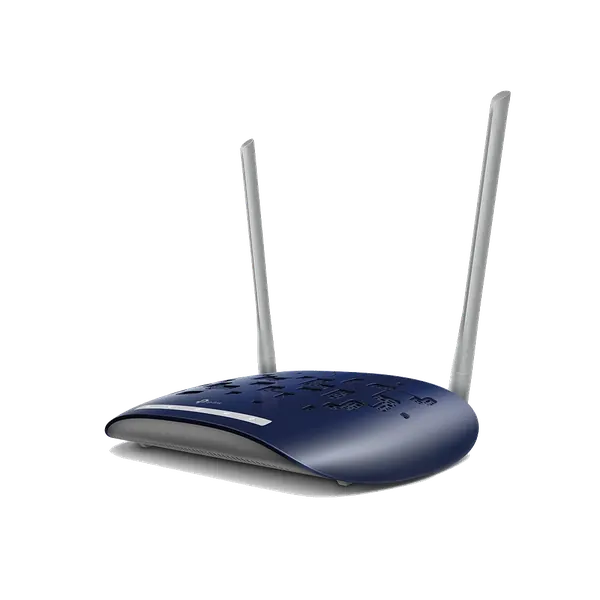
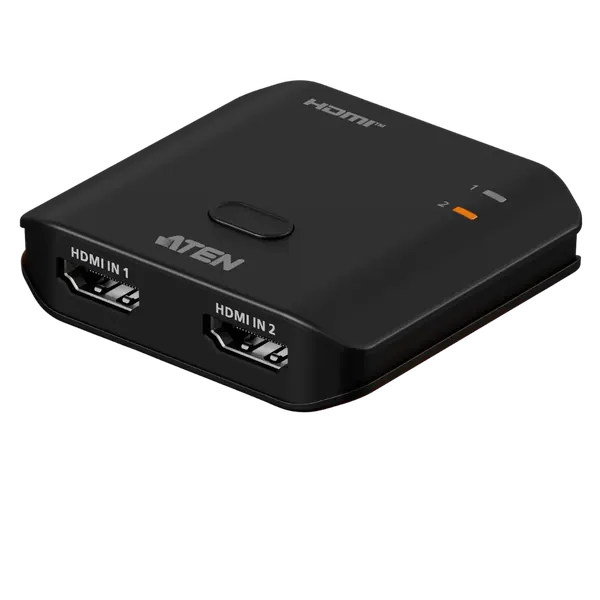
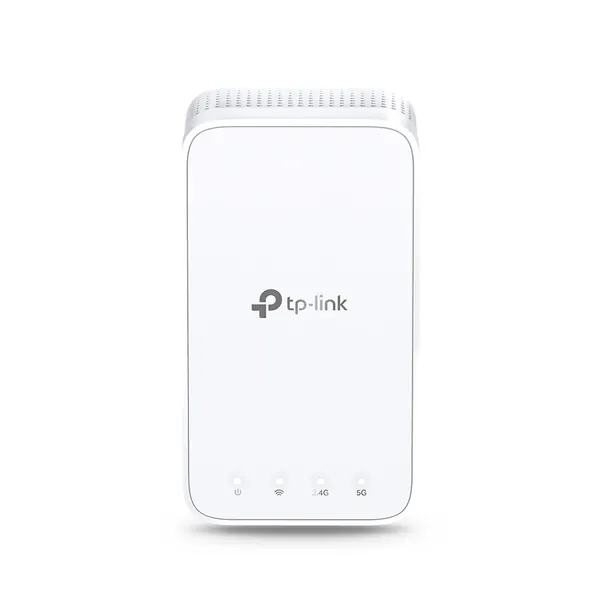
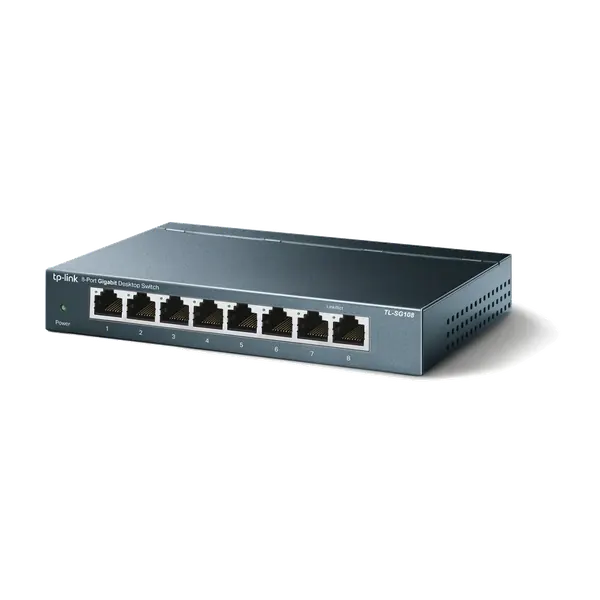
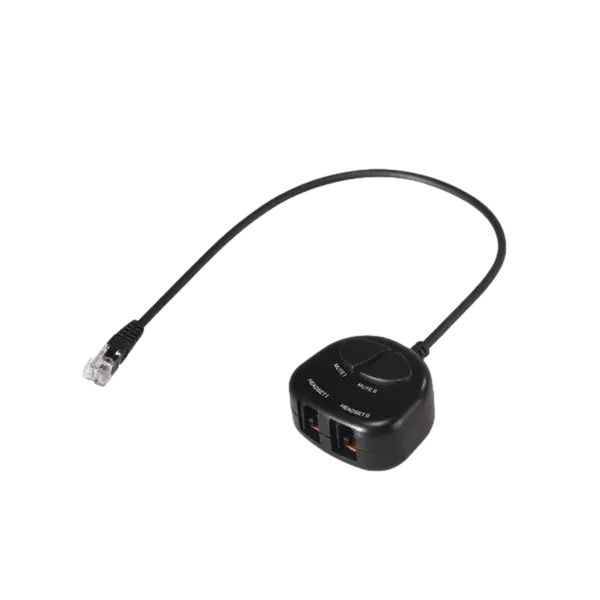
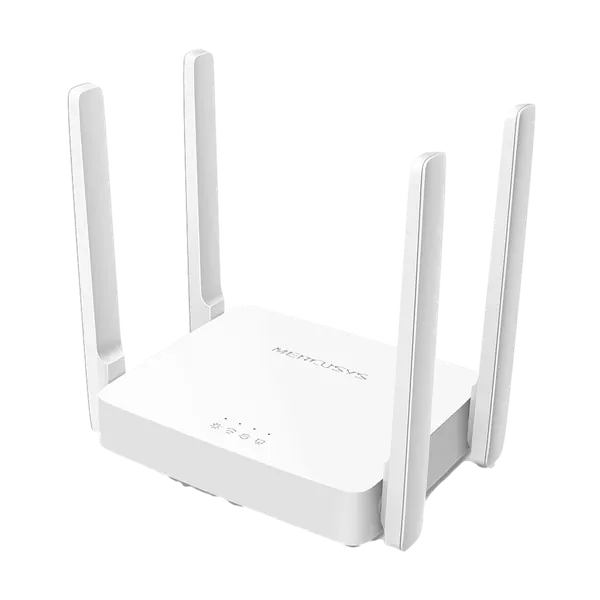
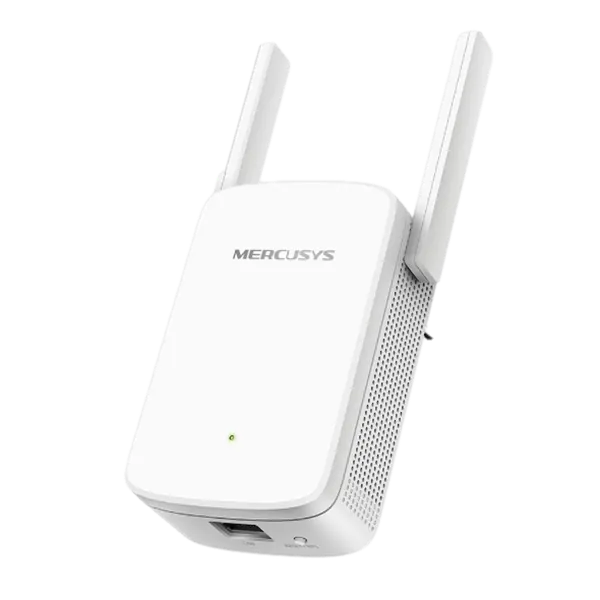
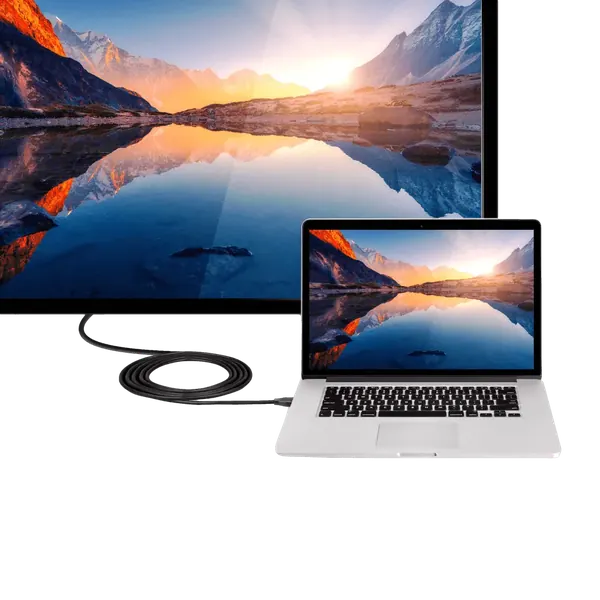
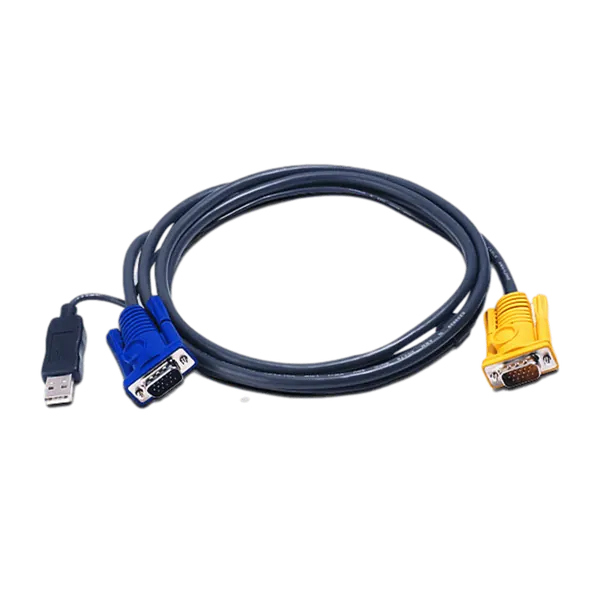
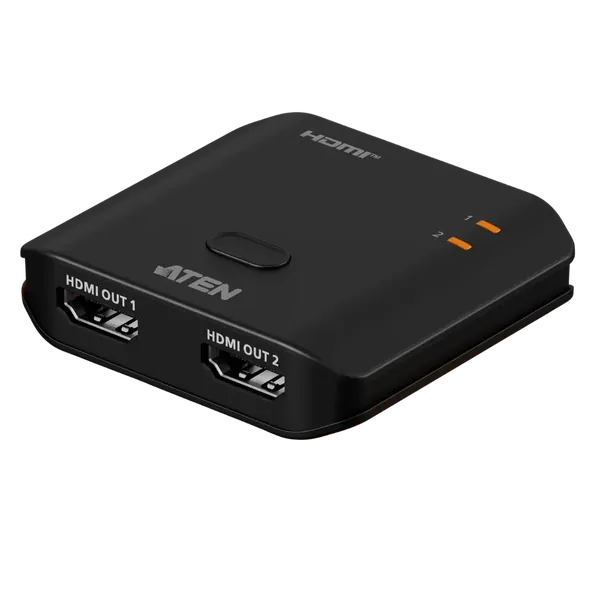
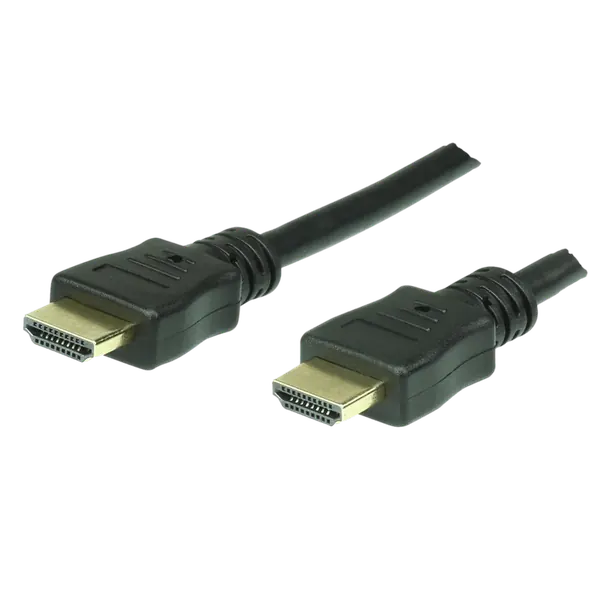

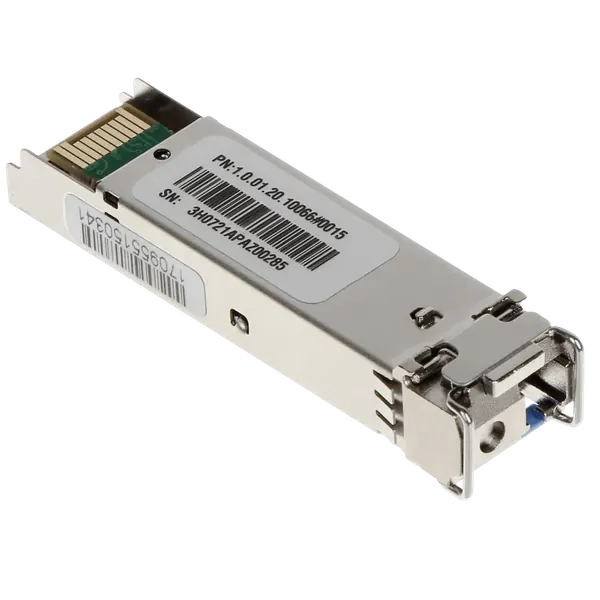


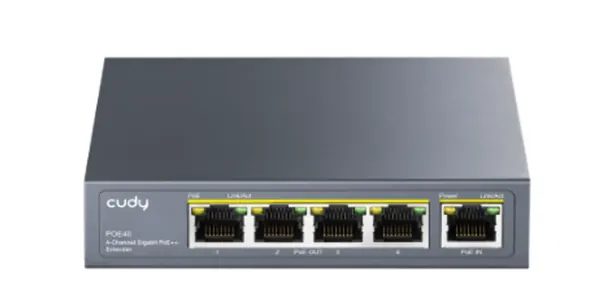
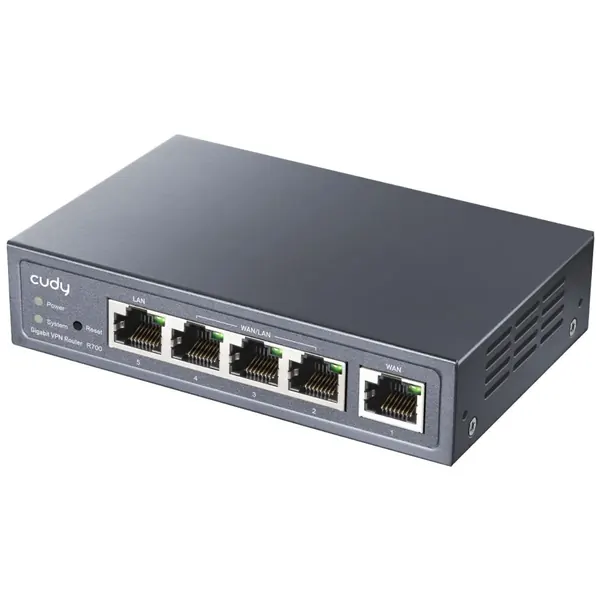
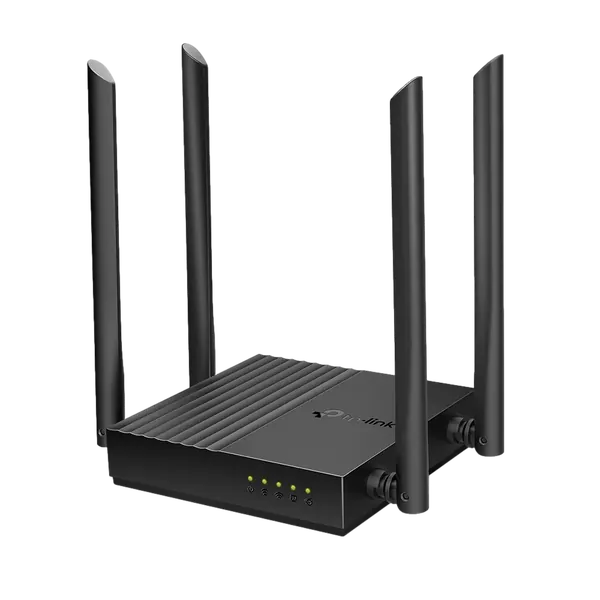
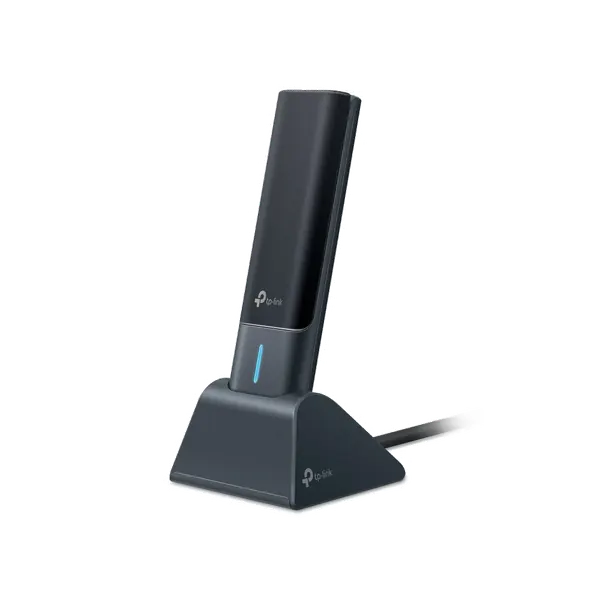
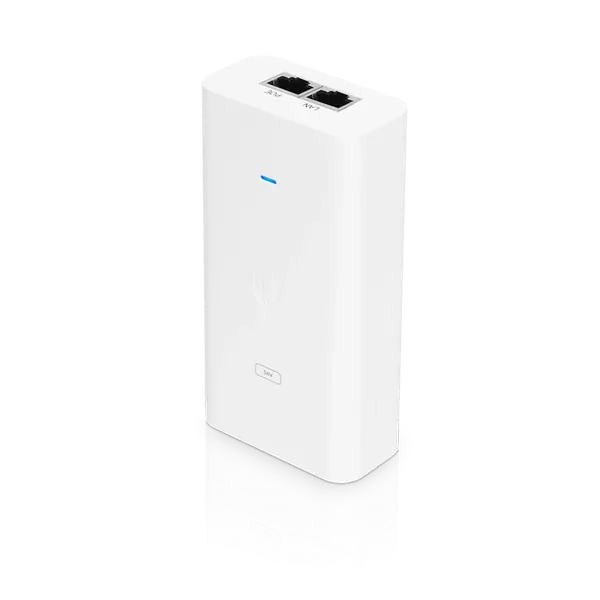
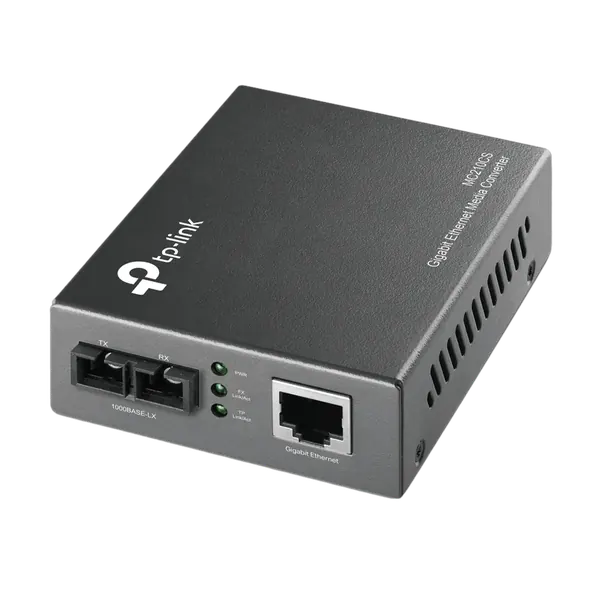
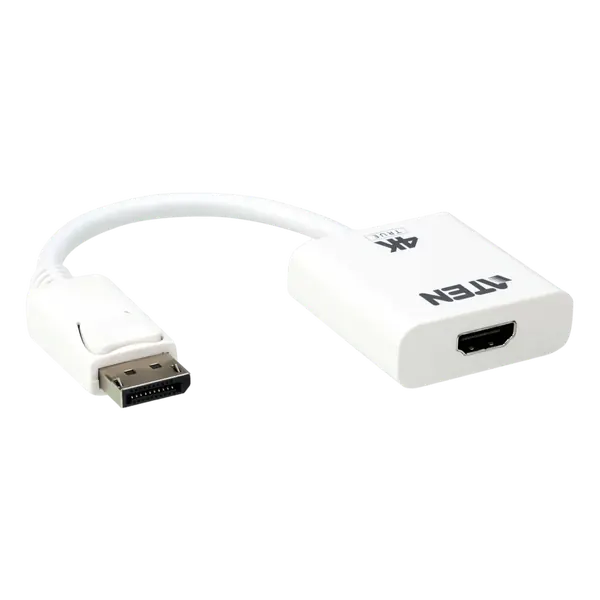
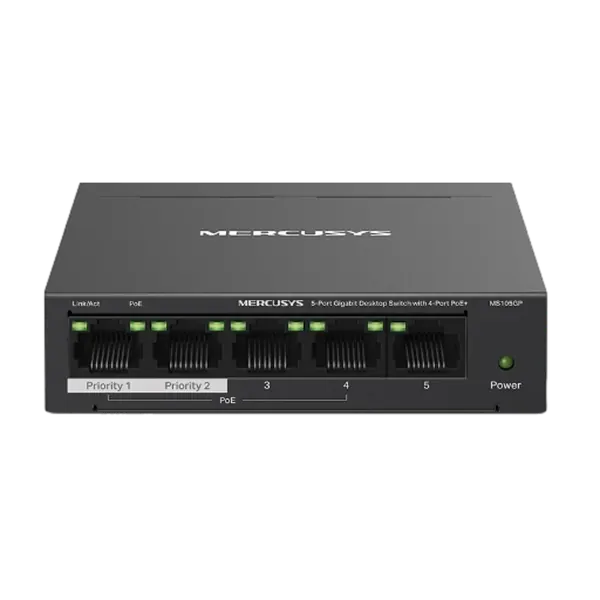
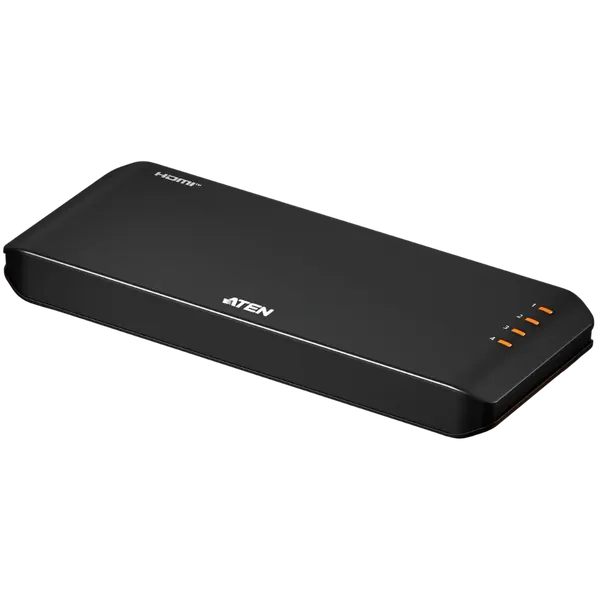
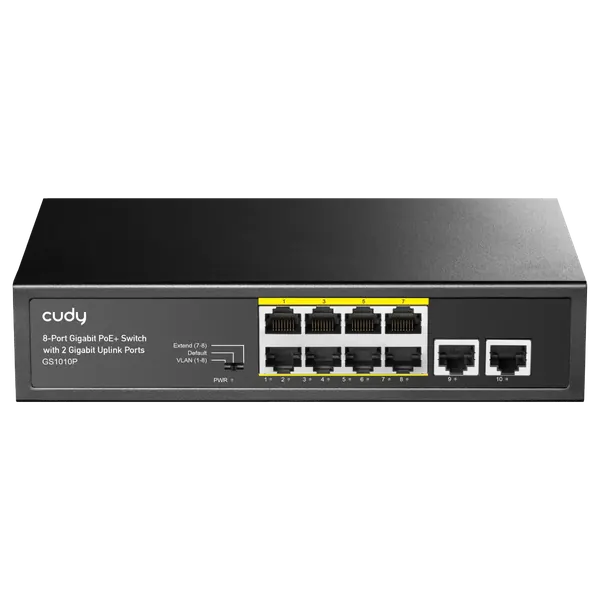

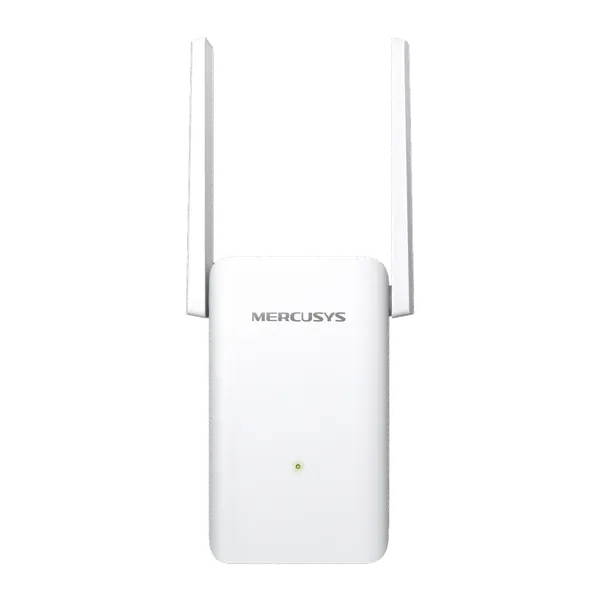
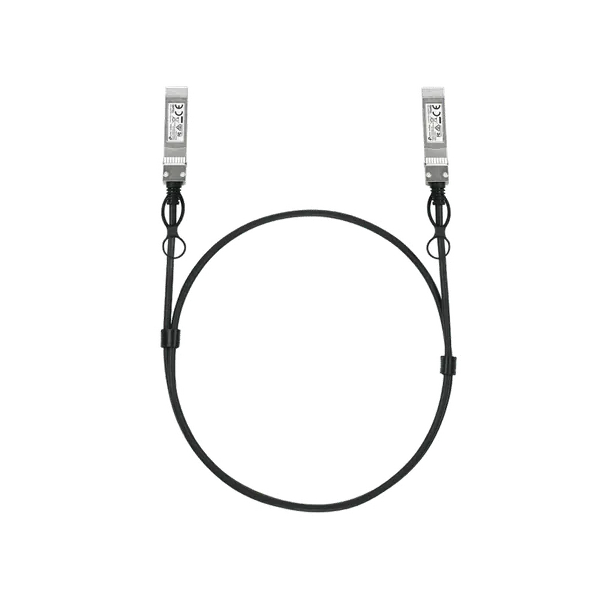
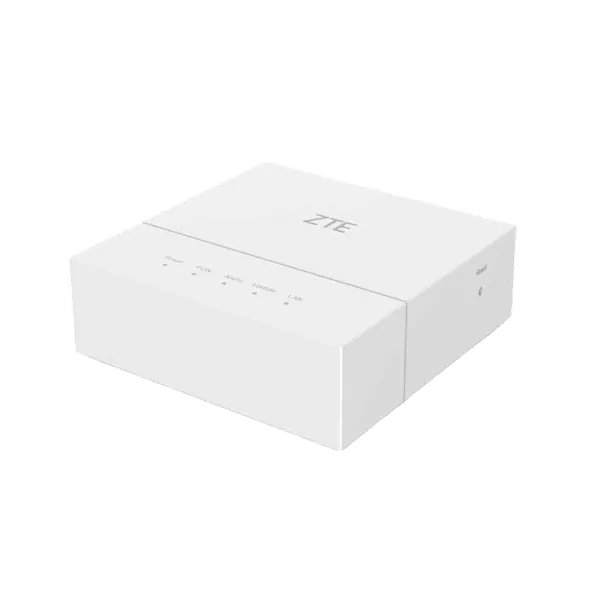
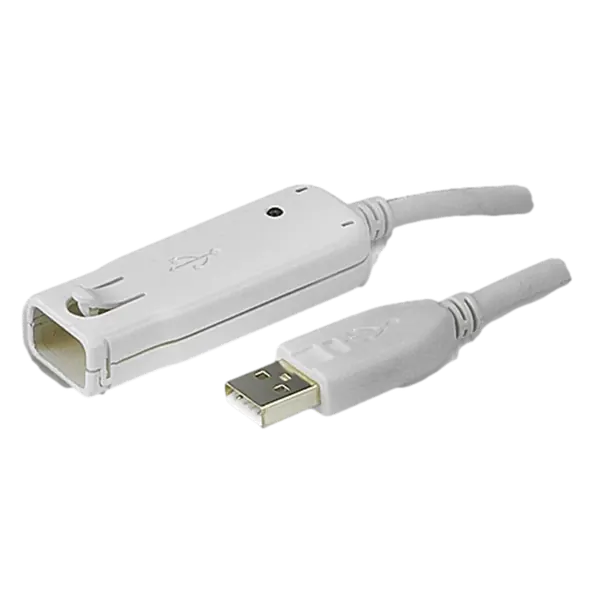


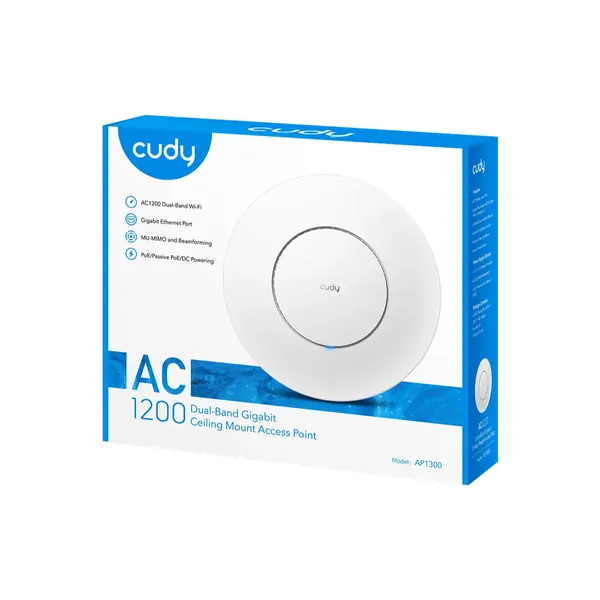
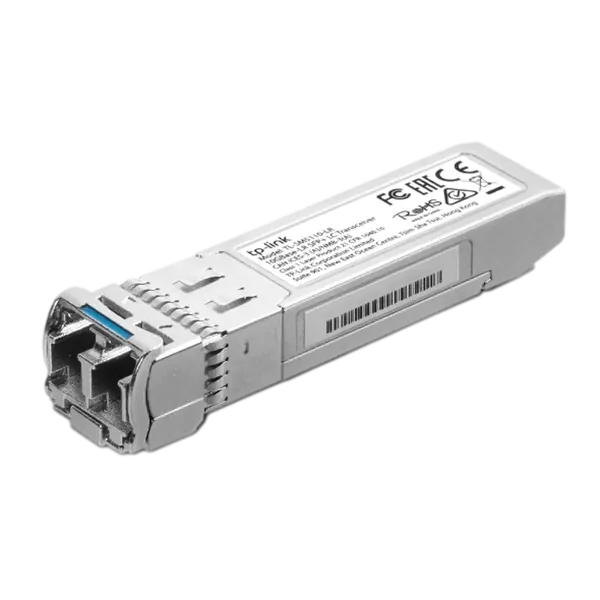
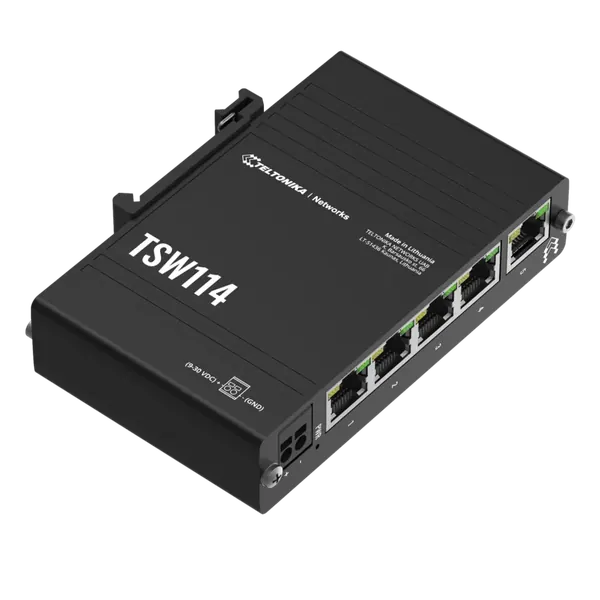
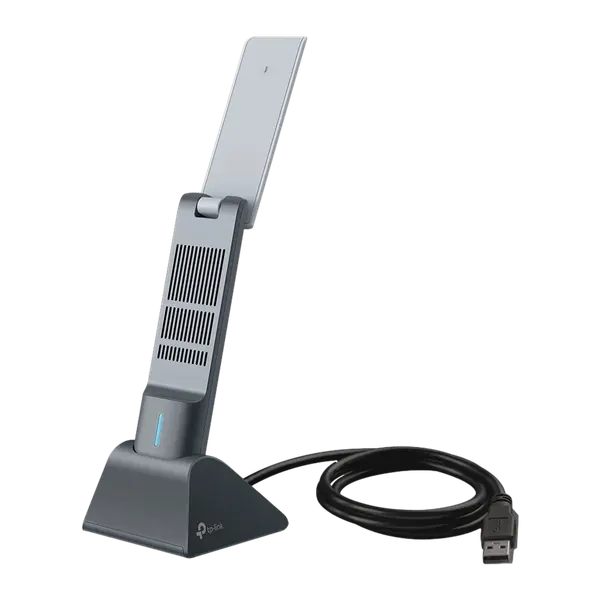
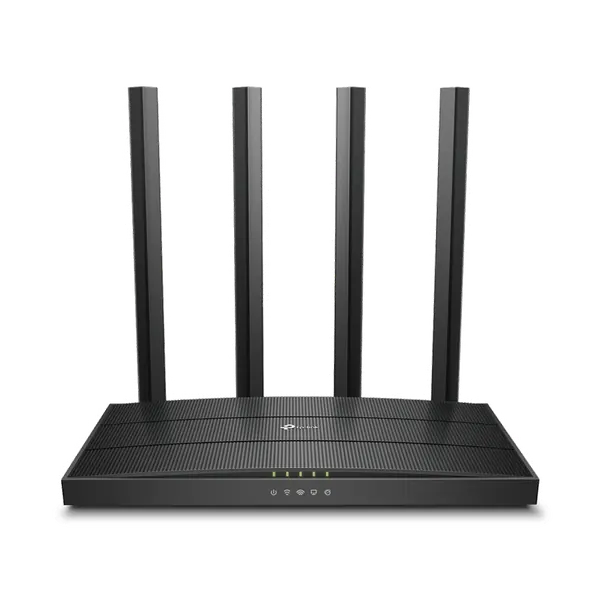
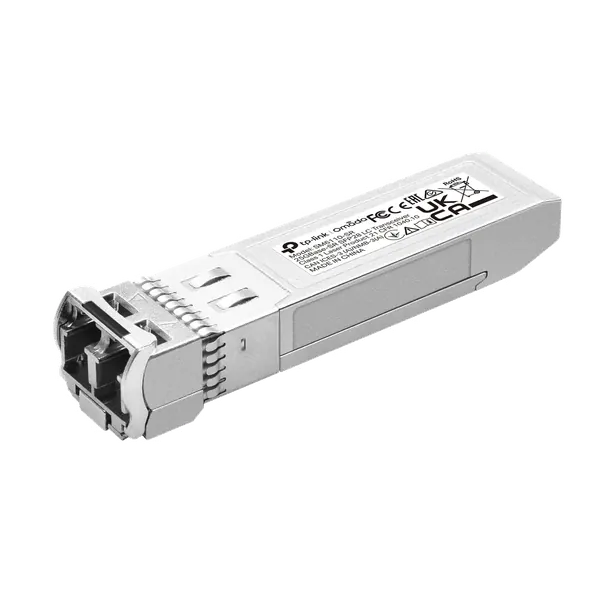


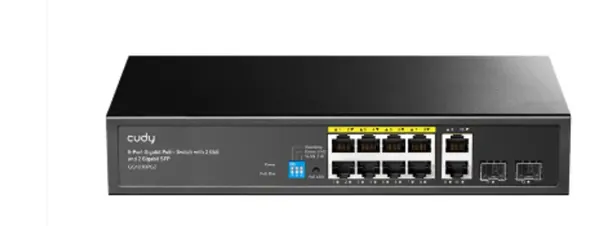




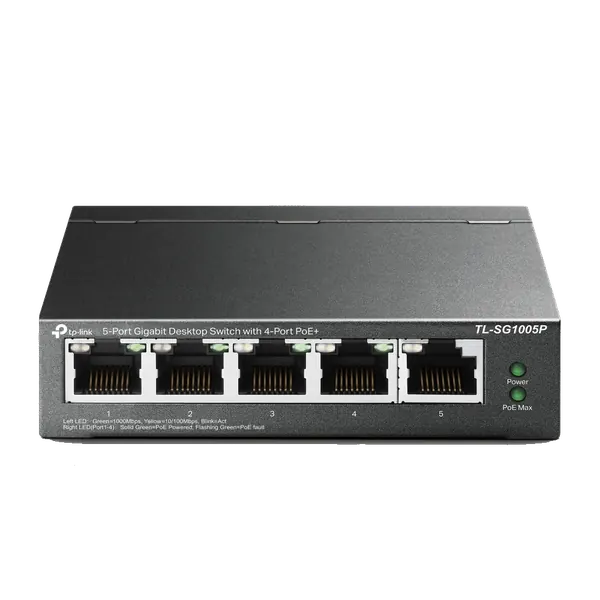


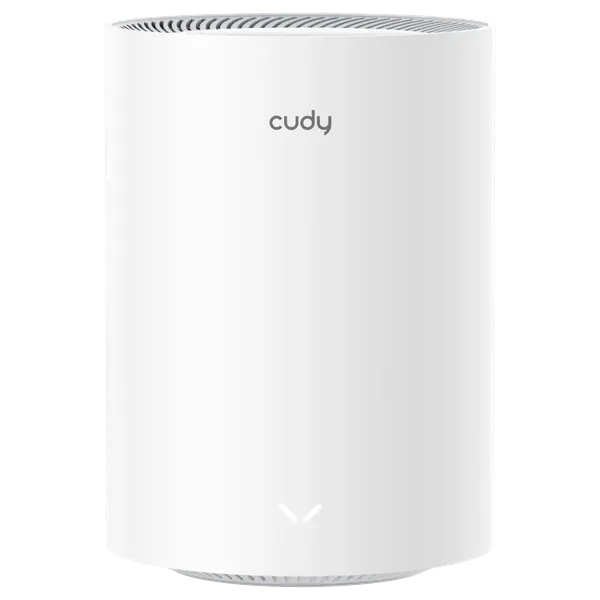
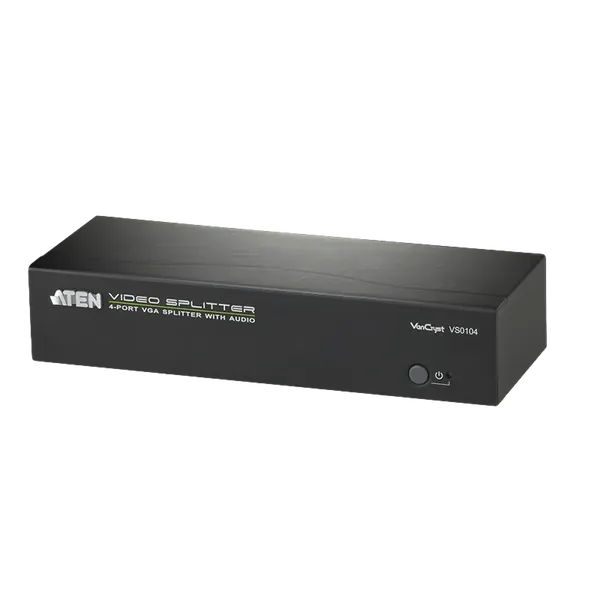
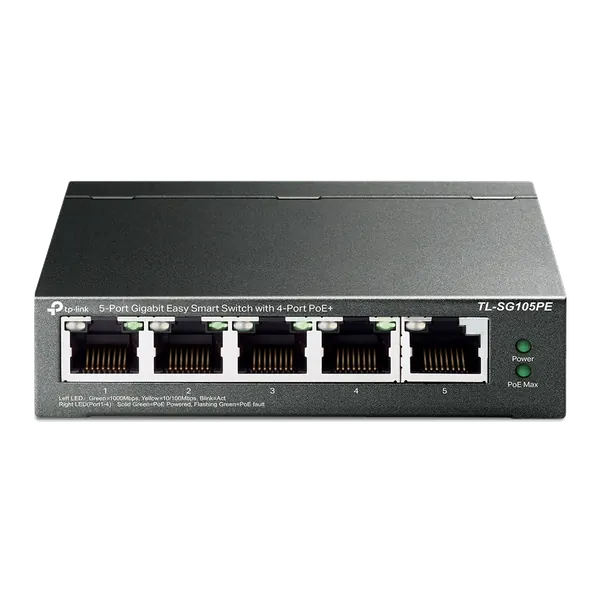
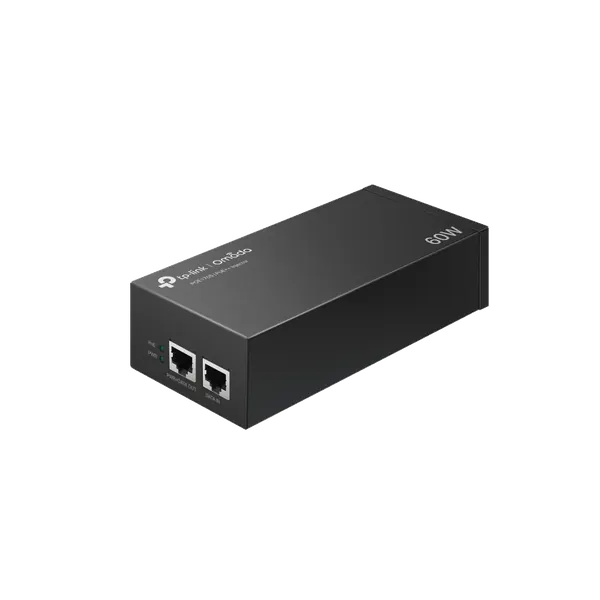
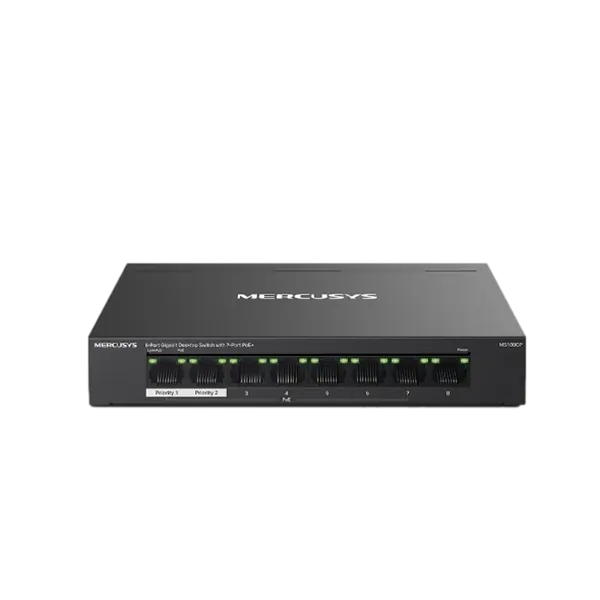
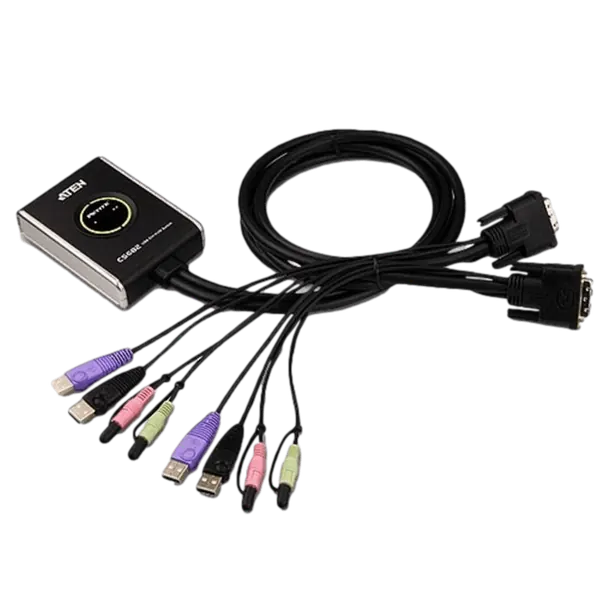
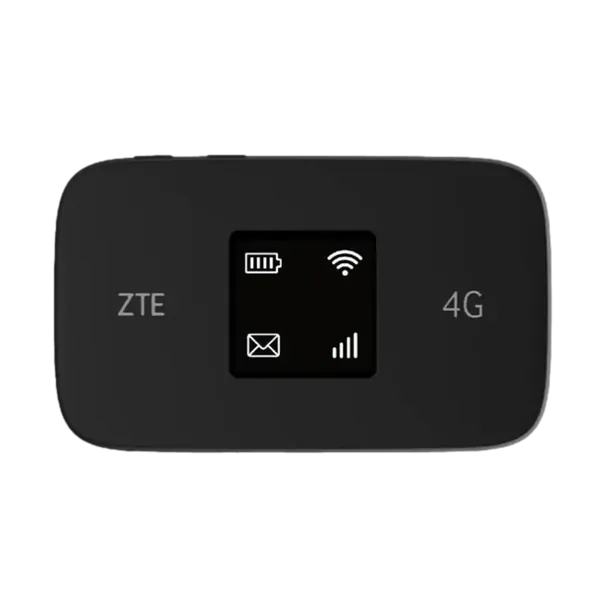
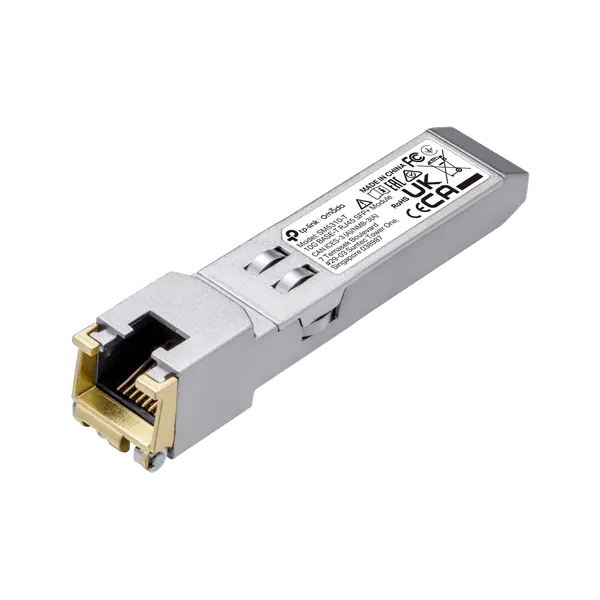
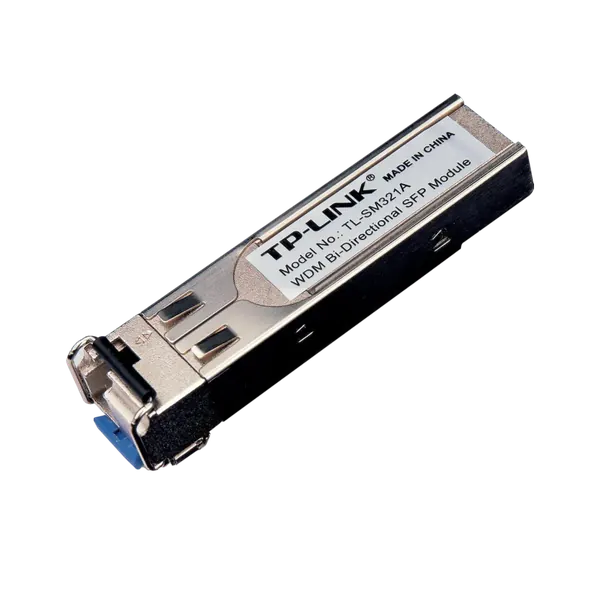
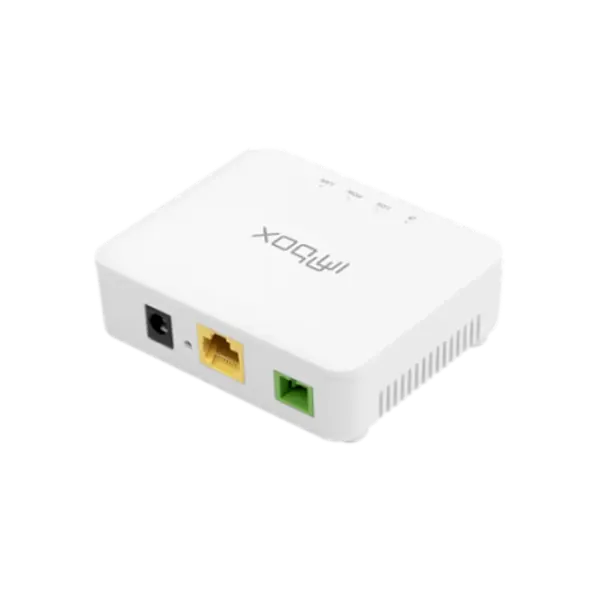
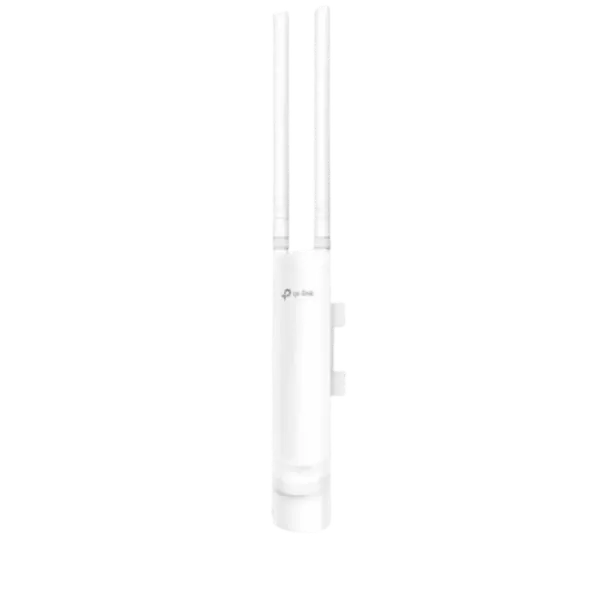
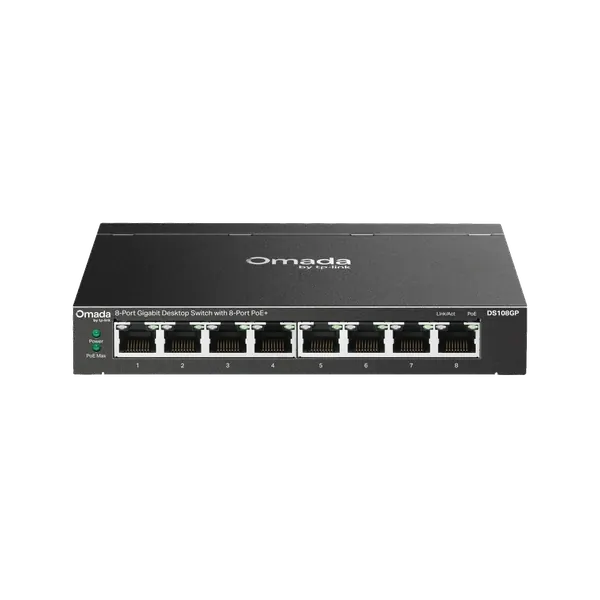
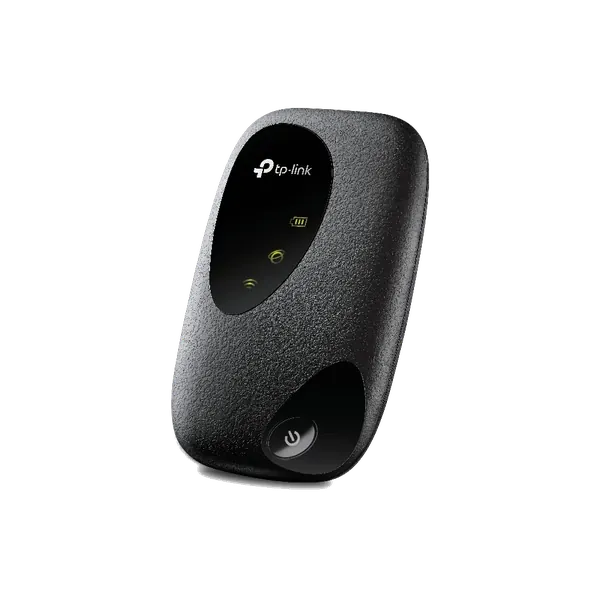
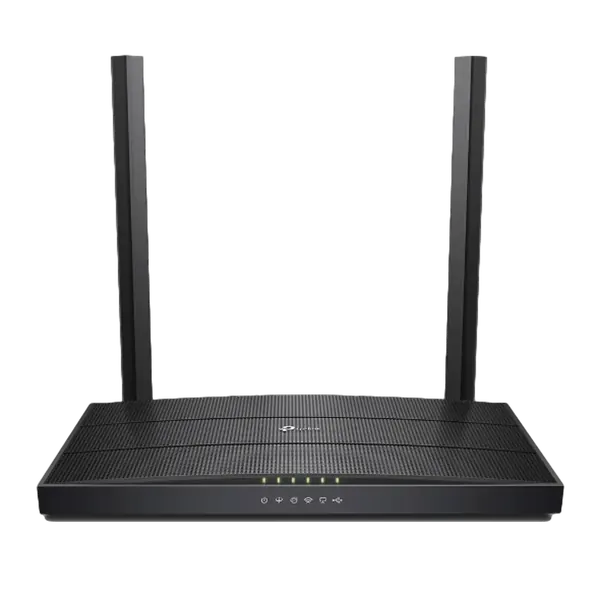
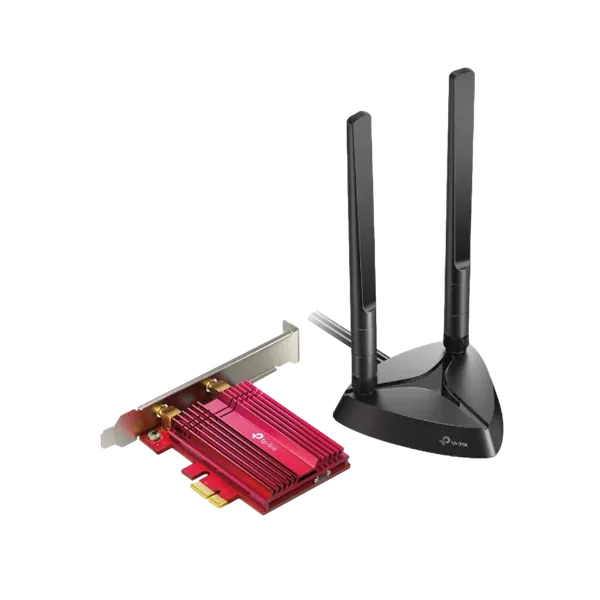
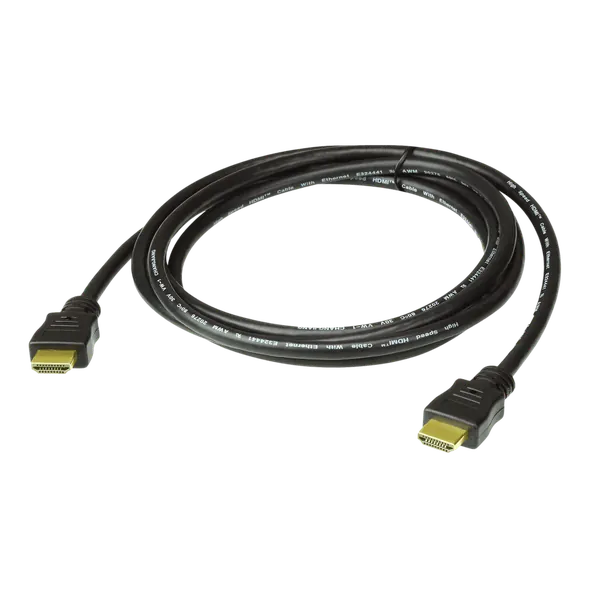
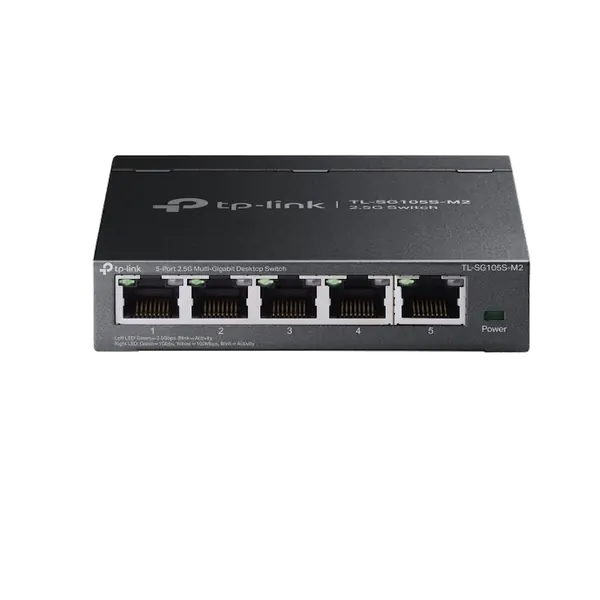
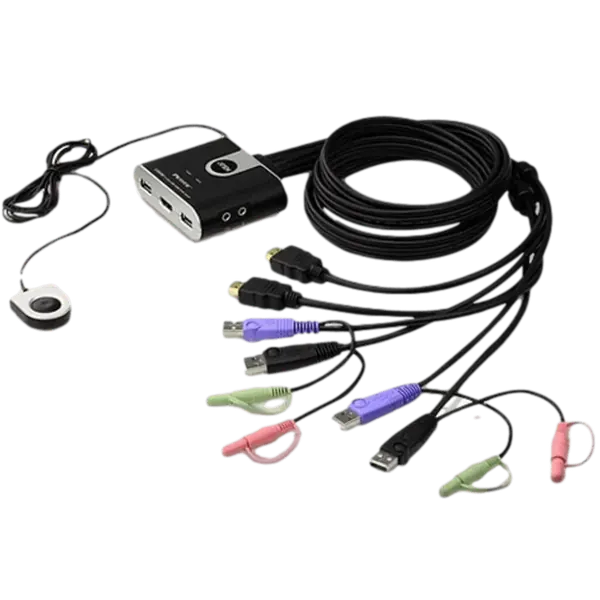
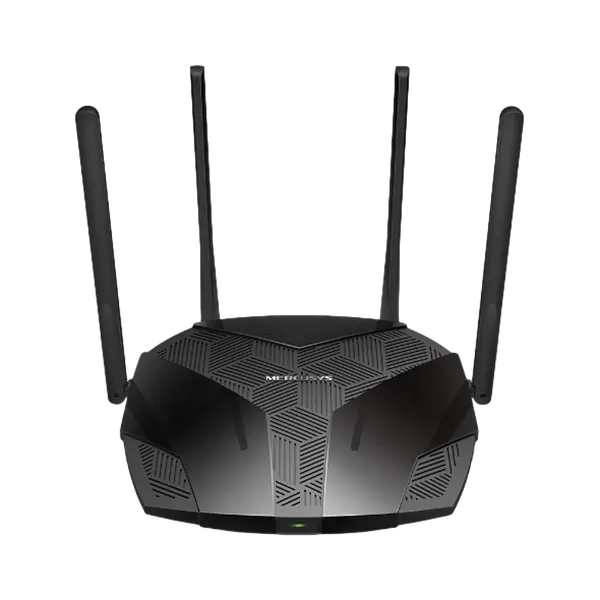
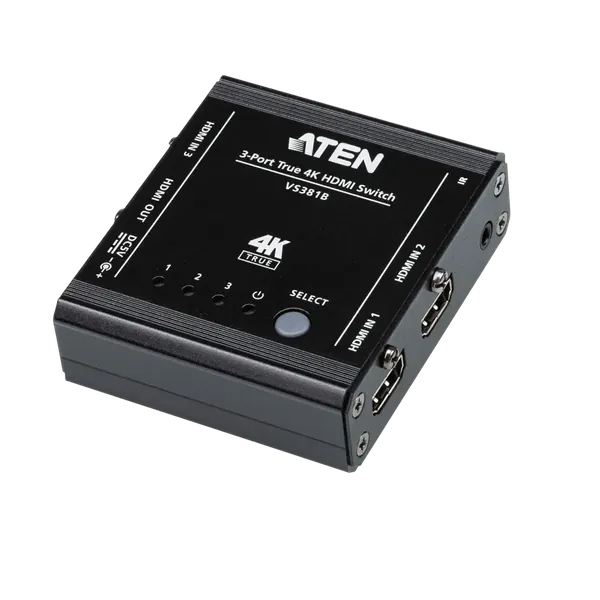
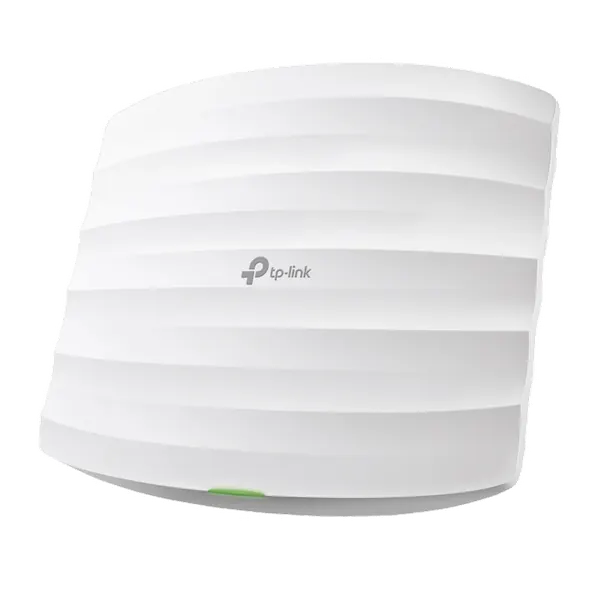
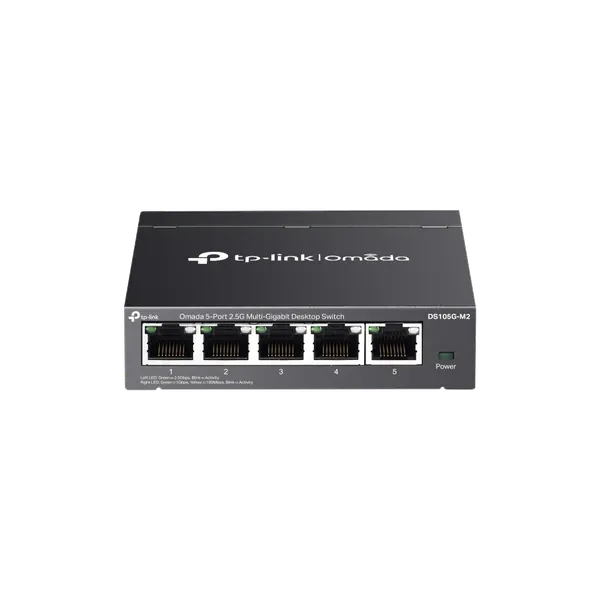

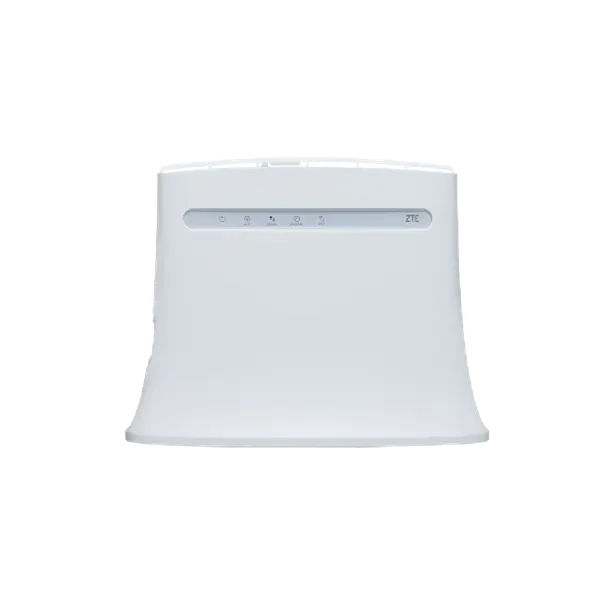
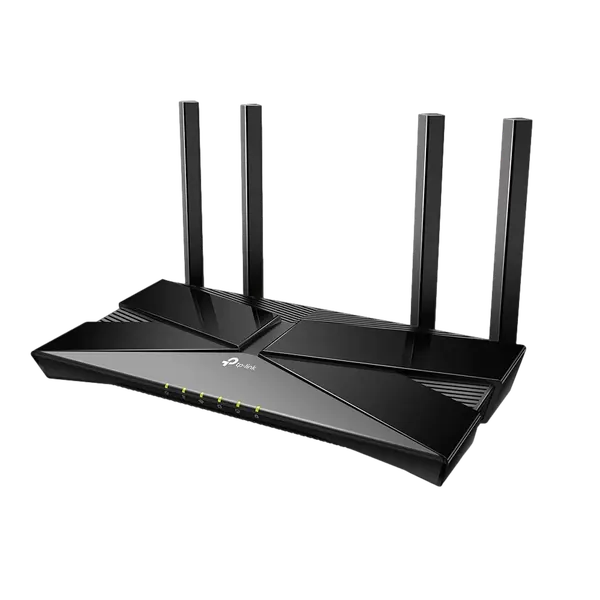
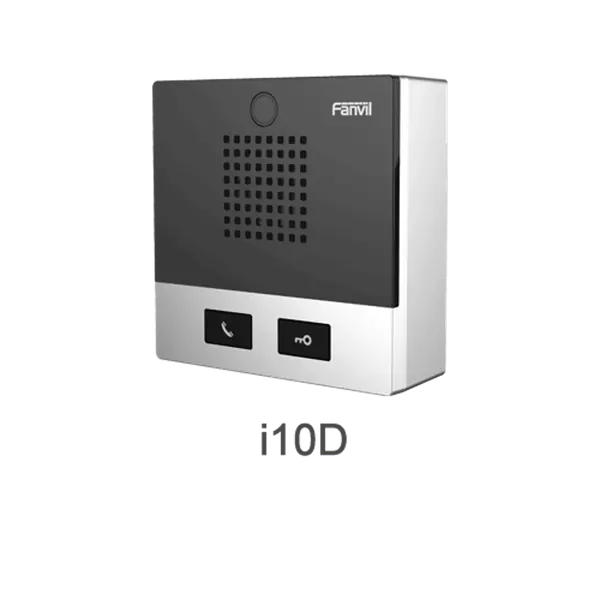
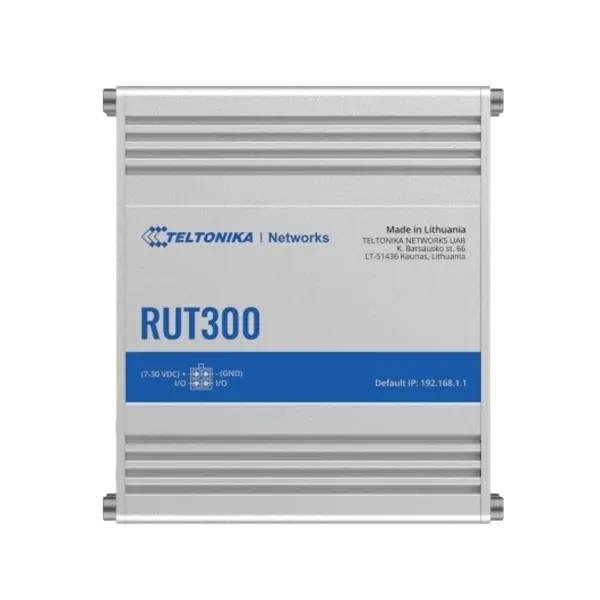
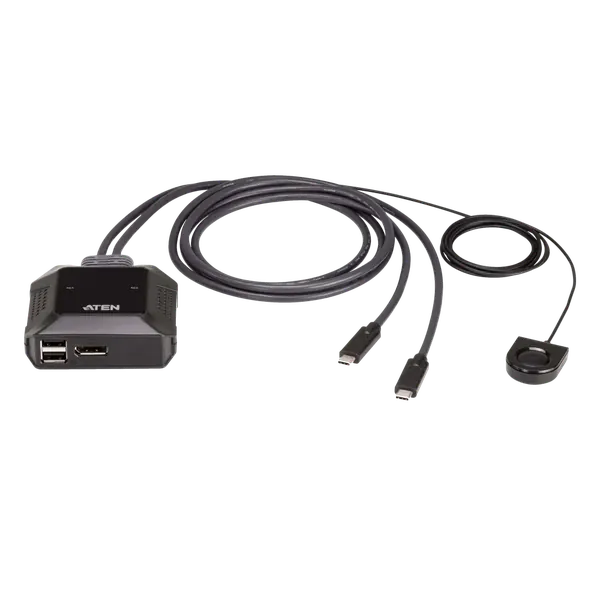
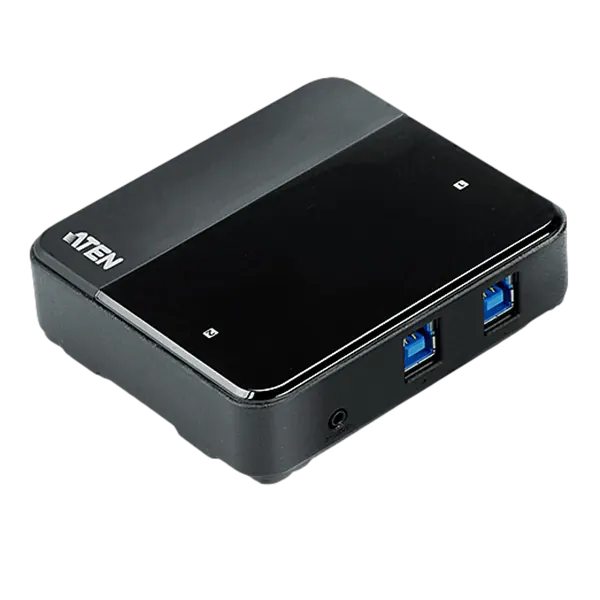

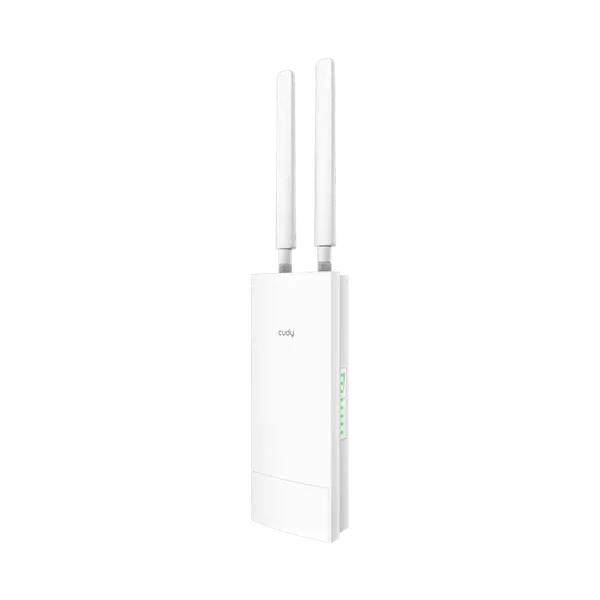
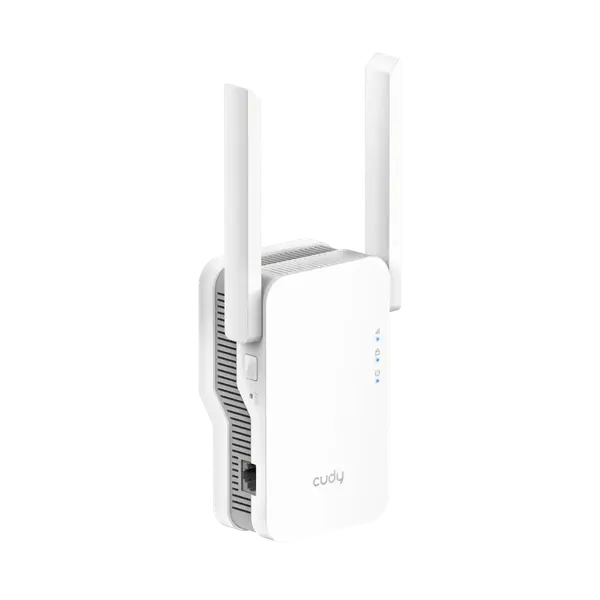

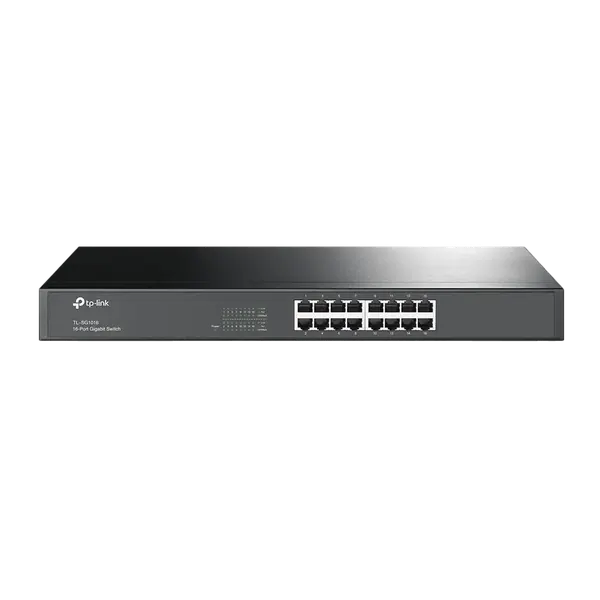
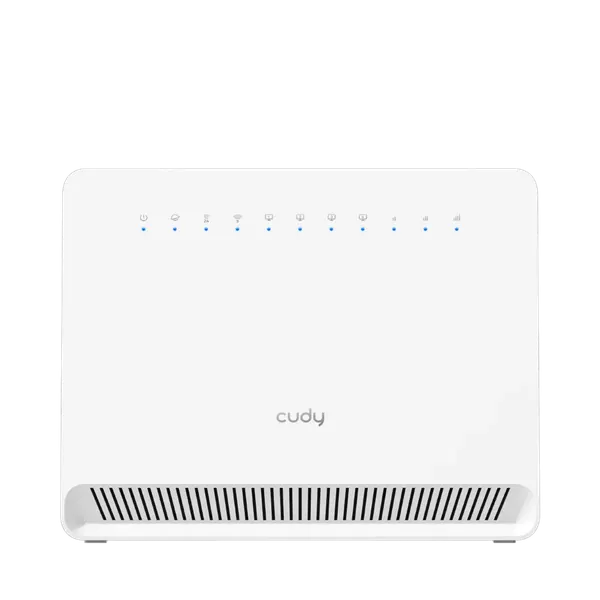
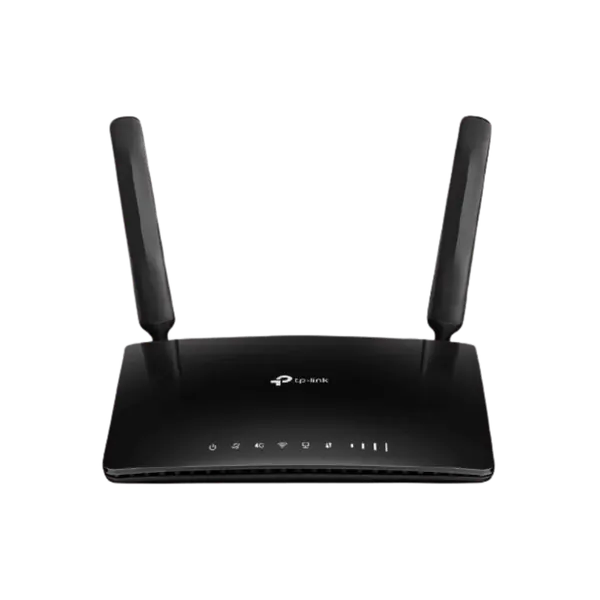
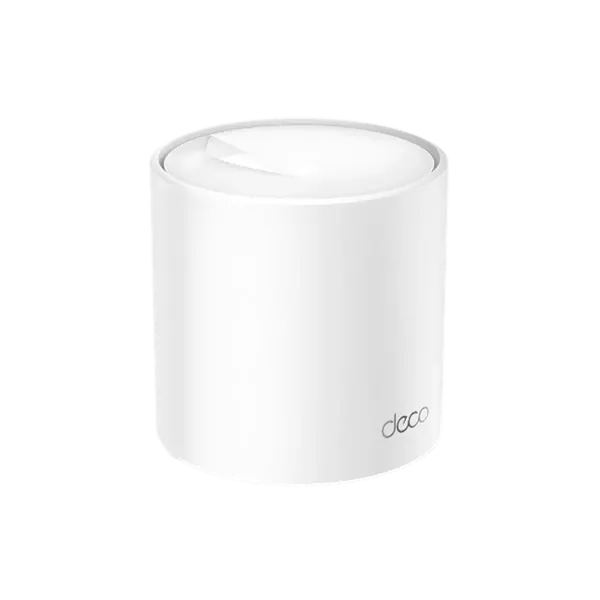
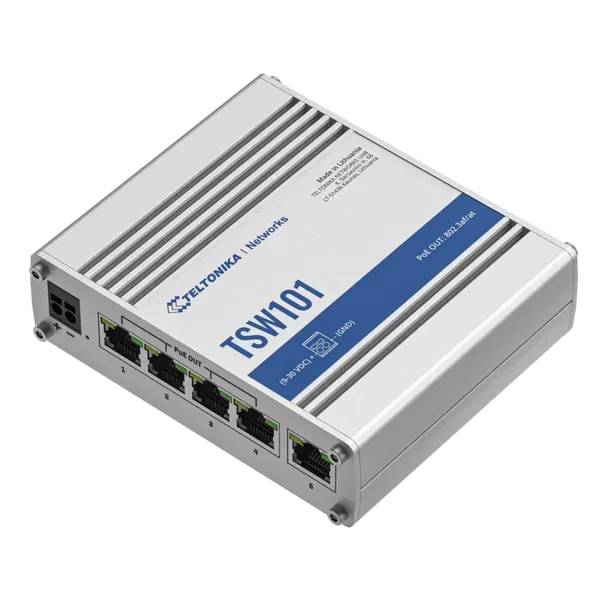
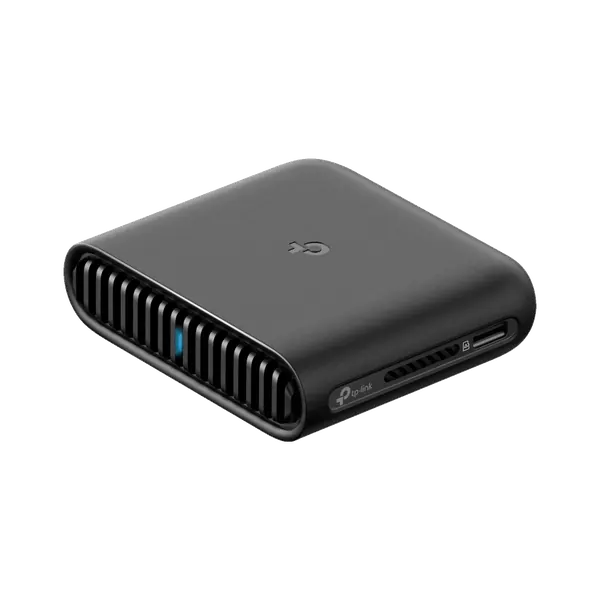
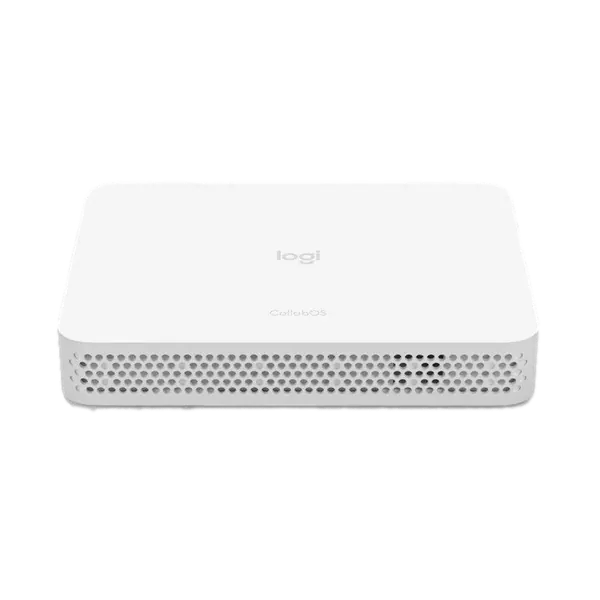
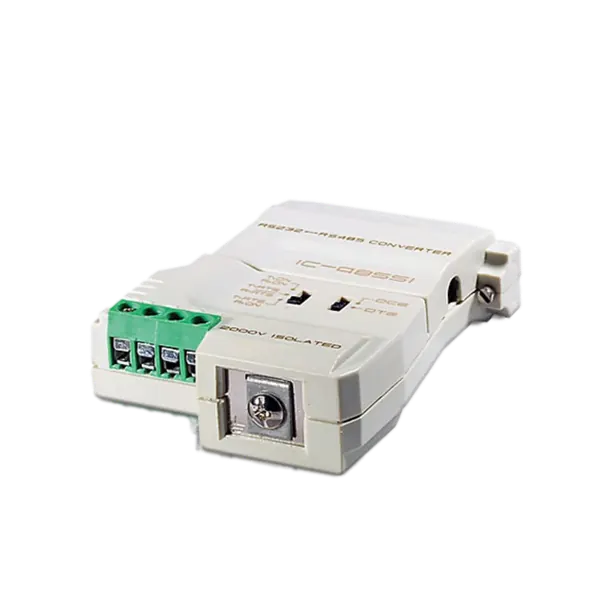
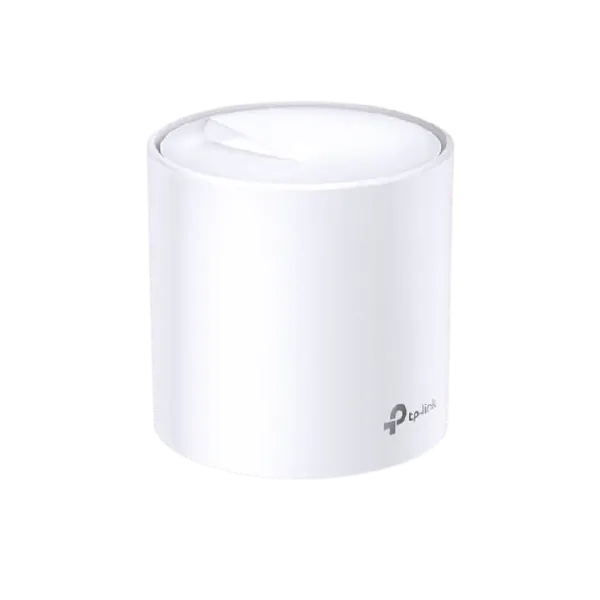
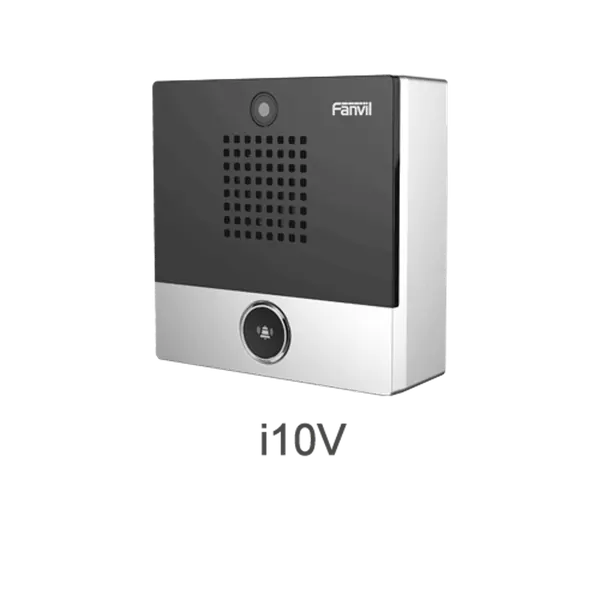
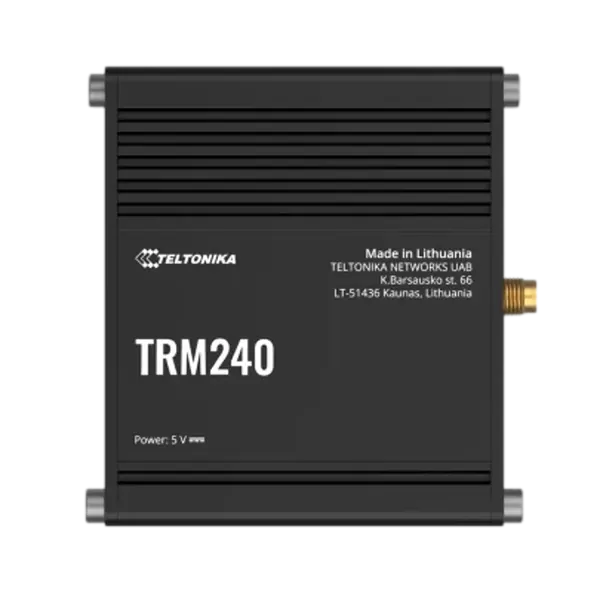


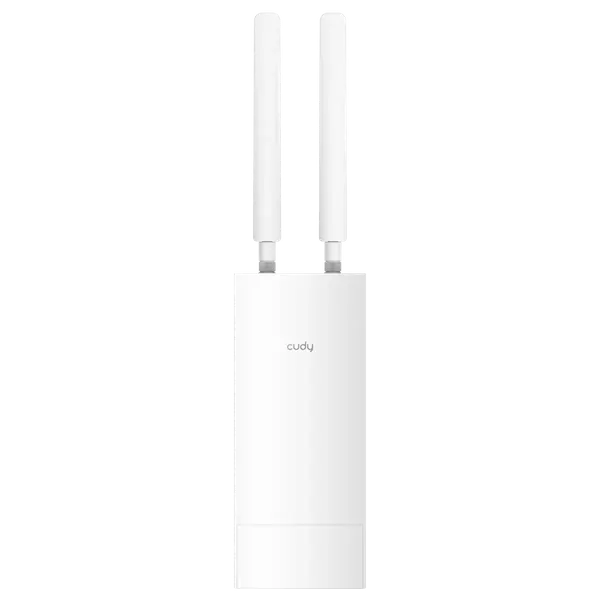
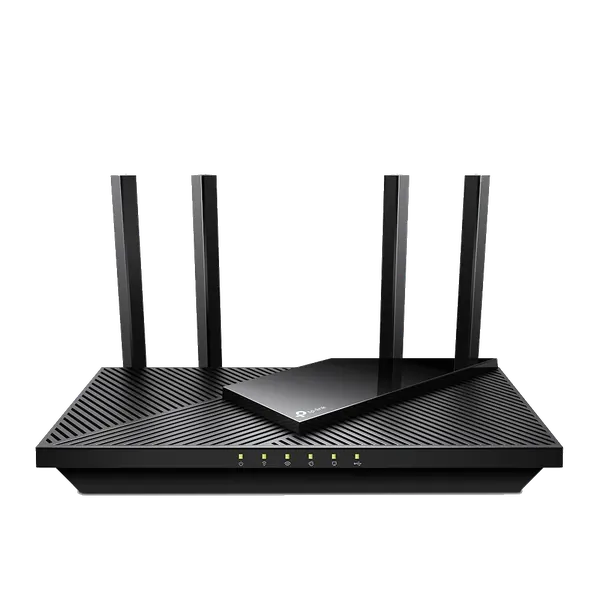
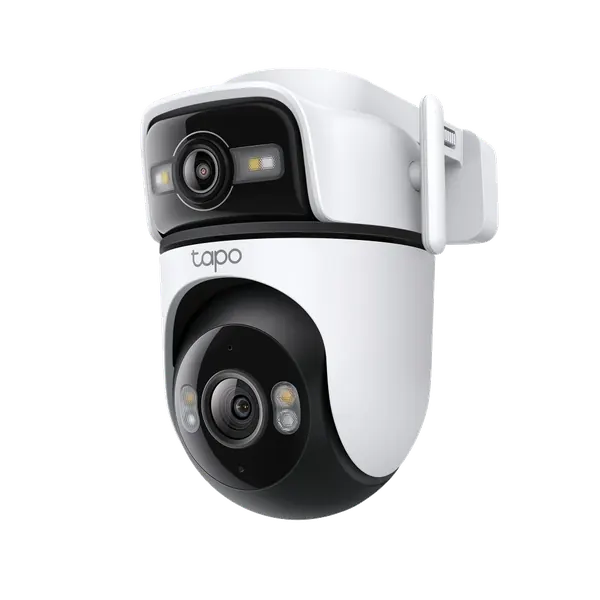
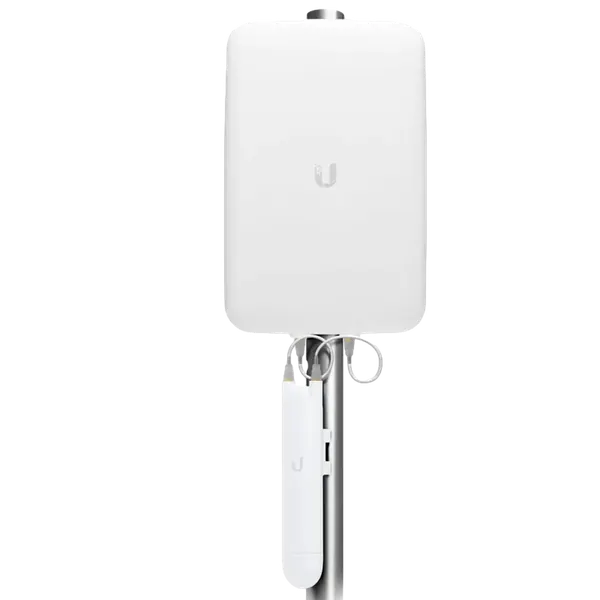

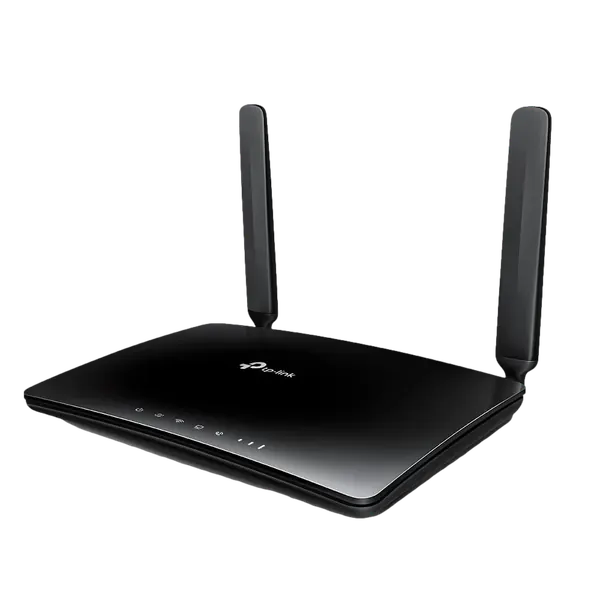
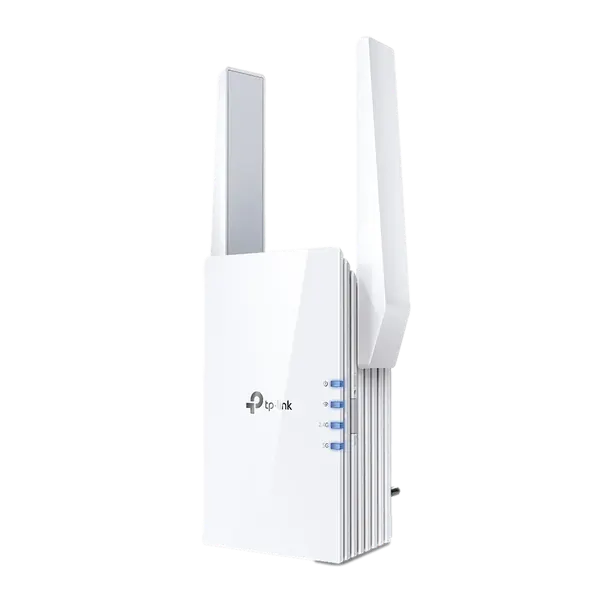

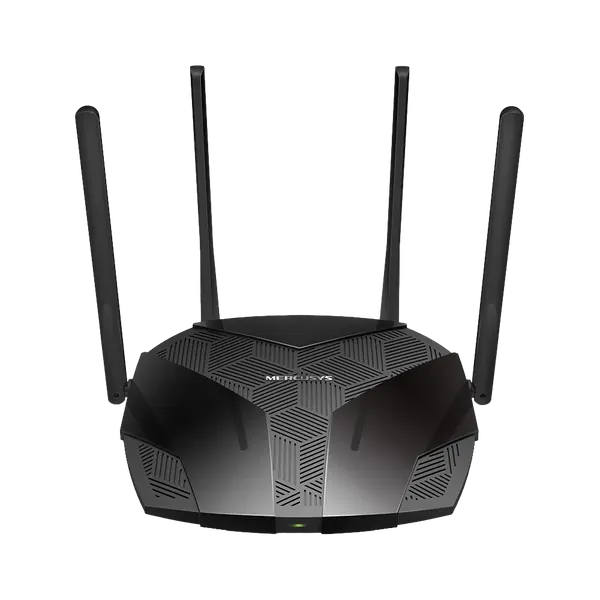
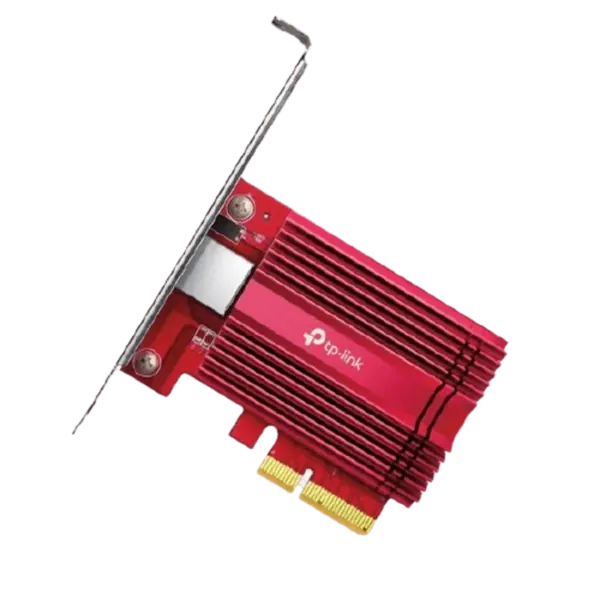
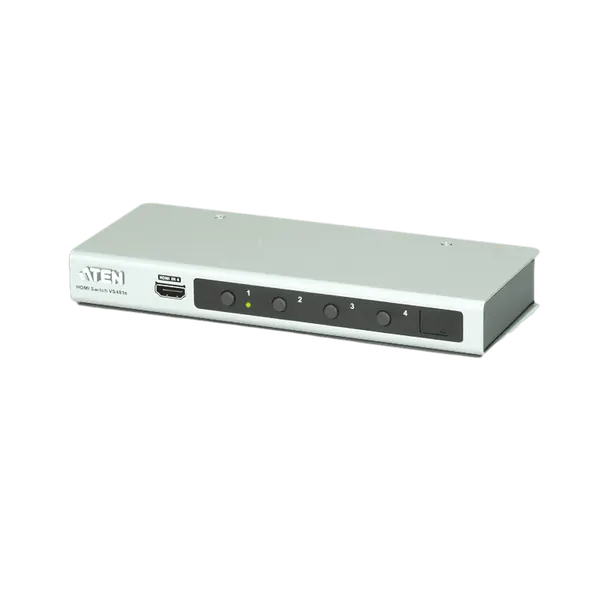
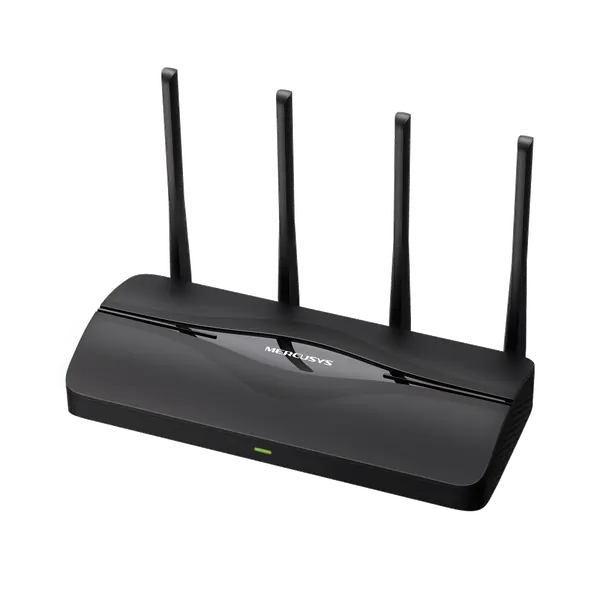
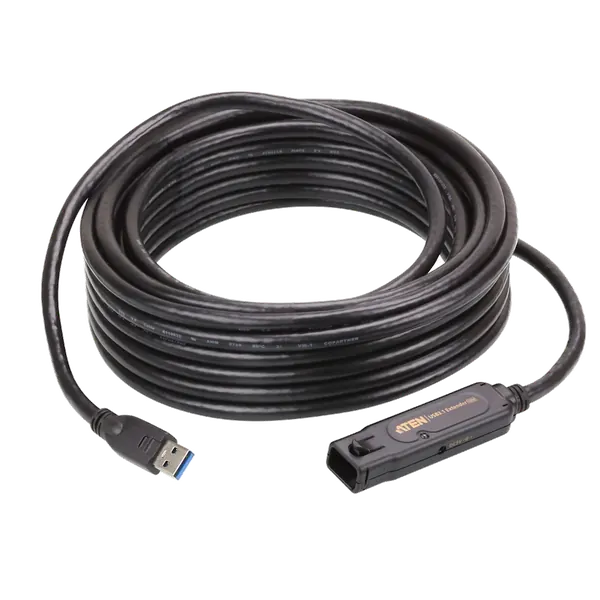
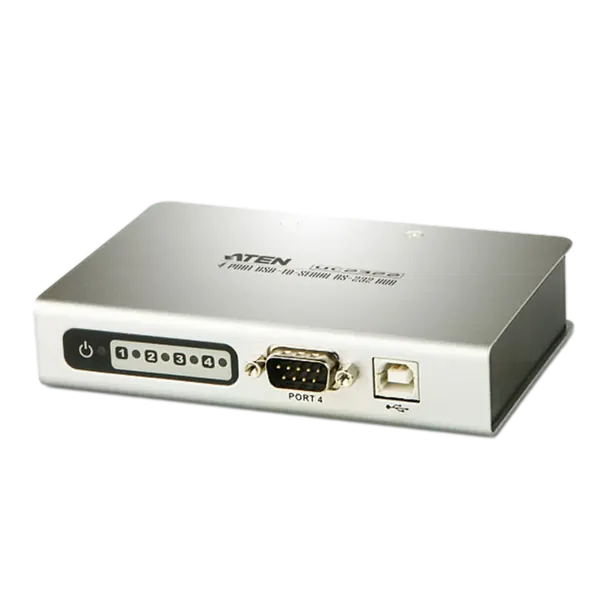
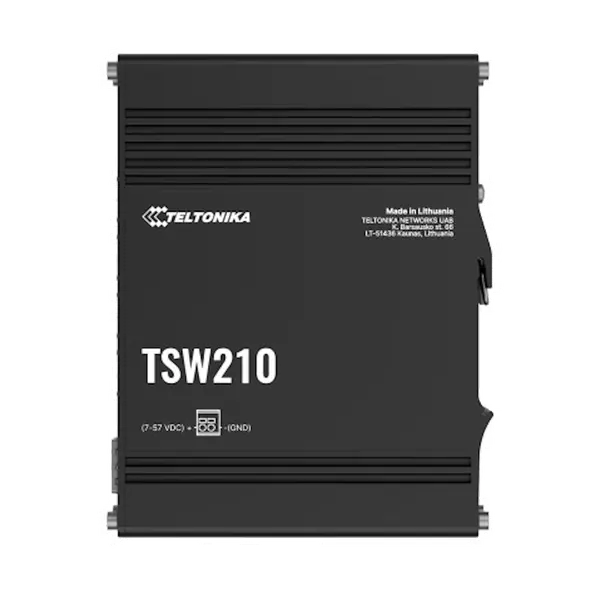
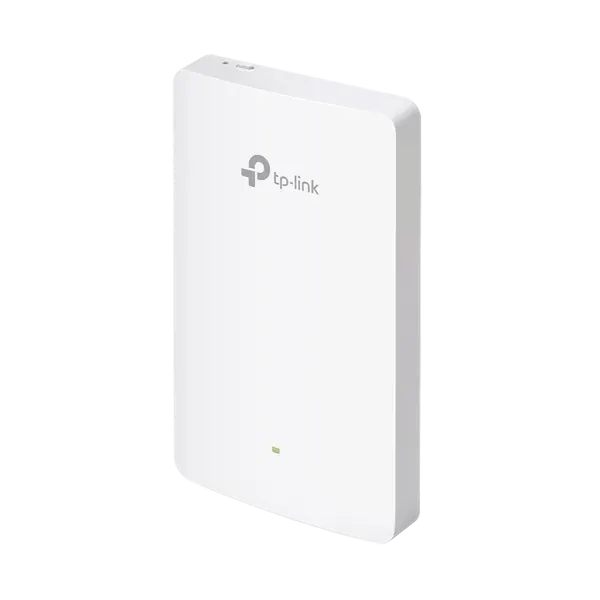


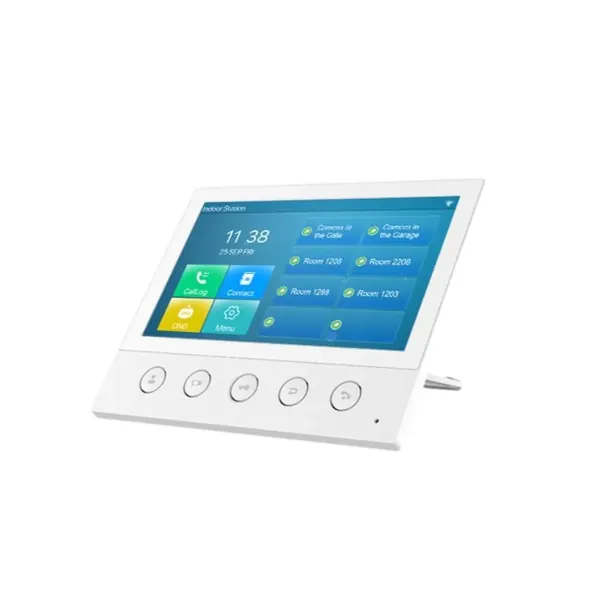
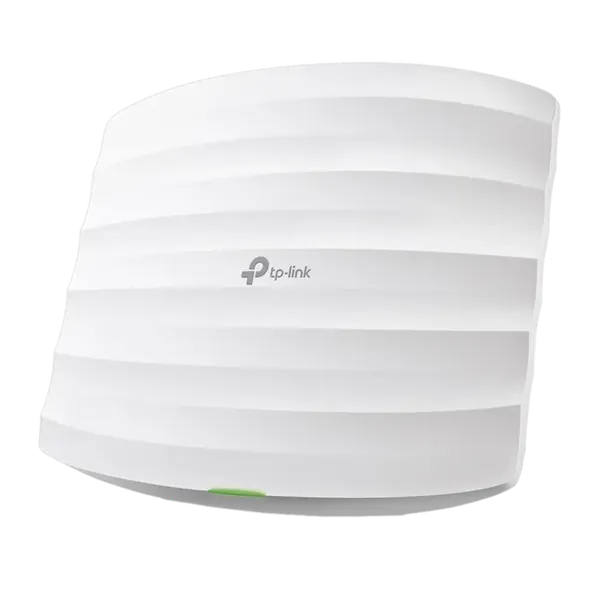
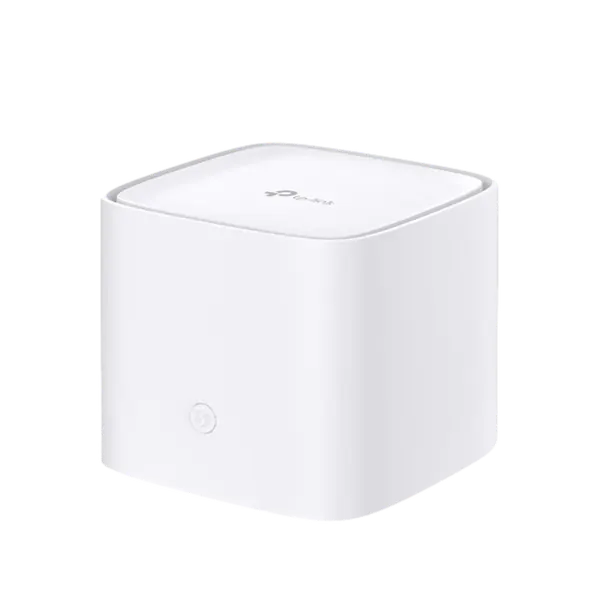
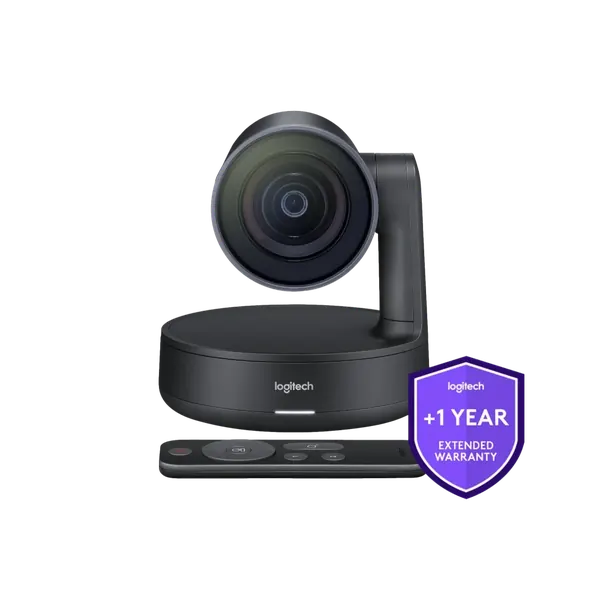

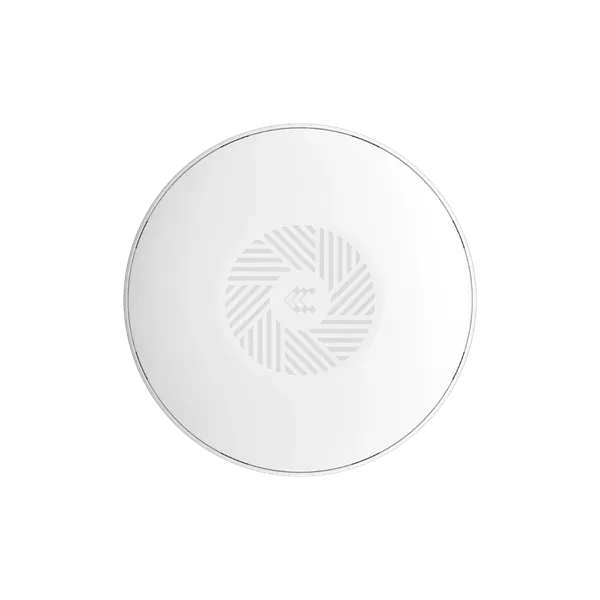
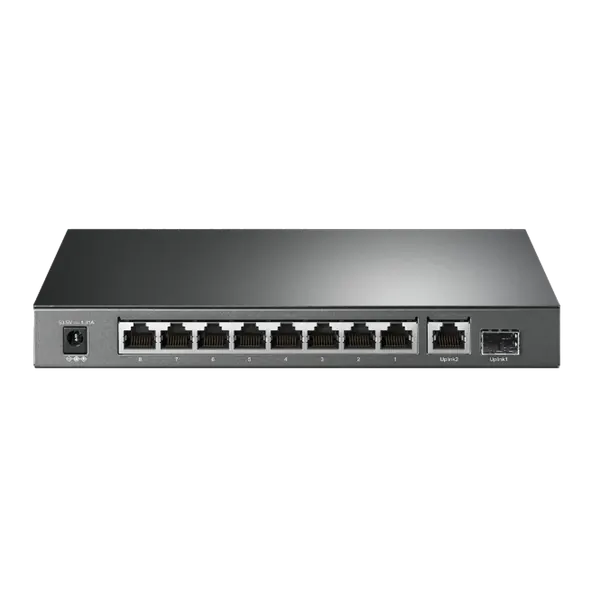
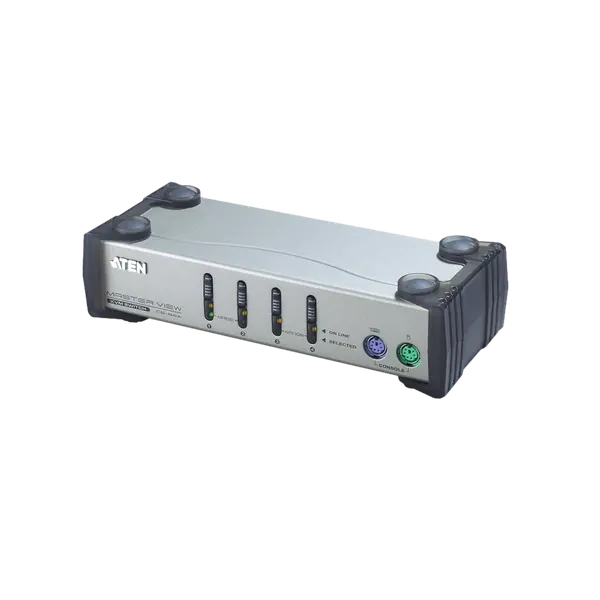
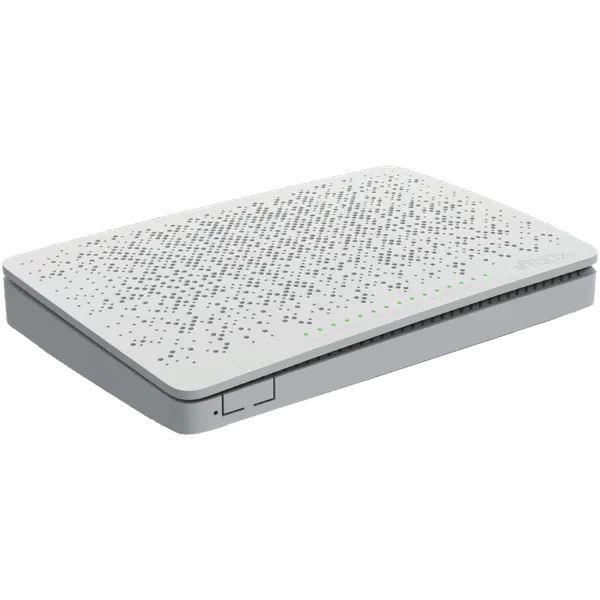
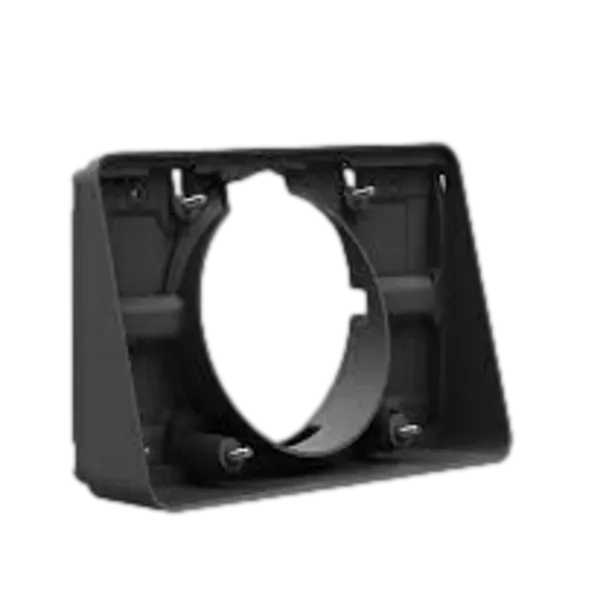
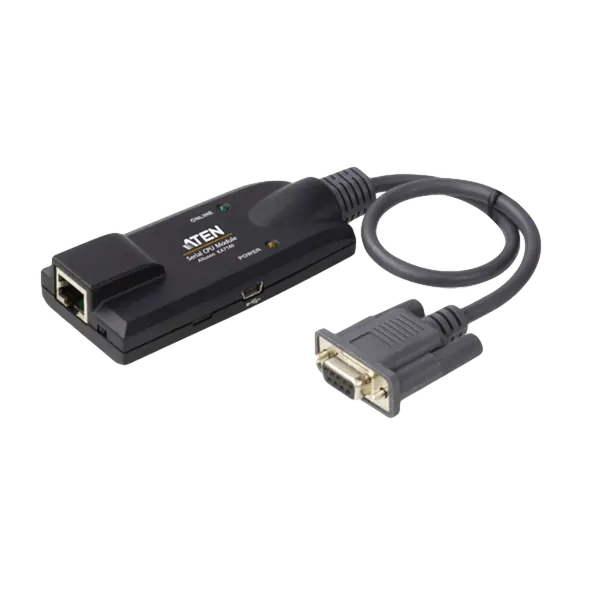
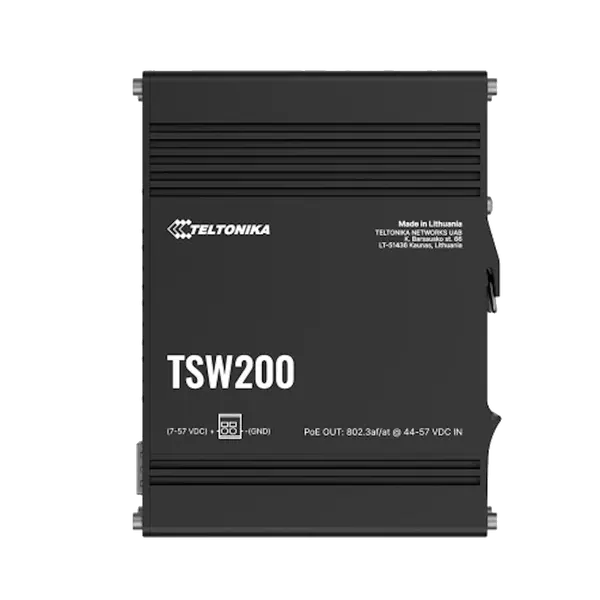
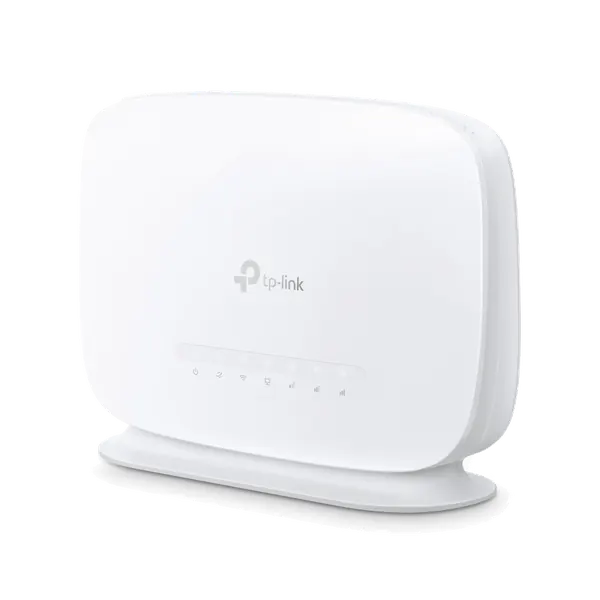
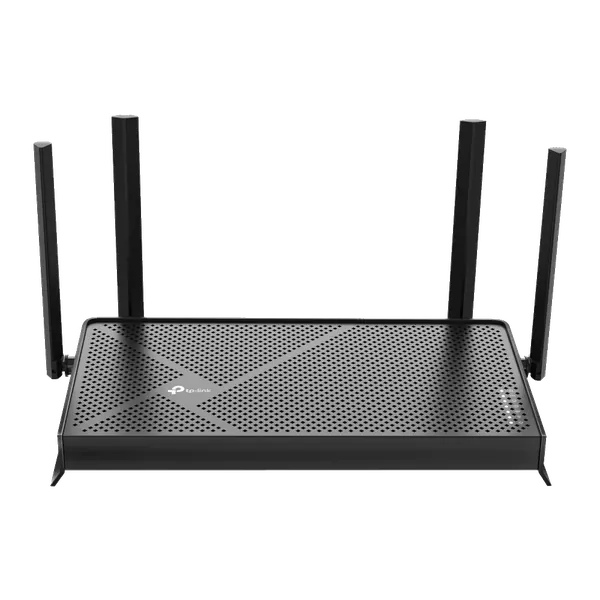
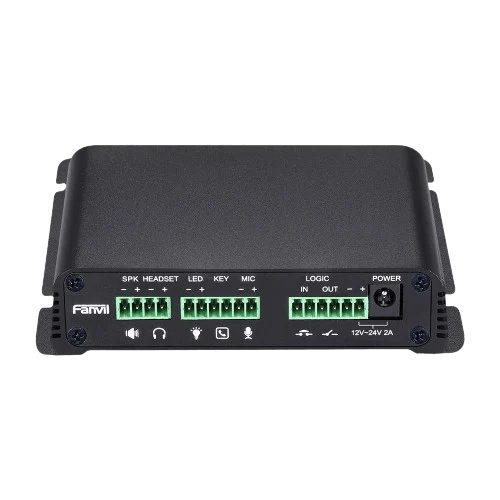
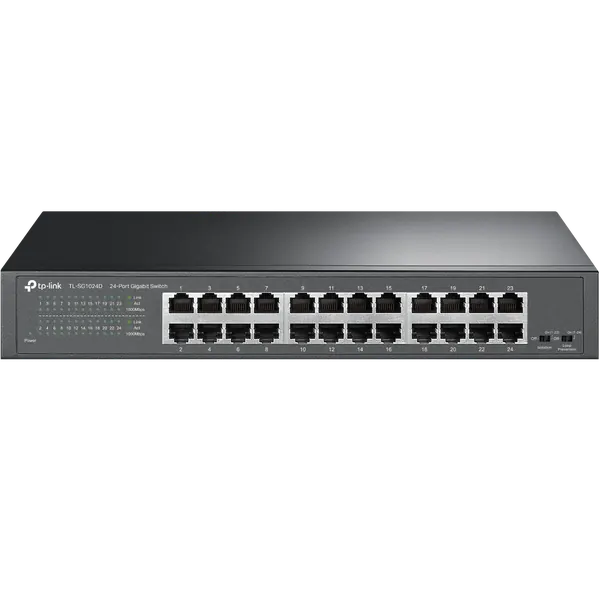

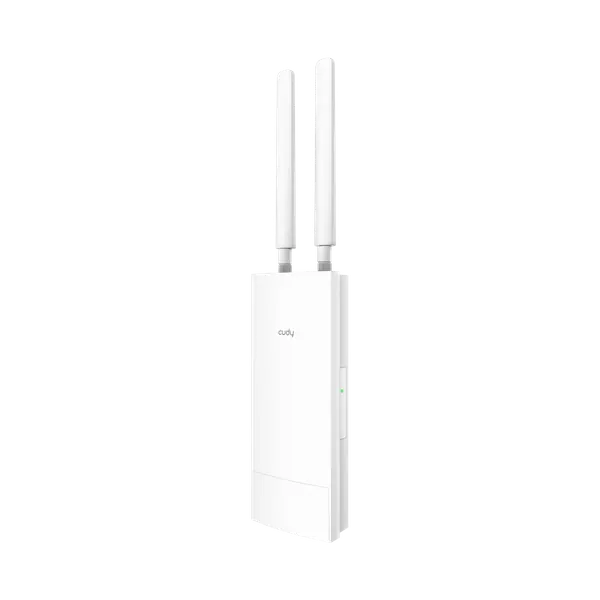
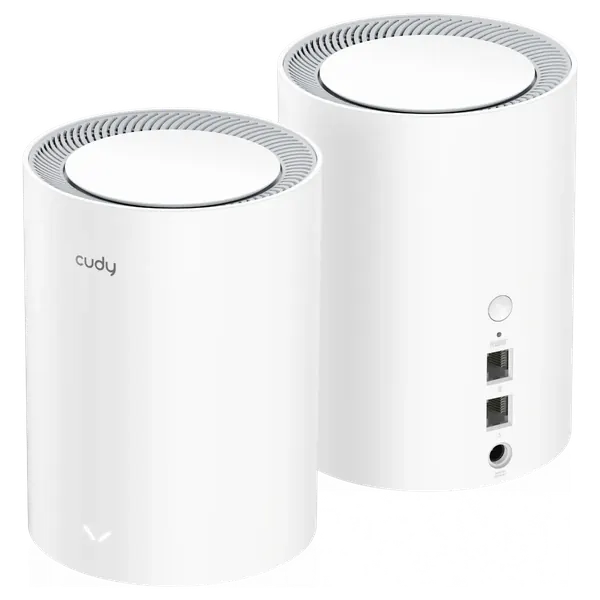
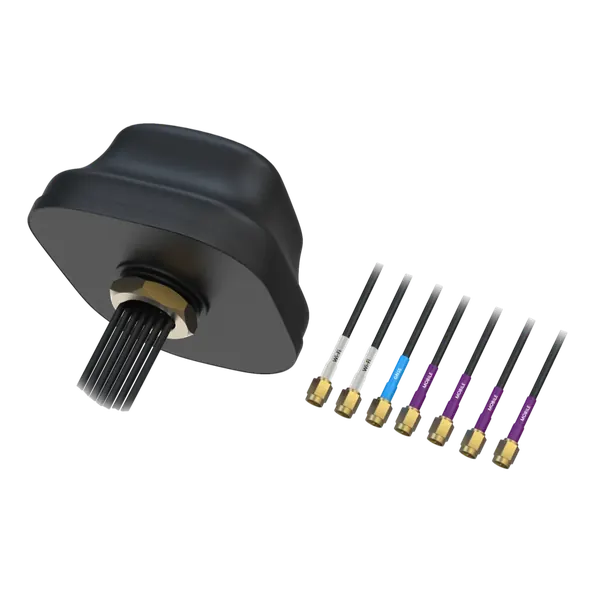
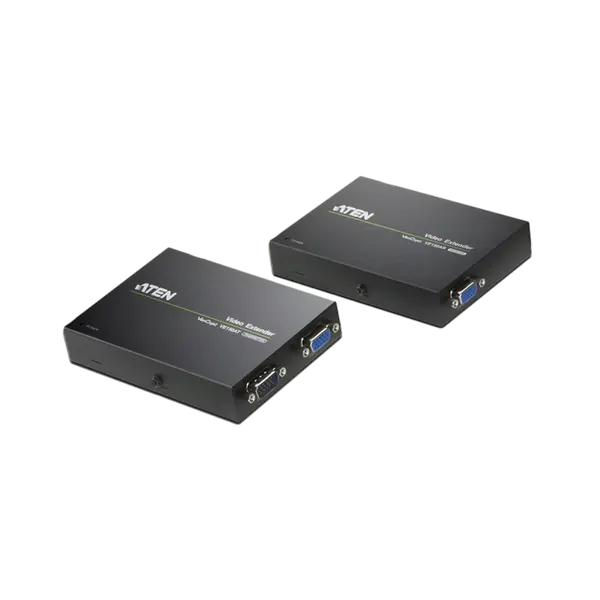
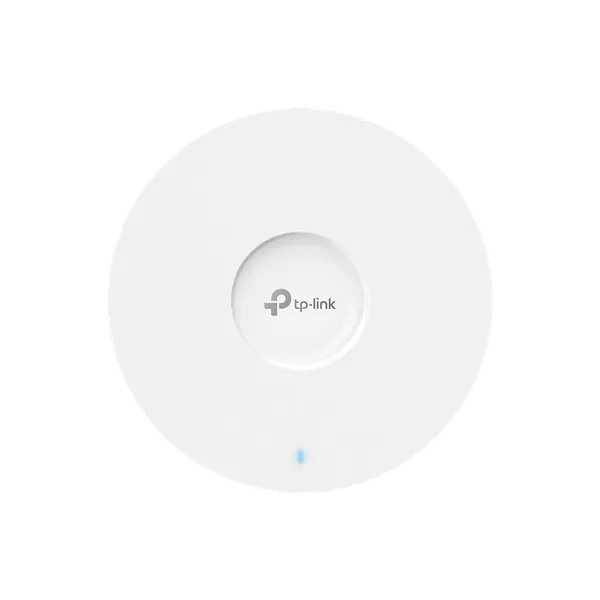


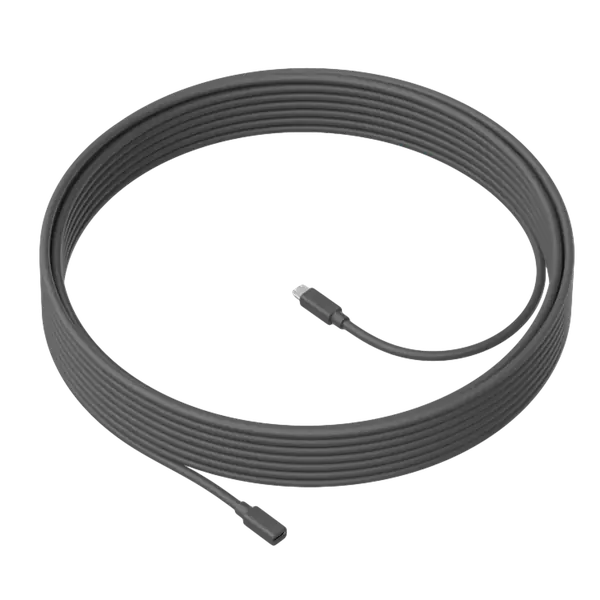
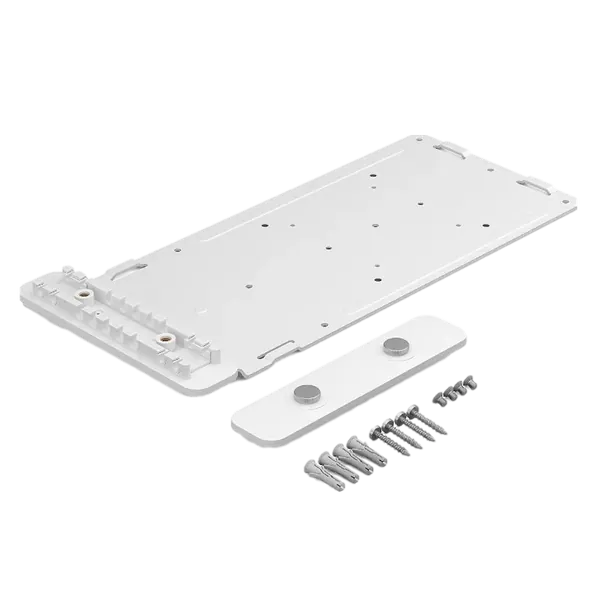
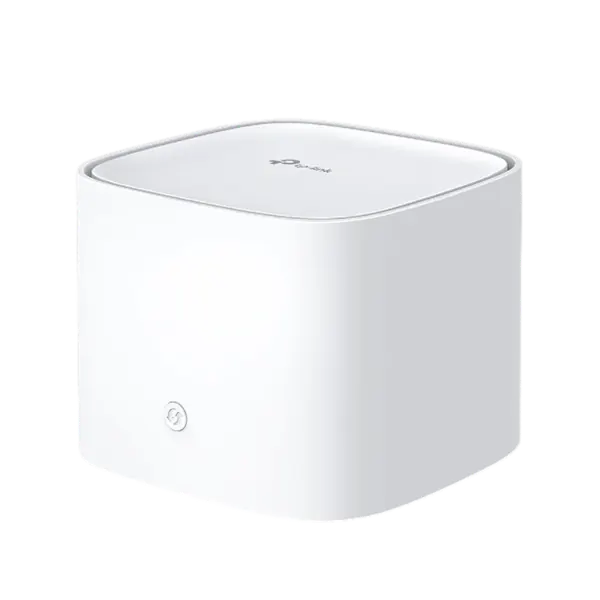

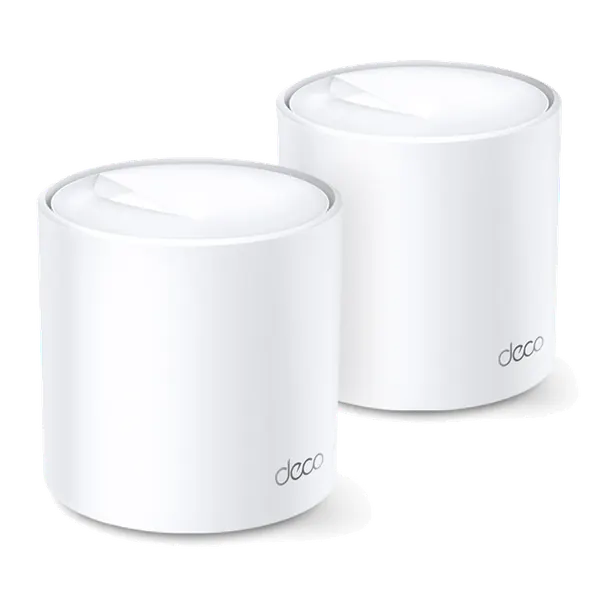


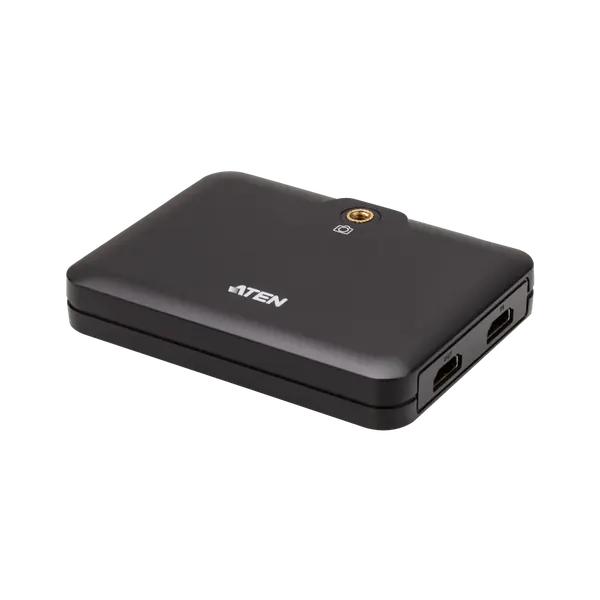
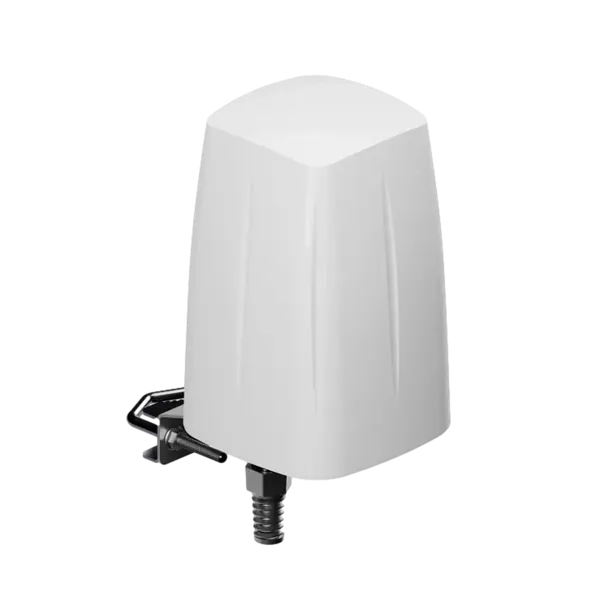
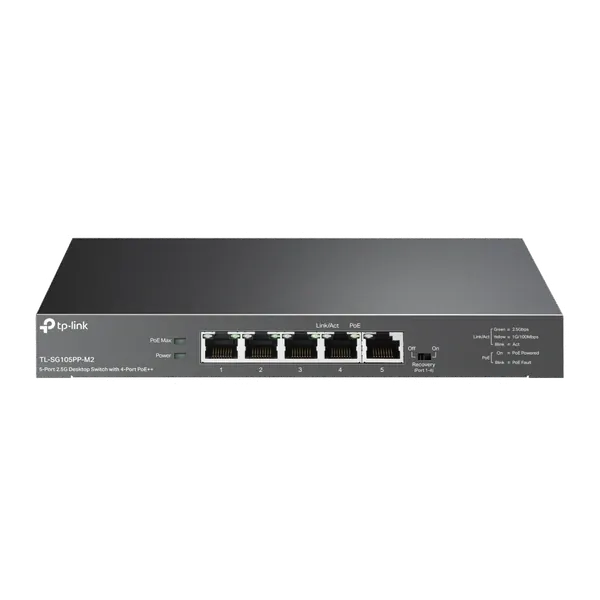
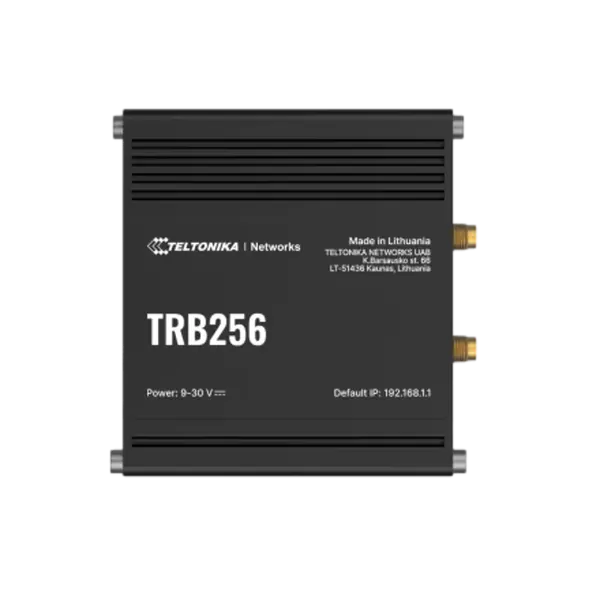
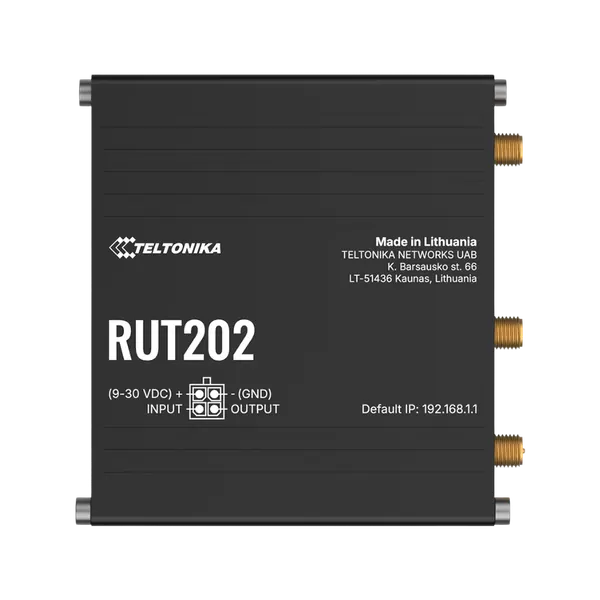
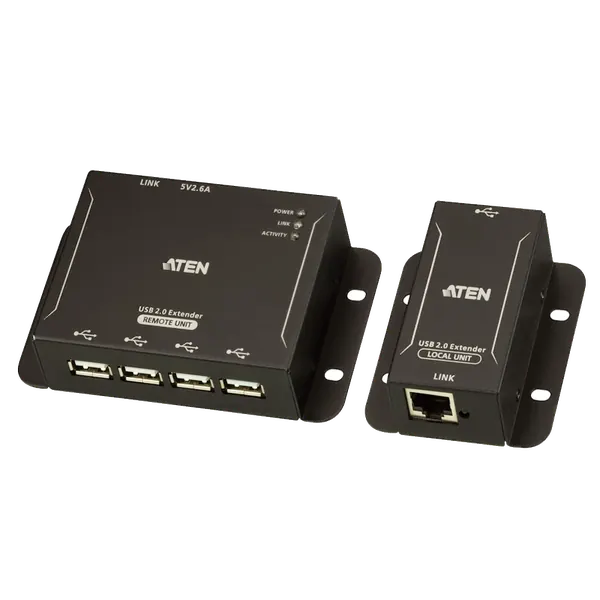
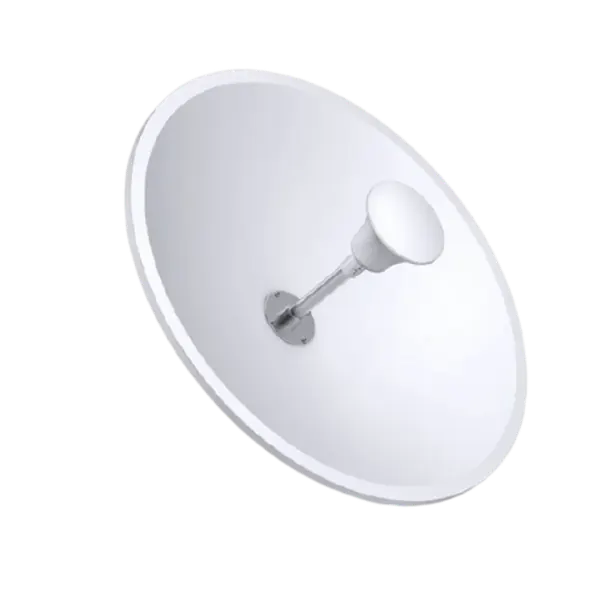
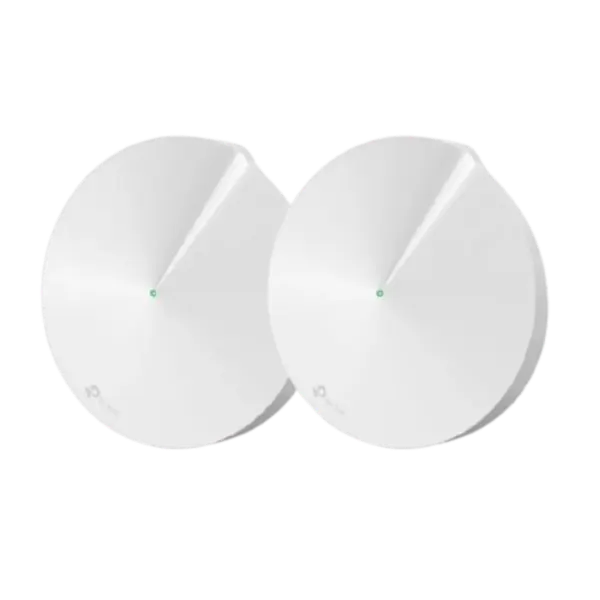
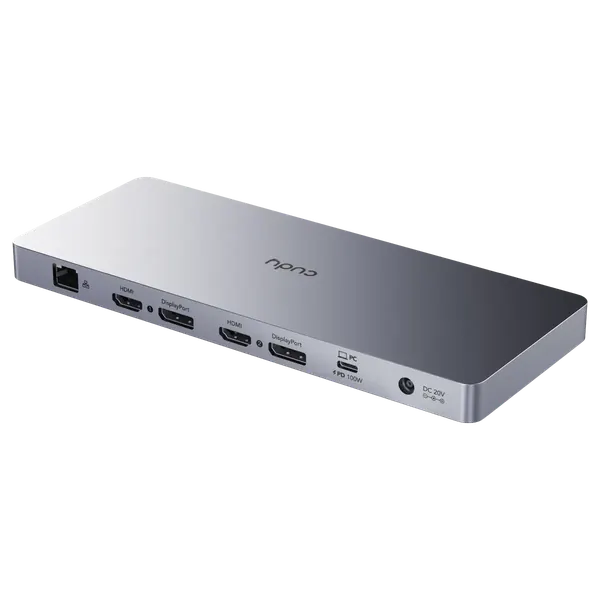

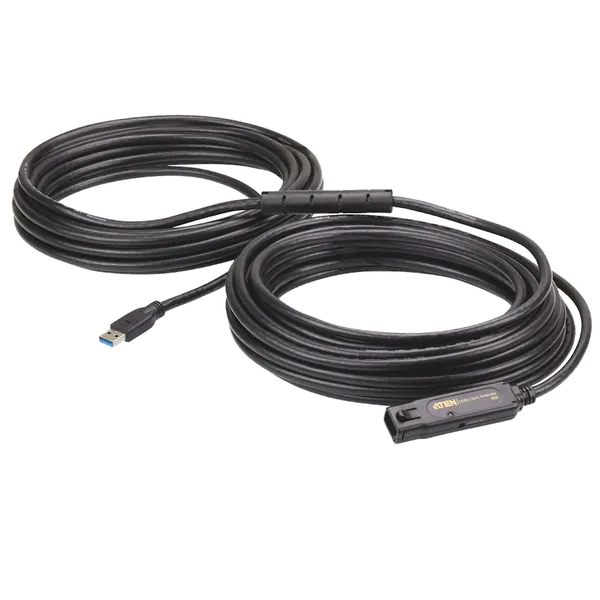
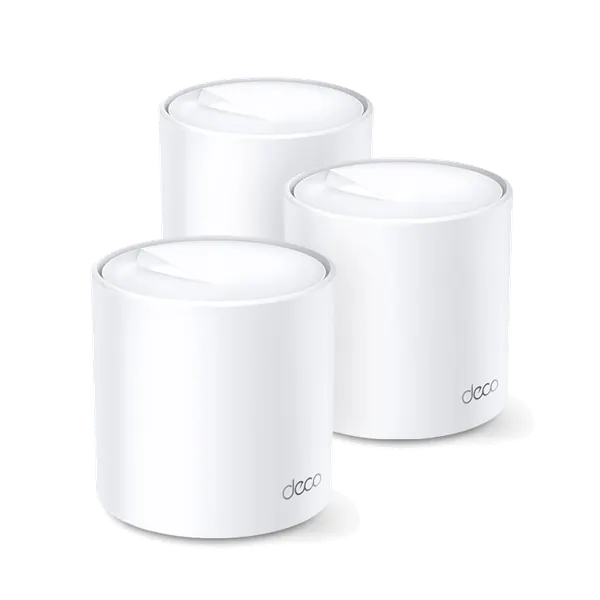
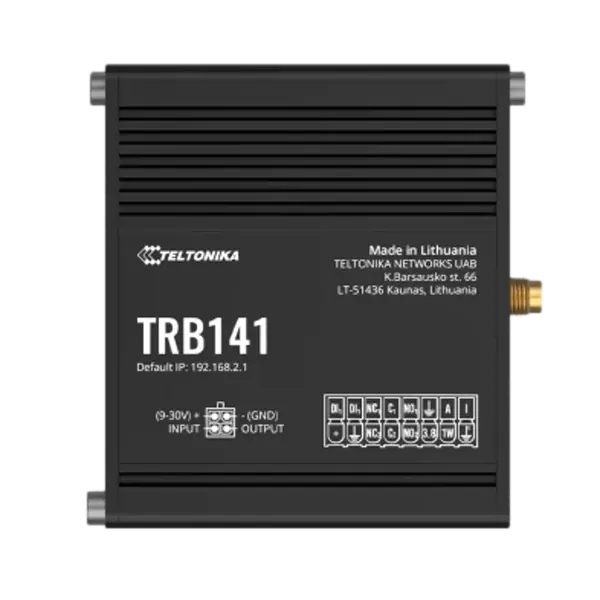
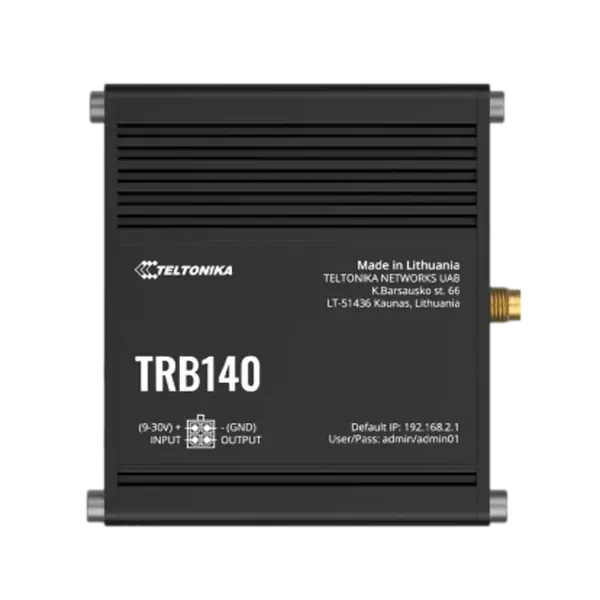
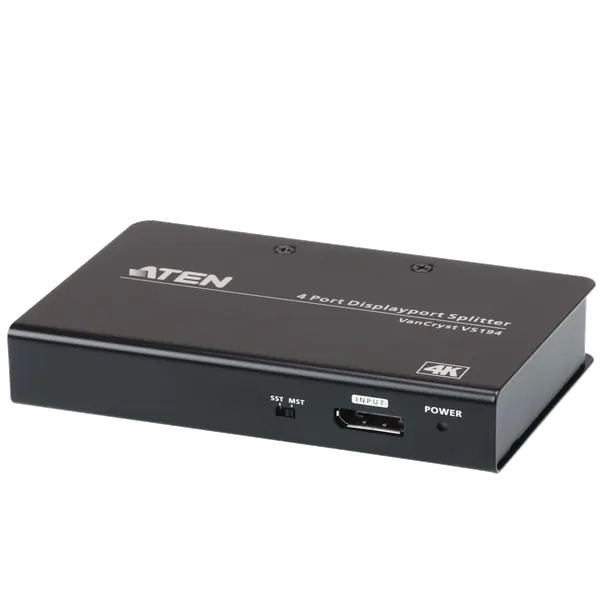
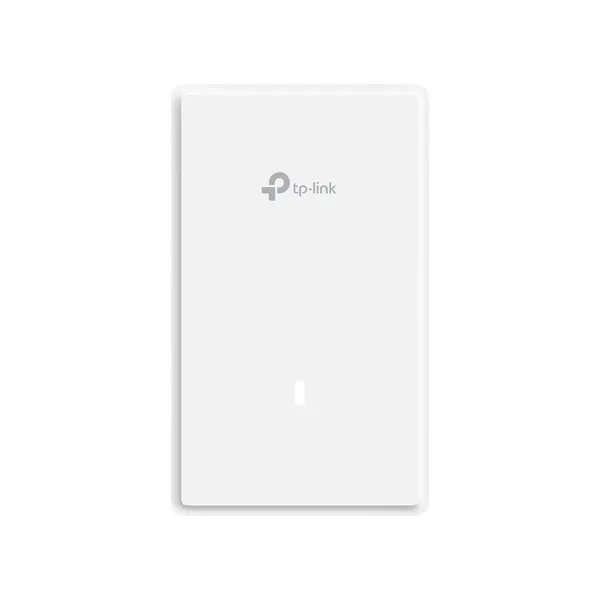
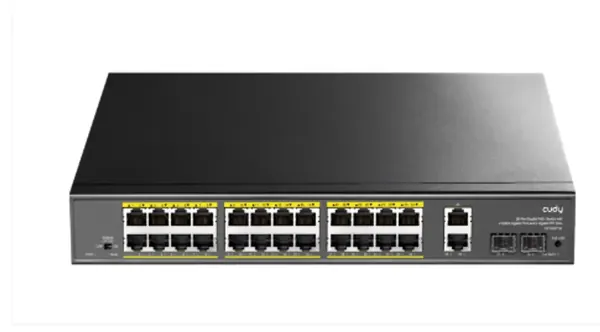
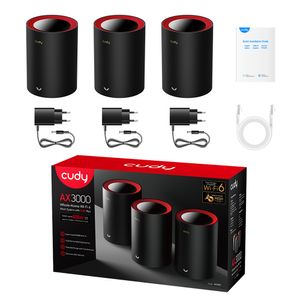
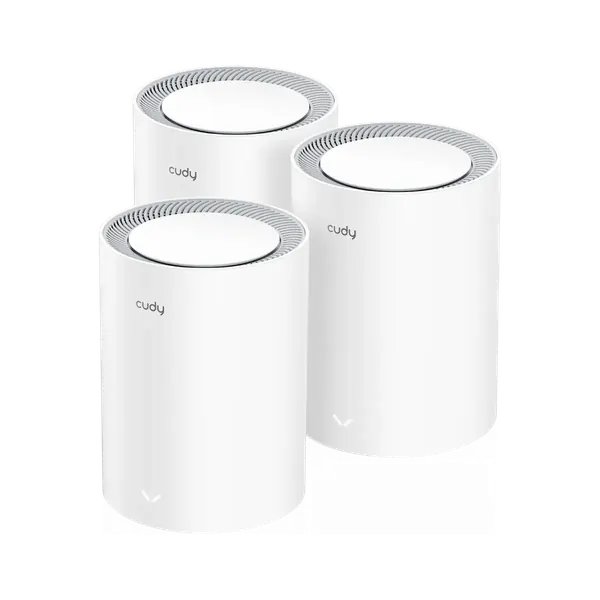
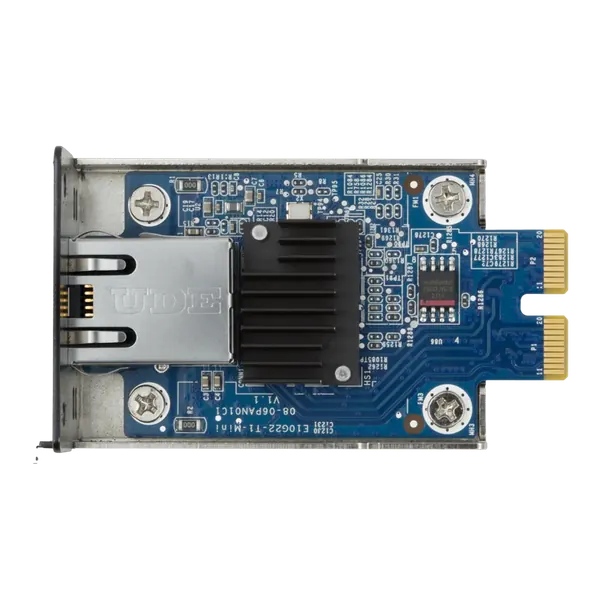
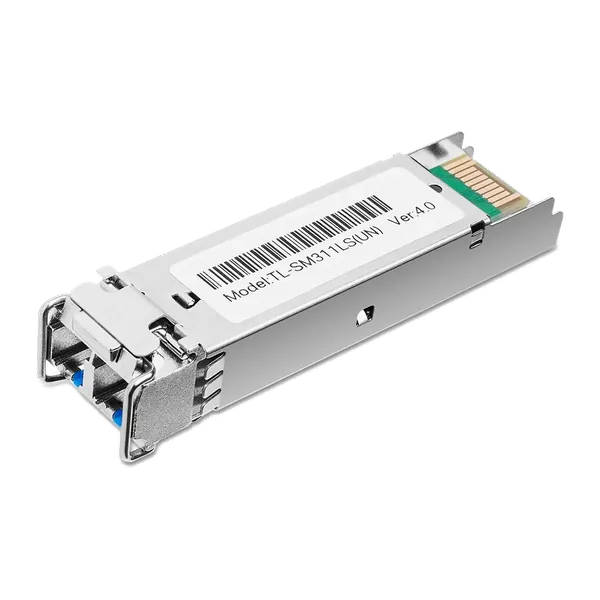
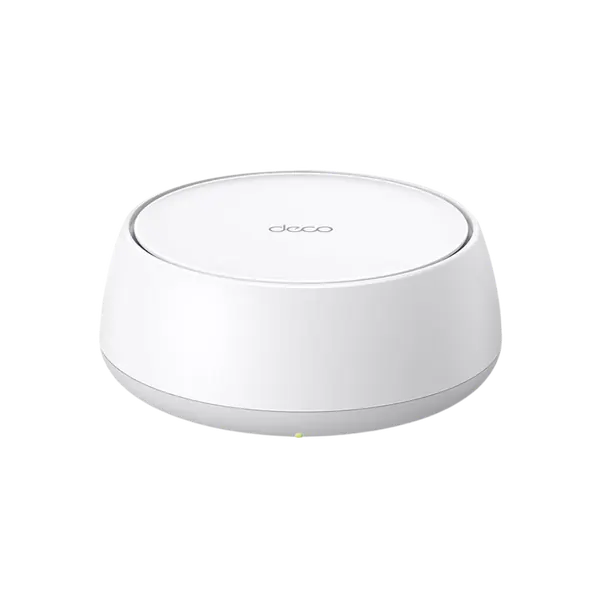
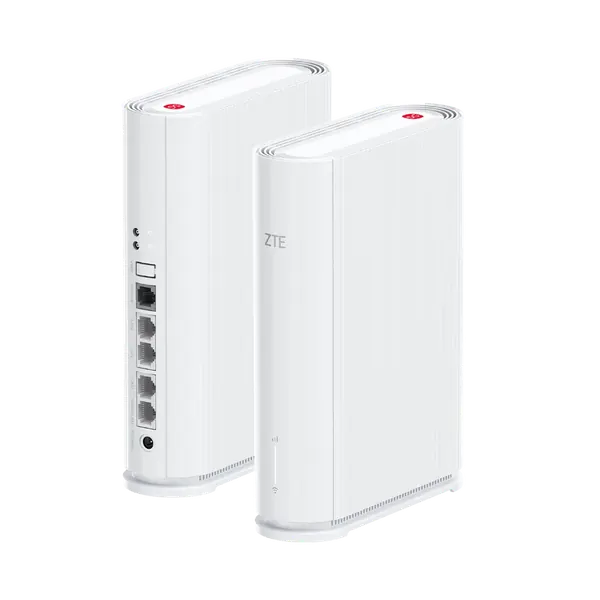
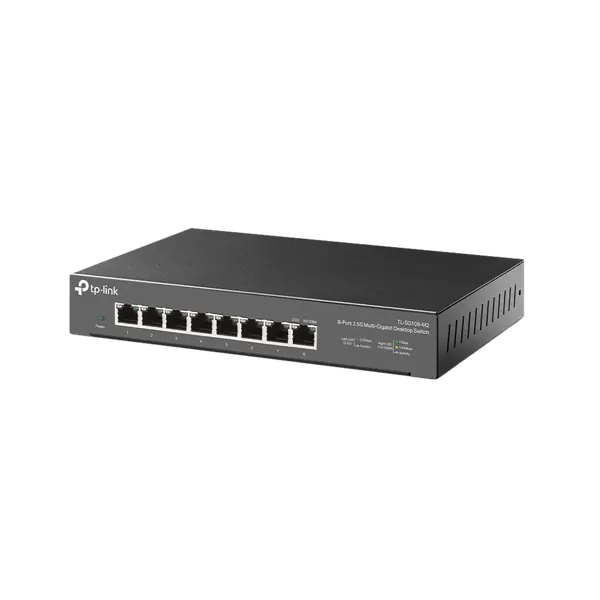
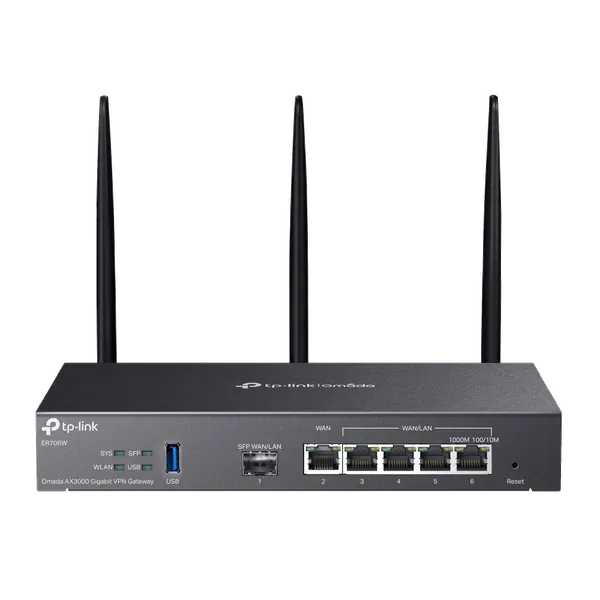
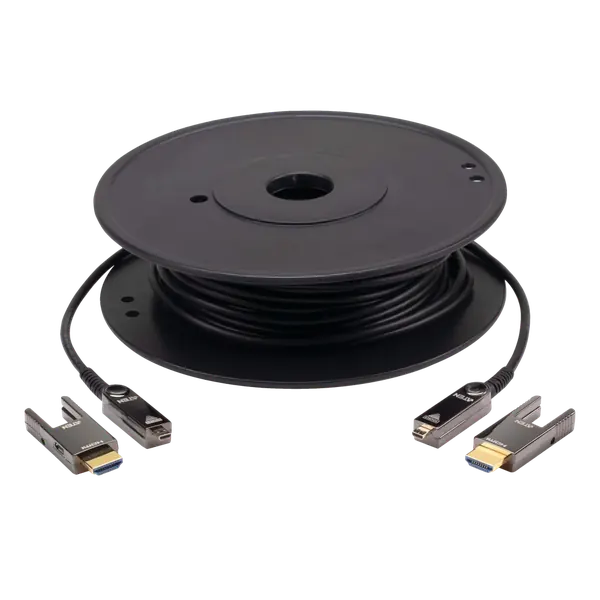

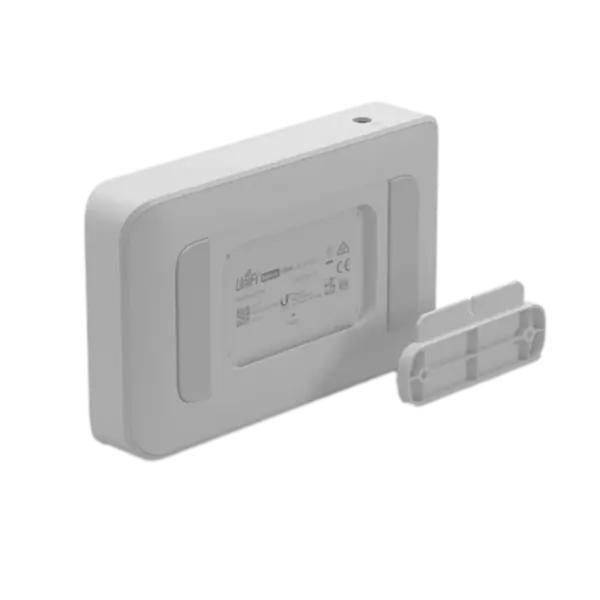
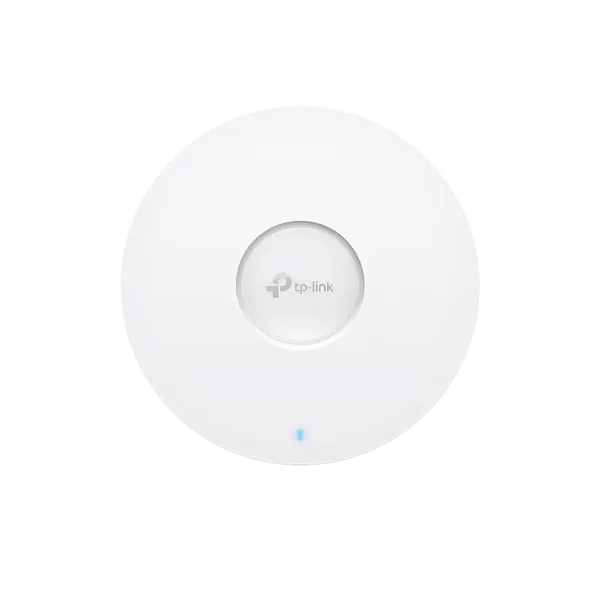
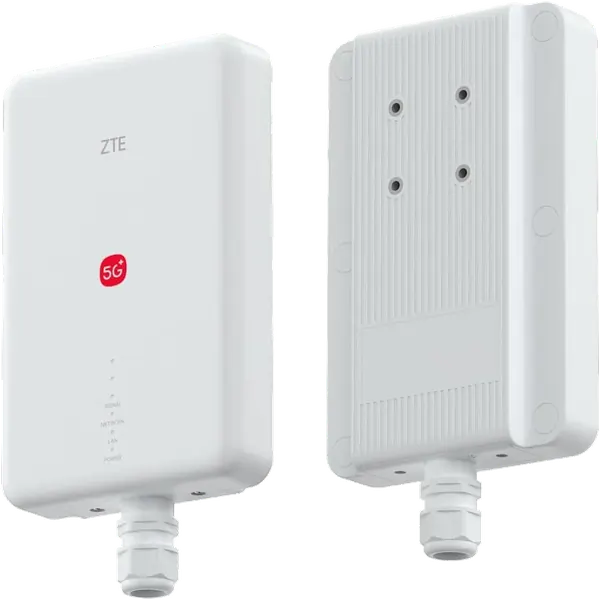
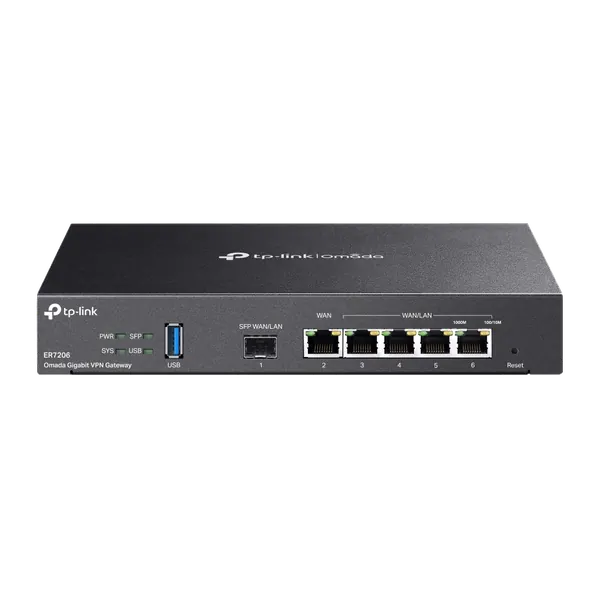
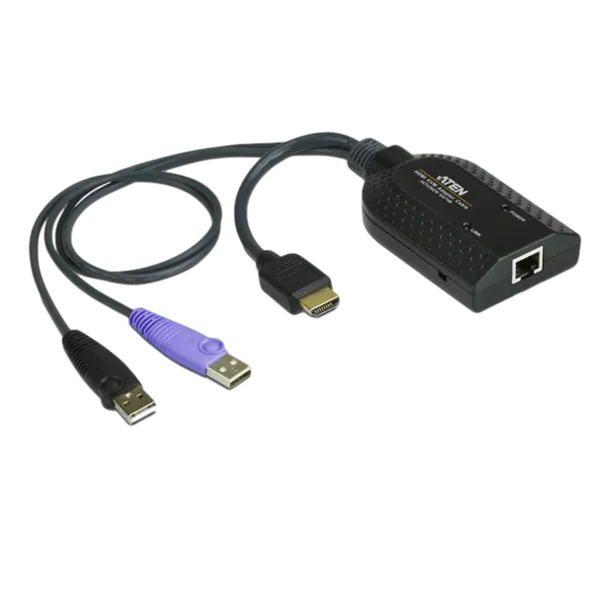
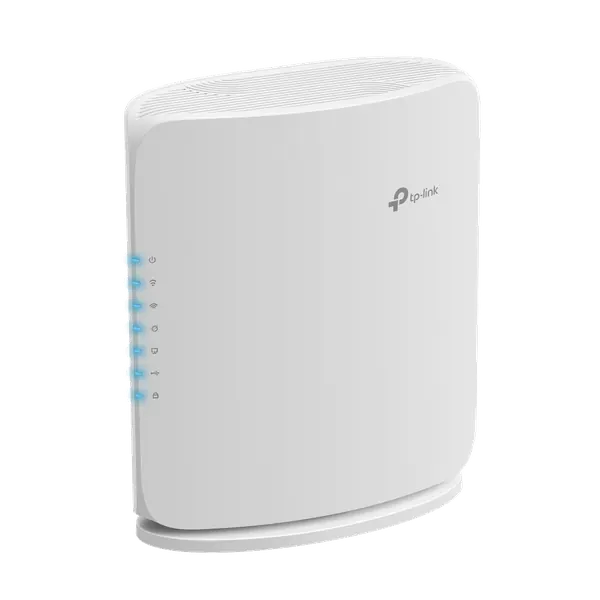
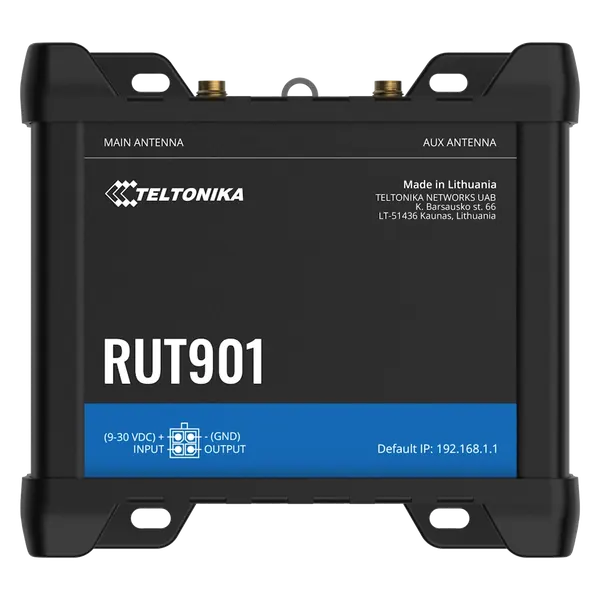
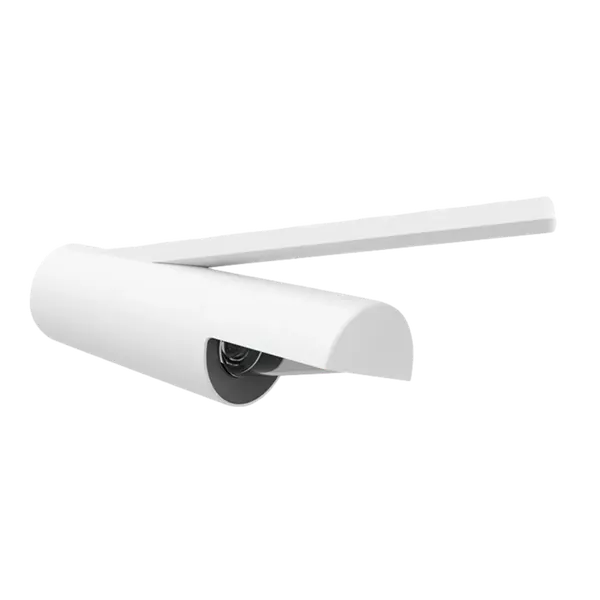
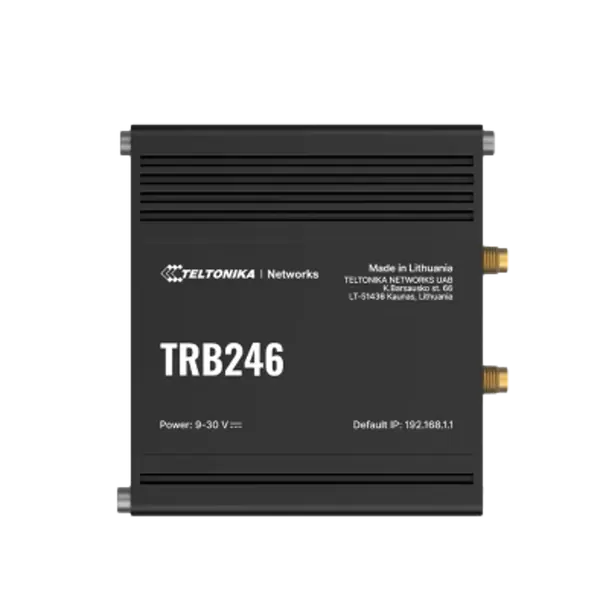
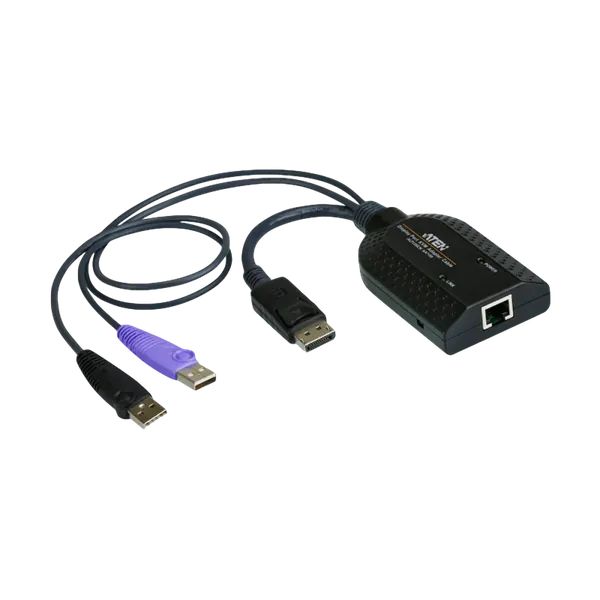
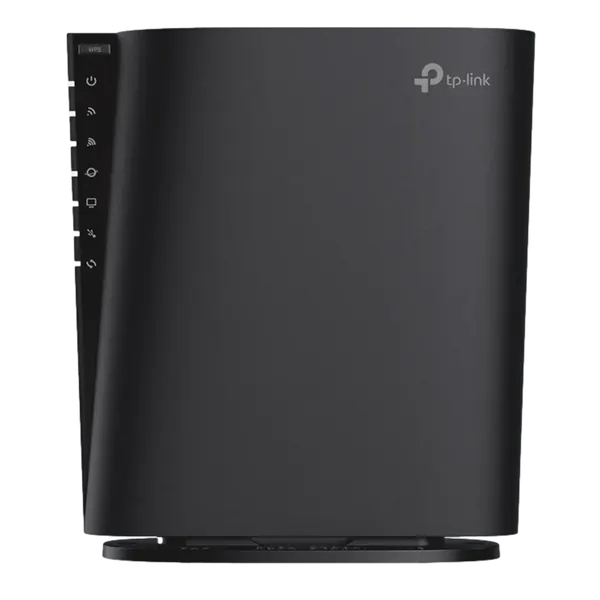
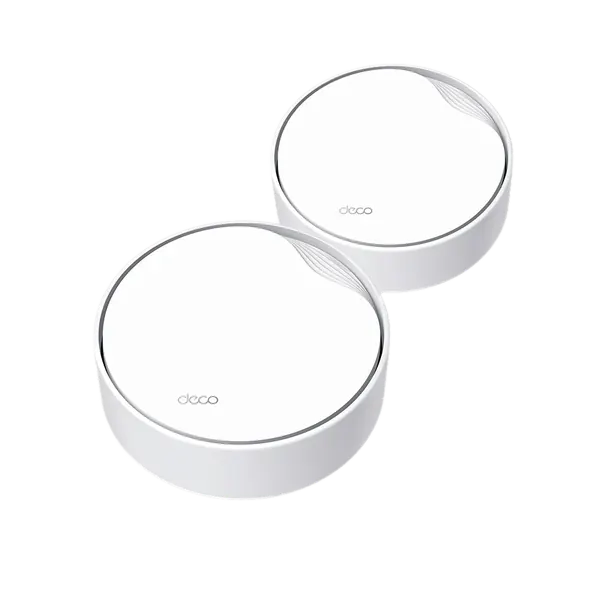

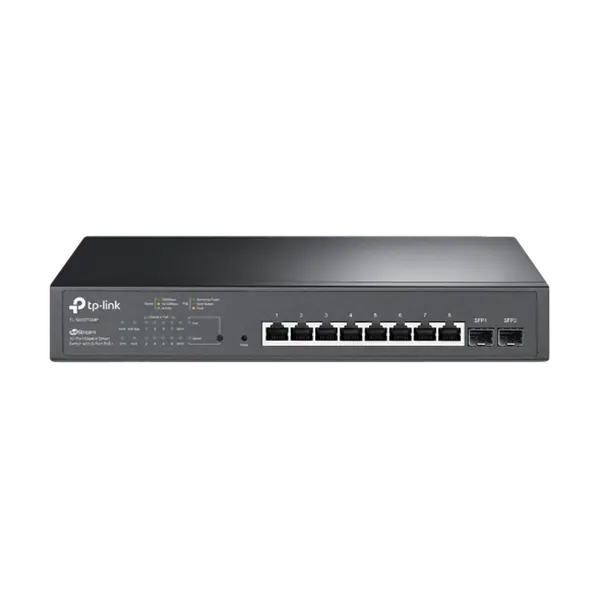
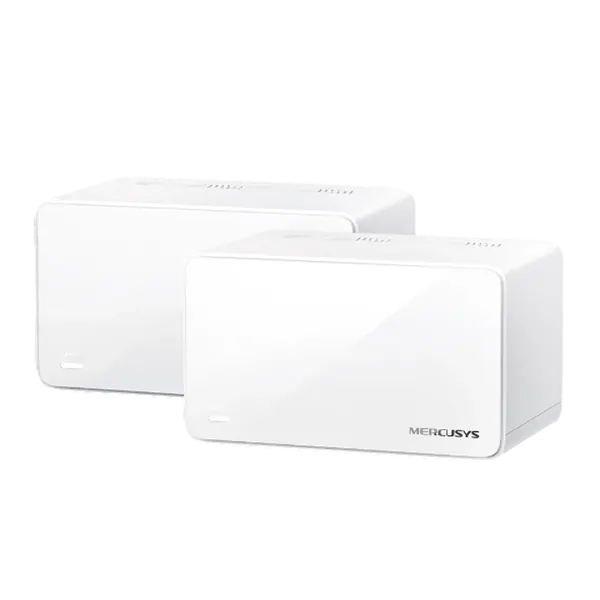


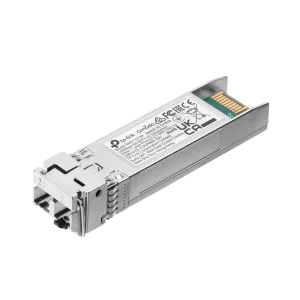
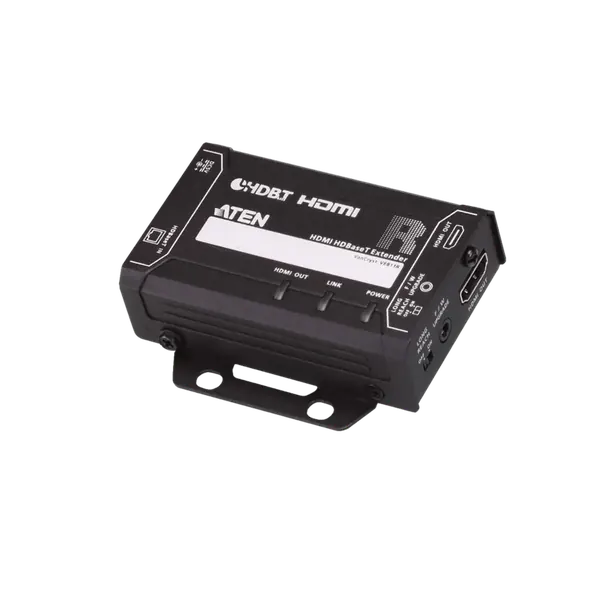
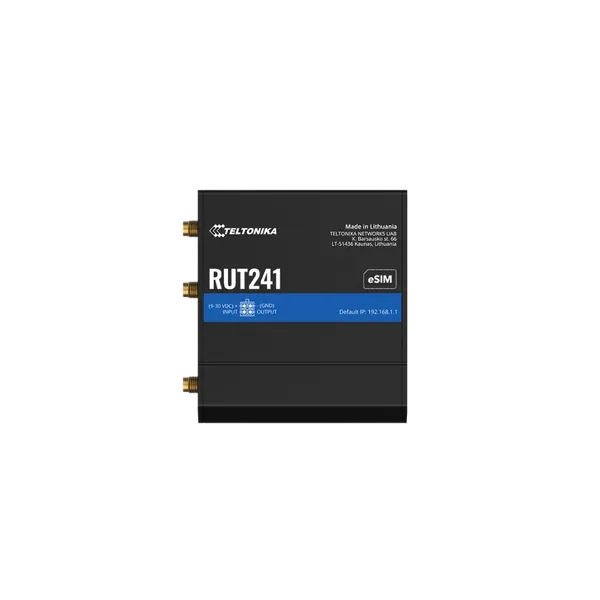
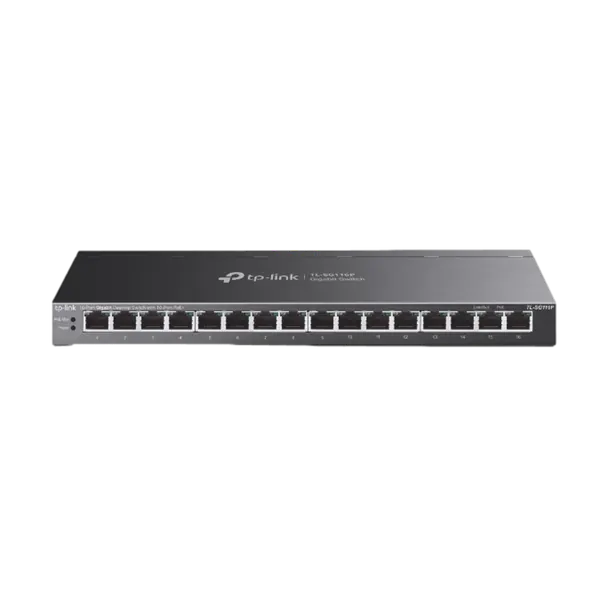
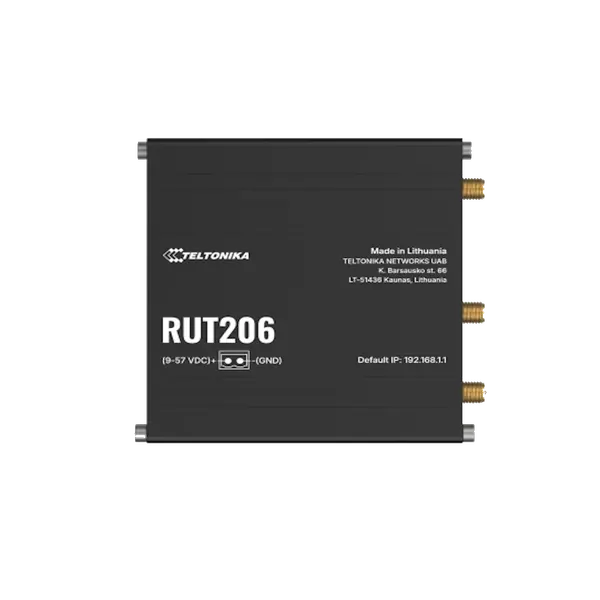
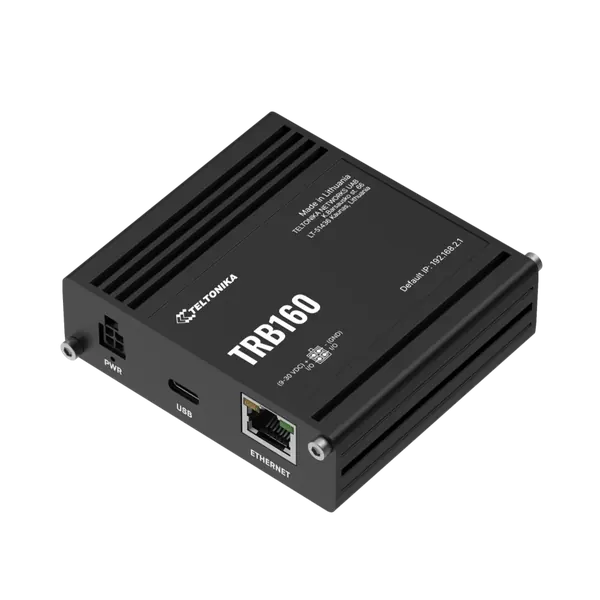
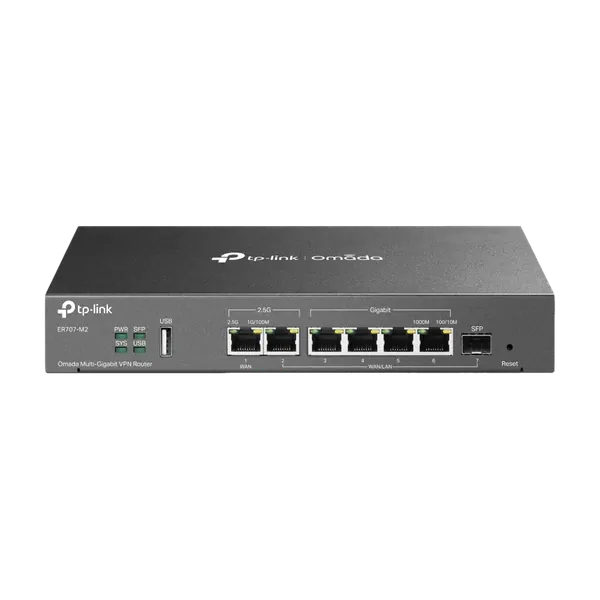
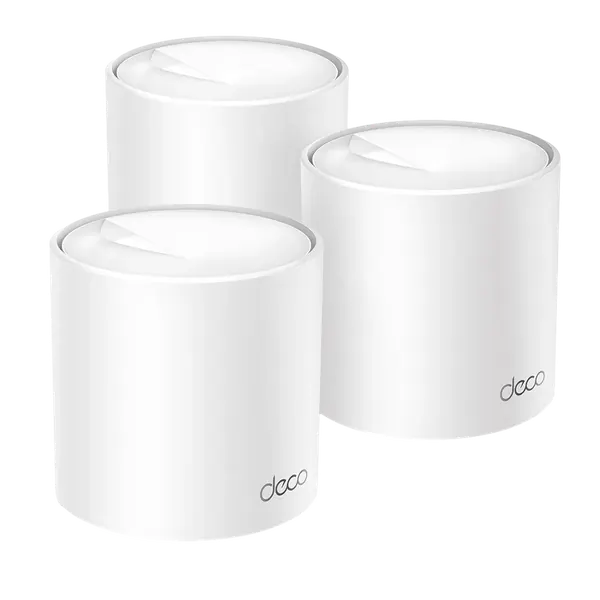

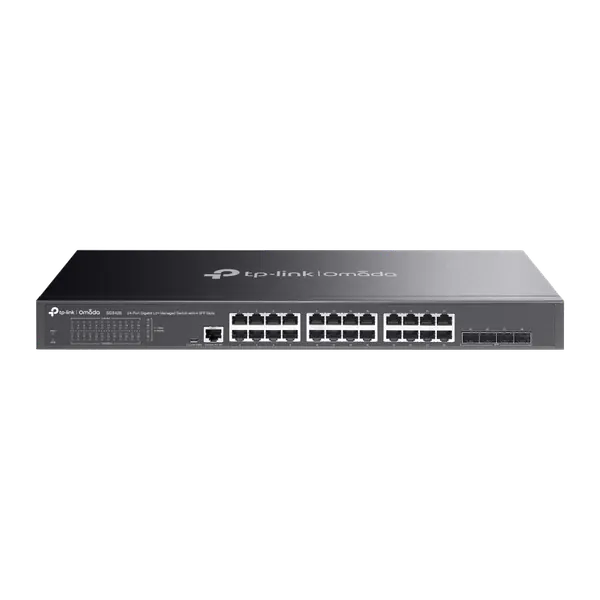
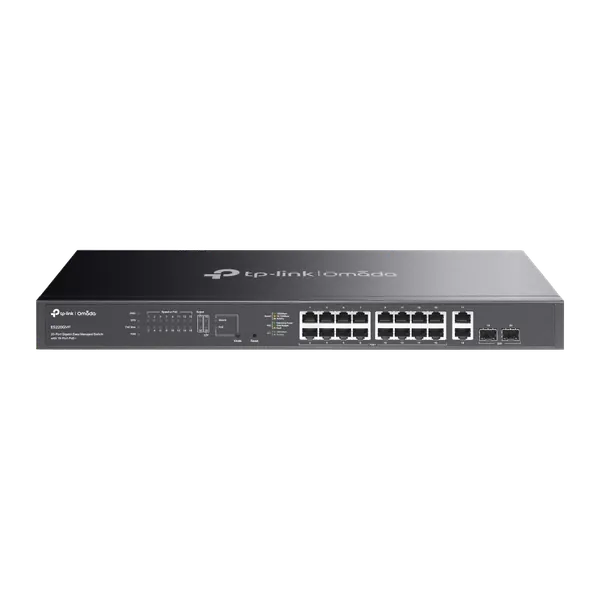
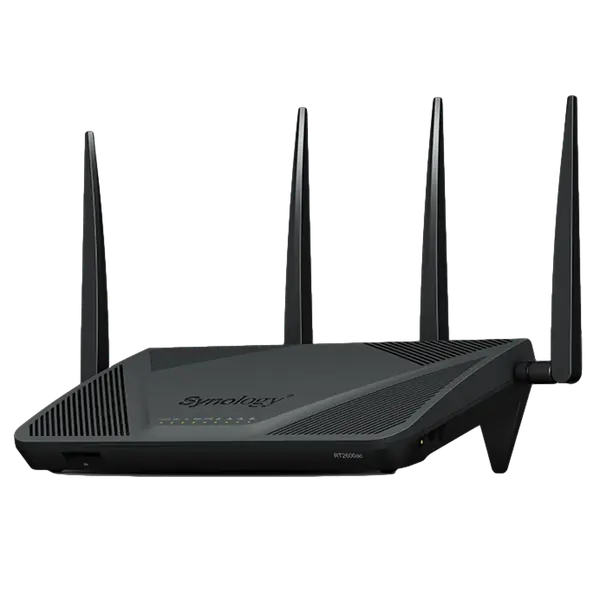
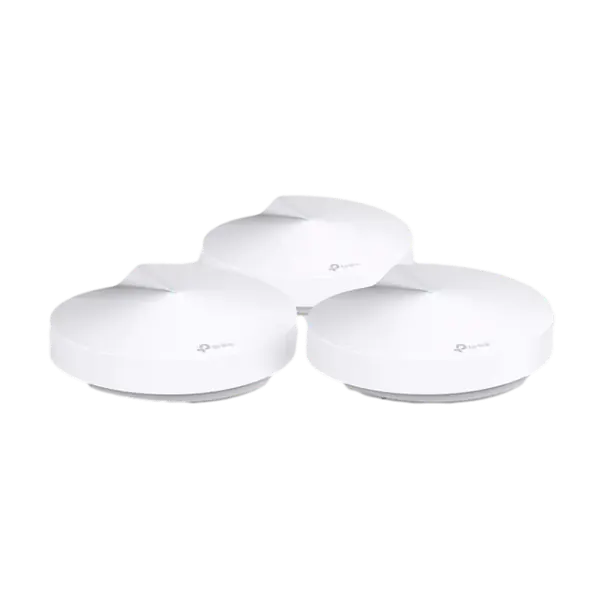
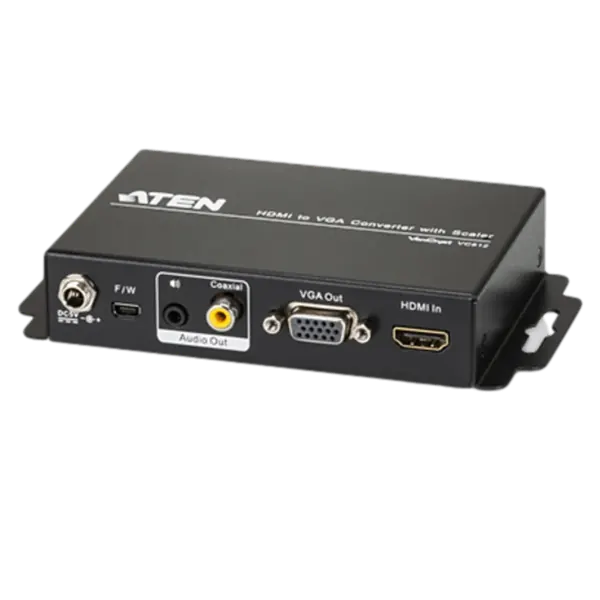
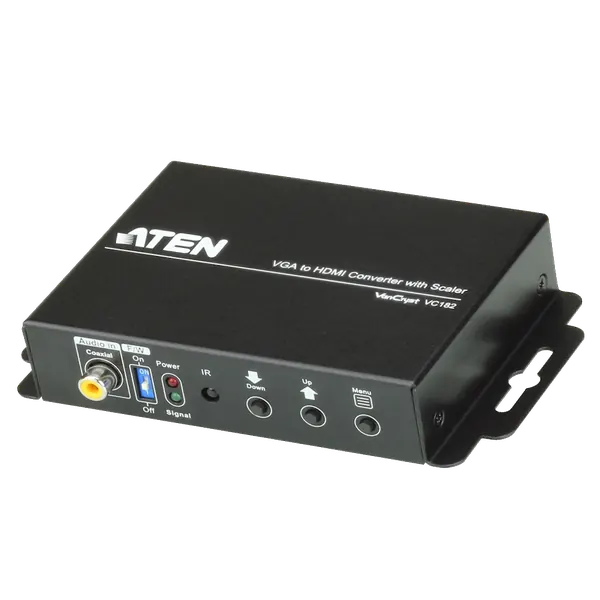
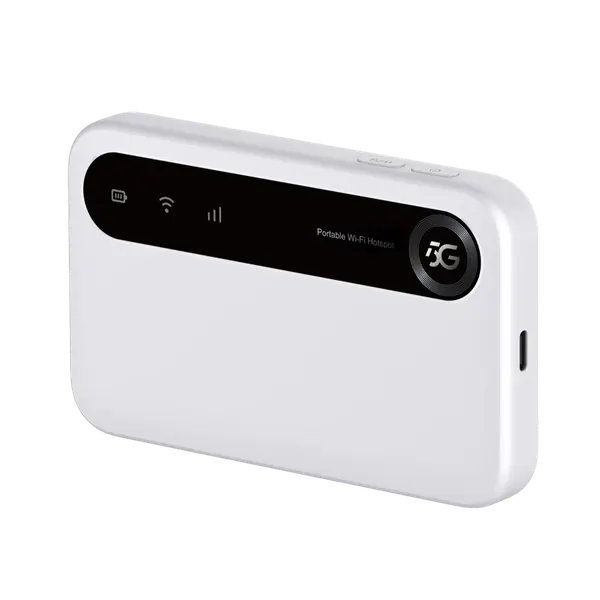
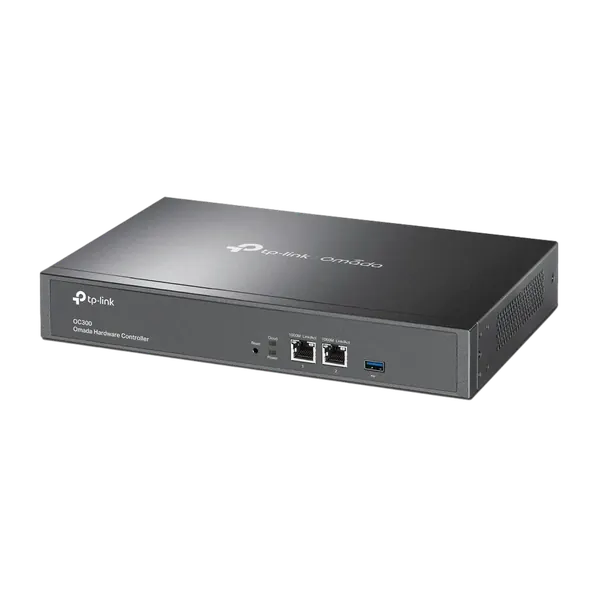

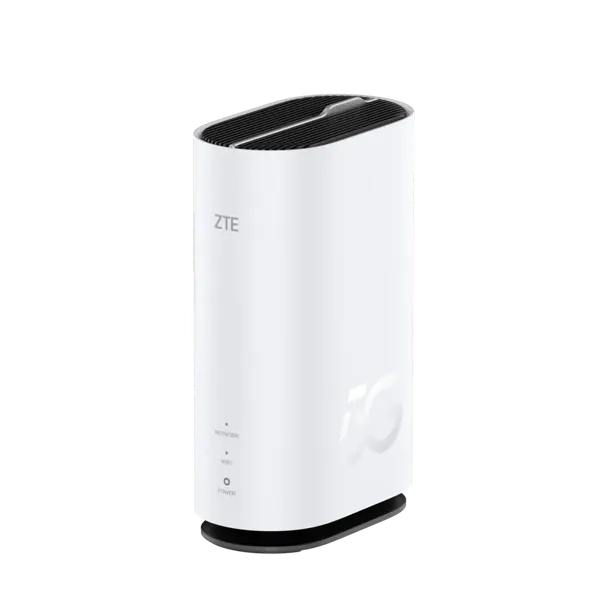
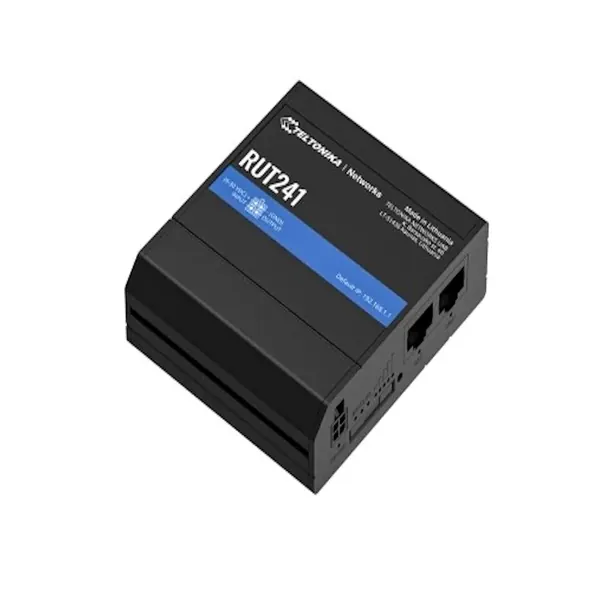
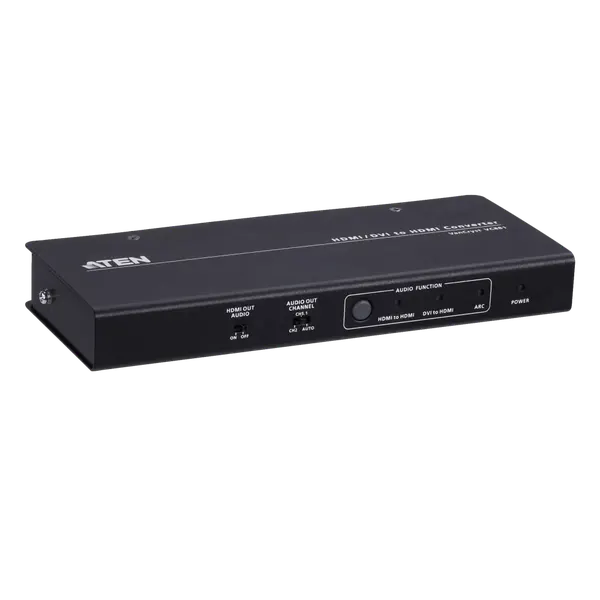

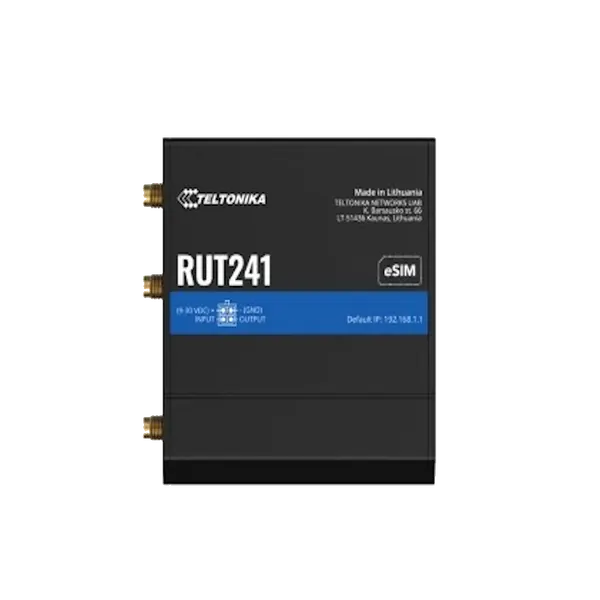
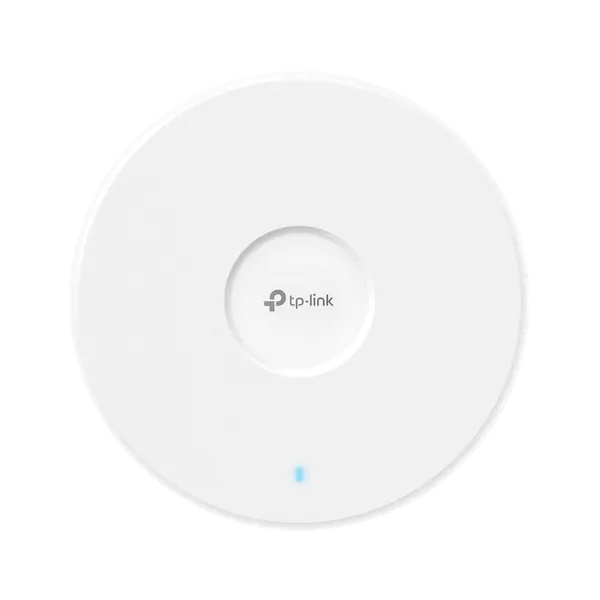
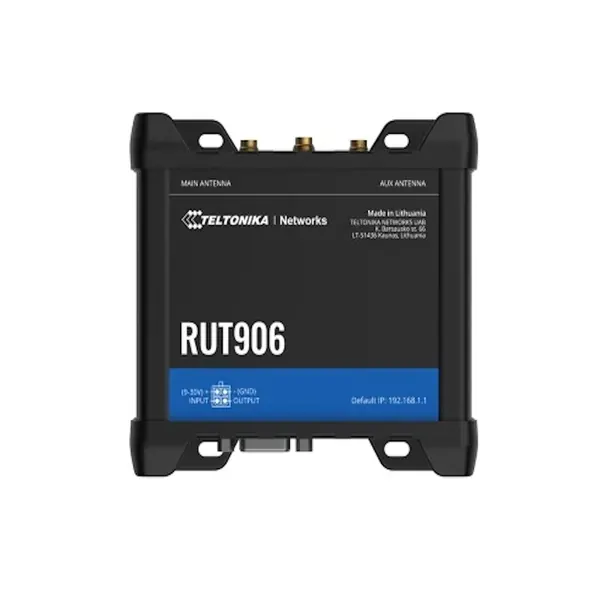



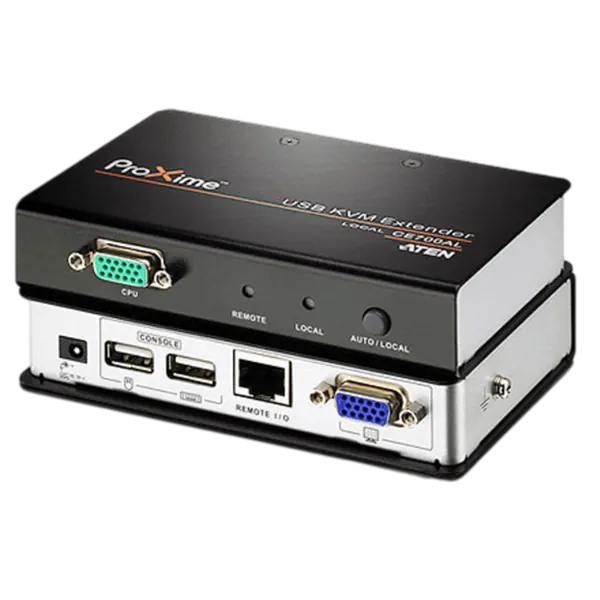

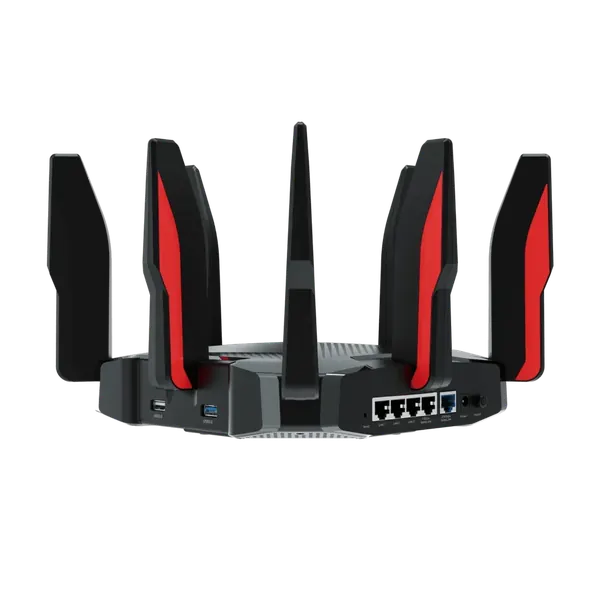
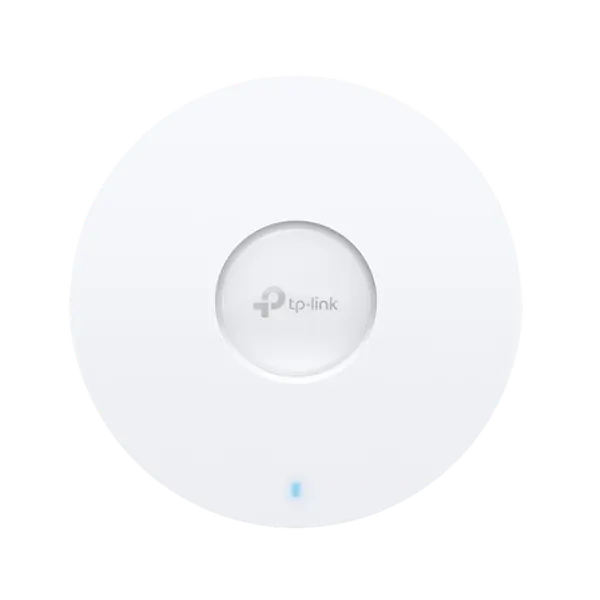
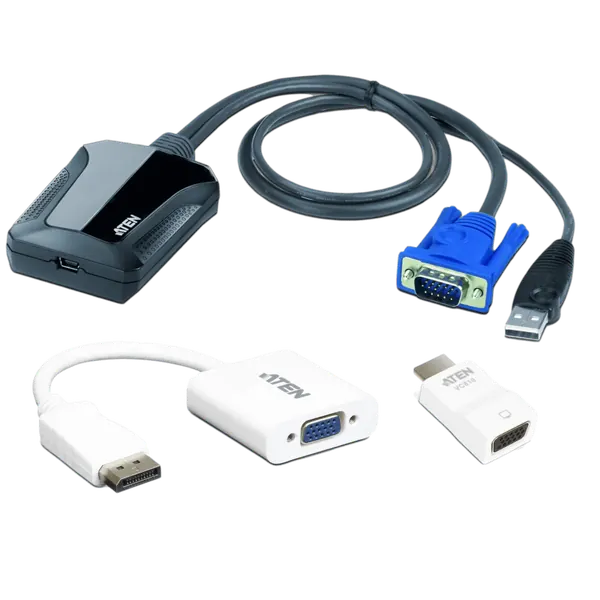

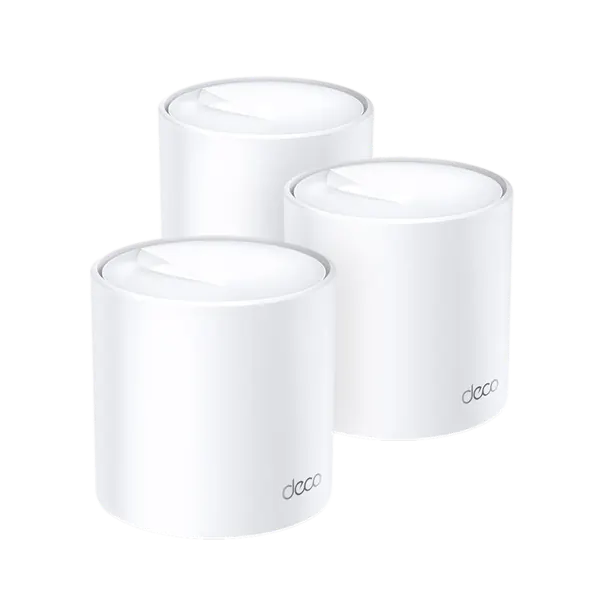
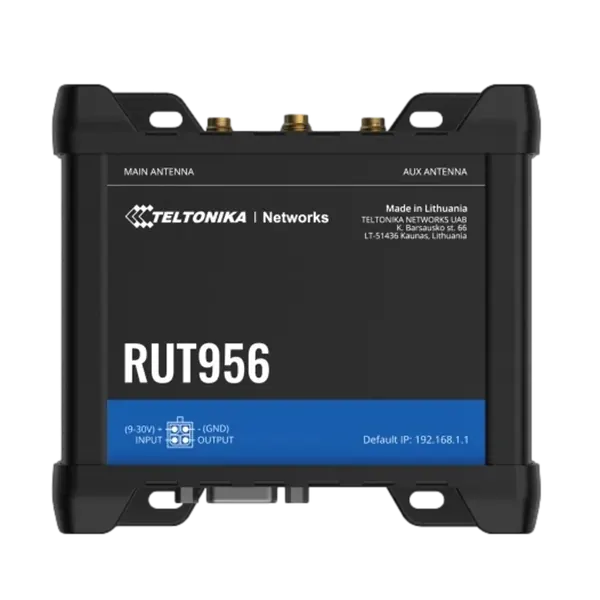
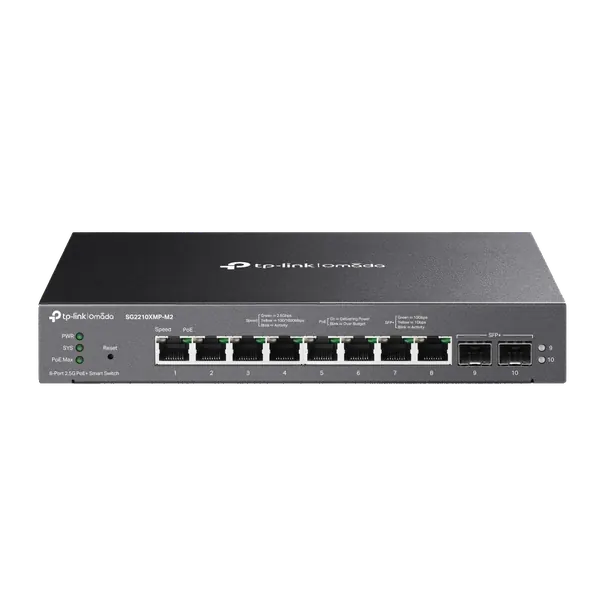
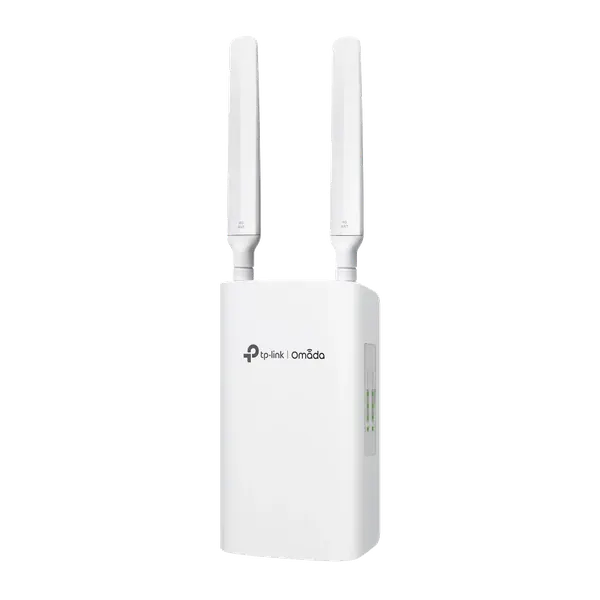
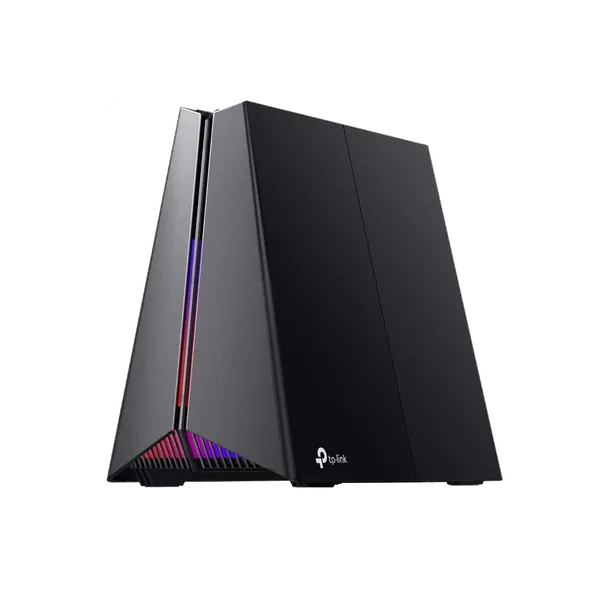

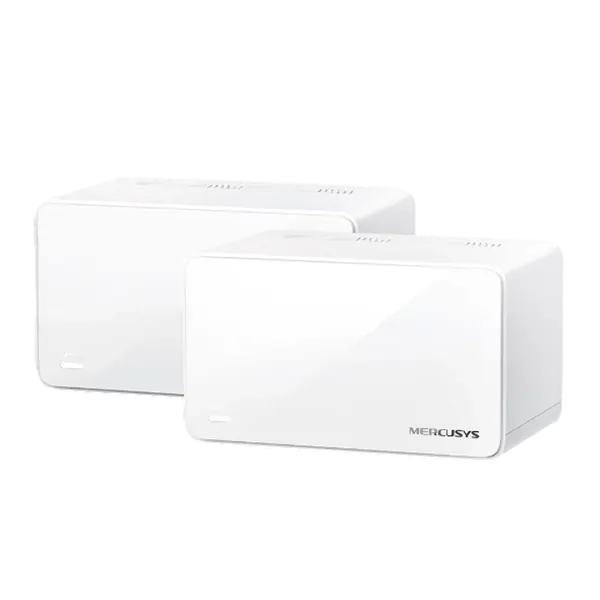
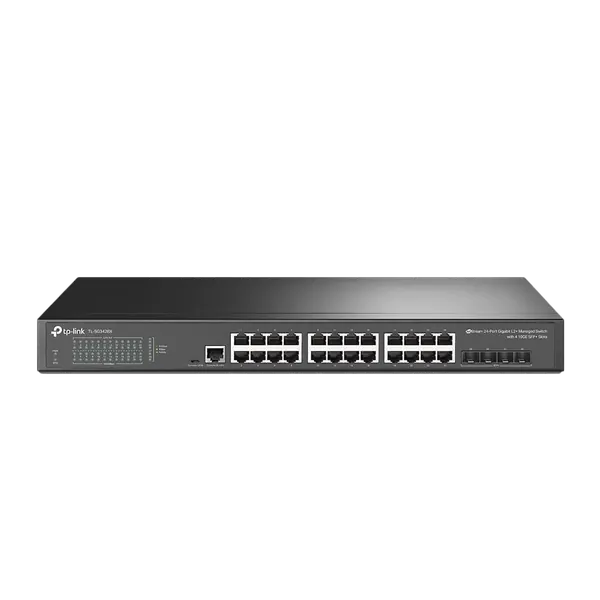
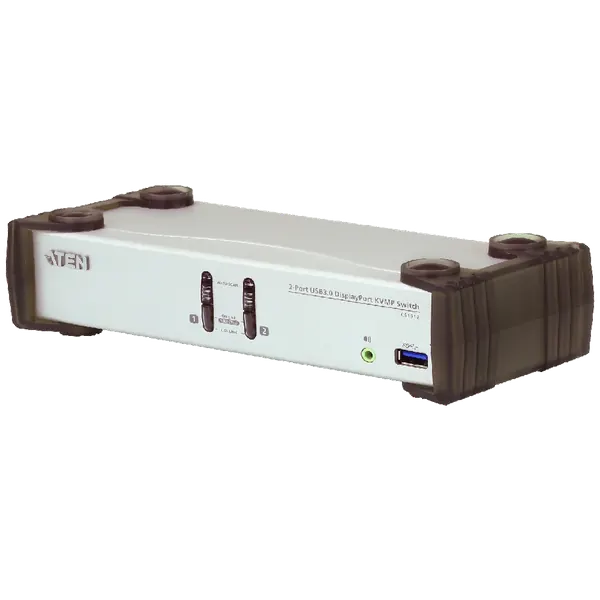

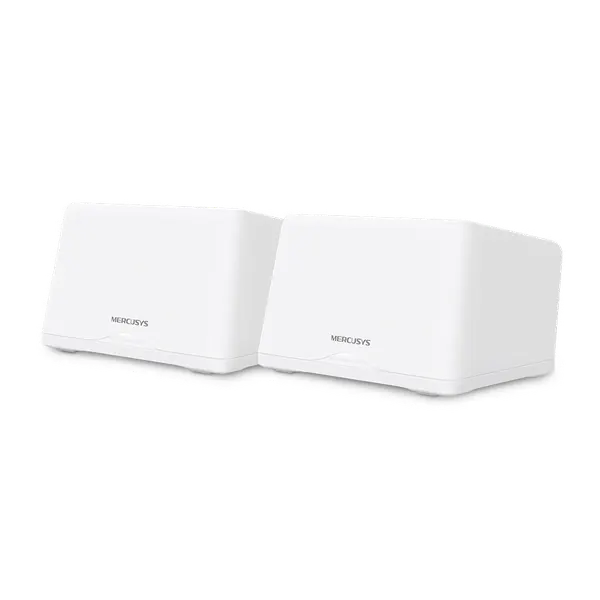
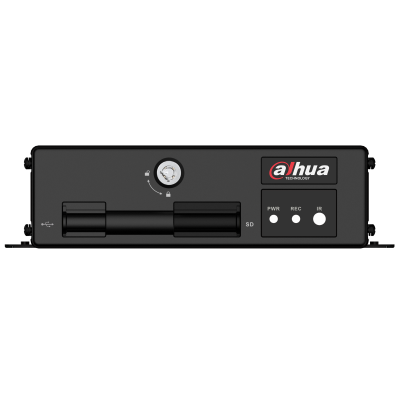
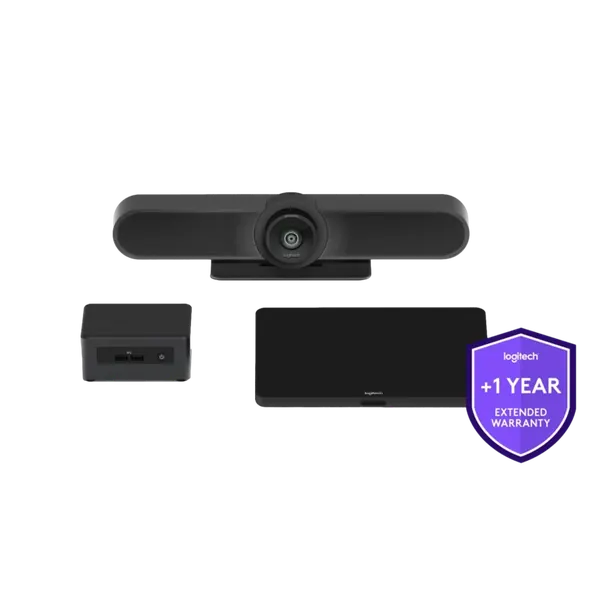

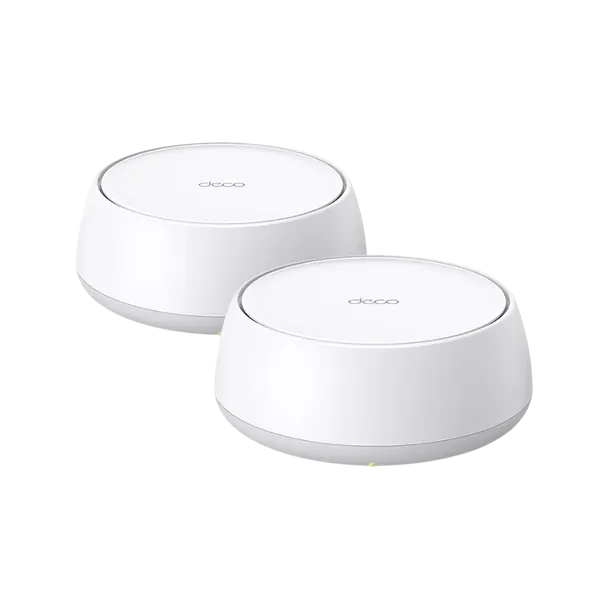
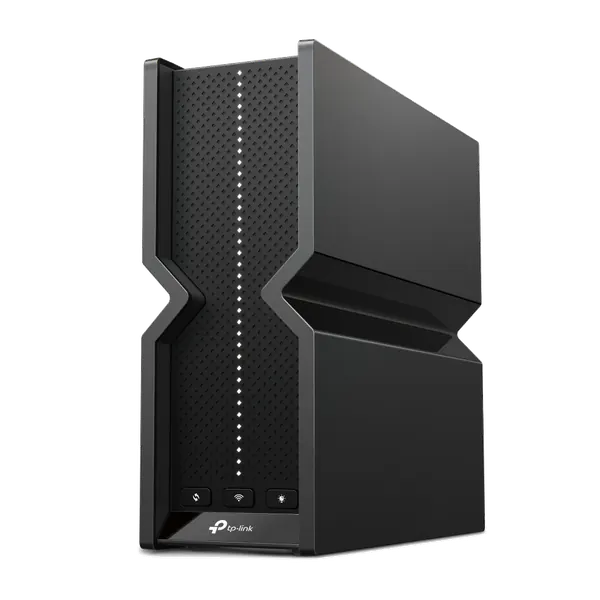
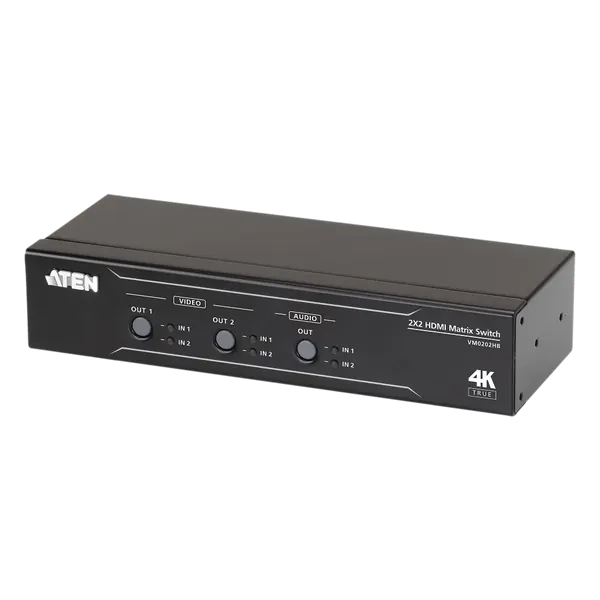

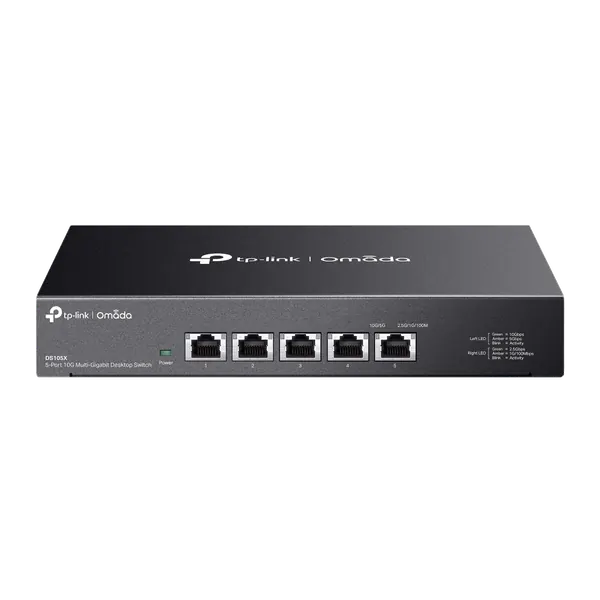
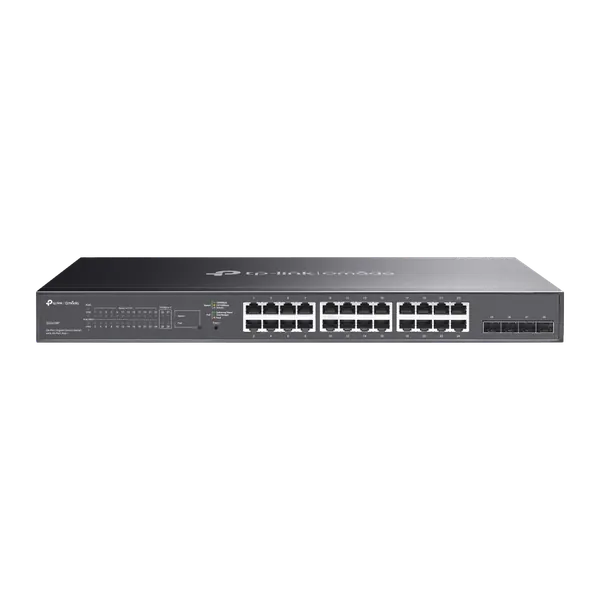
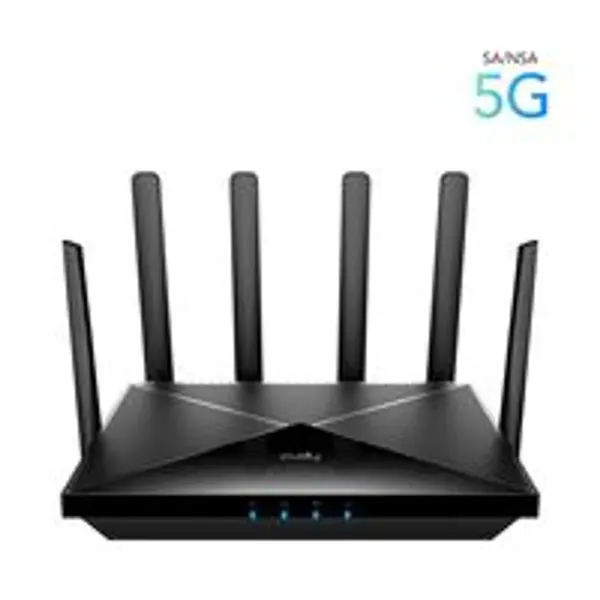
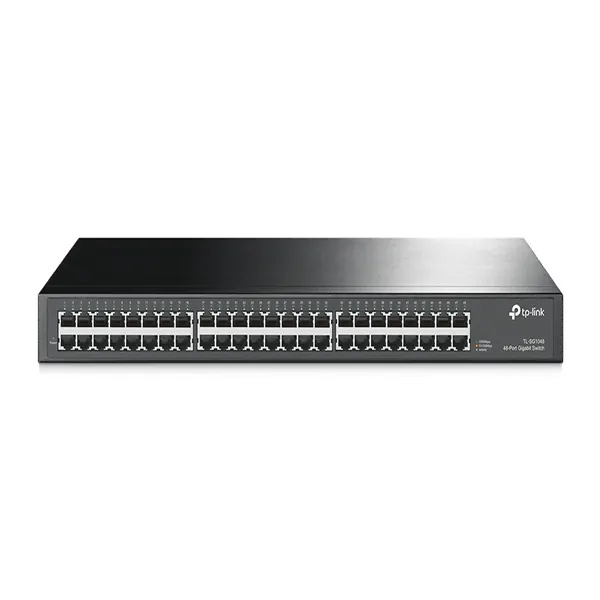

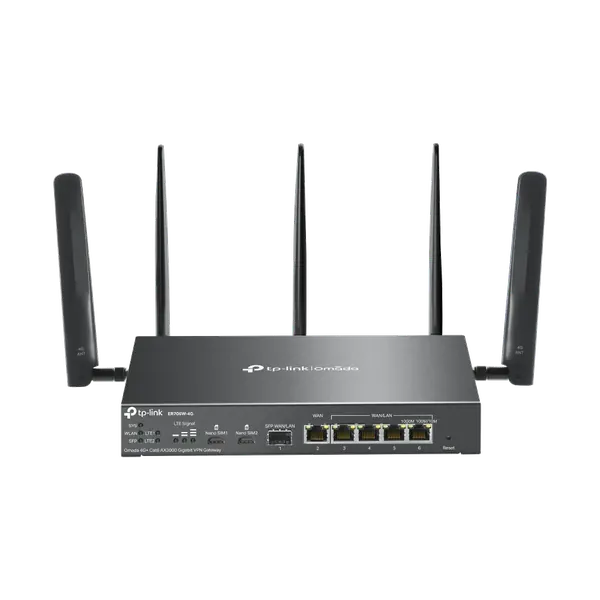
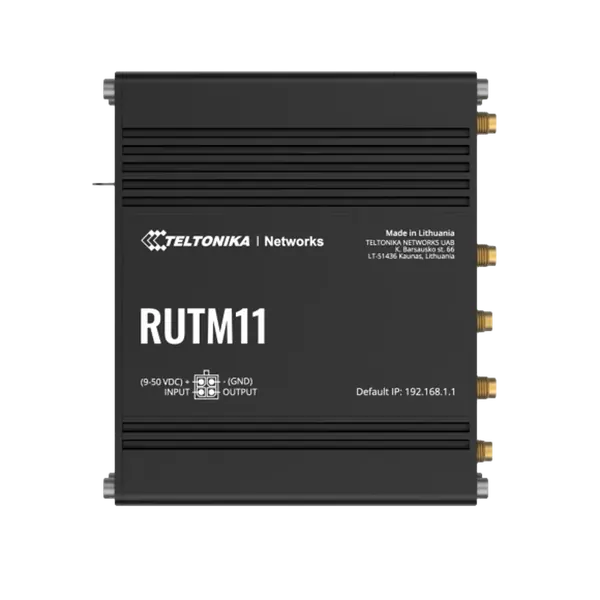
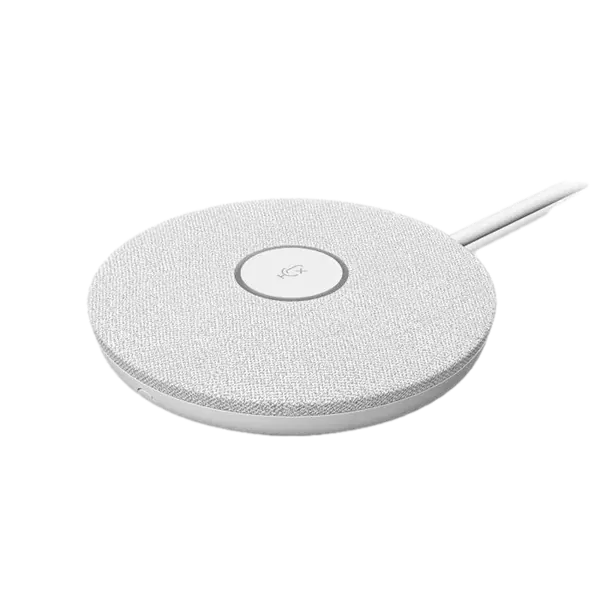
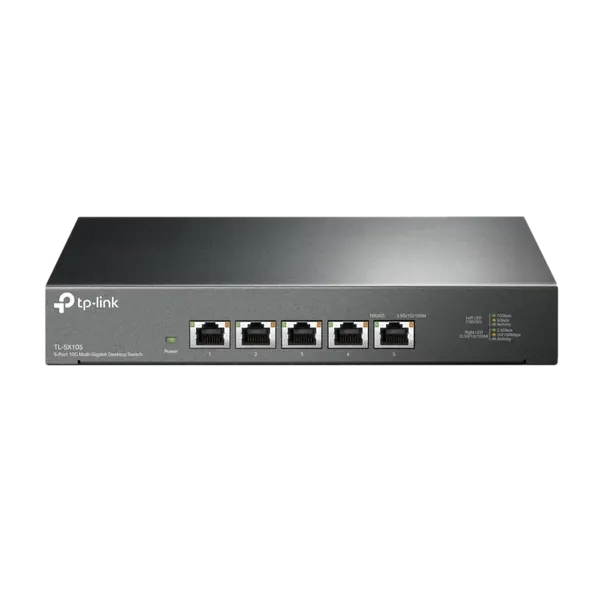
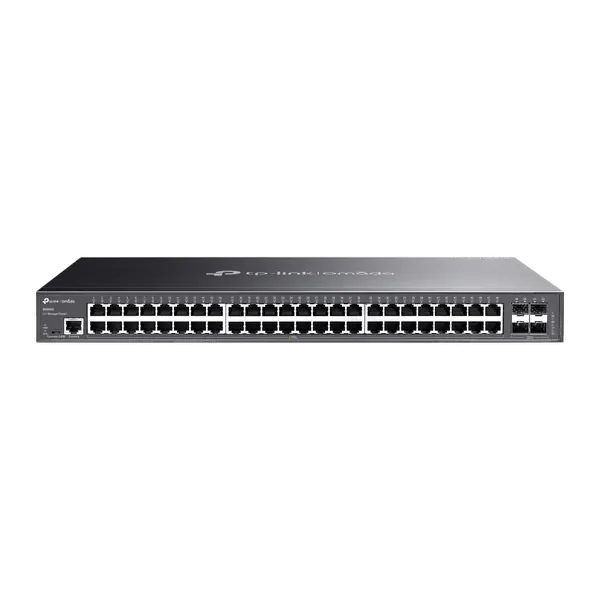
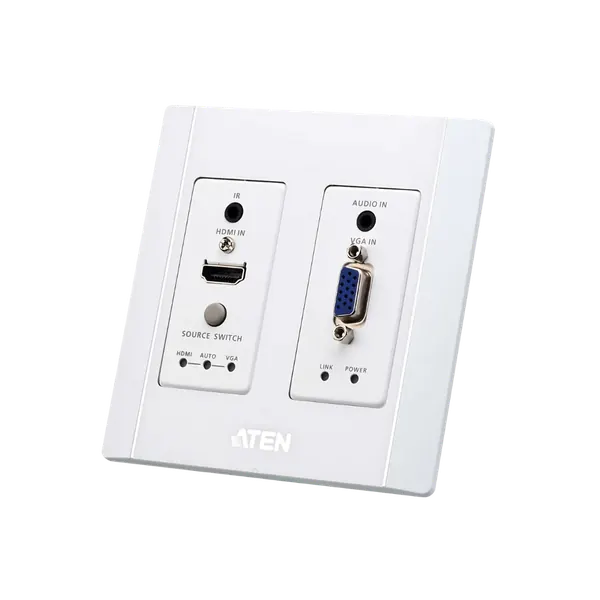
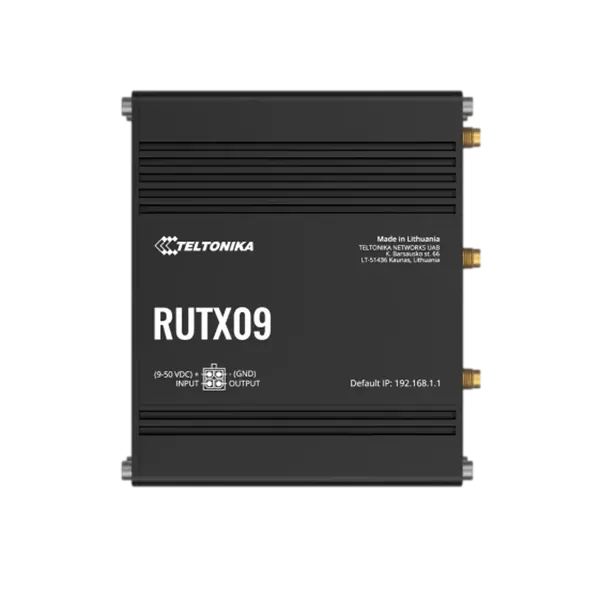
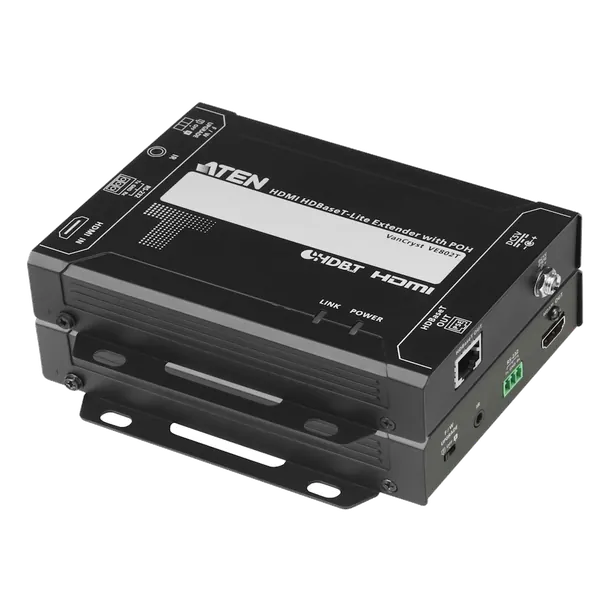

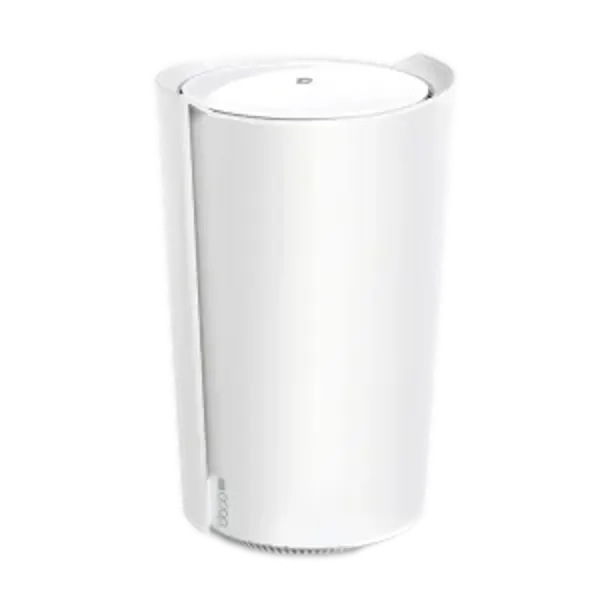

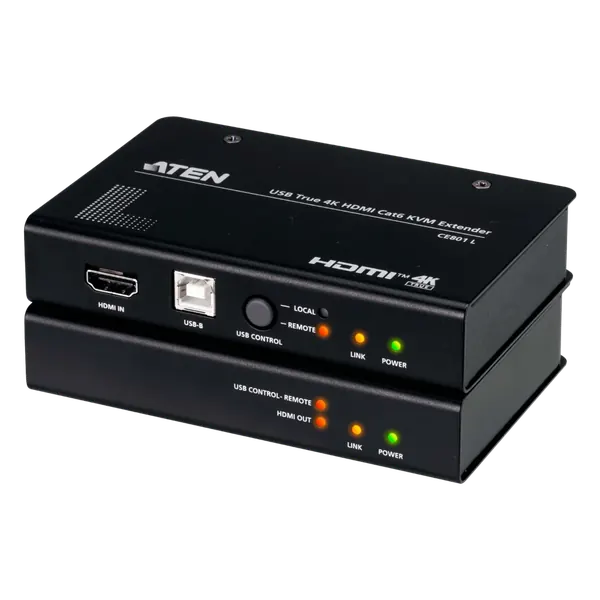
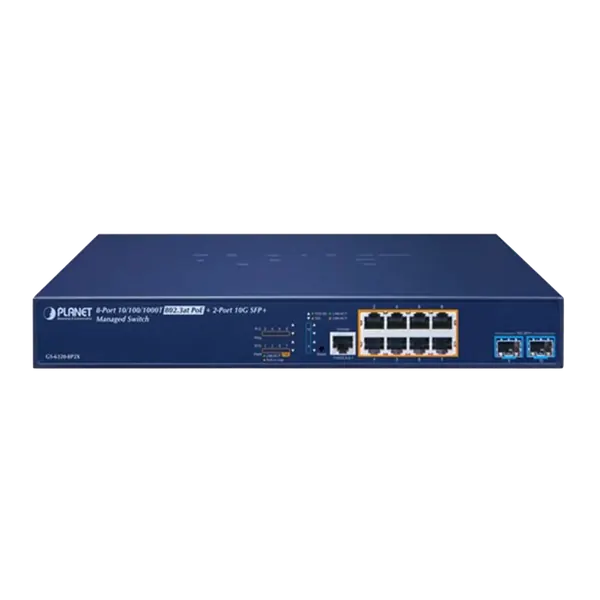

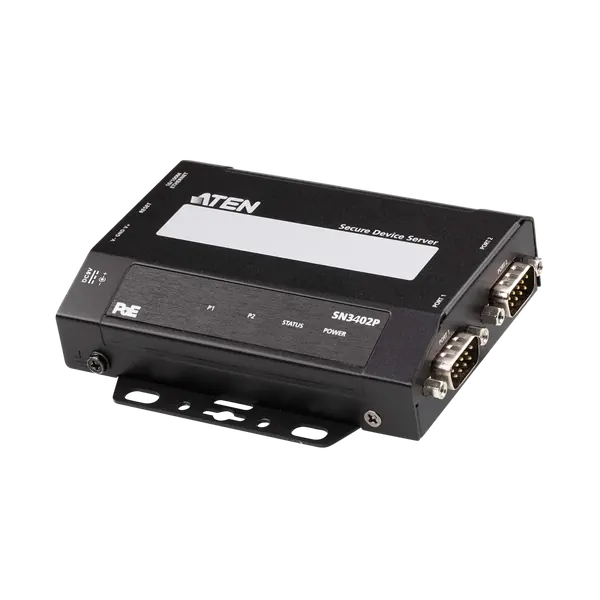
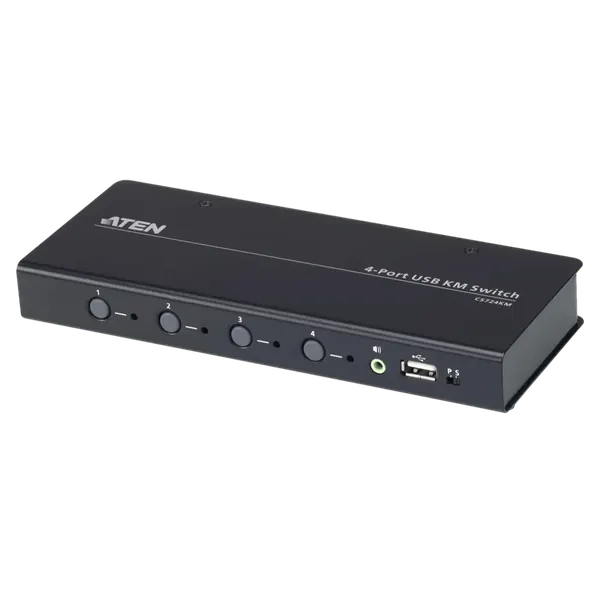
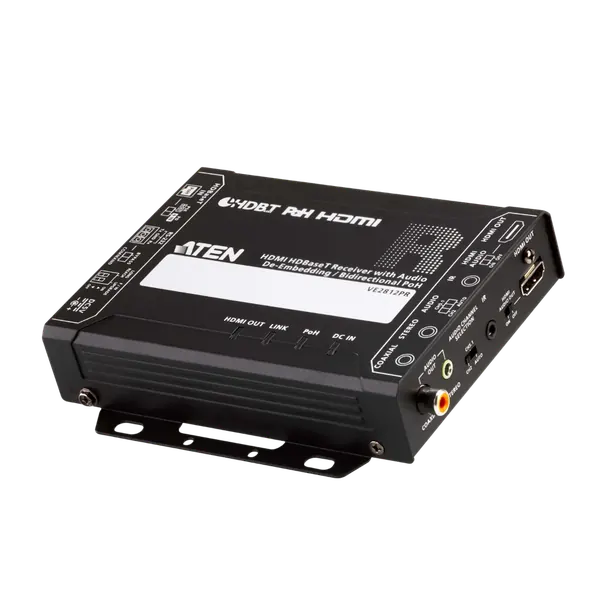

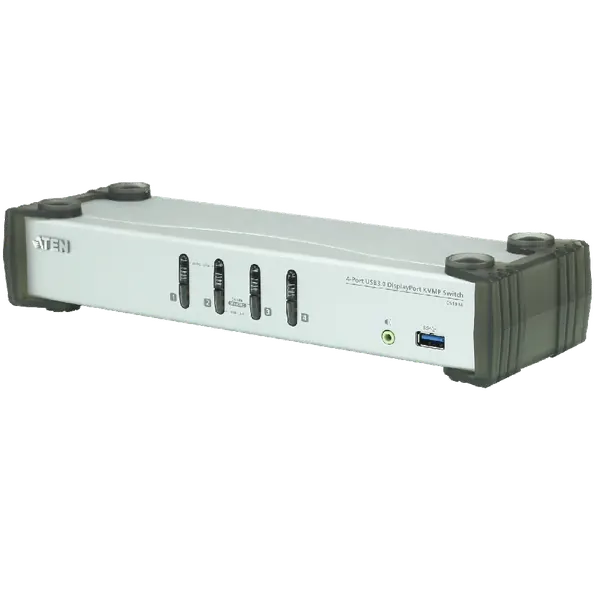

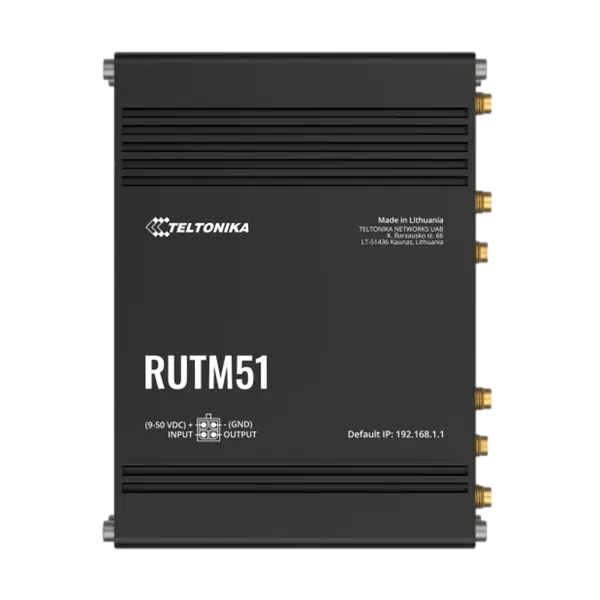
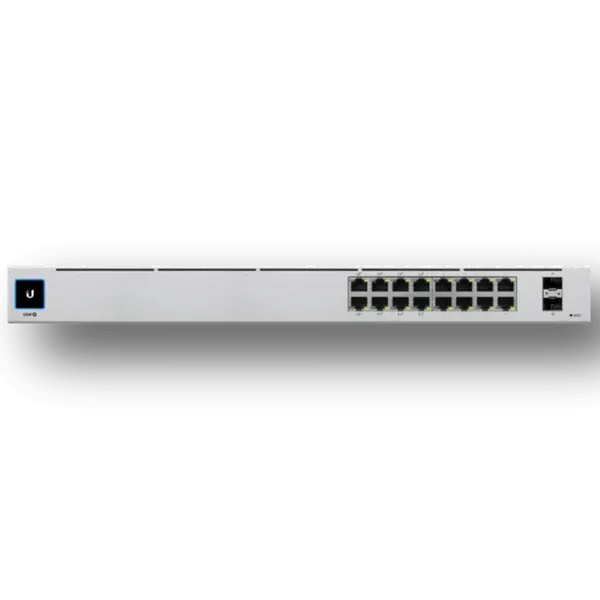
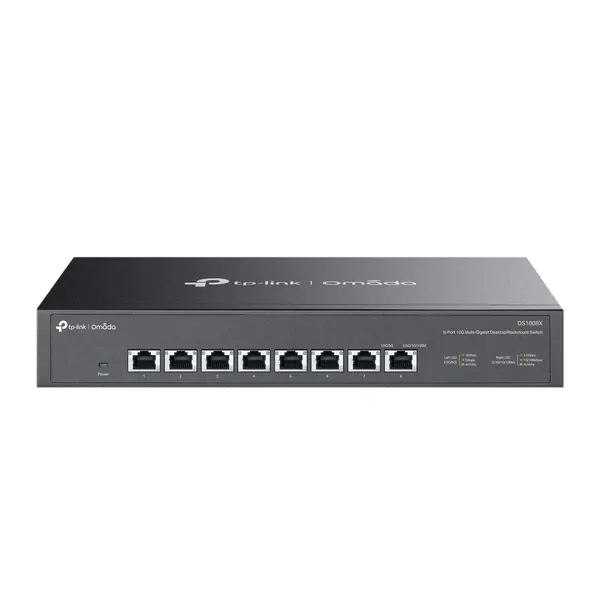
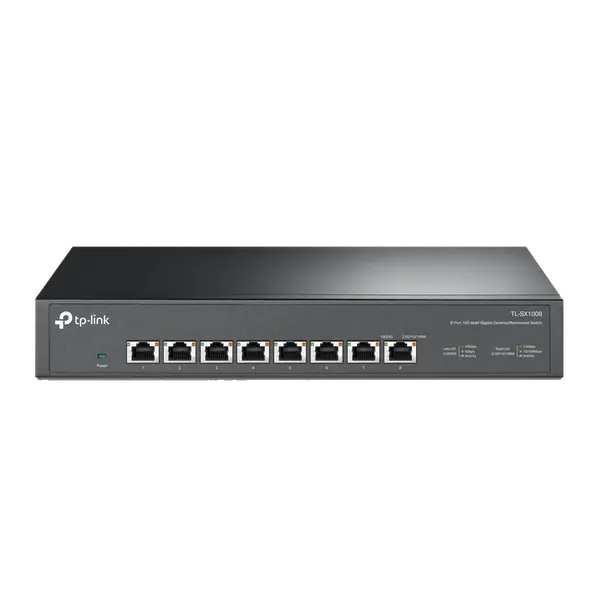
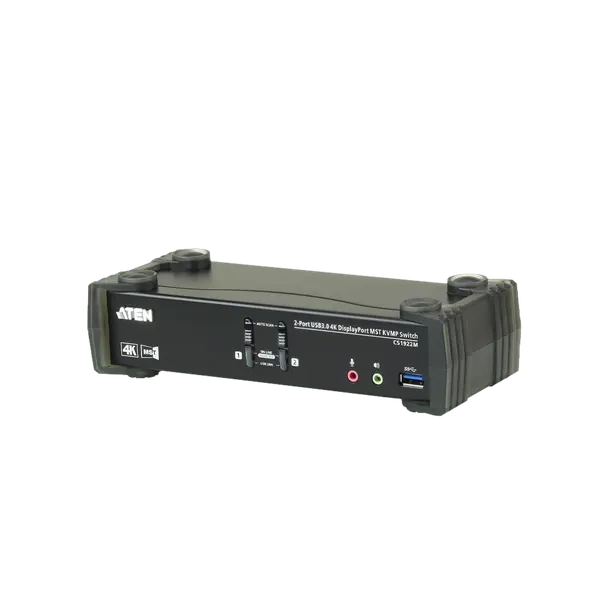


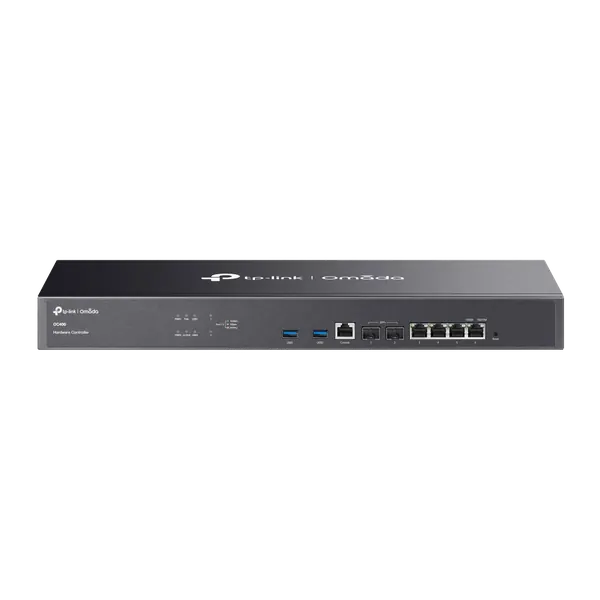
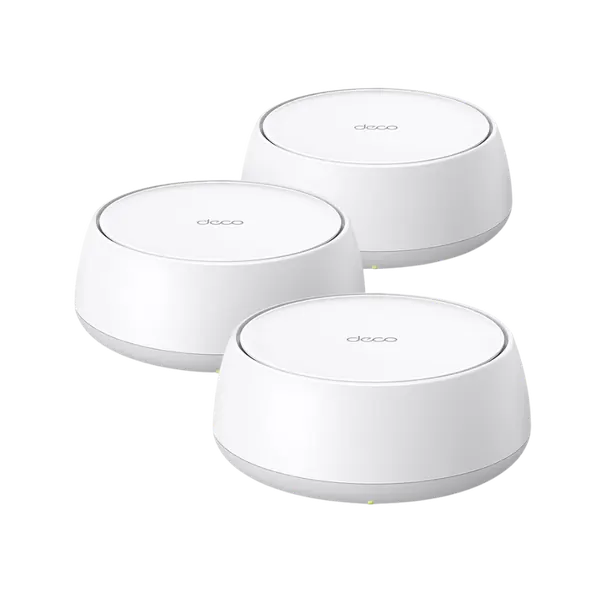
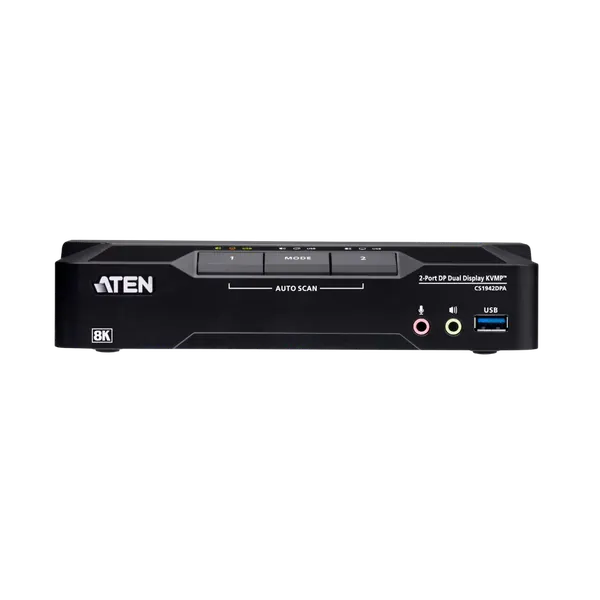
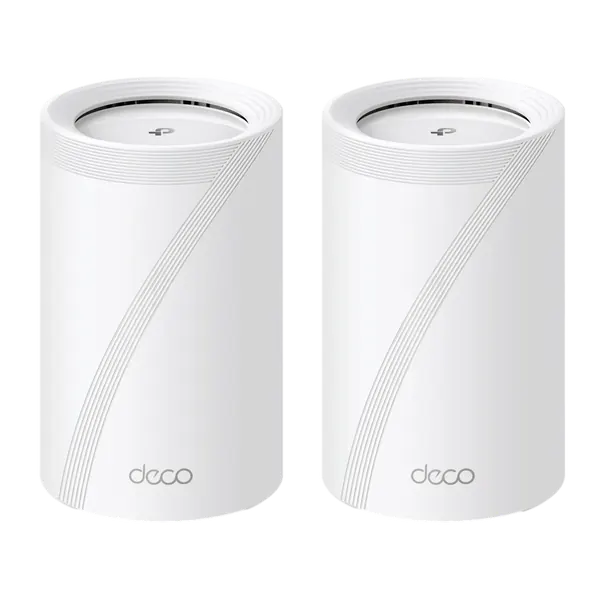

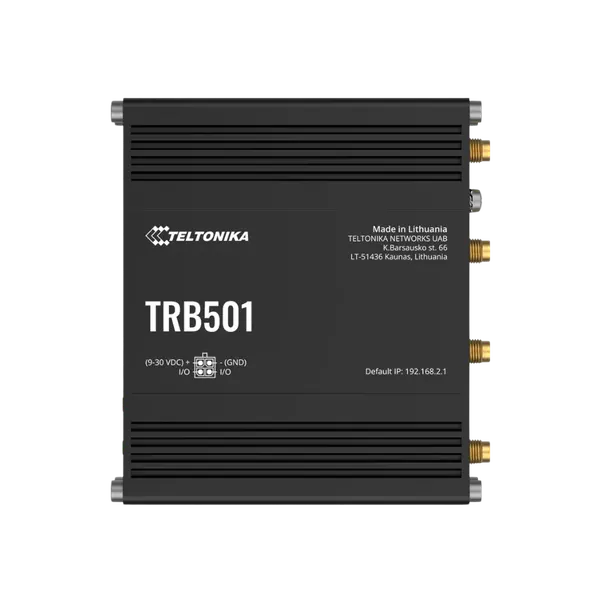


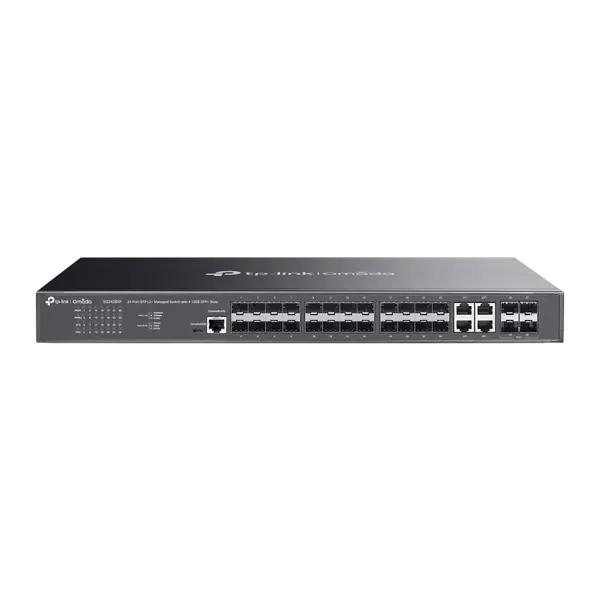
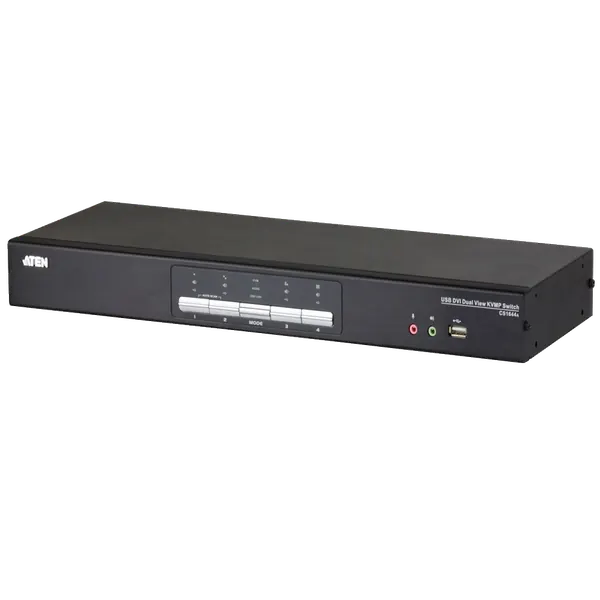
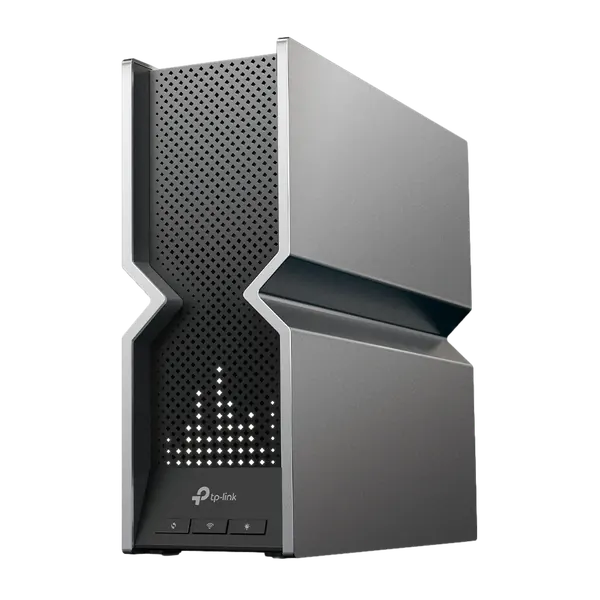
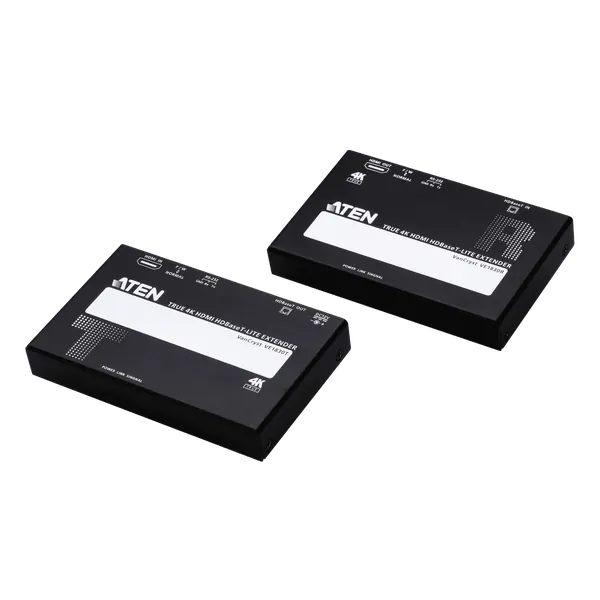
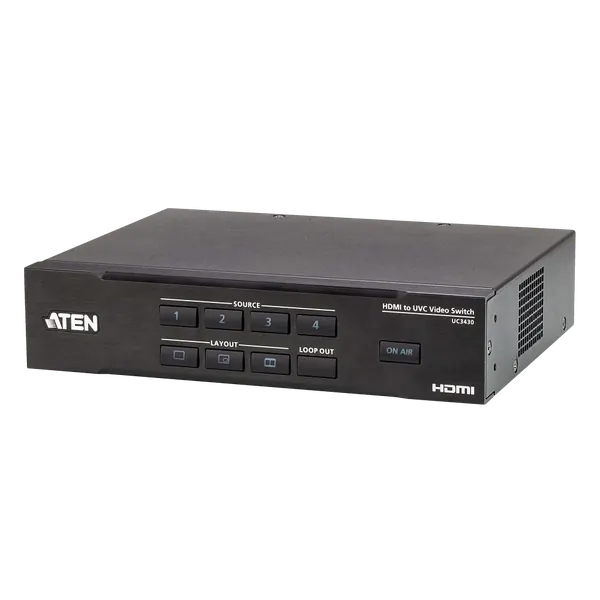
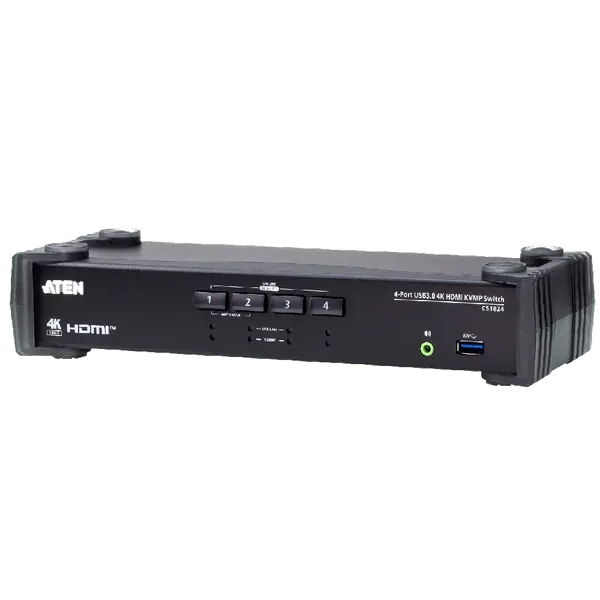
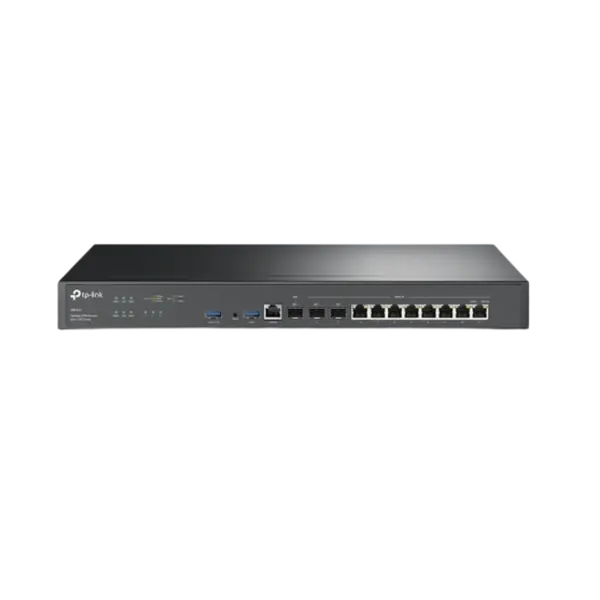
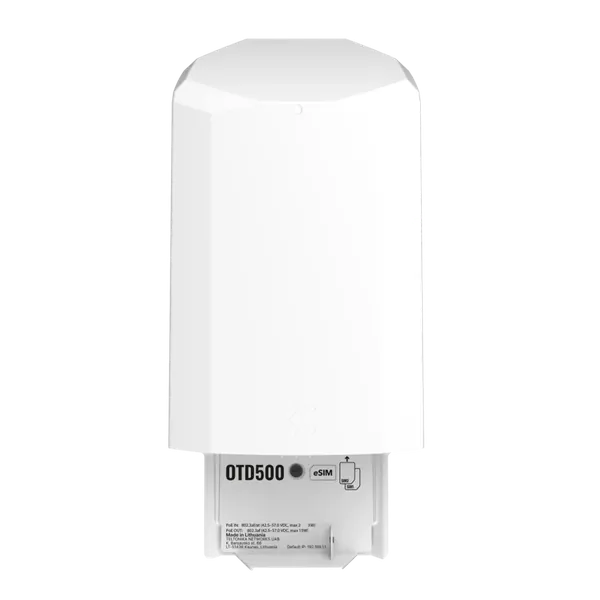
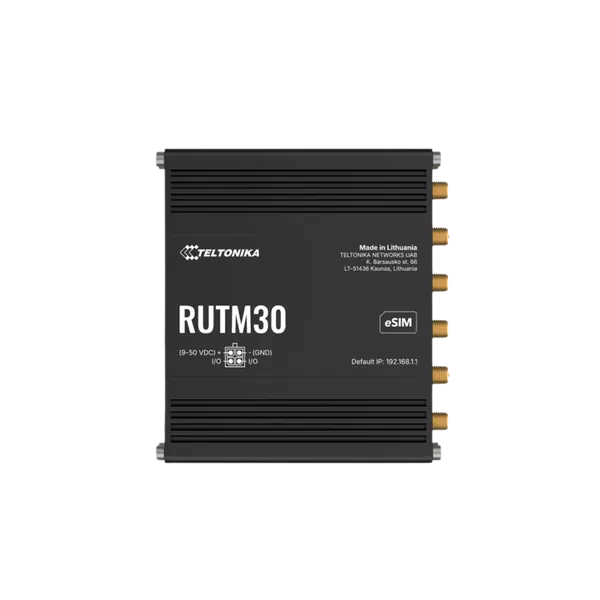

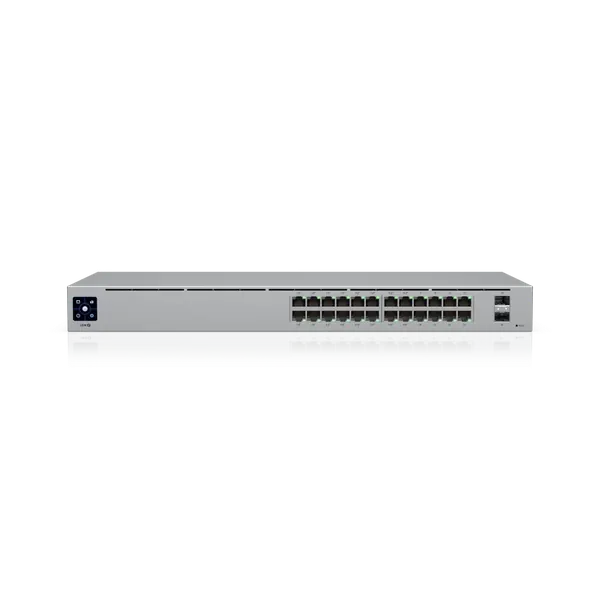



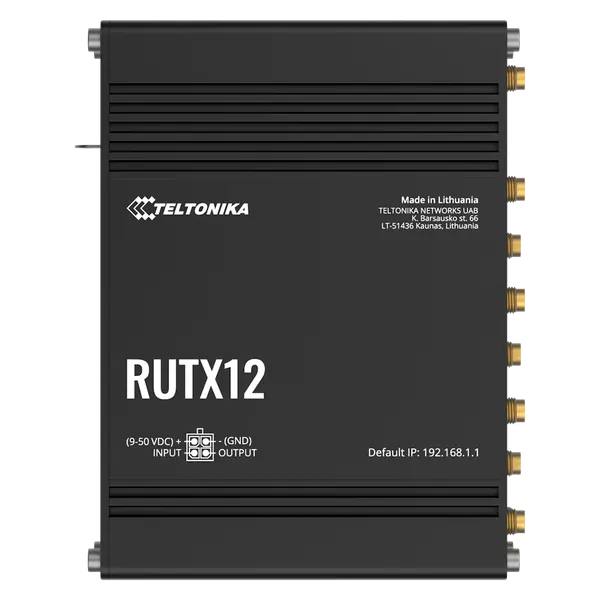
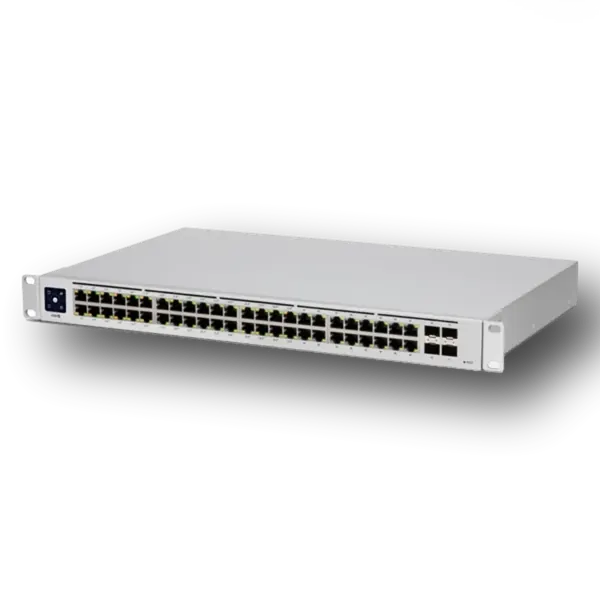
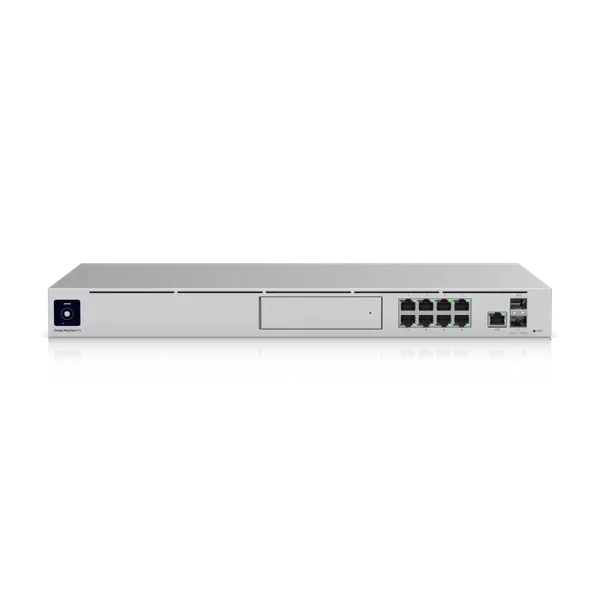
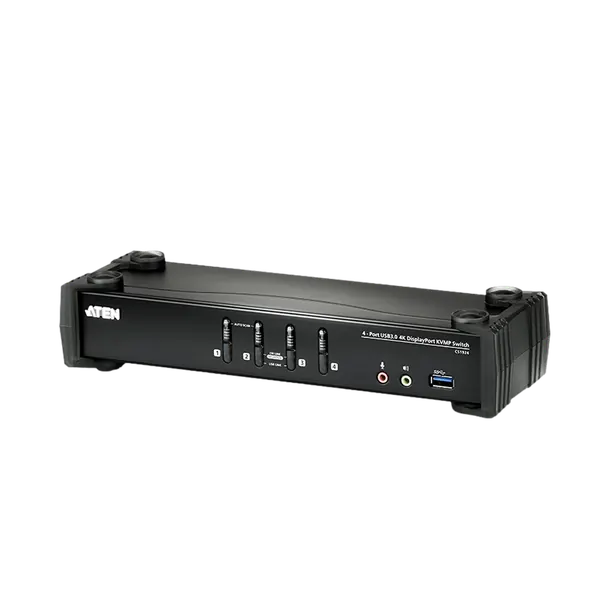



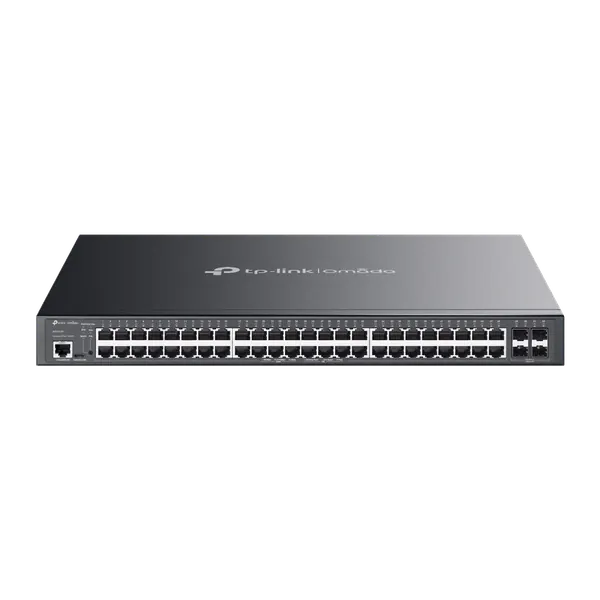
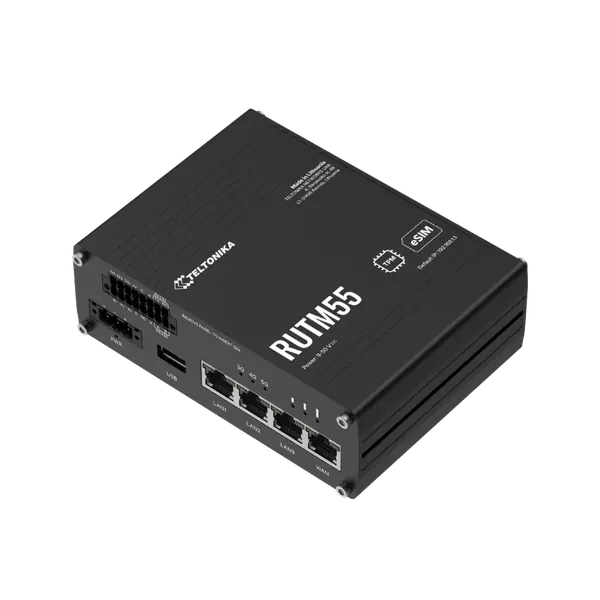



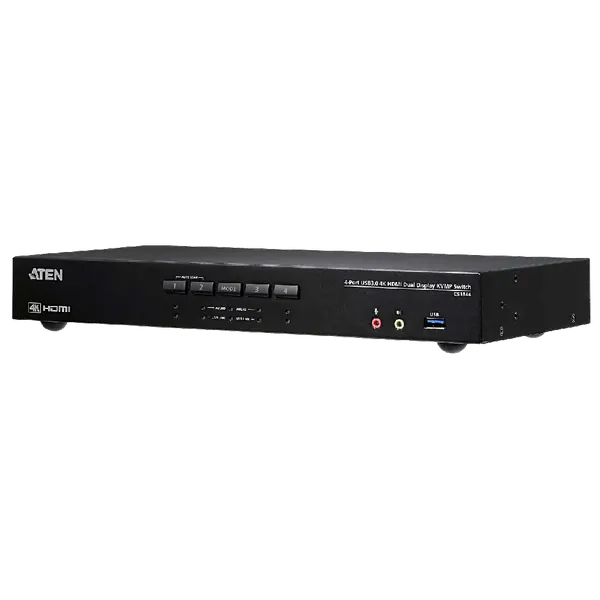

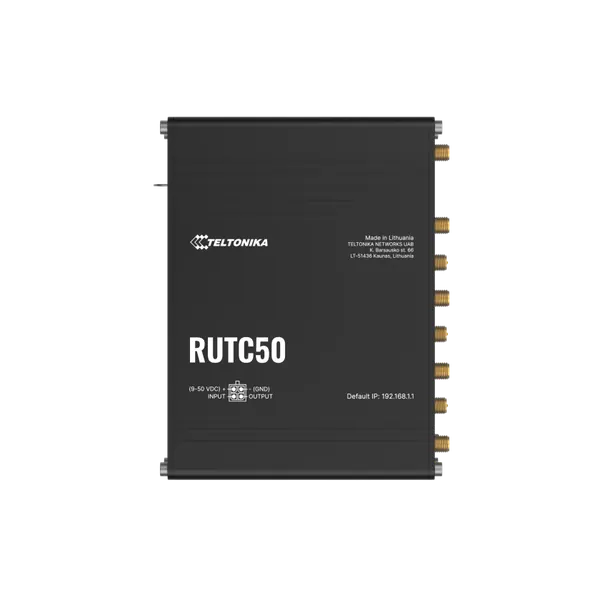
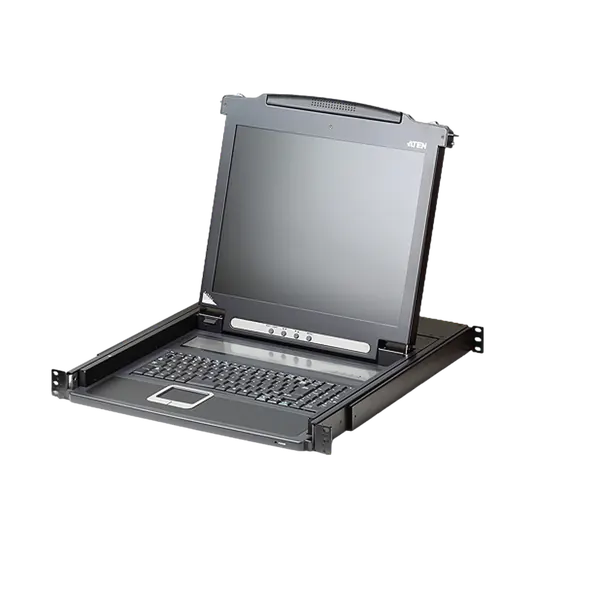
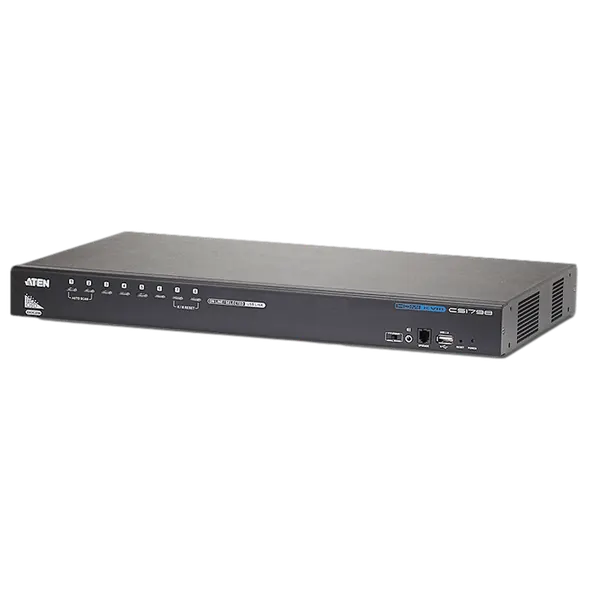





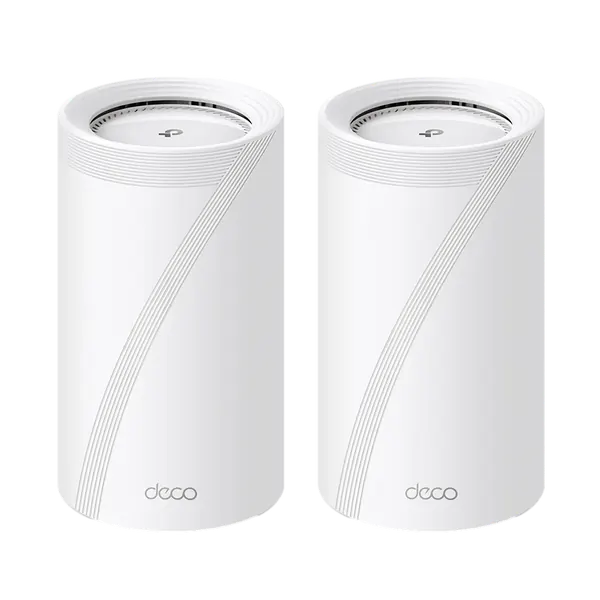

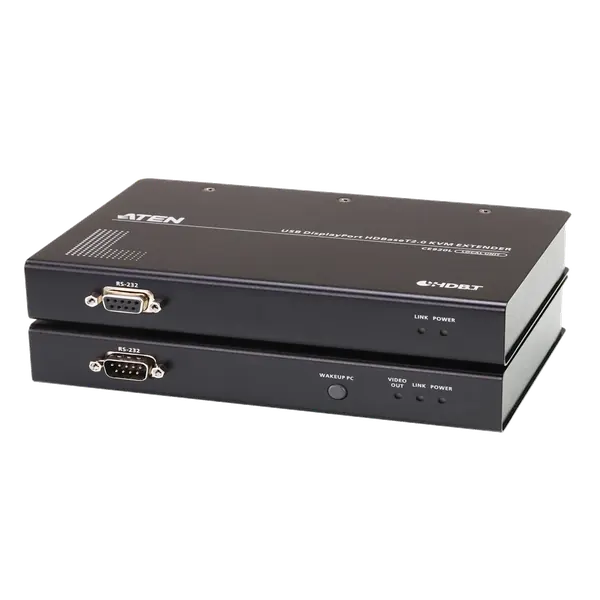




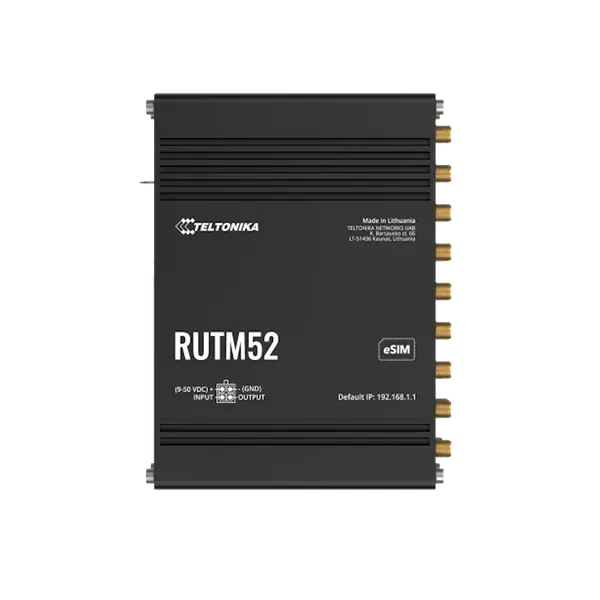

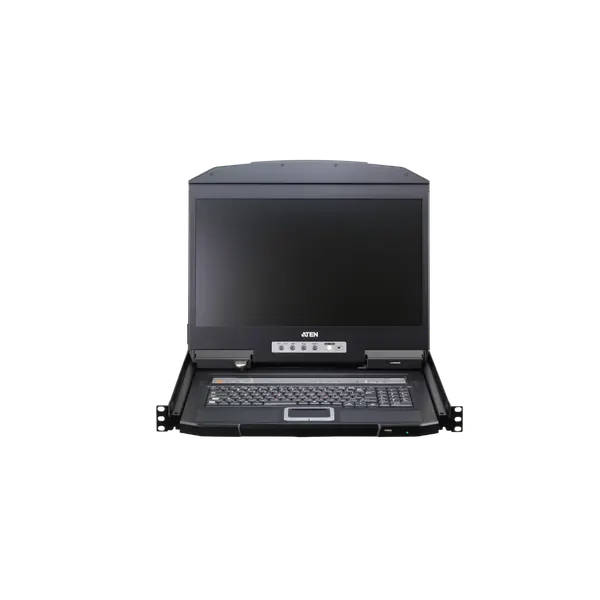
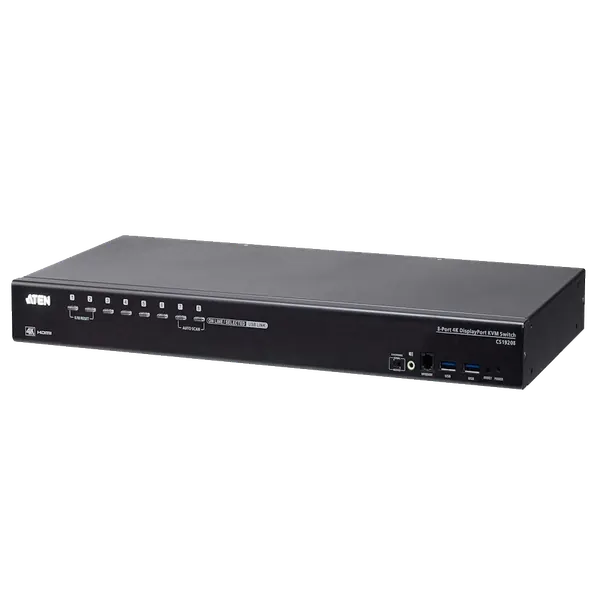
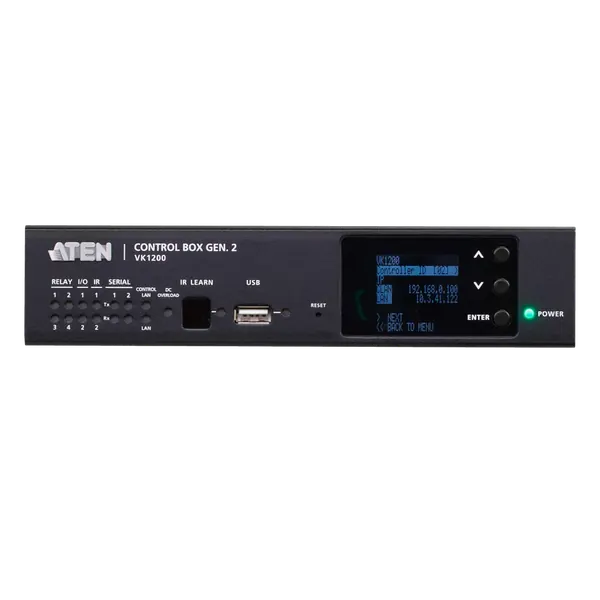
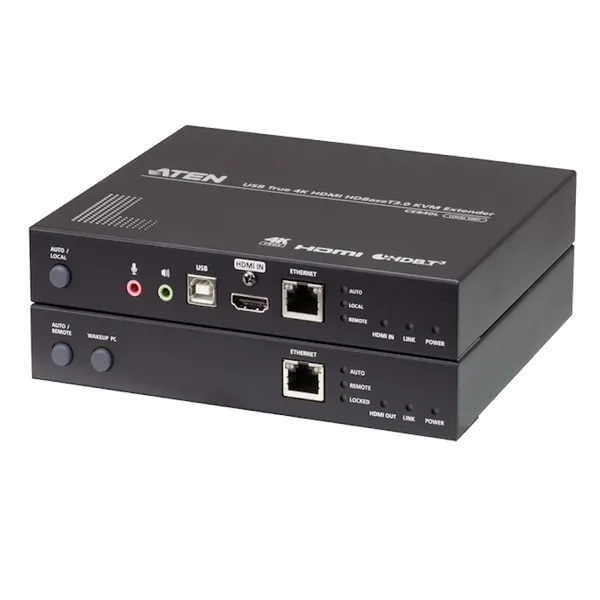
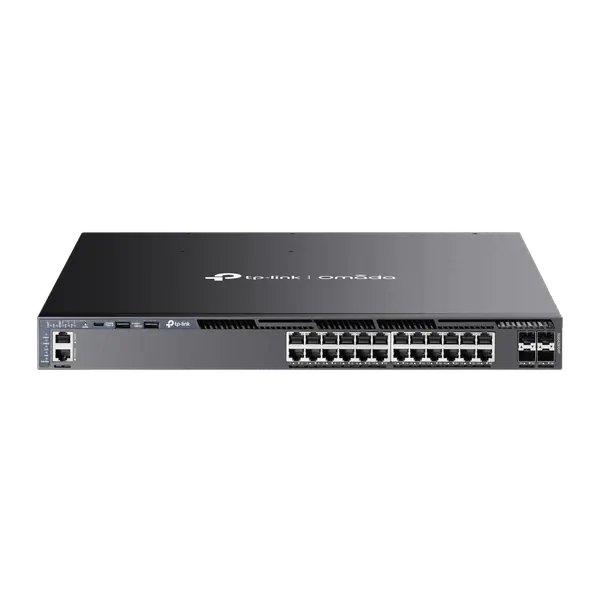


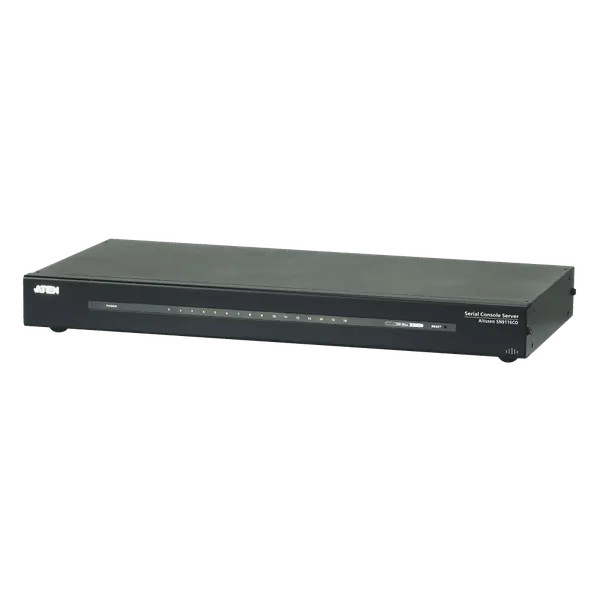


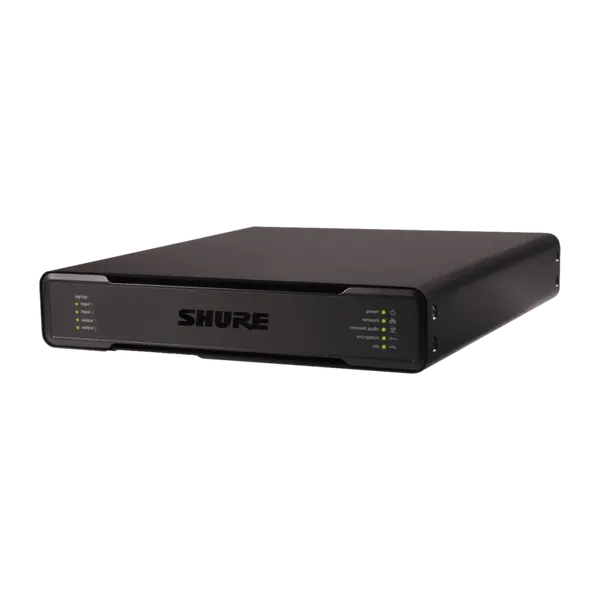
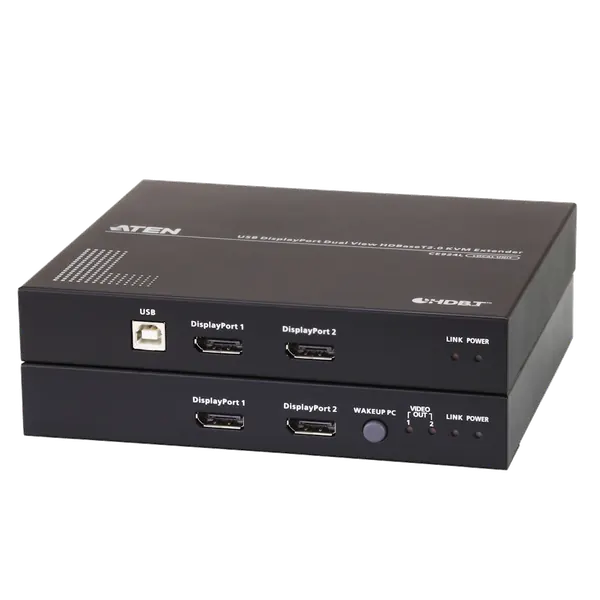
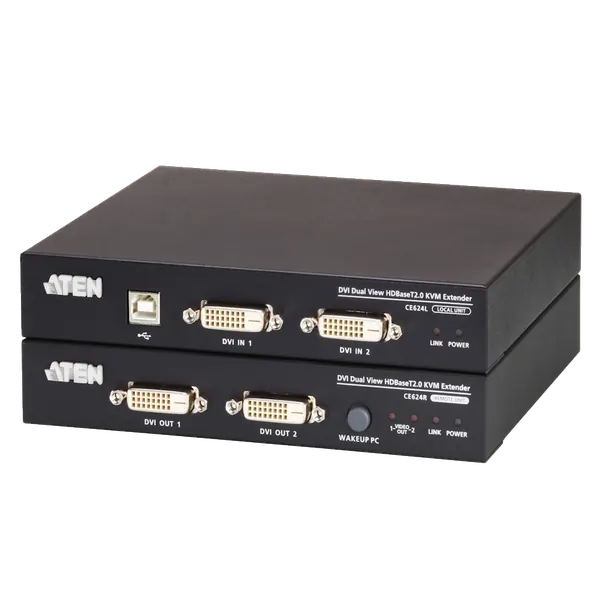
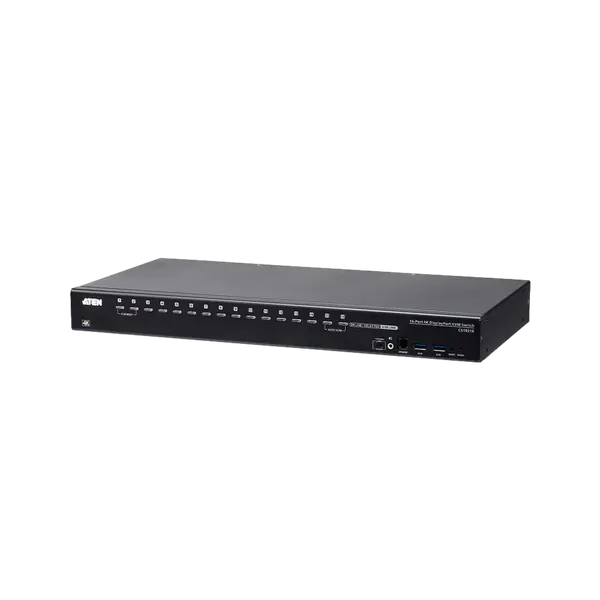
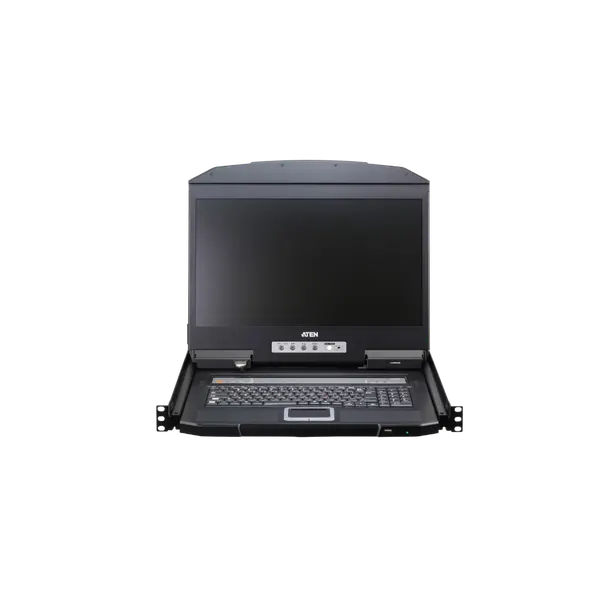
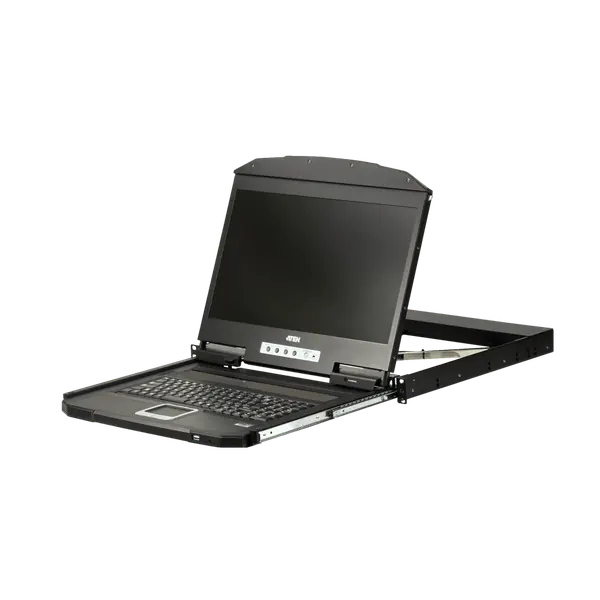
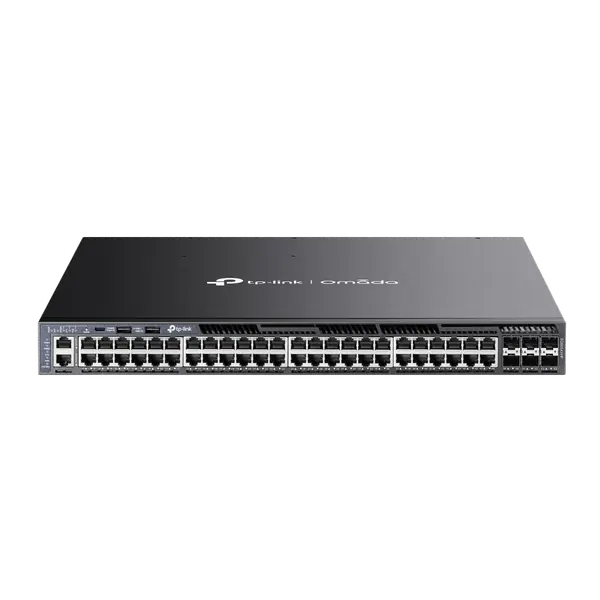
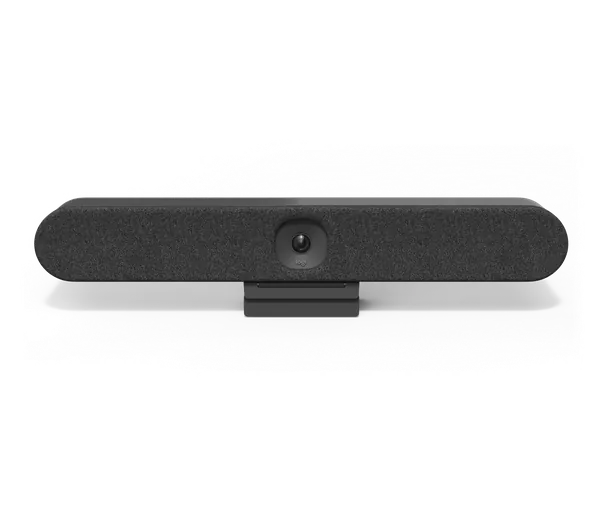

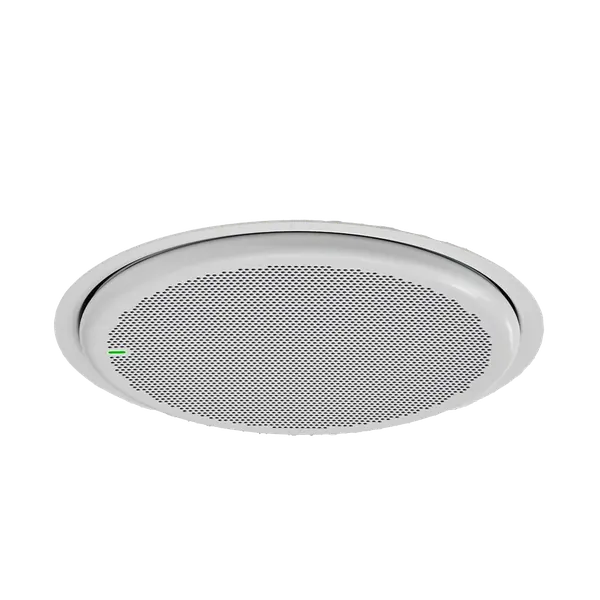
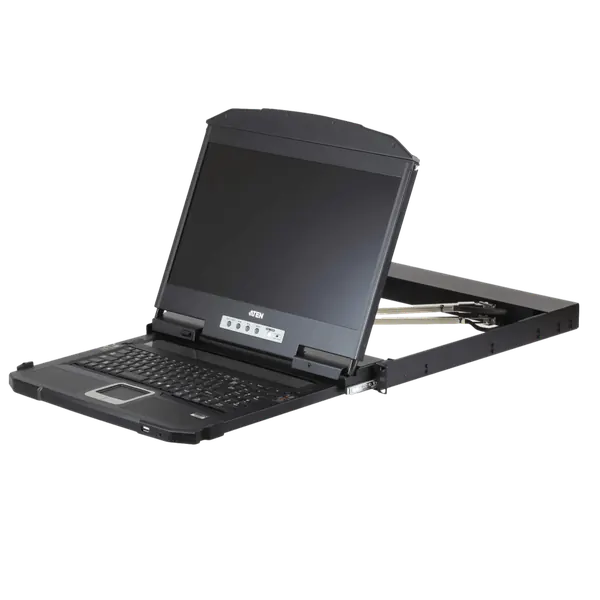
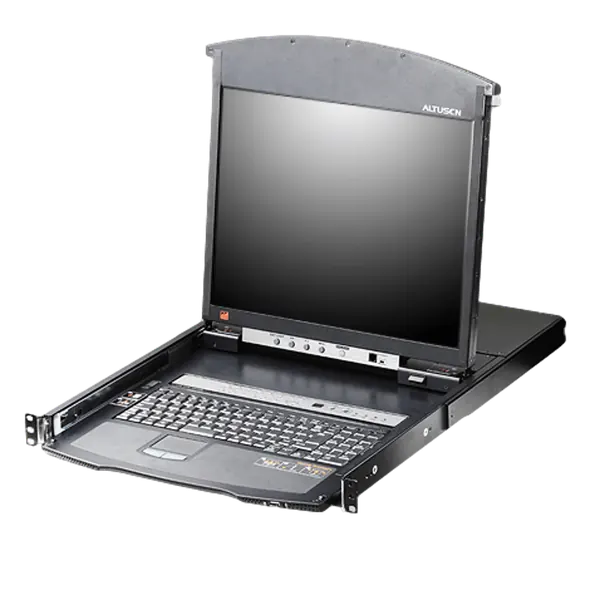
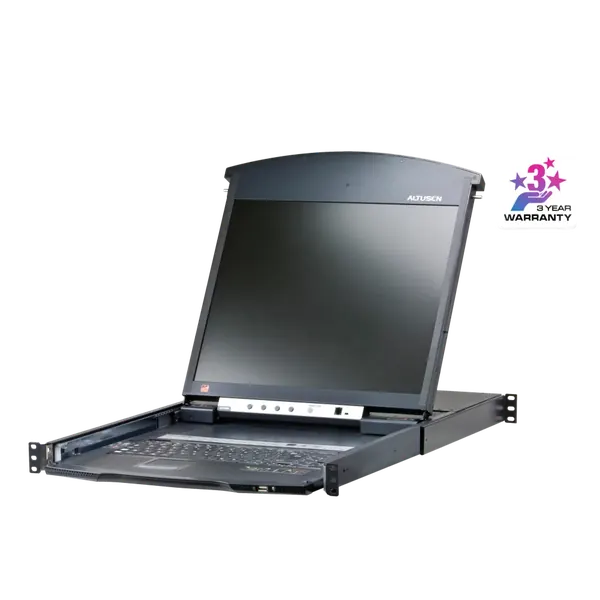

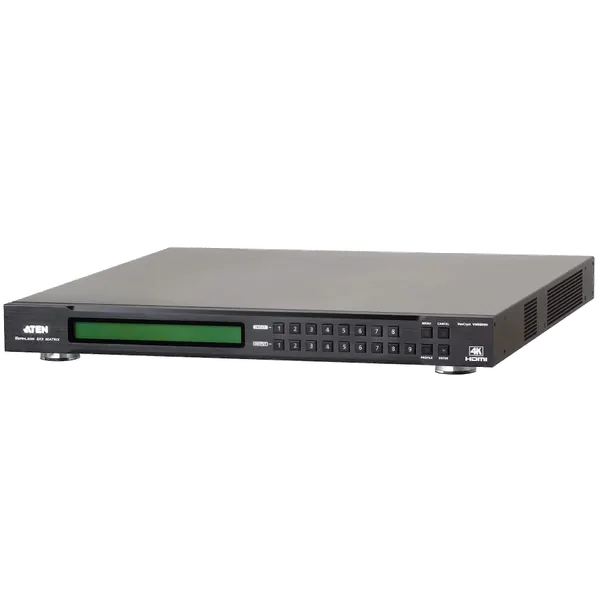


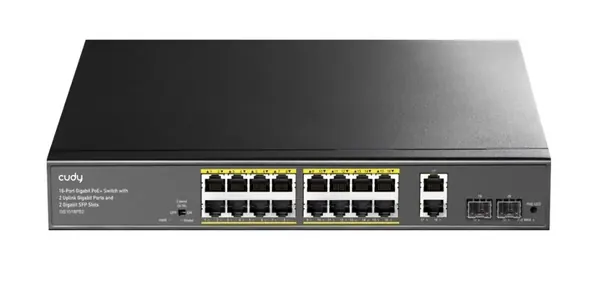


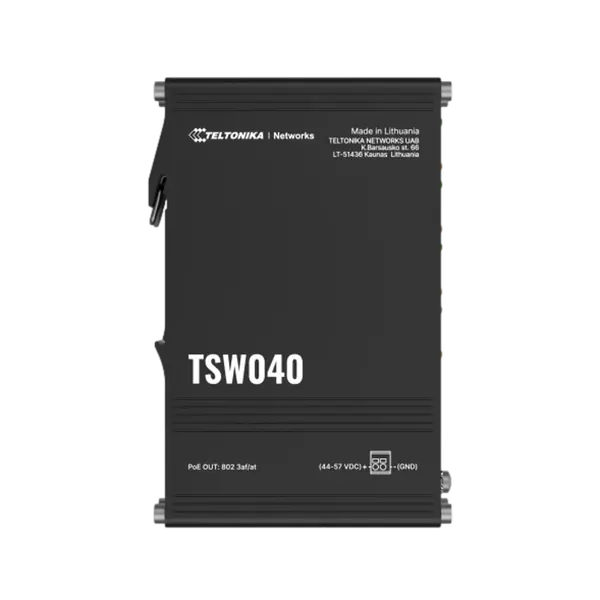
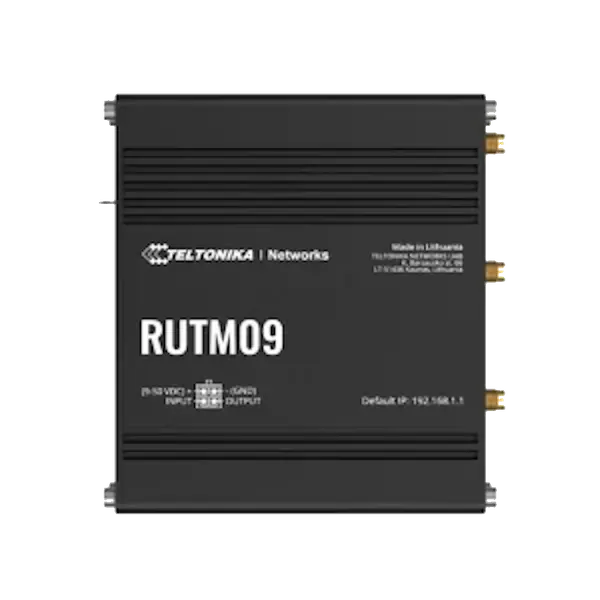
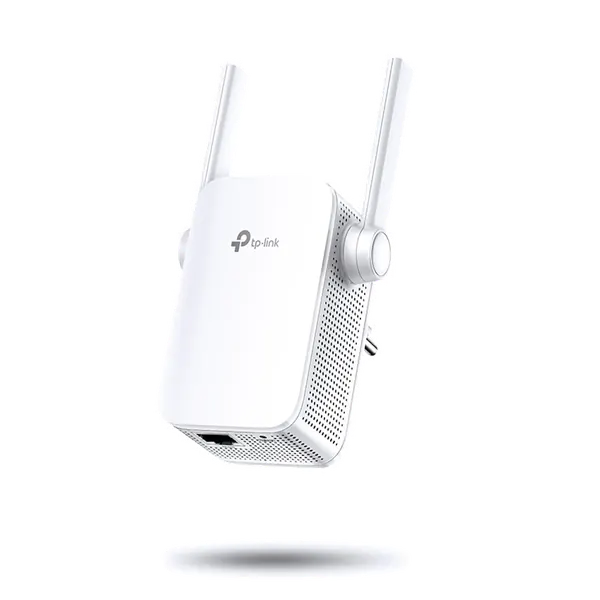
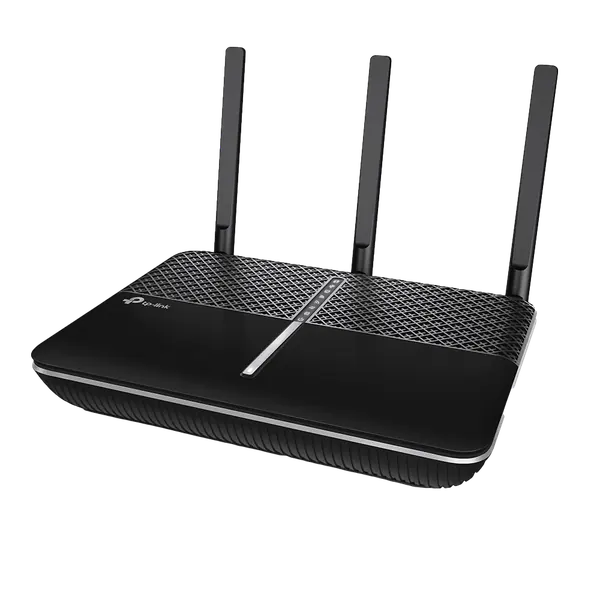
The network is the first thing people blame when something is slow, and usually they are right. Here you will find managed switches, routers, wireless access points and network cabinets. We plan Wi-Fi coverage around your office's size and walls, separate the guest network from the company network, set up VLANs where needed, and manage the network remotely, so most issues are resolved without waiting for a visit.
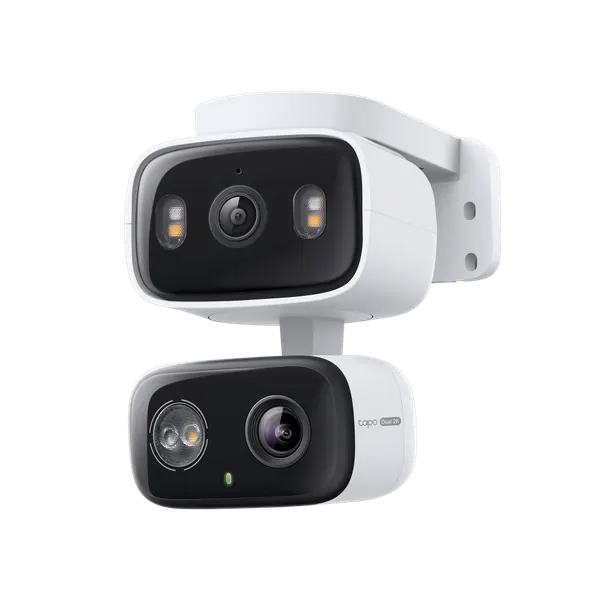
Related: PoE powered security cameras · Network racks and PDUs · By industry: IT for clinics
Not sure what fits? Describe the work to us and we'll recommend a model. You can also read about managed IT services for companies.
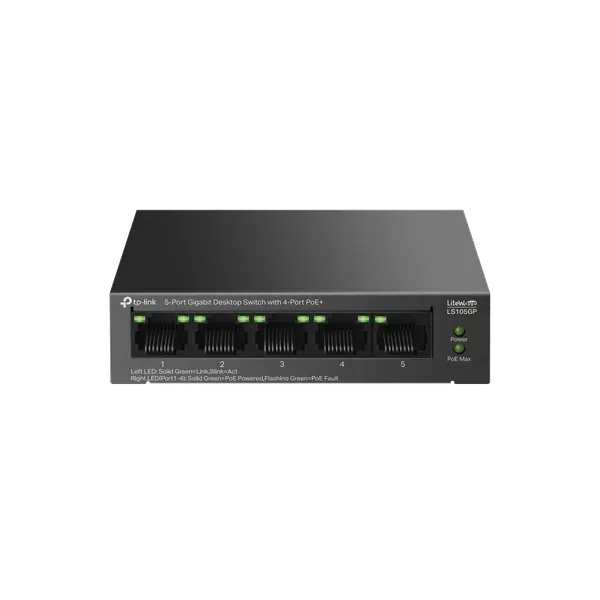
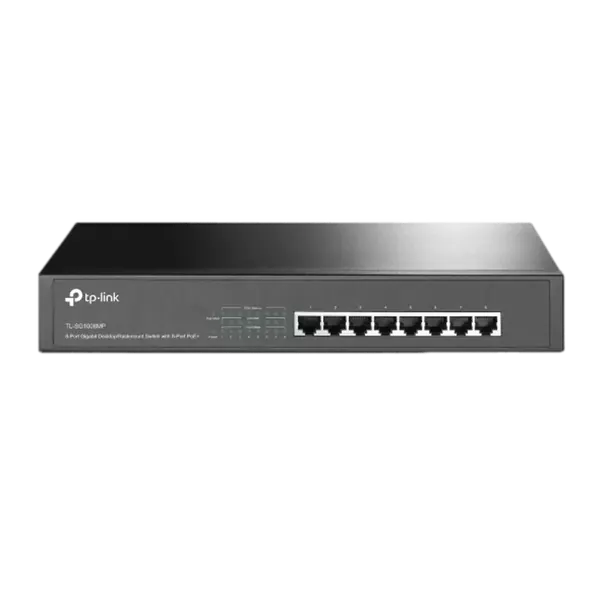
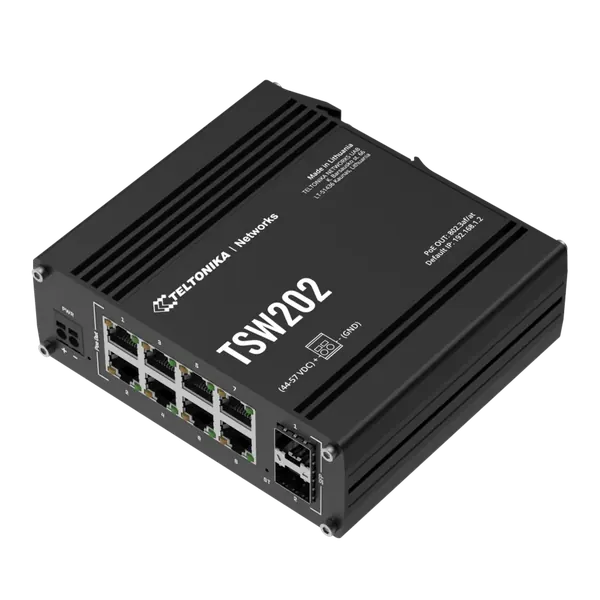
An unmanaged switch is plug and play and suits a small network. A managed switch allows VLANs to separate guest, camera and phone networks, port monitoring and call prioritisation. In an office with more than a few desks, choose a managed switch.
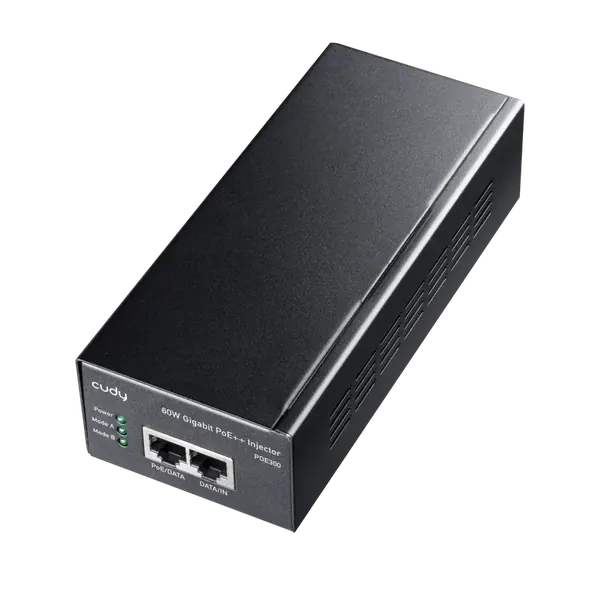
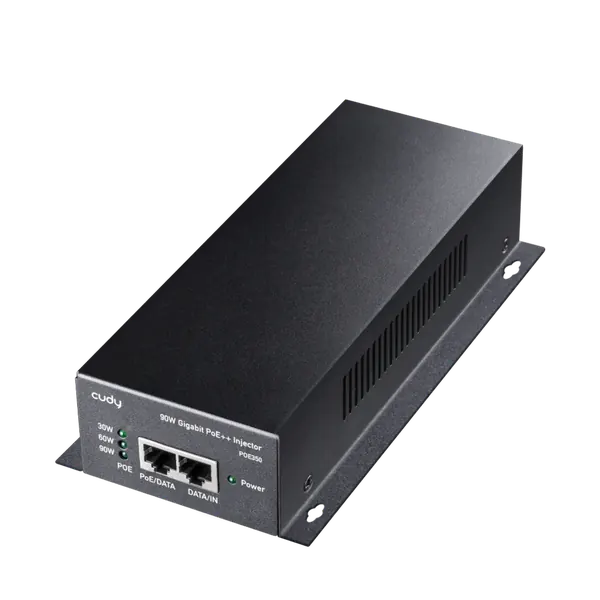
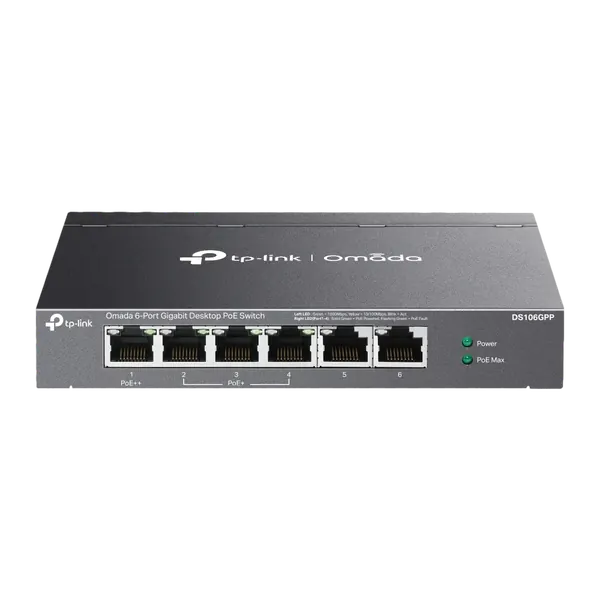
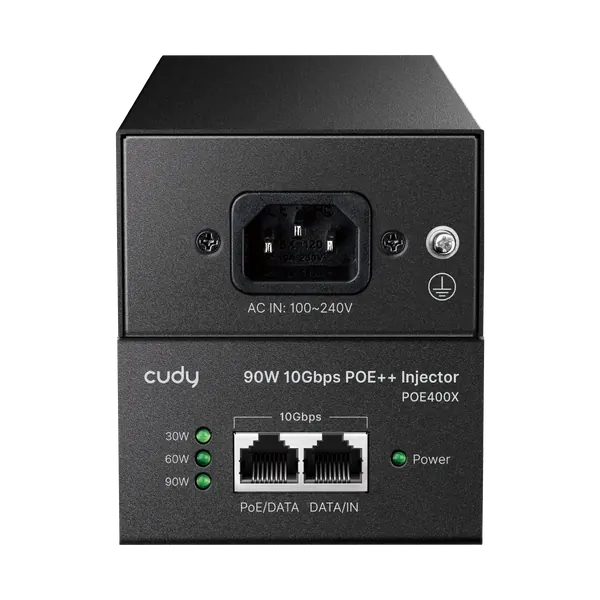
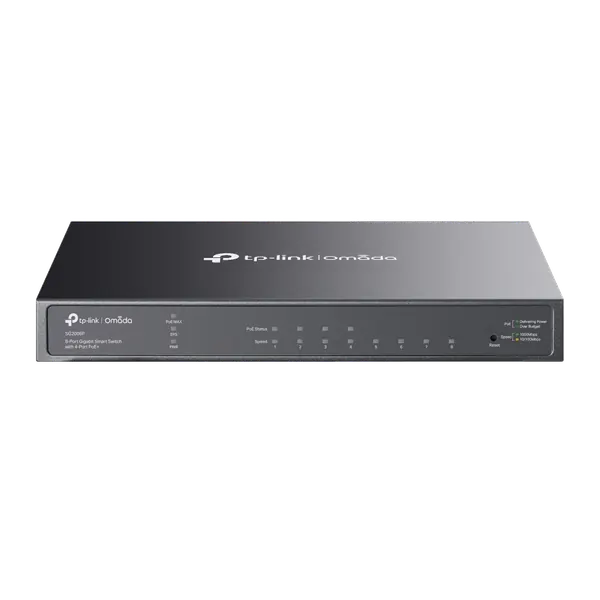
PoE carries power and data over the same network cable and powers access points, cameras and IP phones without an extra outlet. Check how many ports support PoE and the total power budget of the switch.
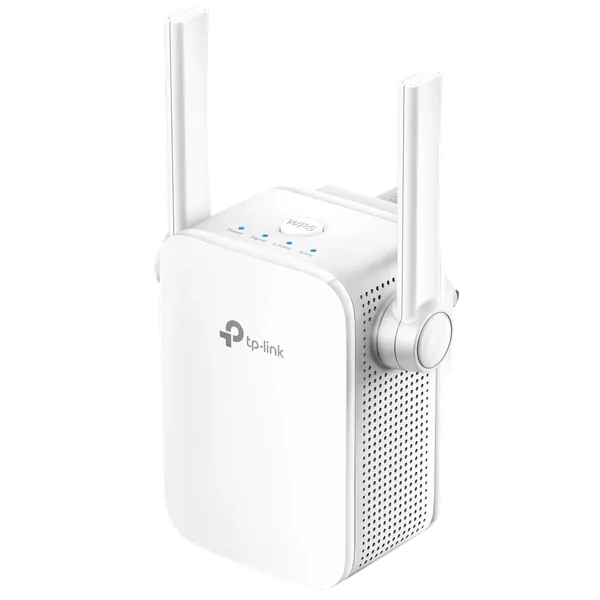
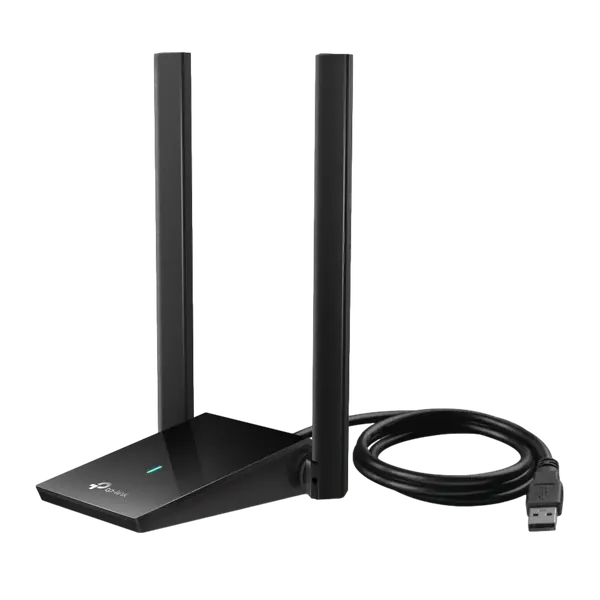
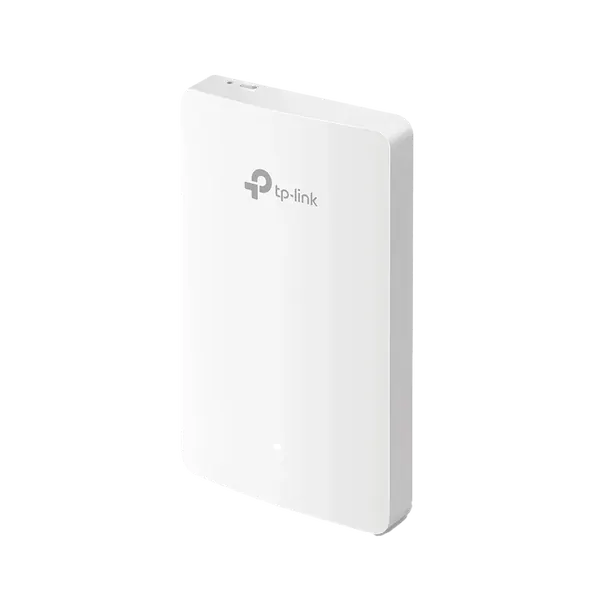
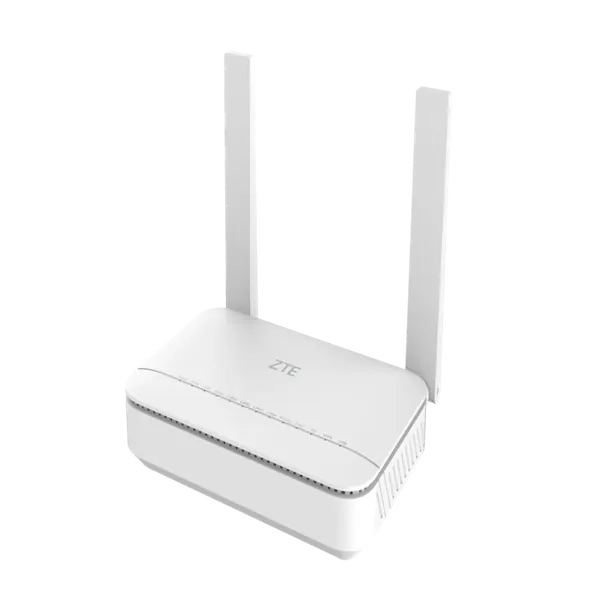
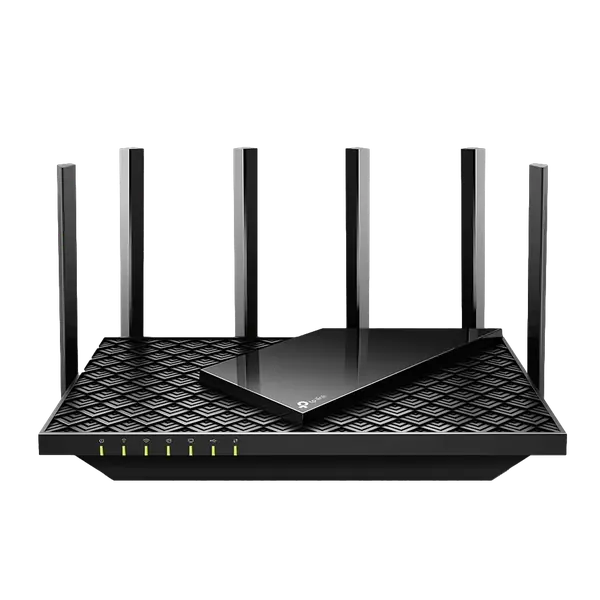
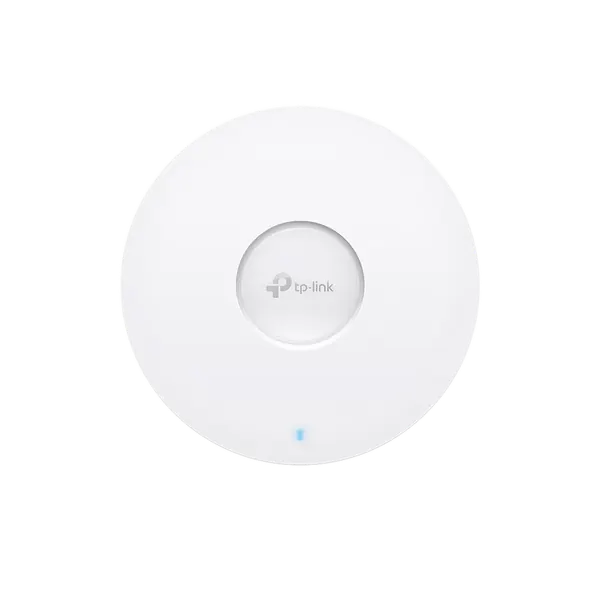
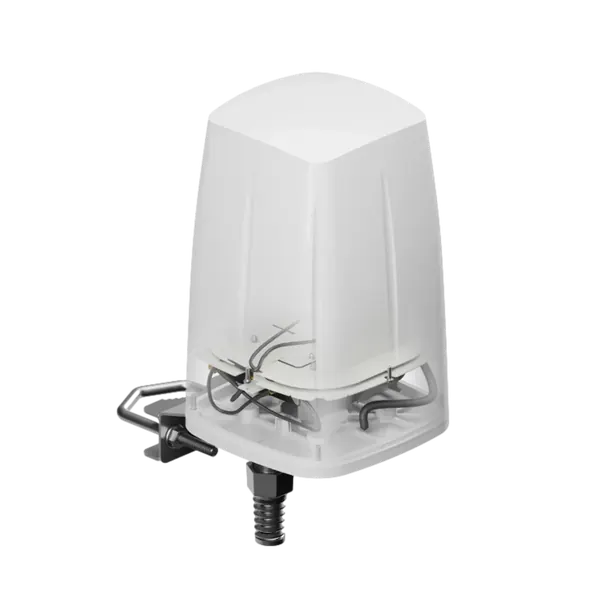
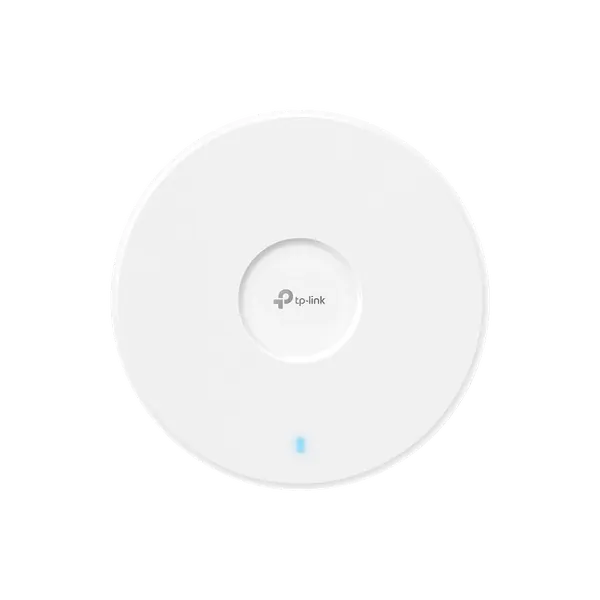
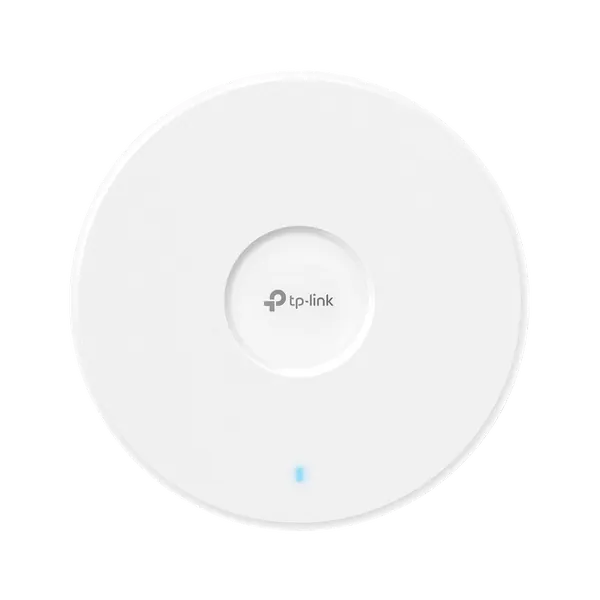
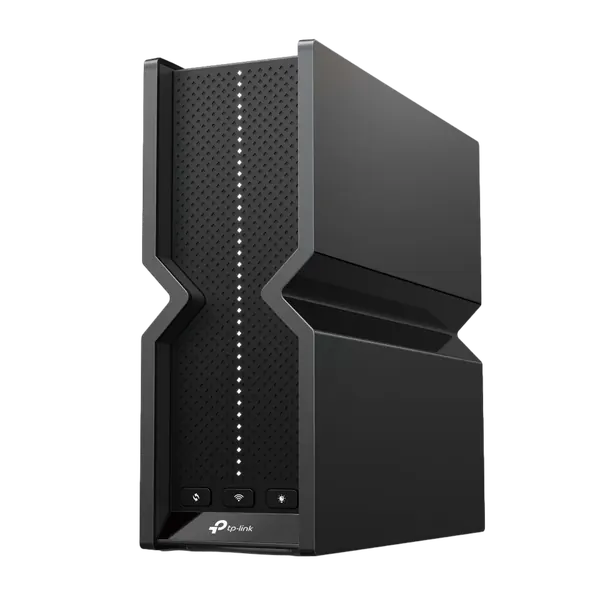
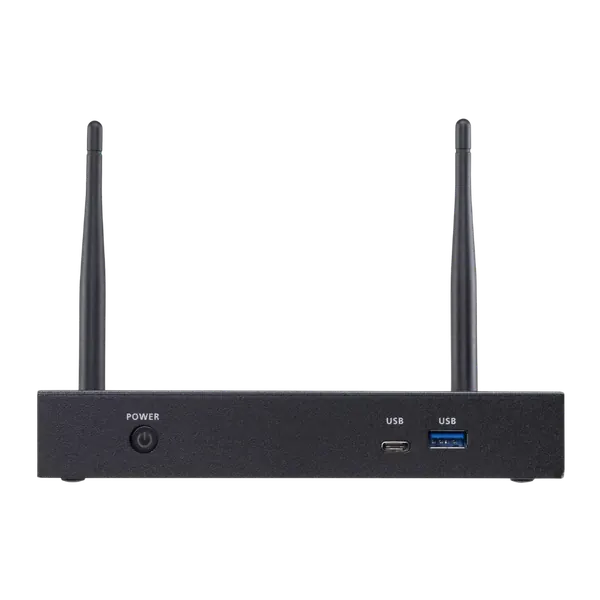
WiFi 6 and WiFi 7 handle many devices at once better. Good coverage is planned by office size, walls and the number of users per access point, not by the power of a single router.
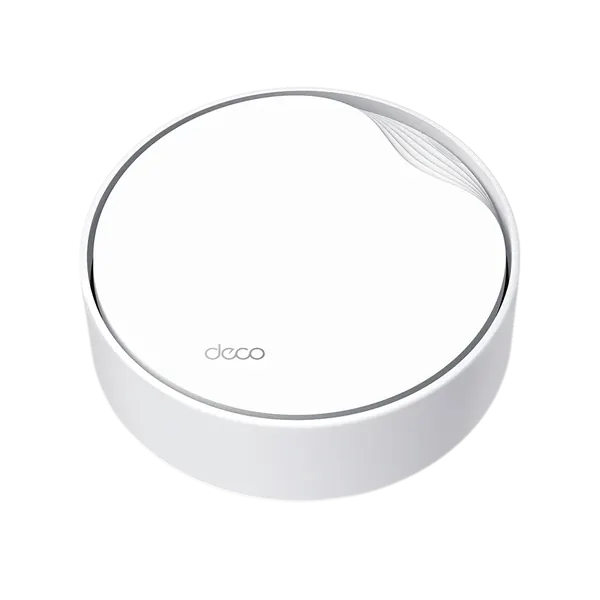
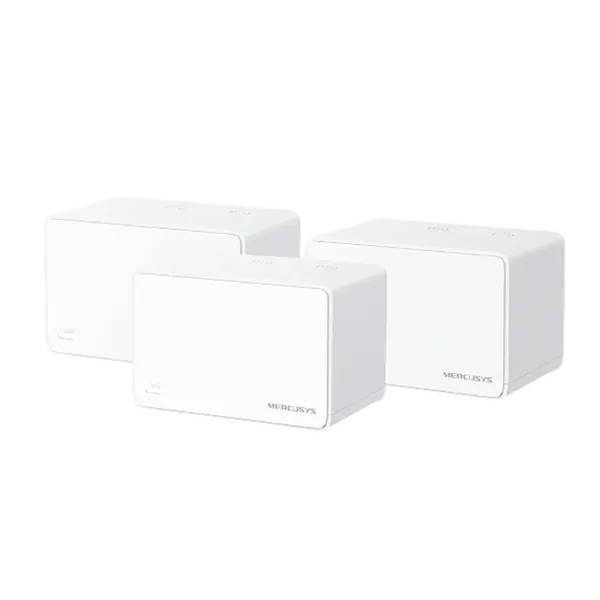
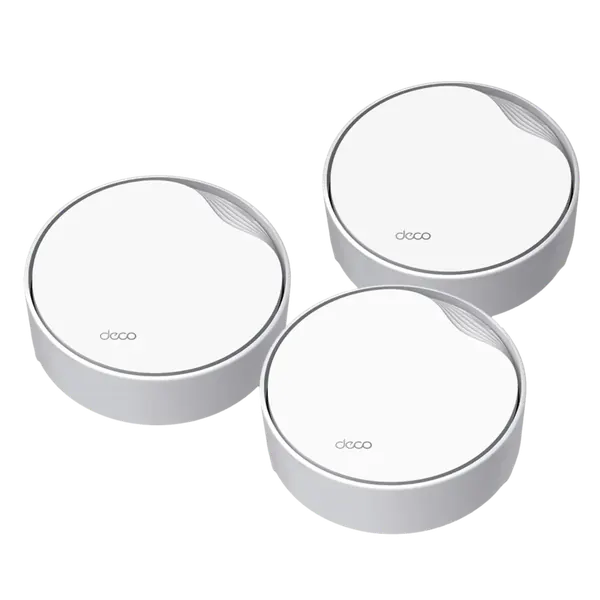
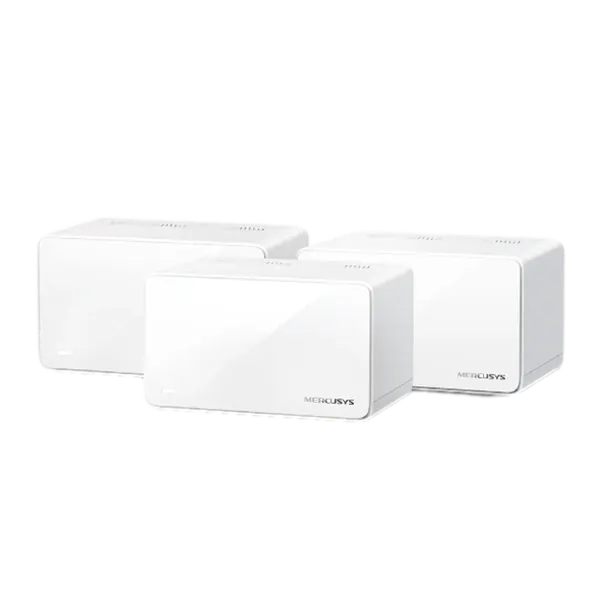
A Mesh system suits a home or small office where running cables is hard. In a larger office, ceiling access points with a network cable to each and central management, such as Omada or Aruba Instant On, are preferable.